What Was Happening
The MacBook Pro reached us from a Battersea SW11 owner with a clear symptom and a sensible instruction. The machine powered on — fans, a flash of life — but it would not boot into macOS. The owner’s brief was one we wish more people gave: fix it if it’s a software problem, but quote me if it’s hardware. That framing lets us work in the right order and avoids anyone paying for board-level work when a reinstall would have done.
“Won’t boot” is a symptom with a wide range of causes. It can be a corrupt operating system, a failing drive, or a fault on the logic board itself. The cost of each is very different, so the diagnosis matters more than the guess.
Sound like your problem?
Bring it to our Putney workshop or message us a photo and we will give you a straight answer and a quote before any work starts.
Our Diagnosis
We ruled out the cheaper causes before touching the board:
- Software and startup checks first. We attempted to start the machine through the standard recovery and diagnostic routes and to boot it independently of its installed system. If macOS or the storage had simply become corrupt, this is where it would have shown — and the fix would have been a reinstall, not a repair.
- Storage assessment. We checked whether the drive was being seen and behaving. A failing drive can masquerade as a boot fault, and it’s a far cheaper fix than the board.
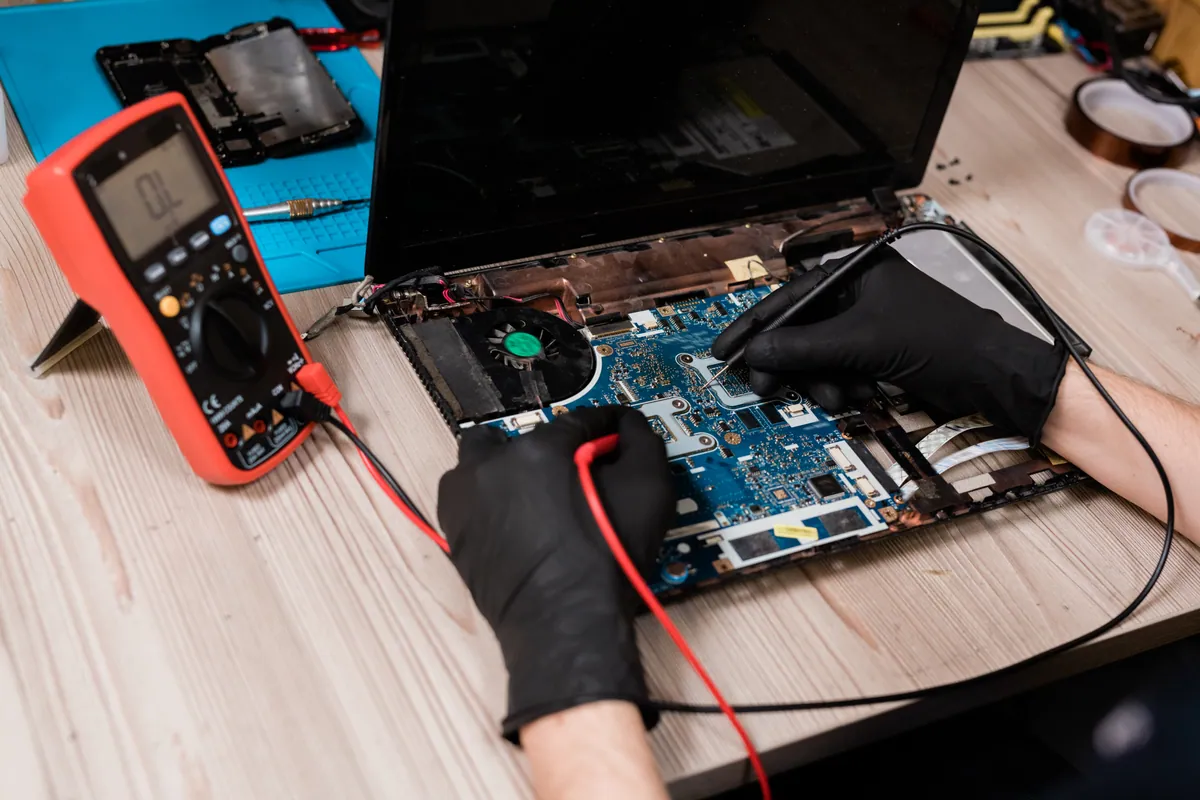
- Power and boot sequencing on the board. With software and storage cleared, we moved to the logic board and worked through its power-up sequence — the ordered series of rails and signals a Mac brings up before it will even attempt to boot. This is where the fault lived.
The board wasn’t failing at a single, tidy point. There was more than one affected area. That’s an important thing to establish early, because it changes the honest answer we give the customer: a multi-fault board is a longer job with a less certain timeframe than a single failed component.
How We Fixed It
We refurbished the board rather than replacing it, working through the faults in sequence:
- Each affected area of the board was addressed in turn, with the battery disconnected throughout.
- We tested between repairs rather than doing all the work and hoping — bringing the board a step further through its power-up sequence after each fix and confirming progress before moving on.
- Once the board completed its sequence and would attempt a boot, we rebuilt the machine and ran a full boot into macOS followed by a function test.
Because there was more than one problem, we told the owner up front that we couldn’t promise a fixed turnaround, and we kept them updated as the picture became clearer. That’s the honest way to handle a multi-fault board — a firm same-day promise on a job like this would be a promise we couldn’t keep.
The Result
The MacBook Pro booted into macOS reliably and held up through function testing. The board work carried a 90-day warranty covering any failure traceable to the refurbishment itself.
The job took longer than a straightforward single-fault board repair, which we’d flagged from the outset. The owner left with a working machine and a clear account of what had been wrong.
Why This Happens
A MacBook doesn’t just “switch on”. Its logic board brings up a sequence of power rails and control signals in a set order, and each stage depends on the one before it. If any stage fails — a component that’s gone short, a rail that won’t come up to voltage — the board stalls before macOS ever gets a chance to load. From the outside, that looks identical to a software problem: the machine seems to power on but never gets anywhere.
Boards develop these faults from age, heat cycling, past knocks and earlier liquid exposure that was never properly cleaned. Sometimes it’s one component; sometimes, as here, the board has been marginal in more than one place and two things fail close together. Diagnosing that properly is what separates a lasting repair from a machine that comes back a month later with “the next” fault.
Local Help in Battersea SW11
If your MacBook powers on but won’t boot, the single most useful thing you can do is what this owner did — ask for the software causes to be ruled out before anyone quotes for hardware. It’s the cheapest path to an answer.
We carry out board-level MacBook diagnosis and repair from our Putney workshop, a short trip from Battersea SW11, and we’re straight with you about whether a fault is a reinstall, a refurbishment or a machine that isn’t worth the spend.
Book a bench diagnosis on 020 7610 0500 or through the contact form.