What Was Happening
The owner arrived from Richmond TW1 with two Apple laptops and a simple request: fix them if the work was minor, quote first if it was major. The MacBook Air had a camera fault. The MacBook Pro had the more alarming problem — it powered on, you could hear it was alive, but the screen stayed completely black. No dim image, no flicker, nothing.
A blank display on a Mac is the symptom that makes people fear the worst, because “no picture” is exactly what a failed logic board or graphics fault looks like from the outside — and on a MacBook, that’s the expensive end of the spectrum. But it’s also exactly what a dead display panel looks like, and that’s the cheap end. The two are impossible to tell apart until you test properly, which is why we never quote a blank Mac screen on sight.
Sound like your problem?
Bring it to our Putney workshop or message us a photo and we will give you a straight answer and a quote before any work starts.
Our Diagnosis
- Confirmed the machine was actually running. The Pro powered up, chimed and ran — it hadn’t failed to boot; it simply wasn’t showing anything. That already separated it from a dead-machine, no-power fault.
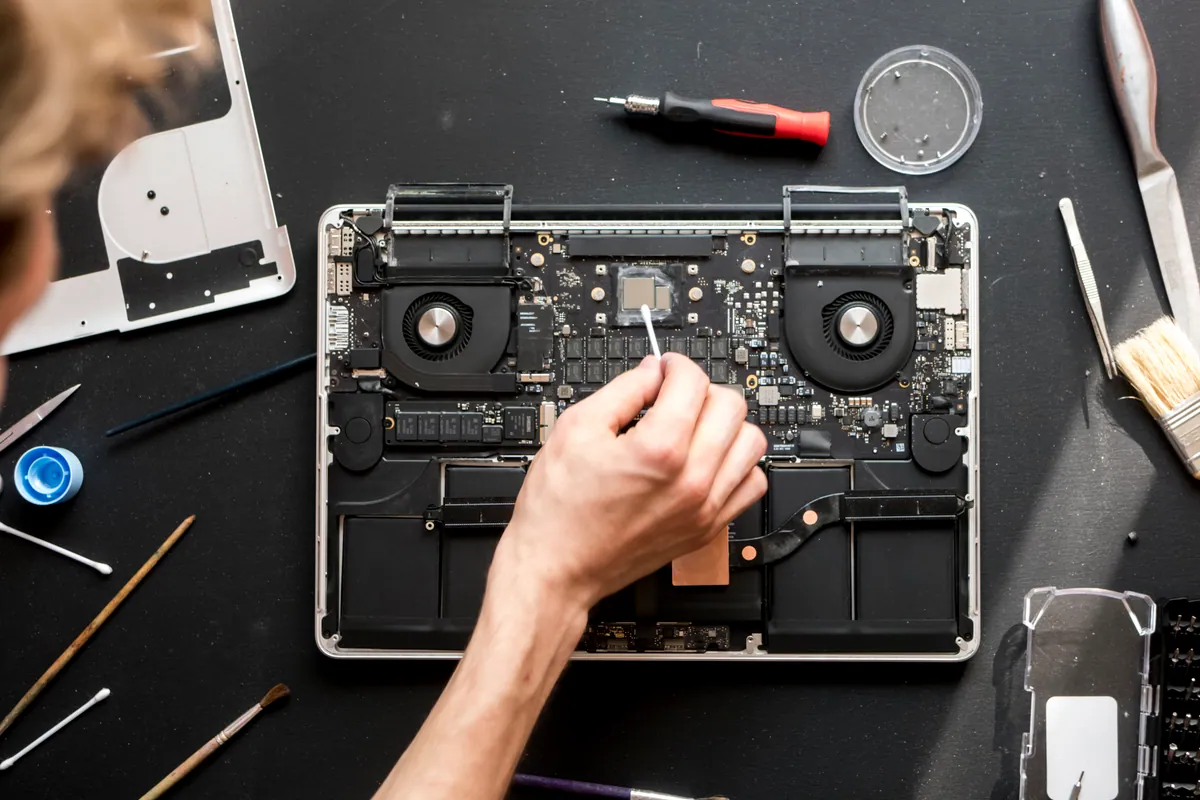
- Checked whether the logic board was still driving a picture. This is the decisive test on a blank Mac. If the board is producing an image — detectable even when the built-in panel shows nothing — then the board and graphics are fine and the fault is downstream, in the display itself. That’s what we found here: the board was doing its job.
- Ruled the board in as healthy, and the panel out as faulty. With the board confirmed good, the blank screen could only be the display assembly. No board-level repair was needed — which is the difference between a modest screen job and a major one.
We also took a look at the Air’s camera fault while both machines were with us, so the owner had a complete picture on both.
How We Fixed It
- Replaced the display assembly. On modern MacBook Pros the screen is a sealed assembly rather than a bare panel, so fitting a new one is precise work — but it’s screen work, not board work.
- Tested the display properly. We ran it across the full brightness range and checked for uniformity, dead areas and backlight problems before calling it done.
- Left the logic board exactly as it was. It was healthy, so it stayed untouched. The repair was aimed only at the part that had actually failed.
The Result
The MacBook Pro went back to Richmond with a full, bright, working display — and a logic board that had never needed opening. Because we’d established early that the board was fine, the owner avoided the far larger bill that a “no display” Mac is so often wrongly assumed to carry.
Why This Happens
On a MacBook, a black screen sits on a fault line between two very different repairs. On one side is the display assembly — the panel and its backlight — which can fail from a knock, pressure on a closed lid, a failed backlight circuit, or simple age. On the other side is the logic board and its graphics: a genuine board fault that also results in no picture, but which is a component-level repair and a much bigger job.
The reason this matters so much is cost. If you assume “no display equals dead board” you might write the machine off or pay for a board repair it never needed. If you assume “it’s just the screen” and it’s actually the board, you fit an expensive panel that still shows nothing. The only responsible approach is to establish which side of that line you’re on before ordering a single part — and that comes down to one question: is the board still driving a picture? Here it was, so the answer was the screen.
Local Help in Richmond TW1
If your MacBook powers on — chime, fans, keyboard backlight — but the screen stays black, don’t assume the worst. Very often the board is perfectly healthy and it’s the display that’s failed, which is a smaller repair than most people expect.
We diagnose blank-screen Macs from our Putney workshop, an easy run from Richmond TW1, and we establish whether it’s the panel or the board before we quote a penny.
Call 020 7610 0500, drop in to SW15, or use the contact form.