What Was Happening
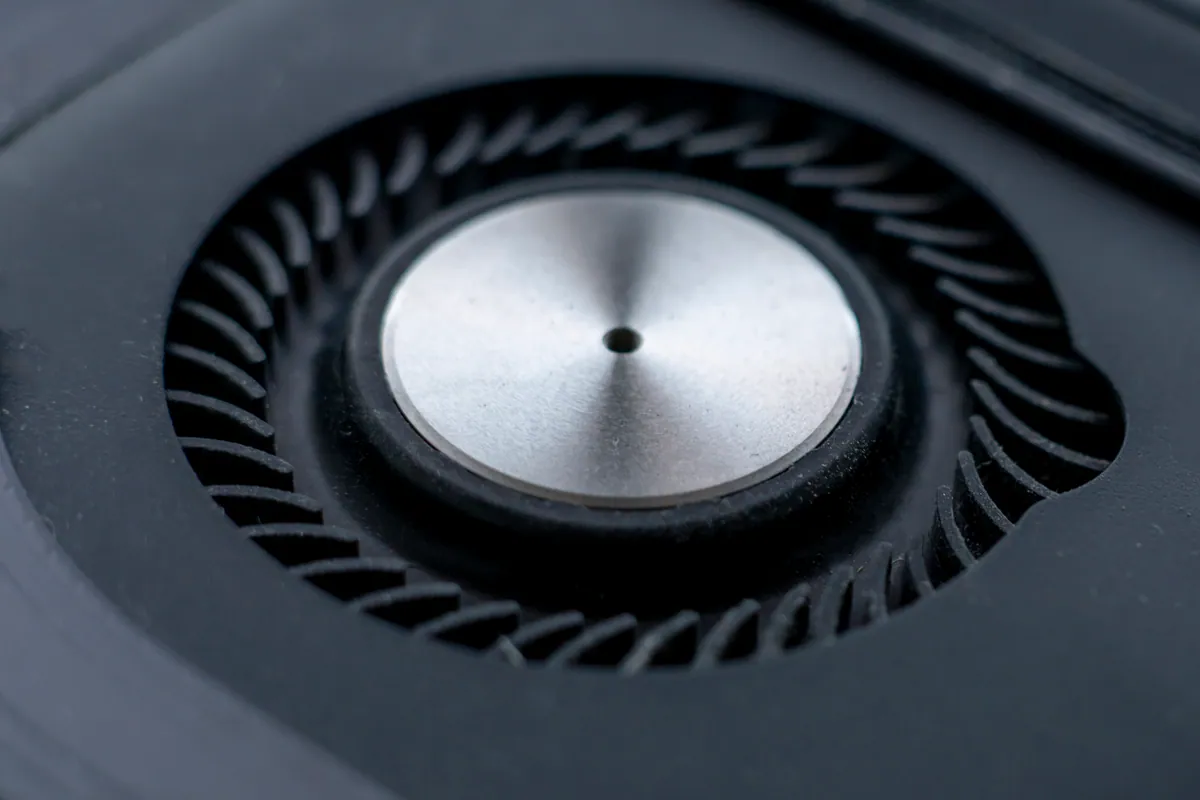
The MacBook Pro arrived from a Barnes SW13 owner with a simple complaint that had become impossible to ignore: the fan was making a noise. Not the familiar rush of air when a Mac is rendering video or handling a heavy web page, but a rattling, grinding sort of sound — the kind that tells you a moving part is unhappy rather than just busy.
That distinction is the whole job. A MacBook fan that gets loud under load is behaving exactly as designed. A MacBook fan that rattles, grinds or whirs unevenly is a different story, and it’s one worth acting on before it turns into a bigger, more expensive one.
Sound like your problem?
Bring it to our Putney workshop or message us a photo and we will give you a straight answer and a quote before any work starts.
Our Diagnosis
- Listened to the character of the noise. Fan noise comes in two flavours. The good kind is high airflow — the fan spinning fast to shed heat, smooth and consistent. The bad kind is mechanical: rattling, grinding or vibration, which points at the fan’s bearing wearing out or debris caught in the blades. This was firmly the bad kind.
- Ruled out “it’s just hot”. We checked whether the machine was simply running the fan hard because it was overheating for another reason. It wasn’t — the noise was the fan itself, not a healthy fan responding to heat.
- Confirmed the fan as the fault. With heat-driven speed ruled out, the conclusion was straightforward: the fan hardware had worn and needed replacing, not cleaning-and-hoping.
How We Fixed It
- Replaced the cooling fan. We fitted a new fan in place of the worn one and reassembled the machine.
- Confirmed quiet, correct running. A fan repair isn’t finished when the part is in — it’s finished when the machine runs quietly again and cooling is doing its job. We verified both: the rattle was gone and airflow was healthy.
- Caught it before it became a board problem. Because the fault was fixed while it was still just noise, the machine never reached the point of losing cooling and cooking its internals.
The Result
The MacBook Pro went back to Barnes running quietly, with its cooling restored to health. The owner had done the right thing by bringing a “just noisy” machine in rather than living with it — because the fan is the one part whose failure quietly endangers everything around it.
Why This Happens
A laptop fan is a small motor spinning a bladed rotor on a tiny bearing, thousands of times a minute, for years. Two things go wrong with it. The first is dust and debris — hair, pocket fluff and grime working into the blades or the bearing, which can cause noise that a clean will fix. The second is simple wear: the bearing degrades over time and the fan starts to rattle, grind or vibrate no matter how clean it is. That’s when it needs replacing.
The reason a noisy fan deserves attention rather than a resigned shrug is what it protects. The fan’s whole purpose is to move heat away from the processor and the logic board. If it seizes or fails, the machine loses its cooling — and a MacBook that can’t cool itself will throttle, shut down, and, over time, risk genuine heat damage to the board. A board-level repair costs far more than a fan. Catching the fault while it’s still “just an annoying noise” is precisely how you avoid the expensive version of the problem. The trick is knowing whether you’re hearing a healthy fan working hard or a failing one on its way out — and that’s a quick thing to have checked.
Local Help in Barnes SW13
If your MacBook’s fan has started rattling, grinding or making a noise that doesn’t sound like normal airflow, it’s worth having it looked at sooner rather than later. Sometimes it’s just debris; sometimes the fan is wearing out — and losing cooling is the one failure that can take the logic board with it.
We diagnose and replace MacBook fans from our Putney workshop, a short hop from Barnes SW13, and we’ll tell you whether yours needs a clean or a new part.
Call 020 7610 0500, drop in to SW15, or use the contact form.