What Was Happening
This one started as a planned upgrade rather than a fault. A MacBook Pro owner in Wandsworth SW18 wanted a 512GB SSD fitted, all their data transferred across, and a backup taken onto their own external hard drive as part of the job. Sensible, tidy, low-drama — the kind of upgrade that turns a tired Mac into a fast one and gives the owner a backup into the bargain.
The value of a job like this is entirely in the data handling. Swapping the drive is the easy part; moving an entire working system — accounts, apps, settings, files — onto the new drive without losing anything is where the care goes. And it’s where this job threw up its one complication.
Sound like your problem?
Bring it to our Putney workshop or message us a photo and we will give you a straight answer and a quote before any work starts.
Our Diagnosis
The upgrade itself was straightforward. The complication was the backup target:
- Planned the migration. The goal was a clean move of the whole system onto the new SSD, with a backup as a safety net and a deliverable in its own right.
- The owner’s external drive proved unreliable. Partway through, their external hard drive stopped responding. That’s a problem on two fronts — it meant the intended backup destination couldn’t be trusted, and it was a warning sign about that drive’s own health.
- Decided not to rely on a single failing drive. Continuing to lean on an external drive that had already faltered would have been the wrong call. We needed a dependable intermediary to hold the data safely during the move.
How We Fixed It
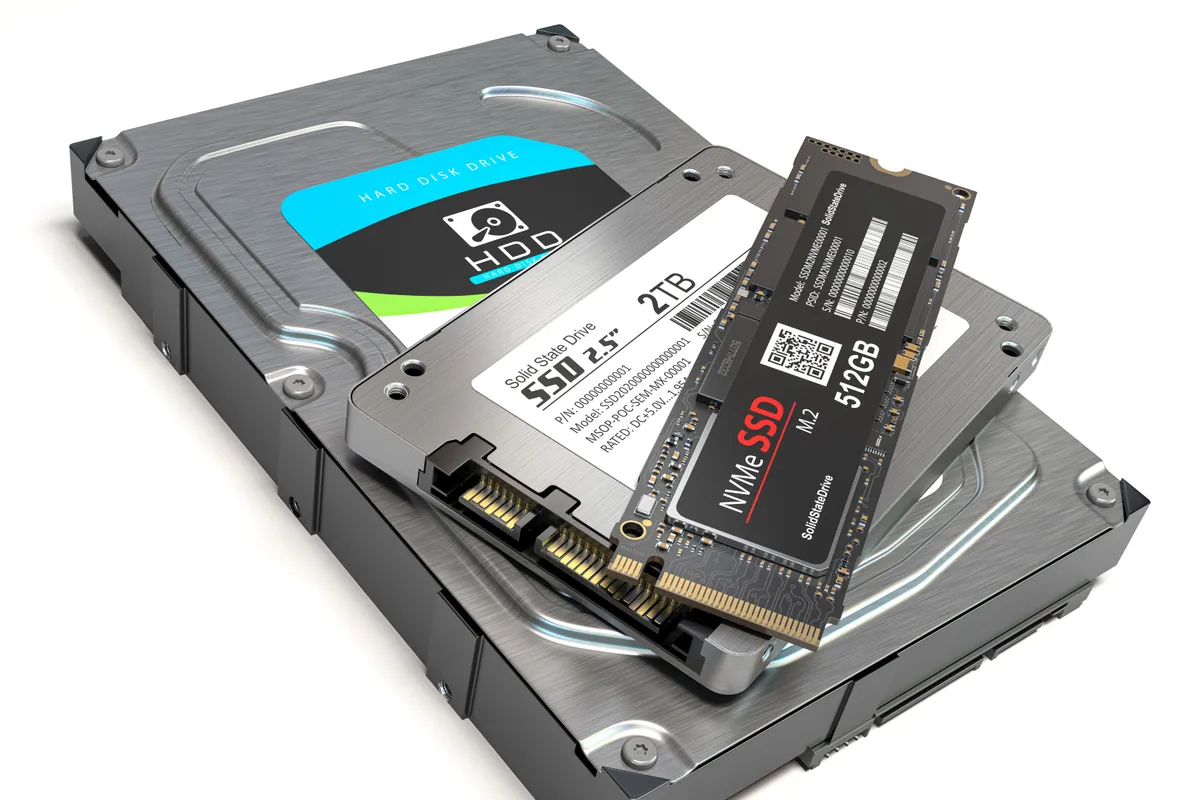
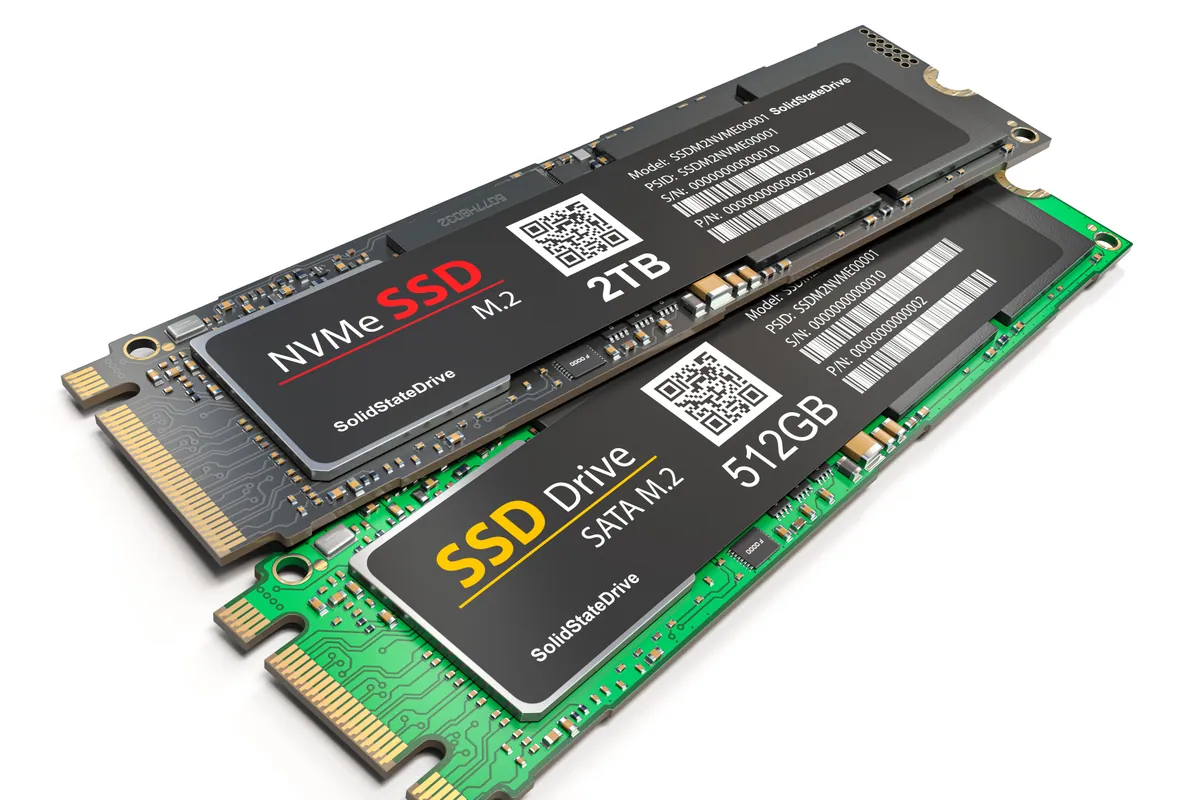
- Backed up to a workshop SSD first. We took a Time Machine backup of the MacBook onto one of our own solid-state drives — reliable media we could trust — rather than the owner’s flaky external drive. That gave us a complete, safe copy of the whole system before anything was changed.
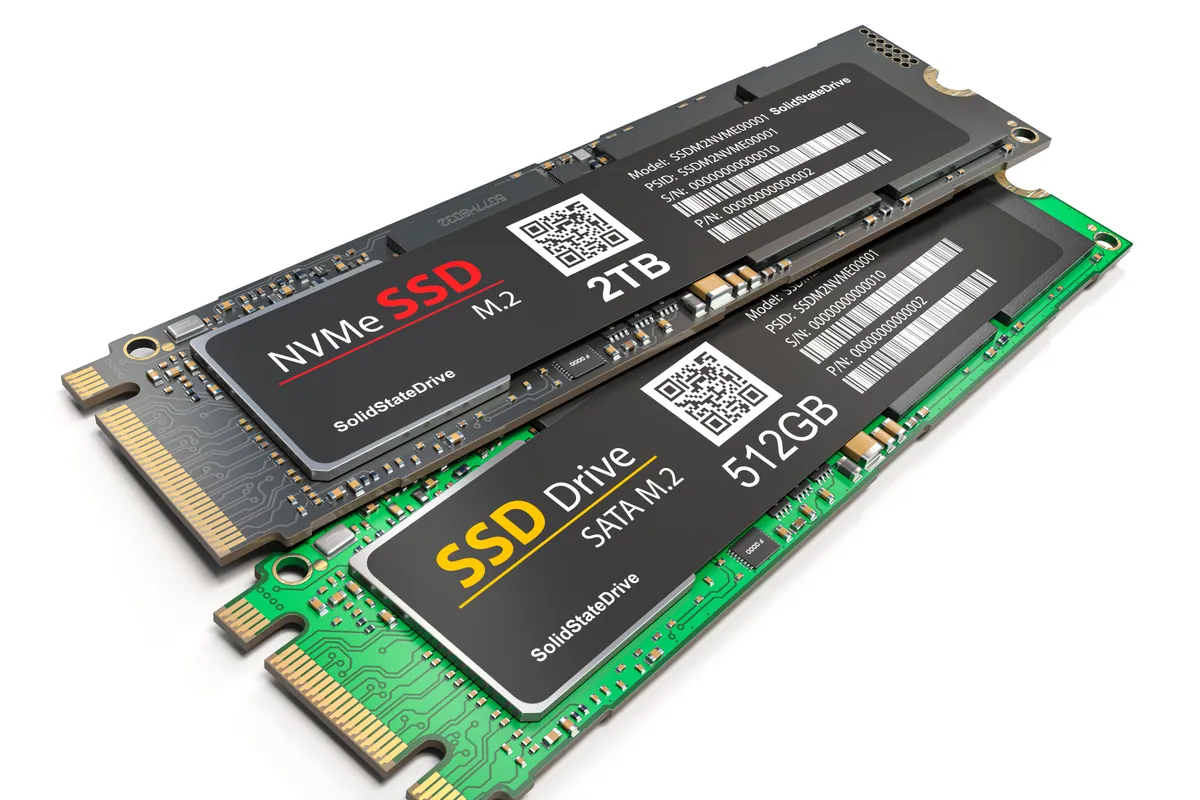
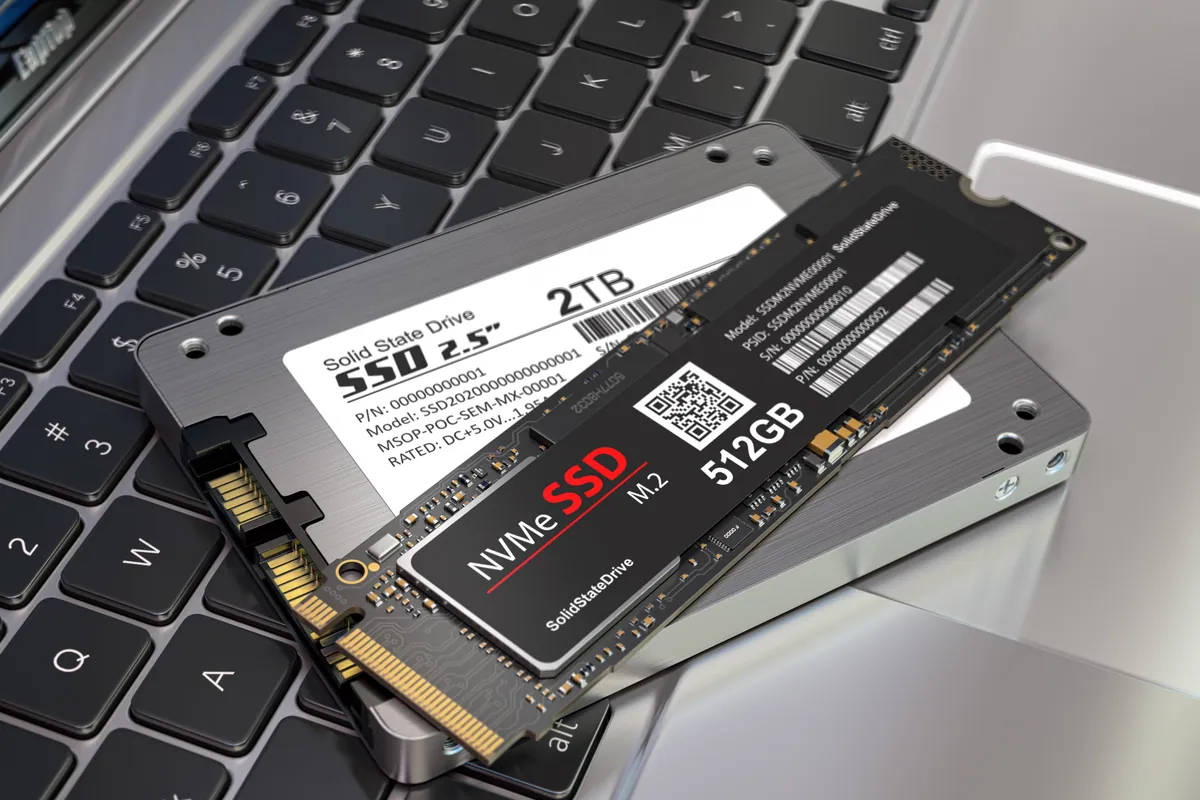
- Fitted the new 512GB SSD into the MacBook with a clean operating system.
- Restored from the Time Machine backup onto the new SSD, bringing across the owner’s data, accounts and settings intact. Because Time Machine captures the whole system, the owner got their Mac back exactly as it was — just faster and with more room — rather than a blank machine to rebuild.
The Result
The MacBook Pro went back to Wandsworth SW18 with a 512GB SSD, the full system migrated across, and nothing lost — despite the owner’s own backup drive giving up mid-job. The upgrade delivered the speed and capacity they were after, and our fallback meant the failed external drive was an inconvenience rather than a disaster.
It also gave the owner a useful heads-up: their external drive was no longer trustworthy, which is worth knowing before you rely on it for a backup you actually need.
Why This Happens
An SSD upgrade is the best-value thing you can do to a Mac still running a mechanical hard drive — or even to move to a larger, healthier SSD. The machine boots in seconds, apps launch instantly, and it typically buys several more years of useful life. That part is well understood.
What’s less appreciated is that the risk in the job sits entirely in the data move, and that backup drives are not infallible. External hard drives are themselves mechanical devices with a lifespan, and they have a habit of failing exactly when you lean on them — during the one big transfer you were counting on. A workshop that treats the customer’s single external drive as the only safety net is one bad drive away from a lost migration. Having reliable media to fall back on is what turns a mid-job drive failure into a non-event.
Local Help in Wandsworth SW18
If your Mac is slow and you’re thinking about an SSD upgrade, the drive swap is the simple bit — the important part is moving your data across safely, ideally with a backup that doesn’t depend on one drive behaving.
We carry out SSD upgrades and clean data migrations from our Putney workshop, a short trip from Wandsworth SW18, with reliable media to protect your files during the move.
Book an upgrade on 020 7610 0500 or through the contact form.