What Was Happening
The MacBook Pro arrived from a Barnes SW13 owner with a fault that sounds simple and often isn’t: the Wi-Fi wouldn’t work. The machine was otherwise behaving, but it couldn’t get online reliably, and USB was affected too. The owner asked us to fix it if it was a minor issue and to diagnose and quote if it turned out to be hardware — which is exactly the right instinct, because a connectivity fault can be either, and the two cost very different amounts to put right.
Wi-Fi problems are one of the most common things we see, and the overwhelming majority are software: a setting, a corrupted network configuration, an OS hiccup. So that’s where any honest diagnosis starts. The trick is knowing when you’ve genuinely exhausted the software side and it’s time to look deeper.
Sound like your problem?
Bring it to our Putney workshop or message us a photo and we will give you a straight answer and a quote before any work starts.
Our Diagnosis
- Worked the software side first. Because most Wi-Fi faults are software, we started there — the network configuration, the settings, the operating system’s handling of the wireless hardware. This is the cheap, common ground, and it’s where the fault usually lives. Here, it didn’t: nothing on the software side made a difference.
- Concluded it was hardware. When every reasonable software fix draws a blank, the evidence points to the hardware itself. A wireless connection that can’t be restored in software, especially with USB misbehaving alongside it, suggests the components handling those connections have failed — not the settings driving them.
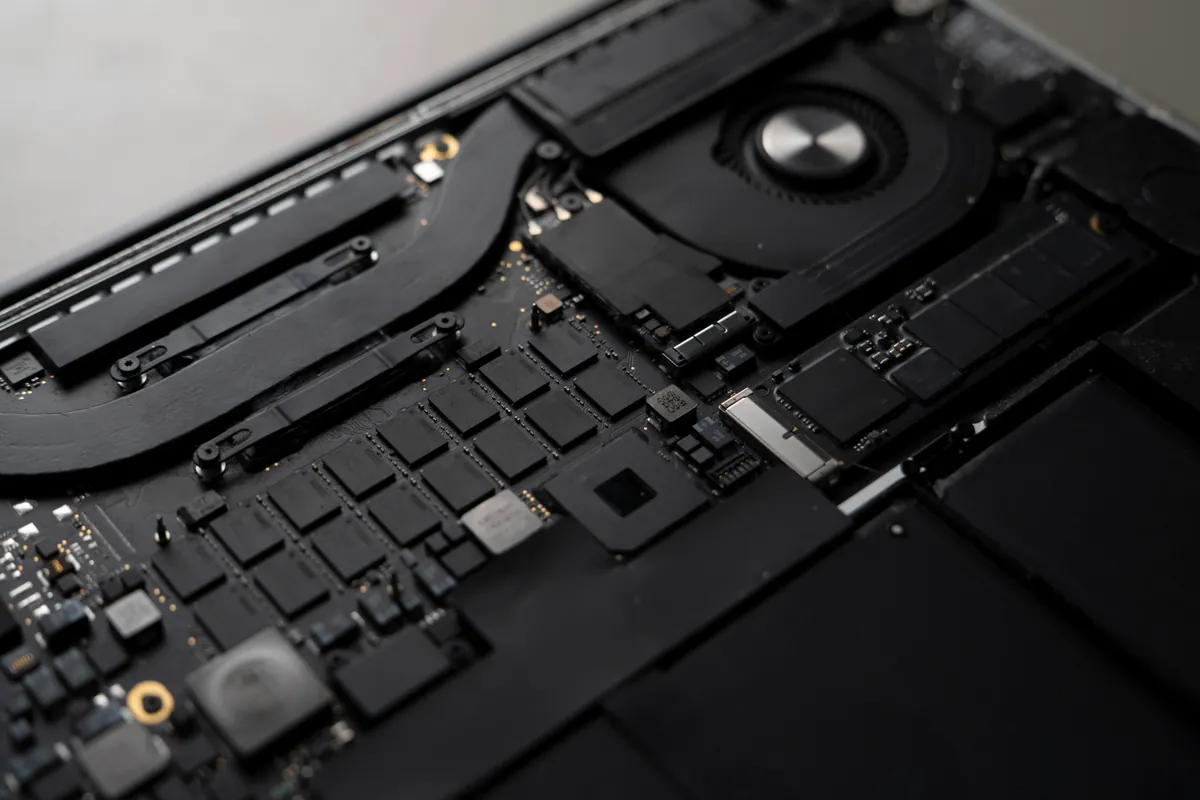
- Traced it to the I/O board. On this MacBook, Wi-Fi and USB run through the I/O board — a separate board from the main logic board. That detail is important: it meant the fault, and the fix, were contained to that board and the Wi-Fi card, rather than the far bigger and costlier logic board. The USB symptom fit neatly, because it shares that same board.
How We Fixed It
- Replaced the I/O board. We fitted a replacement I/O board — the board carrying the Wi-Fi and USB connections — restoring the hardware path those functions depend on.
- Replaced the Wi-Fi card. Alongside the board, we replaced the Wi-Fi card itself, so the wireless hardware was sound end to end rather than half-renewed.
- Confirmed it was properly back. We checked the MacBook connected to Wi-Fi reliably and that USB worked again before it went home — the whole point being a fix that holds, not one that connects once and drops out.
The Result
The MacBook Pro went back to Barnes online again, with Wi-Fi and USB both working. What had looked like it might be a frustrating software gremlin turned out to be a genuine hardware fault — and because the parts that failed sit on a separate I/O board, it was fixable without touching the main logic board. The owner kept a capable MacBook rather than fighting a connection that would never have come right in software.
Why This Happens
Wi-Fi is one of those functions where the same symptom can have wildly different causes. Most of the time the trouble is software — a network setting gone astray, a configuration that’s become corrupted, an operating-system quirk after an update — and those are quick and inexpensive to put right. That’s exactly why a good workshop works software-first: it’s where the fault usually is, and it saves you paying for hardware you didn’t need. Jumping straight to “it must be broken” is how people get sold parts that were never the problem.
But sometimes it really is the hardware, and the honest skill is recognising when the software avenues are genuinely exhausted. Wireless hardware can fail like anything else, and when it does, no amount of resetting settings will bring it back. The tell is a fault that survives every reasonable software fix — and here, with USB affected too, the pattern pointed clearly at a shared hardware component.
The good news is in how some MacBooks are built. On certain models, Wi-Fi, USB and other connections run through a separate I/O board rather than being built into the main logic board. When the fault lies there, it can be repaired by replacing that smaller board — and, where fitted, the Wi-Fi card — rather than the whole logic board, which is a much larger and more expensive undertaking. It’s a reminder that “hardware fault” doesn’t automatically mean “major repair”: the way a machine is designed often decides whether a failure is a big job or a contained one. Getting the diagnosis right — software before hardware, and then the right piece of hardware — is what keeps the fix proportionate to the fault.
Local Help in Barnes SW13
If your MacBook’s Wi-Fi has stopped working and the usual settings tweaks haven’t helped, it’s worth having it looked at properly — most Wi-Fi faults are software and quick to fix, but a stubborn one that resists every software fix can be hardware, and that’s very often repairable without a whole new logic board.
We diagnose and repair MacBook connectivity faults at our Putney workshop, a short way from Barnes SW13, and we always rule out the cheap, common causes before recommending any hardware work.
Call 020 7610 0500, drop in to SW15, or use the contact form.