What Was Happening
They had started a macOS software update overnight. In the morning the MacBook was off, with the flashing question-mark folder showing whenever they tried to boot. Recovery mode reached a screen but Disk Utility would not show the internal drive consistently — sometimes it appeared, sometimes it did not.
The customer had assumed the SSD had simply died. That is one possibility on this symptom, but the more useful framing is: the machine is telling you it cannot find a bootable system. That can mean several different things, each with a different repair.
Sound like your problem?
Bring it to our Putney workshop or message us a photo and we will give you a straight answer and a quote before any work starts.
Our Diagnosis
The question-mark folder is one of macOS’s older error symbols, and it has a definite meaning: the boot ROM has looked for a valid macOS install, hasn’t found one, and is giving up. The four common causes:
- Wrong boot disk selected. Sometimes a MacBook has been booted from an external drive recently and the firmware is still pointing at it. Fixable in 30 seconds by holding the option key on boot and selecting the internal drive.
- Corrupted boot files on the internal drive. The drive is fine, the OS install on it is not. Fixable with a reinstall from recovery mode.
- Failed SSD. The drive itself is dead or unreachable. Fixable by replacing the drive (on older models) or board-level repair (on newer Macs where the SSD is on the logic board).
- Failed storage controller on the logic board. The drive is fine, the chip that talks to the drive is not. Same symptom as a failed SSD, completely different fix.
We tested in that order:
- Held option key on boot — only the recovery partition appeared, not the main internal volume. Booted into recovery.
- In Disk Utility, the internal drive showed up — then disappeared — then reappeared on the next refresh. Intermittent detection at the macOS level is the same red flag as intermittent detection at the BIOS level on a PC.
- Ran First Aid on the volume during one of the windows when it was visible. It started, then errored part-way through with an I/O error.
- Tried to reinstall macOS from recovery. The installer copied a small portion then errored. Re-tried; failed at a different file. Re-tried; failed at the same point as the first attempt.
The “fails at different points each time” pattern is the giveaway. A pure software issue fails reproducibly at the same step. A failing drive or controller fails at whichever sector it happens to retry at this time.
Final test: imaged the drive via Target Disk Mode (when we could get it to enumerate). Most of the data came off cleanly, but the imaging tool reported repeated bus resets at varying addresses — confirming a controller-level fault rather than a defined region of bad sectors.
How We Fixed It
This MacBook Air generation has the SSD soldered to the logic board, so “swap the SSD” is not an option in the way it is on a 2015 or earlier model. Repair routes are:
- Replace the entire logic board. Expensive — the board carries the CPU, GPU, RAM and SSD on Apple Silicon, so it is most of the cost of a new machine.
- Refurbish the affected area if the fault is localised to the storage controller’s solder joints or surrounding components, not the SSD chips themselves.
Diagnosis suggested refurbishment was viable. We:
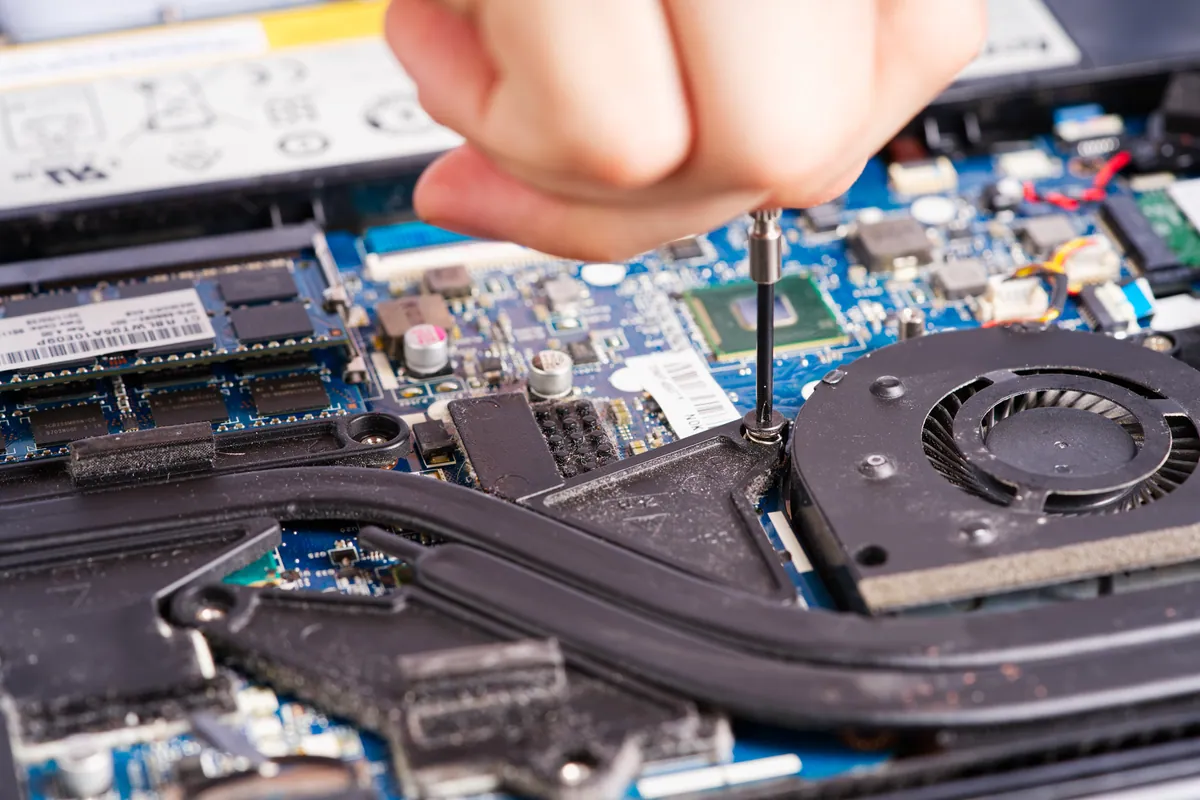
- Removed the logic board from the chassis under magnification.
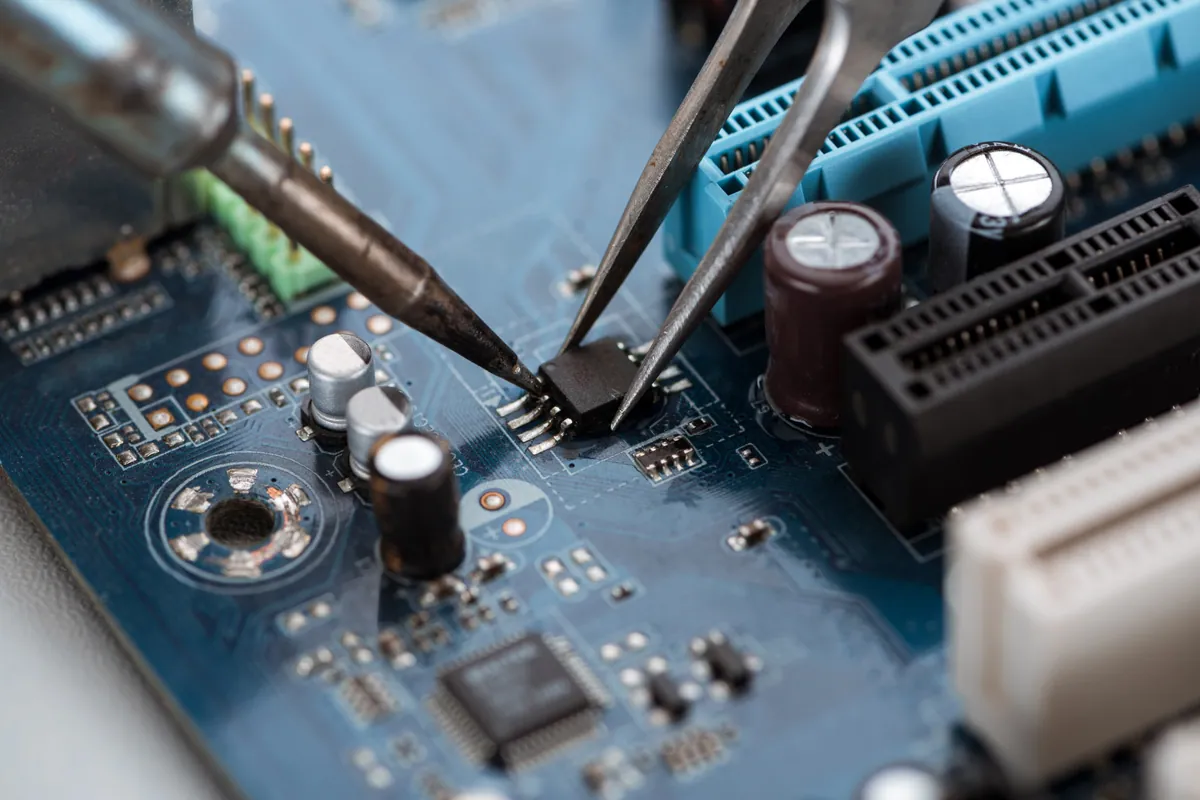
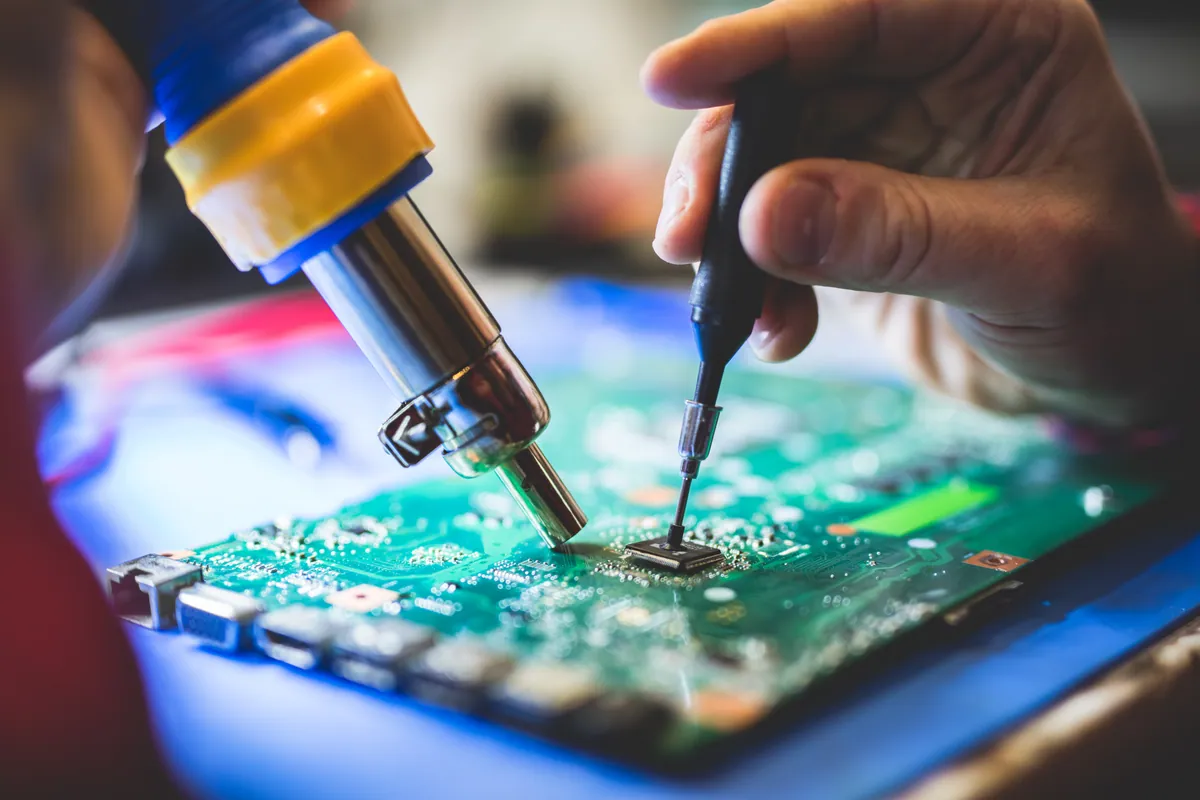
- Reflowed the suspect controller area to address marginal solder joints — a common failure mode on these boards after thermal cycling through hundreds of update/reboot cycles.
- Inspected and cleaned the surrounding decoupling capacitors. Replaced one that had drifted out of tolerance.
- Reassembled, reconnected battery, and ran a controlled cold boot.
- The internal drive now enumerated reliably on every attempt.
- Ran a fresh macOS install from internet recovery. Completed first time with no I/O errors.
- Verified by running a full battery-discharge boot cycle three times — drive consistently detected, OS booting cleanly.
The Result
MacBook back in service, booting reliably, internal storage consistently detected. macOS clean install. User signed back in, iCloud restored most of their settings, the recovered data went back into the user folder. Two working days on the bench, dominated by the careful test cycles between each repair step.
Why This Happens
The storage controller on Apple Silicon Macs (and the equivalent area on Intel Macs of similar vintage) is one of the densest and hottest parts of the logic board. It is the chip that mediates between the SSD NAND chips and the rest of the system. Marginal solder joints under that controller can be invisible for years and then start causing intermittent enumeration faults — especially when the system gets thermally stressed by a long macOS update.
The update is the trigger, not the cause. The fault was waiting; the update made it visible.
This is why “I was just doing a software update and now it won’t boot” is one of the most misleading symptoms to read at face value. Software updates expose hardware faults — they rarely cause them.
What you can try at home before bringing the machine in
If your MacBook shows the flashing question-mark folder:
- Hold the option key while powering on. If the boot picker shows your internal drive, click it and try to boot.
- Hold Command-R while powering on (Intel Mac) or press and hold the power button (Apple Silicon Mac) to enter recovery mode. Open Disk Utility and run First Aid on the internal volume.
- If Disk Utility doesn’t see the drive consistently, do not keep trying — every cycle puts wear on a controller that is already in trouble. Power down and bring it in.
- Whatever you do, don’t reinstall macOS from a recovery mode where the drive isn’t being reliably detected. A half-installed macOS on a flaky drive is a worse starting point than where you began.
Local Help in Putney SW15
Logic-board faults need methodical diagnosis with the right test equipment, not guessed-at component swaps.
We work on MacBook Air, MacBook Pro, iMac and Mac mini logic boards from our Putney bench.
Call 020 7610 0500 to discuss before bringing the machine in.