What Was Happening
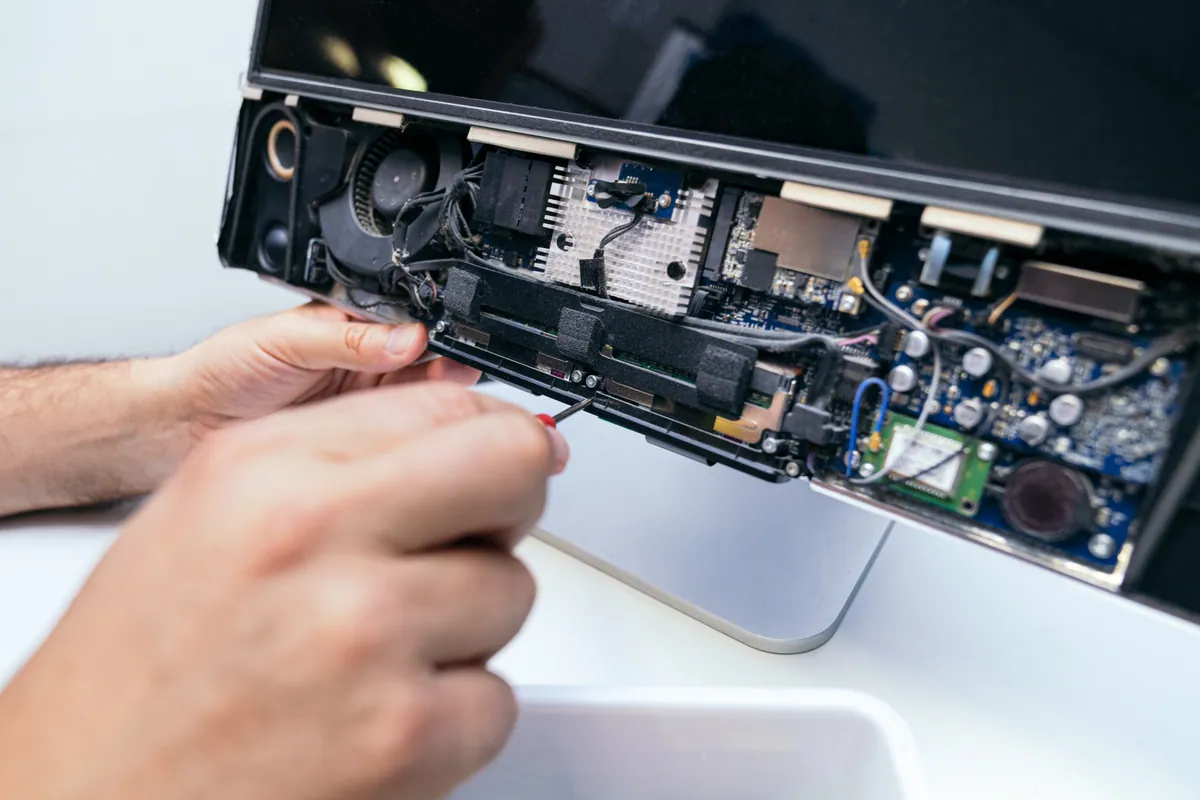
One day the desktop simply wouldn’t turn on. Pressing the power button did nothing — no fans spinning up, no lights, no beep. It had been working normally, and then from cold it was completely dead. The owner had checked the obvious — it was plugged in and switched on at the wall — and when that made no difference, brought it into our Putney workshop.
A dead gaming desktop worries people, because the graphics card and the rest of the components add up to a lot of money. The job was to find out whether this was a cheap fault or an expensive one before quoting anything.
Our Diagnosis
A completely dead desktop is one of the more clear-cut faults to work through, because “no power at all” points firmly at the power chain:
- Ruled out everything before the PC. Tested the wall socket, the power cable, and the switch on the back of the supply itself. A surprising number of “dead” machines are a failed cable or a knocked rocker switch — always worth eliminating first, because it costs nothing.
- Confirmed it was genuinely getting no power. No fans, no motherboard standby light. That places the fault in power delivery rather than further into the system — a machine that shows a standby light but won’t start is a different diagnosis; total silence points at the supply or, less often, the motherboard.
- Bench-tested the power supply on its own. Away from the rest of the system, the PSU showed no meaningful output — it had failed. The motherboard and the remaining components checked out fine.
Root cause: a failed power supply. The good news for the owner was that the expensive parts — graphics card, processor, board — were untouched.
How We Fixed It
- Replaced the power supply with a unit of appropriate wattage and quality for the hardware inside. On a gaming desktop this matters: the graphics card draws hard under load, and a supply that’s underpowered or poor quality causes crashes and restarts even when it technically “works”.
- Reconnected and tidied the cabling to the motherboard, GPU and drives.
- Tested under load — booted into Windows, confirmed the machine stayed stable while the graphics card was pushed, and checked that temperatures and voltages held steady.
The Result
The OMEN powers on and boots normally again, and stays stable under gaming load. Because the failure was contained to the power supply, it was a straightforward and affordable fix rather than a write-off. Same-week turnaround.
Why This Happens
The power supply is one of the hardest-working parts in any PC, and one of the most common to fail — and gaming desktops give theirs the hardest time of all:
- Constant heat and load. The PSU runs whenever the machine is on and works hardest during gaming, when the graphics card and processor pull maximum power. Years of heat age the internal components, particularly the capacitors.
- It’s a wear item. Even a good supply has a finite life. Cheaper units fail sooner; quality units last longer, but not forever.
- Failure is often total. Because the supply feeds the whole system, when it goes the machine simply won’t power on — which, counter-intuitively, is often better news than a fault that damages other parts on its way out.
A PSU frequently warns you before it dies completely: random restarts under load, the occasional failure to power on that clears on a second try, or coil whine that gets steadily louder. If a gaming PC starts doing any of that, it’s worth getting the supply checked before it strands you mid-game.
Total silence vs powers-on-then-dies
The way a desktop fails tells you roughly where to look. Completely dead — no fans, no lights — is a power-delivery problem, and the supply is the prime suspect. A machine that powers on for a few seconds or minutes and then cuts out is usually a different story: overheating, or a component pulling the system down under load. Knowing which pattern you’ve got saves chasing the wrong part.
Local Help in Putney SW15
If your desktop — gaming or otherwise — has gone completely dead, or it’s started restarting at random under load, bring it in and we’ll test the power side properly before quoting. Often it’s the supply, and the costly components are fine.
Call 020 7610 0500, drop into our Putney workshop (SW15), or use the contact form.