What Was Happening
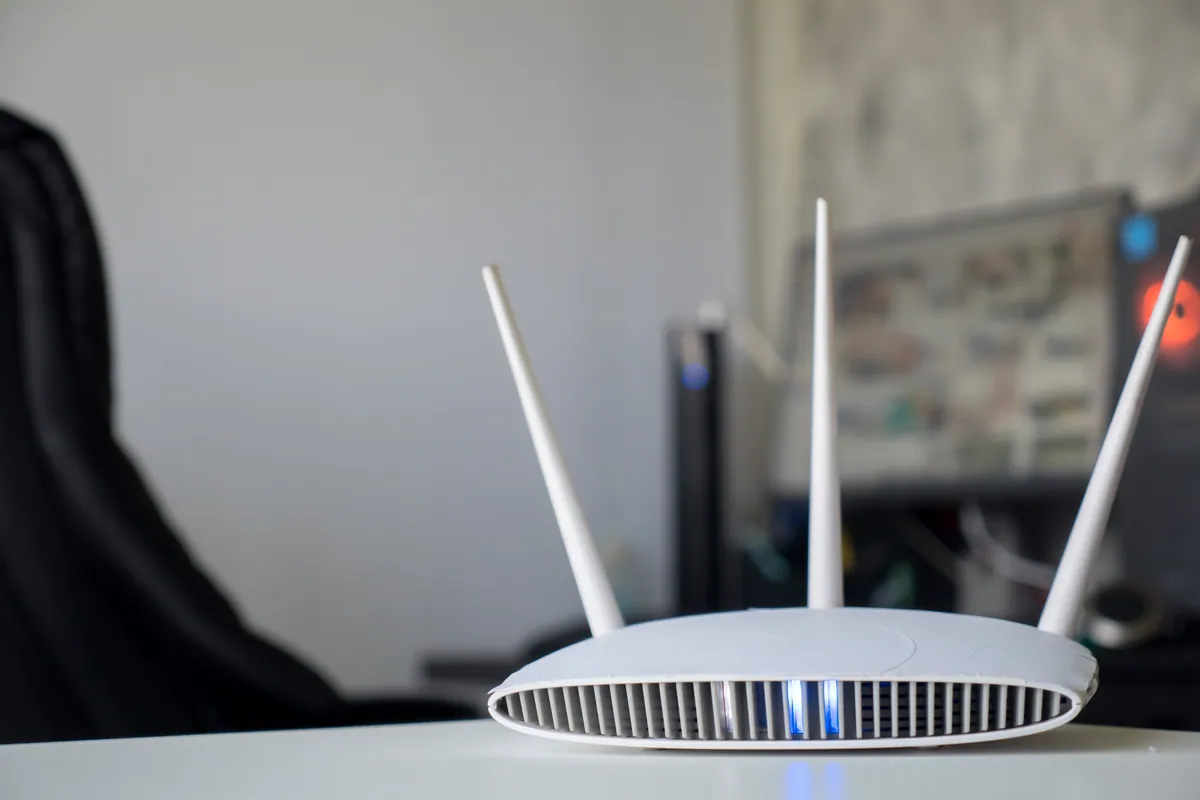
A customer in Putney SW15 had already worked out that their Wi-Fi needed help. Coverage was patchy — strong near the router, weak or non-existent in the parts of the property furthest from it — and rather than keep living with the dead zones, they had bought a set of Wi-Fi access points to extend coverage properly.
The problem was that the kit was still in its boxes. Access points are not plug-and-play in the way a single home router is: they need to be positioned sensibly, powered, connected back to the network, and configured so devices move between them without the user noticing. The customer wanted the hardware they had bought installed and set up correctly, rather than guessing at it themselves.
Sound like your problem?
Bring it to our Putney workshop or message us a photo and we will give you a straight answer and a quote before any work starts.
Our Diagnosis
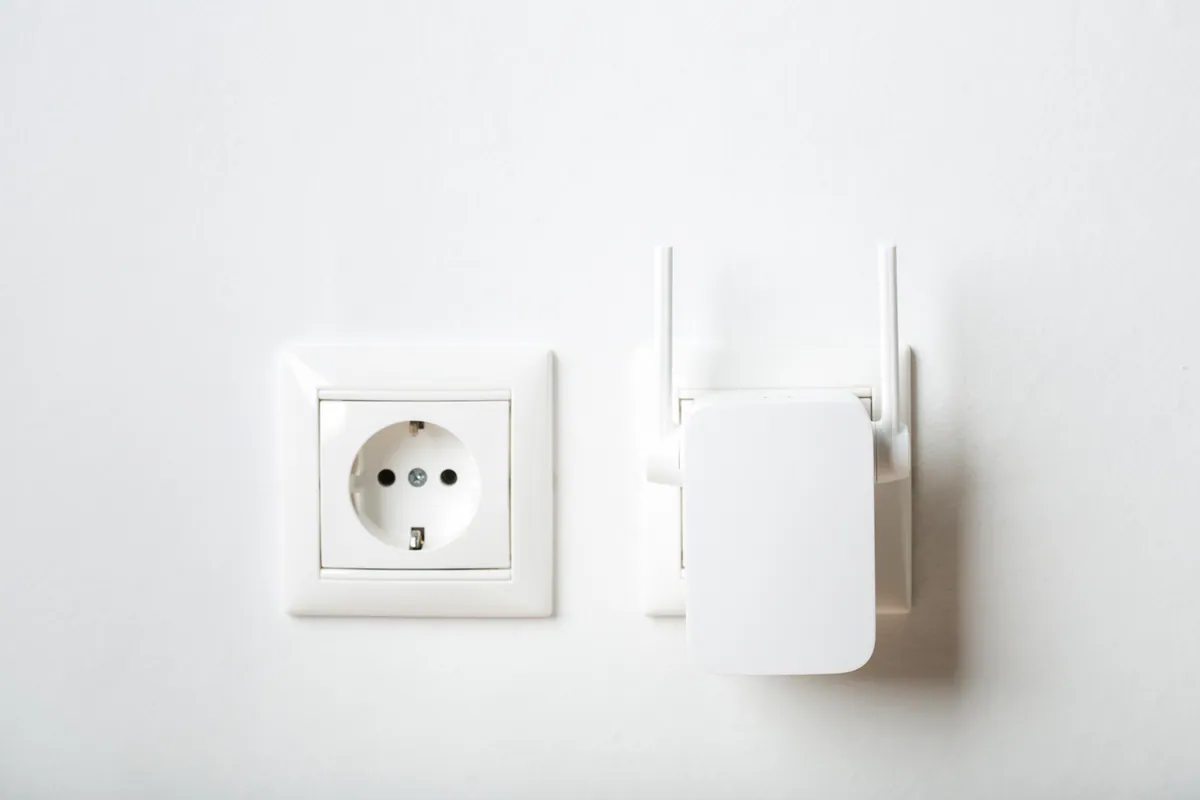
We confirmed first that access points were the right answer for this property — they are, where a single router can’t physically reach every area. Range extenders are the alternative people often reach for, but they typically halve throughput and create a second network name that devices cling to; dedicated access points wired back to the network avoid both problems.
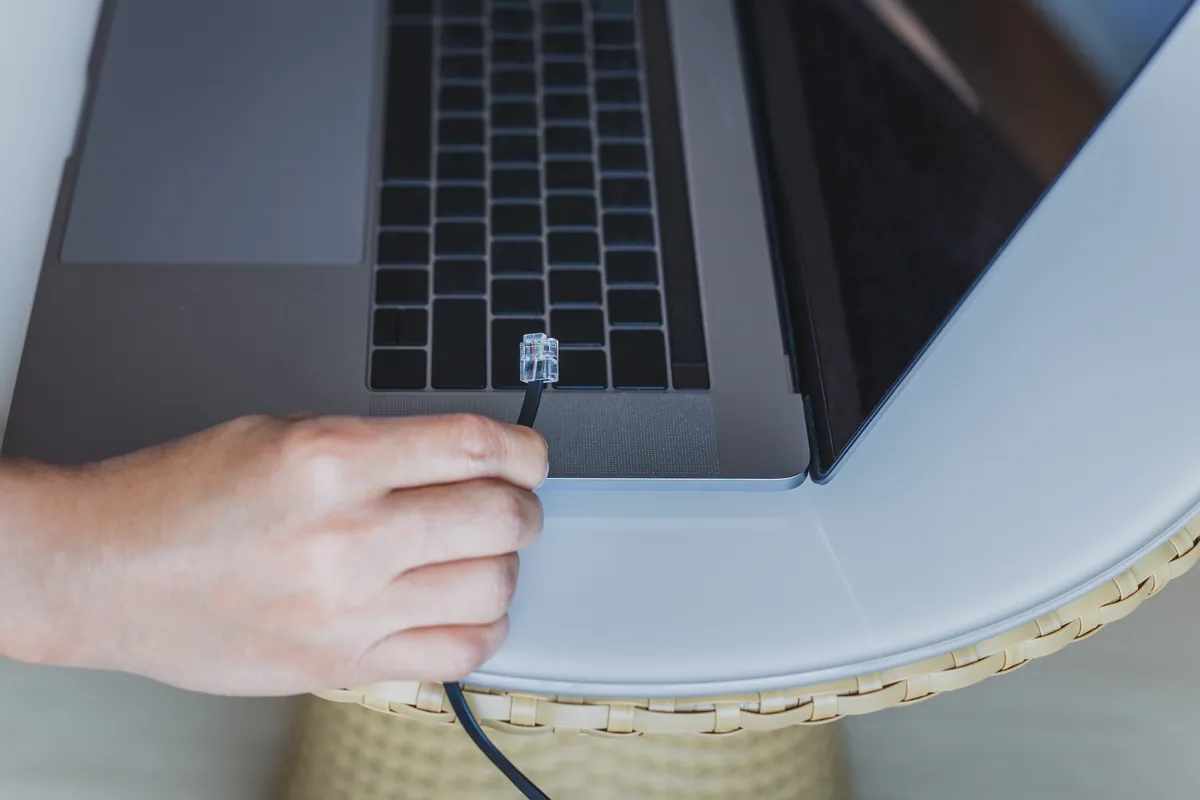
The practical issue was power and cabling. Each access point needs both a network connection and power. Running a separate mains adapter to every unit is messy and limits where the access points can go — the best mounting position is rarely next to a power socket. The clean solution is Power over Ethernet (PoE), where a single network cable carries both data and power to each access point. The existing setup had no PoE source to drive multiple units from one point, so that was the gap to close.
How We Fixed It
We added a TP-Link eight-port PoE switch as the hub for the three access points. With PoE handling power, each access point could be placed where it gave the best coverage rather than where a socket happened to be, fed by a single cable run back to the switch.
We installed all three TP-Link access points, connected them to the PoE switch, and configured the Wi-Fi so that every unit shares the same network name and security settings. That lets devices roam from one access point to the next automatically, connecting to whichever is giving the strongest signal, without dropping the connection or asking the user to switch networks manually. With the work completed in a single visit, we then walked the property to confirm the previously weak areas were now covered.
The Result
The three access points the customer had bought were now doing their job — powered cleanly over PoE, positioned for coverage rather than convenience, and configured as one seamless network. The weak areas of the property had usable Wi-Fi, and the whole setup was tidier and easier to manage from a single switch than a scatter of plug-in adapters would have been. The whole installation was completed in one onsite visit.
Why This Happens
Most homes and small offices start with a single router from the broadband provider. That’s fine for a flat or a couple of rooms, but radio signal falls off quickly through walls, floors, and distance — so larger or awkwardly-shaped properties always have areas the router simply can’t reach well.
There are two common responses. The first is a range extender or “Wi-Fi booster”, which rebroadcasts the existing signal. It’s cheap and quick, but it usually reduces speed and creates a separate network that devices don’t hand off cleanly. The second, and better, response is one or more access points wired back to the network — each one is effectively a full-strength Wi-Fi source in its own right, and configured correctly they behave as a single network.
Powering those access points is where Power over Ethernet earns its place. Instead of needing a power socket at every mounting point, a PoE switch sends power down the same Ethernet cable that carries the data. That keeps the install tidy, frees the access points to go wherever the coverage map wants them, and centralises everything on one manageable piece of kit.
Access points or a range extender — which is right?
- Choose a range extender only for a single stubborn dead spot where running a cable is impractical and you can live with reduced speed there.
- Choose access points when you want consistent full-speed coverage across a whole property, seamless roaming between areas, and a setup you can grow later.
- Add a PoE switch as soon as you have more than one access point — it removes the “where’s the nearest socket?” constraint and is the difference between a tidy install and a trailing-adapter mess.
- Match the access points to the size and layout of the space rather than buying on price alone; two well-placed units usually beat three badly-placed ones.
Local Help in Putney SW15
If your Wi-Fi is strong in one room and unreliable everywhere else, that’s a coverage problem, and it’s fixable. We install and configure home and small-office Wi-Fi across Putney SW15 — whether you’ve already bought access points and need them set up properly, or you’d like us to recommend and supply the right kit for your space. We’ll tell you honestly whether you need access points, a single better router, or just a relocation of what you already have. Call 020 7610 0500 or use the contact form to arrange an onsite visit.
Related Services
- Wi-Fi Setup — home and business Wi-Fi installation, access point placement, and network configuration
- Wi-Fi Setup in Putney — local service covering SW15
- Network Setup — switches, cabling, and structured networks for homes and small offices
More Case Studies
- Office Wi-Fi stabilisation for a small business — router replacement and access points for a two-floor office
- Stamford Hill Wi-Fi Security Upgrade — home network segmentation for improved security
- Bambu P1S AMS PETG profile setup in Wimbledon SW19 — onsite 3D-printer configuration for a local maker