What Was Happening
A household in Wimbledon SW19 called us with a complaint we hear constantly, but this one came with an unusually long history. Their Wi-Fi was patchy — not dead, just unreliable in a way that’s arguably more maddening. Video calls dropped mid-sentence. Streaming buffered in the evenings. A laptop that worked fine in one room would crawl in the next, then work fine again an hour later.
What made this one stand out was everything they’d already tried. First, a pair of range extenders — a small improvement that faded within weeks. Then a full mesh system, on the advice that mesh was the proper answer to patchy coverage. Then, when that didn’t settle it either, an entirely new router from their broadband provider. Three rounds of hardware, and the Wi-Fi was still unreliable.
By the time they got in touch they’d reasonably concluded that something about the house was simply hostile to Wi-Fi. They were half right — but the enemy wasn’t the building.
Sound like your problem?
Bring it to our Putney workshop or message us a photo and we will give you a straight answer and a quote before any work starts.
Our Diagnosis
The history was the biggest clue. When three separate hardware changes all fail to fix a problem, the problem is almost certainly not hardware. Something in the environment was defeating every setup they put in.
- Ruled out coverage as the primary fault. Coverage problems have a signature: consistently bad in the same far-flung spots, consistently fine near the router. Theirs didn’t behave that way — it was unreliable in rooms close to the router, and it varied by time of day. That pattern points at interference and congestion rather than distance and walls.
- Surveyed what was actually on the air. This is the step you can’t do from a support call, and the reason the visit was worth an hour. Scanning the airwaves around the house showed a dense stack of neighbouring networks — the ordinary reality of a Wimbledon terrace, where every household has a router within a few metres of the next — and a large cluster of them sitting on or overlapping the same 2.4GHz channel their network was using.
- Checked which band the devices were actually on. Nearly everything in the house was connected on 2.4GHz — the congested band — even in rooms where the much quieter 5GHz signal was perfectly strong. Their devices had no particular reason to move, so they hadn’t.
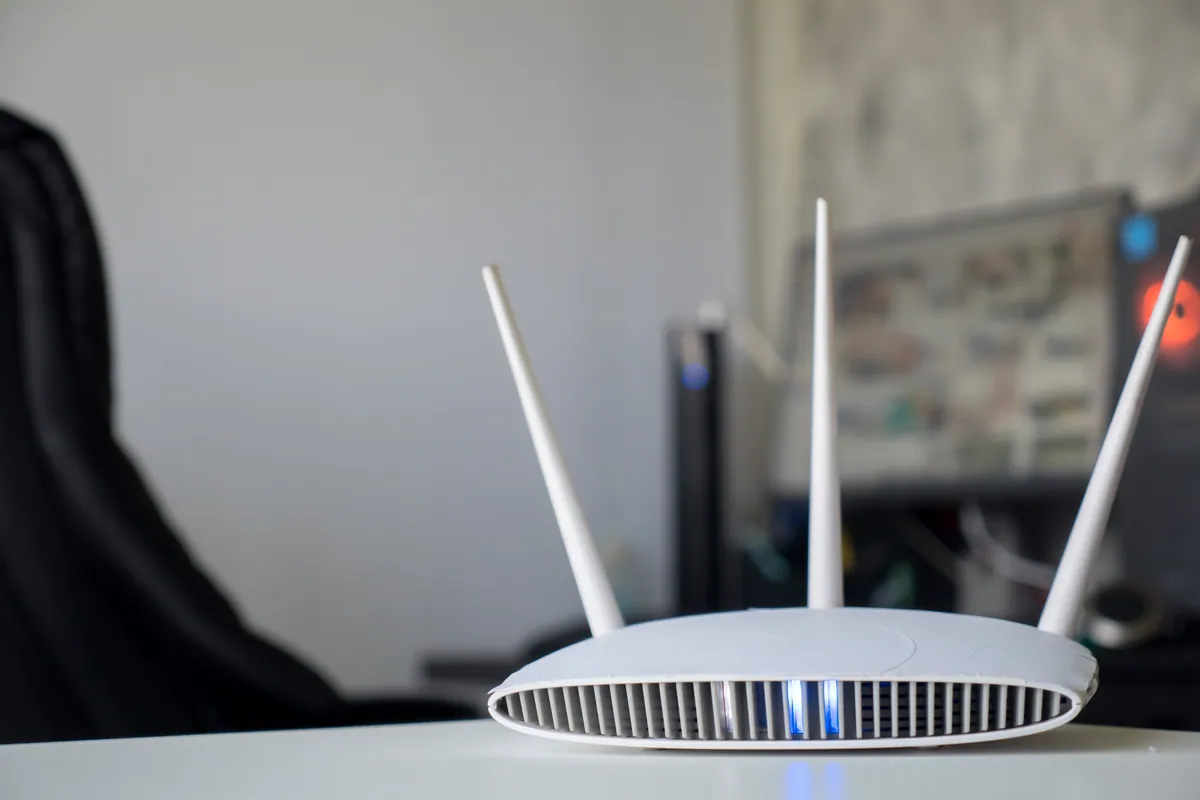
- Looked at where the router was sitting. It had been tucked into a media unit alongside the TV and a cordless phone base — a spot chosen for tidiness, and one of the worst available for radio.
That was the whole picture. They didn’t have a coverage problem that more hardware could solve; they had a congestion problem that more hardware simply joined in with. Every extender and mesh node they’d added had been broadcasting into the same crowded channel.
How We Fixed It
- Moved the network onto a clear channel. With the survey showing which parts of the band were busiest, we moved their 2.4GHz network onto the least contested channel available and away from the pile-up their neighbours had created. Left on automatic, routers often make a poor choice here and then stick with it long after the conditions around them have changed.
- Separated and configured the two bands properly. We set the network up so that devices capable of 5GHz would actually use it, rather than defaulting to the congested 2.4GHz band, while keeping 2.4GHz available for older devices and anything at the far edges of the house that genuinely needs the extra range.
- Repositioned the router. We moved it out of the media unit and away from the cordless phone base into a more open position — a small change that removes a surprising amount of interference.
- Tested room by room, on their devices. We walked the house with a laptop and a phone, confirming each room held a stable connection and that devices were landing on the band we expected, before calling it done.
The Result
Stable Wi-Fi throughout the house — and no new equipment. The kit they’d already bought was perfectly capable; it had just been competing with the street. The visit took about an hour.
Worth saying plainly: the honest outcome here was that they’d spent money on three rounds of hardware they didn’t need. We’d rather tell someone that than sell them a fourth.
Why This Happens
Wi-Fi is radio, and radio is a shared space. Your router isn’t broadcasting into an empty sky — it’s broadcasting into a narrow set of public channels that every other router within range is also using. In a dense residential street like much of Wimbledon, that can mean dozens of networks crowded into the same handful of frequencies, all talking over each other.
The 2.4GHz band is the worst affected, and for a slightly perverse reason: it’s the better band for range. It travels further and passes through walls more readily than 5GHz, which is exactly why so many devices favour it — and exactly why it’s so congested. It also has very few genuinely non-overlapping channels, so networks that look like they’re on different settings are often still interfering with each other. Meanwhile the 5GHz band, which carries far more data and is usually much quieter, sits underused because devices have no strong reason to switch to it unless the network is configured to encourage them.
On top of that, 2.4GHz is shared with a lot of things that aren’t Wi-Fi at all. Cordless phone bases, baby monitors, some wireless doorbells, Bluetooth devices and microwave ovens all sit in or near the same frequencies. A router tucked into a media unit next to a phone base is being interfered with by its neighbours on the shelf as well as its neighbours on the street.
This is why throwing hardware at patchy Wi-Fi so often disappoints. Extenders, mesh nodes and new routers all address coverage — getting signal into places it wasn’t reaching. If the real problem is that the signal is reaching those places but arriving into a crowded, noisy channel, then adding more transmitters to that same channel can make things marginally worse rather than better. Congestion and coverage look identical from the sofa, and they have completely different fixes.
Coverage problem or congestion problem?
A rough guide to which one you’ve got, before you spend anything:
- Bad in the same places every time, fine near the router — that’s coverage. Placement, an access point, or a properly configured mesh is the answer.
- Varies by time of day, and worst in the evenings — that’s congestion. Your neighbours are all home and streaming.
- Unreliable even close to the router — congestion or local interference, not distance.
- Got worse after you added extenders — a strong hint of congestion; you’ve added more transmitters to a crowded channel.
- One device struggles while others are fine in the same spot — that’s usually the device or its band, not the network.
Local Help in Wimbledon SW19
If you’ve already bought hardware to fix your Wi-Fi and it hasn’t worked, please don’t buy any more until someone has looked at what’s actually happening on the air in your home. In dense parts of Wimbledon SW19 the answer is very often configuration rather than kit, and it’s not something that can be diagnosed down a phone line — it needs someone in the house with the right tools.
We visit homes across Wimbledon and the surrounding SW postcodes for Wi-Fi work: channel and band configuration, mesh and access point setup, router placement, and room-by-room testing before we leave. If your existing equipment is up to the job, we’ll tell you so and set it up properly.
Call 020 7610 0500 or use the contact form to book an onsite visit.
Related Services
- Wi-Fi Setup — home and business Wi-Fi configuration, channel and band tuning, access points
- Wi-Fi Setup in Wimbledon — local Wi-Fi service covering SW19
- Onsite IT Support — home and small-business visits across South West London
More Case Studies
- A home mesh system that still had slow spots in Fulham SW6 — the coverage-and-placement side of the same problem
- Garden office Wi-Fi on an existing wired link in Wandsworth SW18 — when a cable already reaches the dead zone
- Bambu P1S AMS and PETG profile setup in Wimbledon SW19 — onsite technical setup for a local maker