What Was Happening
A customer in Wimbledon SW19 wanted a reliable laptop but did not want to pay the price of a brand-new machine. It is a very common position to be in. Most people use a laptop for everyday things — email, browsing, documents, video calls, a bit of streaming — and a new computer is far more powerful, and far more expensive, than those tasks actually require.
The hesitation people usually have about refurbished is understandable: does “refurbished” mean reliable, and will they be left on their own if something goes wrong a month later? That is the real question behind buying second-hand tech, and it is a fair one.
Sound like your problem?
Bring it to our Putney workshop or message us a photo and we will give you a straight answer and a quote before any work starts.
Our Diagnosis
The starting point was what the customer actually needed the laptop to do, rather than chasing the highest specification. For everyday use, the things that make a machine feel quick and pleasant are a solid-state drive (SSD) rather than an old mechanical hard disk, enough memory to keep several tabs and apps open comfortably, and a battery that still holds a reasonable charge. Raw processor headroom matters far less for this kind of use than people expect.
That is exactly the territory where a refurbished laptop makes sense. A machine that was a capable business laptop a few years ago still does everyday tasks well today, at a fraction of its original price — provided it has been properly checked over and comes with someone to call.
How We Fixed It
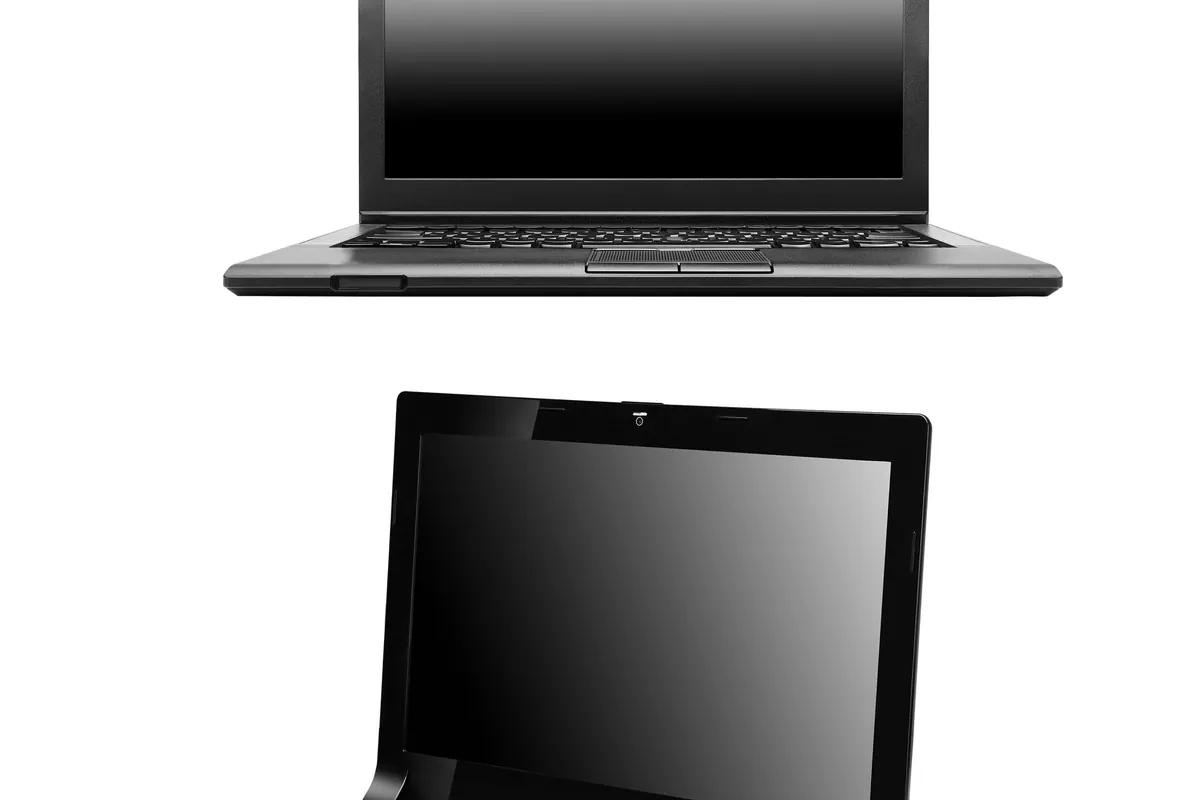
We supplied a refurbished laptop suited to everyday use for £300. Every refurbished machine we sell is checked over and set up before it leaves us, so the customer collected a computer that was ready to use rather than a gamble from an anonymous online listing.
We also kept the cost manageable. Rather than asking for the full amount up front, we arranged a simple two-payment plan — half at the start and the balance at the end of the month — so the £300 was spread across two instalments. For a lot of people, that flexibility is the difference between making do with a struggling old machine and getting a reliable one now.
The Result
The customer came away with a reliable, ready-to-use laptop at a fraction of the cost of new, paid in two manageable instalments, and with a local shop to bring it back to if anything ever needs attention — rather than an overseas seller and a returns process. That local aftercare is a large part of what people are really buying when they choose a refurbished machine from a shop rather than a marketplace.
Why This Happens
The gap between what a laptop can do and what most people need it to do has widened a lot over the past few years. A well-specified machine from a few years ago is still perfectly capable for browsing, office work, and video calls, which is why the refurbished market is so strong — and why buying refurbished is also the more sustainable choice, keeping a good machine in use rather than sending it to landfill.
The catch with buying second-hand is risk: a machine with an unknown history, a tired battery, or no support if it fails. Buying from a local shop that checks the machine, sets it up, and stands behind it removes most of that risk, which is the main reason to choose that route over the cheapest possible online listing.
Buying a Refurbished Laptop: What to Check
- Decide what you actually need it for. For everyday tasks, a refurbished machine is usually plenty — you rarely need to pay for new.
- Prefer SSD storage and 8GB or more of RAM for a machine that feels quick rather than sluggish.
- Buy from somewhere that checks the machine and offers support or a warranty, not an anonymous listing.
- If budget is tight, ask about spreading the cost — a payment plan can put a better, more reliable machine within reach.
Local Help in Wimbledon SW19
We supply checked, set-up refurbished laptops to customers in Wimbledon SW19 and across South West London, and we are happy to help you work out the right machine for what you actually do rather than overselling you. Because we are a local shop, there is somewhere real to come back to for support, and we can spread the cost where that helps. Call us, use the contact form, or drop in to see what we have available.