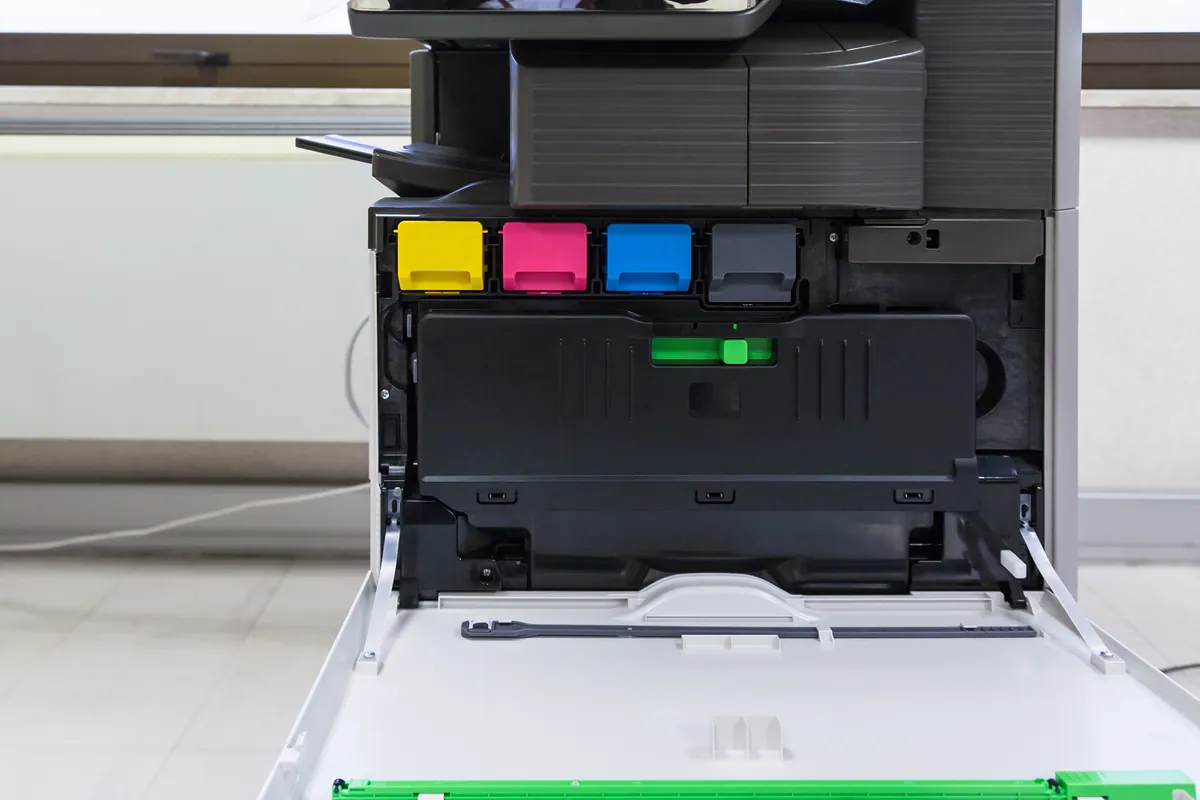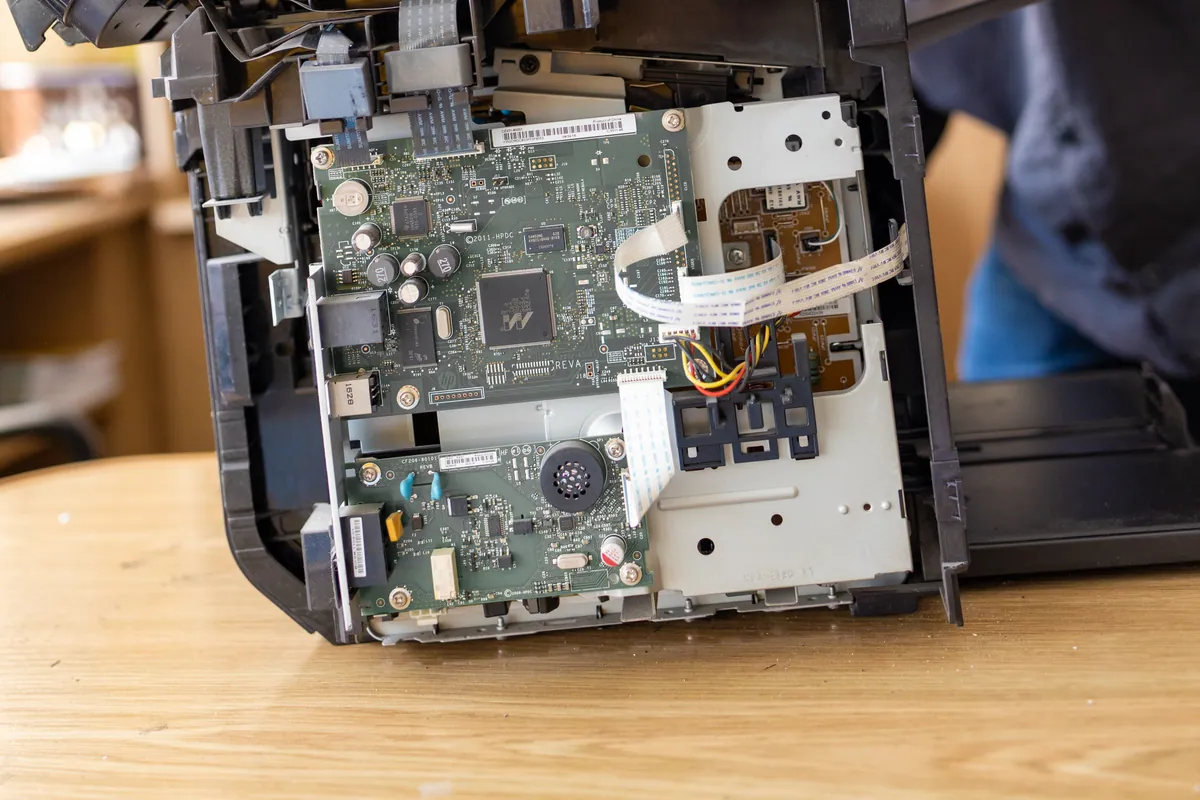
What Was Happening
A beauty salon in Chiswick W4 got in touch about a printer that had stopped working. It wouldn’t connect, and it wouldn’t print.
In a salon that matters more than it might in a home office. The printer sits behind the counter doing unglamorous but constant work — client consultation forms, receipts, supplier orders, price lists. When it stops, it stops in the middle of a day that’s already booked out. There is no convenient gap to sit down and work through a troubleshooting guide, and the person best placed to try is also the person with a client in the chair.
That’s the main reason this was an onsite job rather than a remote one. Talking someone through printer settings over the phone is slow at the best of times, and it isn’t realistic for a business mid-service. We booked them in and went out.
Sound like your problem?
Bring it to our Putney workshop or message us a photo and we will give you a straight answer and a quote before any work starts.
Our Diagnosis
The first thing worth establishing on any “printer won’t print” call is whether the printer has actually failed, because in the large majority of cases it hasn’t. The useful distinction is between a printer that can’t be reached and a printer that can’t print.
A printer that has lost its network connection presents exactly like a dead one from the user’s side: jobs are sent, nothing emerges, and the computer eventually reports it as offline or unavailable. But the hardware is fine. Nothing needs replacing, and no part needs ordering.
That was the position here. The problem was on the connection and configuration side rather than the printer itself — it wasn’t reliably joined to the salon’s Wi-Fi, and it wasn’t correctly set up on the machine sending work to it. The two problems compound each other and produce a printer that looks thoroughly broken while being in perfect working order.
There was a secondary effect to deal with as well. While a printer is unreachable, print jobs don’t vanish — they queue. Every attempt made over the preceding period was still sitting there waiting. A stalled queue will block printing even once the connection is working again, which is why people sometimes fix the underlying fault and still see nothing come out, then reasonably conclude the fix didn’t work.
How We Fixed It
We re-established the printer’s connection to the salon’s network properly, rather than just getting it to associate once. On a business machine that means making sure it holds the connection and comes back on its own after a restart, because a printer that needs re-pairing every time the router blinks is a problem waiting to recur on a busy morning.
We then corrected how the printer was set up on the computer sending jobs to it, so the machine was pointing at the printer correctly and using the right driver rather than a stale or mismatched entry.
Finally we cleared the backlog of stalled jobs. This is a small step and an important one — those queued documents would otherwise have jammed the front of the queue and prevented anything new from printing, giving every appearance that the printer was still broken.
Then we tested it in the way the salon actually uses it: printing from the machine they print from, of the documents they print, until it worked repeatedly rather than once.
The Result
Printing was working again before we left, inside the hour booked, with no interruption to the day’s appointments.
No parts were needed and nothing was replaced, which is the usual outcome with this fault. The salon paid for an hour of onsite time and got their counter working again the same morning they called.
Why This Happens
Wi-Fi printers in small businesses fail this way with striking regularity, and the reasons have very little to do with printer quality.
The most common trigger is something changing on the network. A new router from the internet provider, a broadband engineer visit, a router restart, or a changed Wi-Fi password will all disconnect a printer — and unlike a phone or laptop, nobody notices immediately, because the printer doesn’t complain. It just sits there. The problem surfaces days later when someone tries to print, by which time the change that caused it has been forgotten and the printer gets the blame.
Shop and salon environments add their own complications. Counters are busy places with equipment moved, unplugged, and plugged back in. Wi-Fi is often shared with card terminals, music systems, tablets and sometimes a guest network for clients — and a printer accidentally joined to a guest network is invisible to the till computer even though both are apparently “on the Wi-Fi”. Guest networks are usually configured to keep devices from seeing one another, which is exactly right for security and exactly wrong for a printer.
The queue behaviour is worth knowing about because it’s genuinely counter-intuitive. When jobs fail to print they don’t clear themselves; they sit at the front and block everything behind them. Anyone who has fixed a printer connection, tried again and seen nothing happen has probably met this. Clearing the queue is a routine part of the fix, not an extra.
The best protection for a business printer is the same one that applies in an office: give it a fixed address on the network so it stays findable, and check it still prints after any broadband or router change rather than discovering it during a busy morning. If a printer has recently been fine and has suddenly stopped, the first question is always what changed on the network, not what broke on the printer.
Local Help in Chiswick W4
If a printer at your shop or office has stopped connecting, it’s very unlikely to need replacing — and for a business with customers waiting, having someone come to you is usually the quickest way back to working.
We cover Chiswick and the surrounding area for onsite visits and can normally get to a business quickly when printing is holding up the day. Call 020 7610 0500 or arrange printer setup in Chiswick, and mention if anything has changed with your broadband or router recently — it’s very often the cause.