What Was Happening
The Samsung arrived from a Wimbledon SW19 owner showing the screen no one wants to see: a blue screen on startup, and no way past it into Windows. The laptop would try to start, throw up the error, and go no further — a machine that had become a locked box. What made it urgent wasn’t the laptop itself; it was the data on it, which the owner told us plainly was the most important thing. They asked us to fix it if it was a simple software problem, and to call before doing anything drastic if it wasn’t.
That instruction matters. When the data is the priority, the job isn’t “make it boot again” — it’s “get the files out safely”, and the two aren’t the same. Rushing to repair a broken installation can be the very thing that puts the data at risk, so the first decision is which goal comes first.
Sound like your problem?
Bring it to our Putney workshop or message us a photo and we will give you a straight answer and a quote before any work starts.
Our Diagnosis
- Put the data first, the boot second. With the owner clear that the files mattered most, we treated this as a recovery job, not a repair job. That changes the order of operations completely: you protect the data before you touch anything that might disturb it.
- Established the system wasn’t bootable. A blue screen that recurs on every startup means Windows can’t load — whether from file-system corruption, a failing drive, or a damaged system. Rather than gamble on why, we stopped trying to boot it, because every failed boot on a struggling drive is another risk to the data.
- Planned to read the drive from outside. The safe route with an unbootable machine is to access the storage independently of the broken installation, so the files can be read out without relying on the system that had failed. That’s how you retrieve data from a computer that won’t start itself.
How We Fixed It
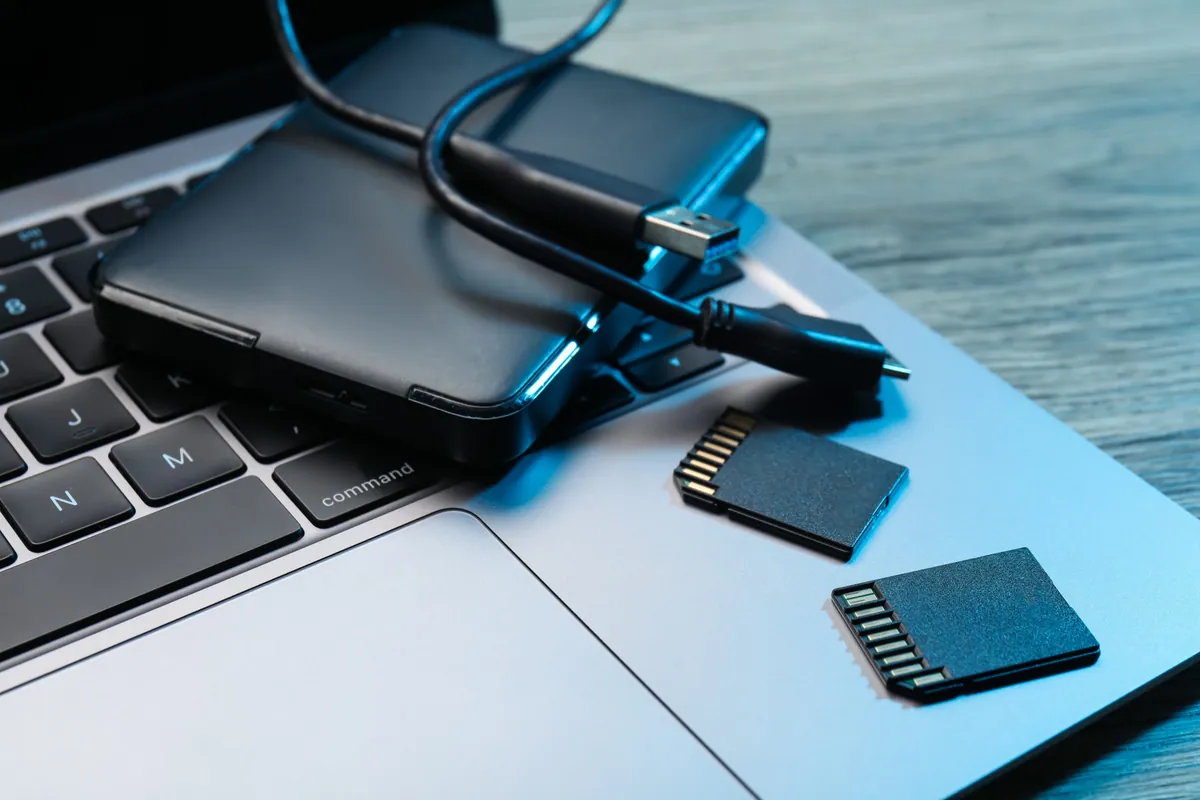
- Recovered the data to an external drive. We read the accessible files off the drive and copied them onto a 500GB external hard drive the owner could keep — the recovered folders in a safe, separate place, independent of the failed laptop.
- Prioritised what mattered. The important folders, including the owner’s music library, were the target, and those came across.
- Was honest about the losses. Not everything survived cleanly — a few files came back corrupted, which happens when a drive or file system is already unwell. We told the owner exactly that, rather than quietly handing back a drive and hoping they wouldn’t notice the gaps.
The Result
The owner left Wimbledon with their important data on an external drive they could keep and plug into any machine — the outcome that actually mattered, given the laptop had become unbootable. We were candid that a small number of files were corrupted and couldn’t be recovered intact, because a recovery you can trust is one that tells you the truth about what came back. An honest partial recovery beats a falsely complete-sounding one every time.
Why This Happens
A blue screen on startup — the “blue screen of death” — is Windows stopping itself because it has hit something it can’t safely continue past. On a one-off it can be a fluke, but when it happens on every boot and won’t clear, it usually points to something more stubborn: corruption in the system files, or a storage drive that’s beginning to fail. The reassuring part, and the part people rarely realise in the panic, is that your documents and photos are separate from the machinery that boots the computer. The system failing to start does not delete your files — they’re still sitting on the drive.
That’s why “it won’t turn on” so rarely means “the data is gone”. As long as the drive itself is readable, the files can usually be reached by accessing the storage outside the broken installation and copying them somewhere safe. The honest caveat is that when a drive is already unwell, some files can be damaged in the process — the closer a drive is to failing, the more of its contents may come back incomplete. A recovery is a rescue from a sinking ship, not a guarantee that every passenger makes it.
The real lesson sits underneath all of this: the data existed in only one place. A single copy on one laptop is one failure away from gone. A backup — ideally one that runs automatically to a separate drive or to the cloud, so it doesn’t depend on you remembering — turns a frightening “will I get it back?” into a shrug and a restore. The best time to set one up is before you ever need it.
Local Help in Wimbledon SW19
If your laptop is stuck on a blue screen and won’t boot, don’t assume your files are lost — a machine that won’t start is very often hiding a drive full of perfectly recoverable data. The safe move is to stop restarting it and bring it in, because every failed boot is a small risk to what’s on the drive.
We recover data from unbootable laptops and desktops at our Putney workshop, a short way from Wimbledon SW19, and we’ll always tell you honestly what came back and what didn’t.
Call 020 7610 0500, drop in to SW15, or use the contact form.