What Was Happening
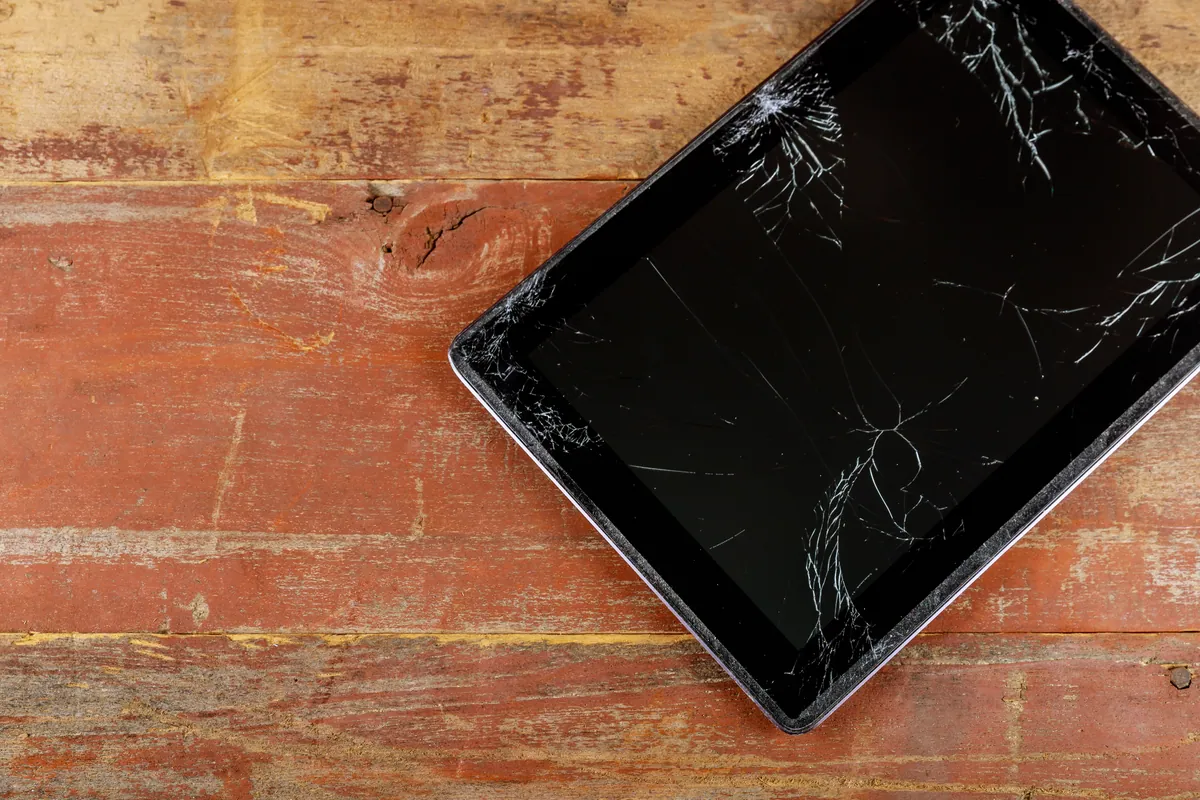
The Surface Pro 7 arrived from a Mortlake SW14 owner needing a screen replacement. The device still worked, but the display was damaged — and a damaged Surface screen puts owners in an awkward spot, because these are not laptops you can hand to just anyone. Plenty of repair shops take one look at a Surface and send it away.
The owner’s question was the practical one: is it worth fixing, or is a Surface a write-off once the screen goes? Our answer, having done these before, was that it’s very much worth fixing — as long as it’s done with the right part and the right care.
Sound like your problem?
Bring it to our Putney workshop or message us a photo and we will give you a straight answer and a quote before any work starts.
Our Diagnosis
- Confirmed the fault was the screen, not the device. The Surface powered on and functioned; the damage was to the display assembly itself. That kept the job contained to the screen rather than turning into a wider repair.
- Identified exactly which part it needed. Surface models are unforgiving about parts — the correct assembly for the specific Surface Pro 7 was sourced rather than a near-enough alternative.
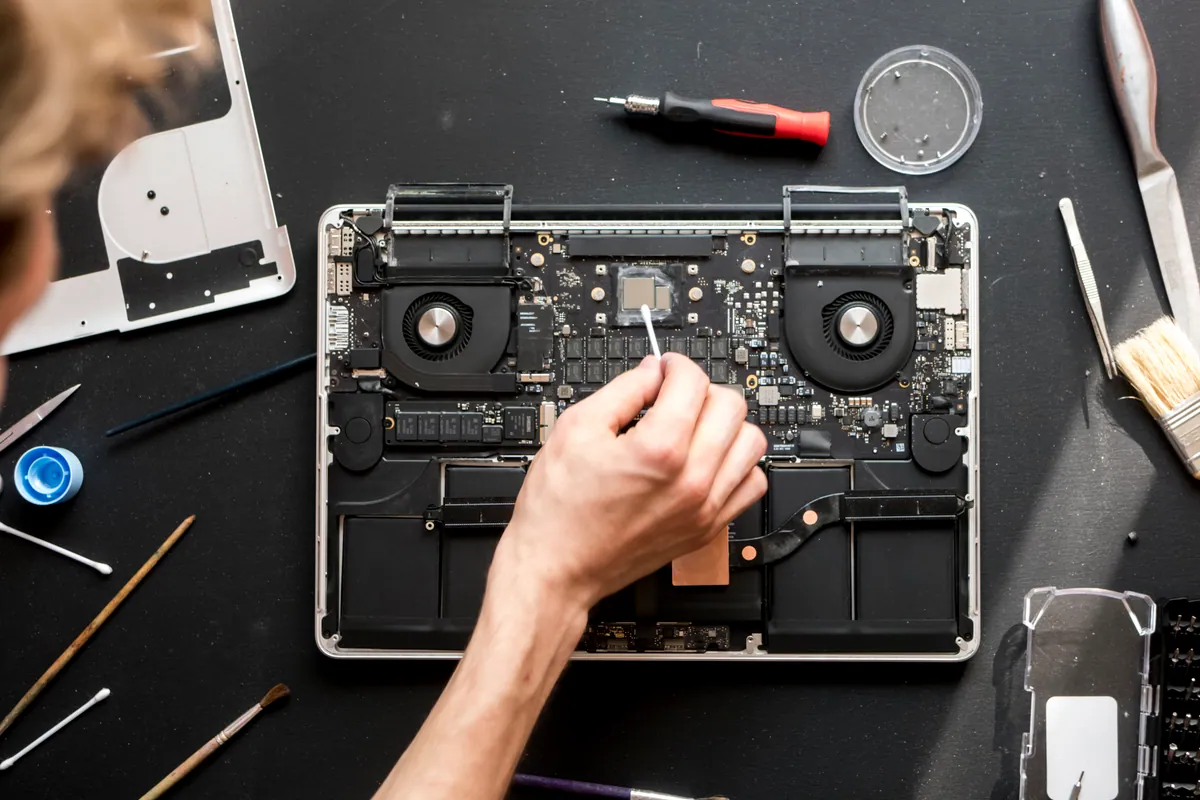
- Planned for the construction. On a Surface the glass, the touch digitiser and the LCD are fused into one assembly, bonded down with strong adhesive, and the battery sits directly behind it. That dictates a slow, controlled removal — knowledge that shapes the job before a single tool touches the device.
How We Fixed It
- Removed the old assembly with controlled heat. The adhesive that holds a Surface screen down has to be softened evenly and the display eased away carefully — rushing it risks the battery underneath and cracks a screen that’s already coming off. This is the step that separates a clean Surface repair from a ruined device.
- Fitted and re-sealed the new screen. The replacement display went in, was seated correctly and re-sealed so the device closed up properly.
- Tested touch across the whole panel. A Surface lives or dies by its touchscreen, so we confirmed touch response corner to corner, along with display quality, before calling it finished.
The Result
The Surface Pro 7 went back to Mortlake with a clear, fully responsive touchscreen — saved rather than scrapped. For a device that many workshops won’t take on, the owner got exactly what they’d hoped for: a repair rather than the cost of a whole new Surface.
Why This Happens
Surface devices are built to be thin, light and beautifully sealed — and every one of those qualities makes the screen harder to replace. Where an ordinary laptop panel unclips from a frame, a Surface screen is a single fused sheet of glass, touch layer and LCD, glued down over the battery and internals. There are no easy clips and no margin for error: too much heat or too much force and you damage the battery or crack the replacement going in.
That’s why Surface screen replacement has a reputation as specialist work, and why so many places decline it. It isn’t that the repair is impossible — it’s that it demands the correct part, controlled heat, patience and experience with the specific model. Done properly, a cracked Surface is a repair, not a write-off. Done in a hurry, it’s a very expensive lesson. We’d rather take the time and hand back a device that works.
Local Help in Mortlake SW14
If your Surface has a cracked or damaged screen and you’ve been told it can’t be fixed, it very often can — it just needs someone who’ll take on the fiddly, glued-down reality of Surface repair rather than turning it away.
We replace Surface screens from our Putney workshop, close to Mortlake SW14, using the correct part for your exact model and taking the care these devices demand.
Call 020 7610 0500, drop in to SW15, or use the contact form.