What Was Happening
The laptop arrived from a Fulham SW6 owner with two symptoms that seemed unrelated: the screen flickered — not constantly, but enough to be maddening — and the built-in webcam had stopped working altogether. The brief was sensible and to the point: have a look, and fix it if it’s a minor job; if it turns into major hardware, come back with a quote first.
That instruction matters, because “flickering screen” is exactly the sort of symptom that gets over-quoted. It sounds like a dying display, and a dying display sounds like an expensive panel. Our job was to find out whether that was actually true before anyone spent money.
Sound like your problem?
Bring it to our Putney workshop or message us a photo and we will give you a straight answer and a quote before any work starts.
Our Diagnosis
- Watched how the flicker behaved. A failing LCD panel and a failing display cable flicker differently. Panel faults tend to show fixed lines, dead zones or colour blocks that stay put. This flicker changed as the lid moved and the machine was handled — the classic signature of a connection that’s intermittently making and breaking, not a panel that’s failing.
- Joined up the two symptoms. The webcam sits at the top of the lid, and its wiring runs down the same channel as the display cable, past the hinge. One fault killing both the picture and the camera pointed firmly at that shared run of cable rather than at two separate parts failing at once.
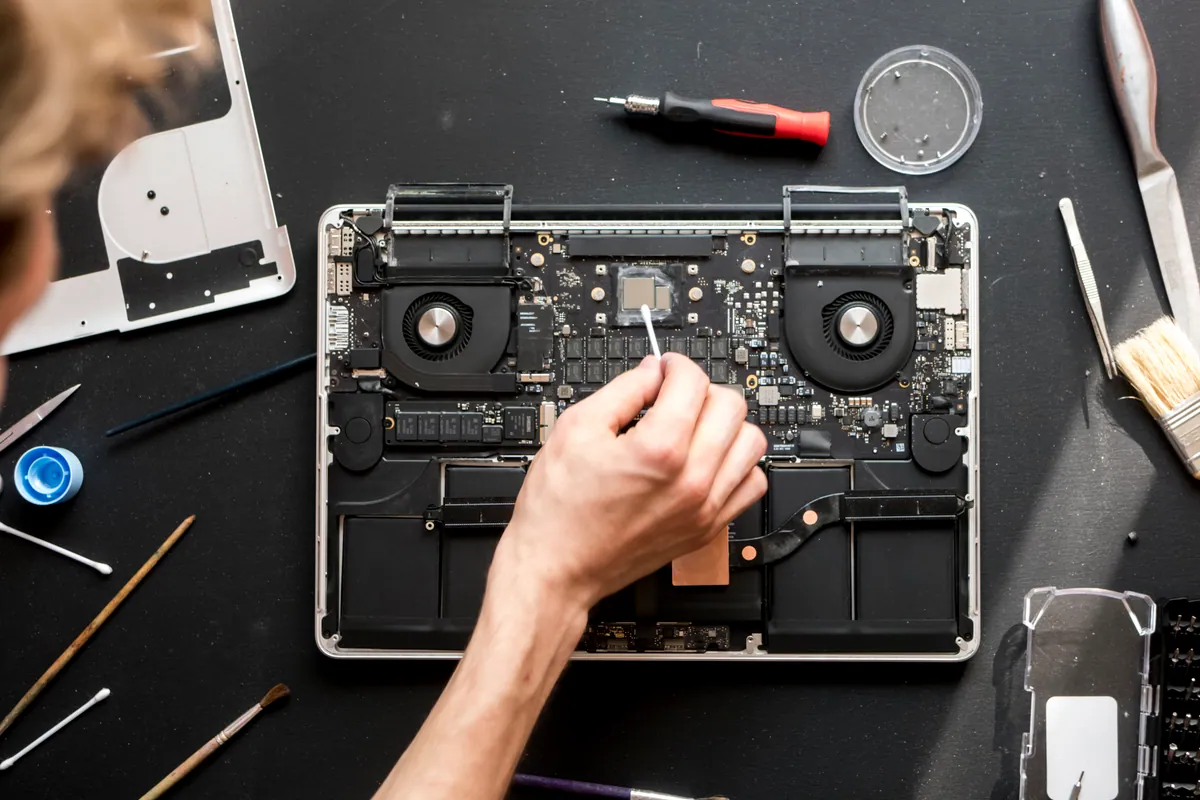
- Opened the lid and found the real story. Inside, there were signs of old liquid ingress — enough to have corroded the cable and its connectors over time. The panel itself, though, was clean and healthy.
That was the whole diagnosis: the panel was fine; the cable behind it was the fault.
How We Fixed It
- Replaced the display cable. We fitted a new cable, reseating the connections at both the board end and the panel end, and routed it correctly through the hinge channel so it wouldn’t chafe again.
- Left the good panel alone. There was no reason to replace a working screen, so we didn’t. That’s the difference between “screen replacement” and “screen cable replacement” — and it’s a big difference in cost.
- Confirmed both symptoms were gone. The display came up steady with no flicker through a full range of lid movement, and the webcam sprang back to life once the cable that fed it was sound.
The Result
The Toshiba went back to Fulham with a stable, flicker-free screen and a working camera — repaired at the cost of a cable, not a whole panel. The owner had braced for a big screen bill and got a small one instead, which is exactly the outcome a proper diagnosis is supposed to produce.
Why This Happens
A flickering laptop screen has two common causes, and they cost wildly different amounts to fix. The first is the panel itself — genuine LCD failure, which does need a new screen. The second, and often more likely on an intermittent flicker, is the display cable: the ribbon that carries the picture from the motherboard, up through the hinge, to the panel. Every time you open and close the lid, that cable flexes. Over years it can fatigue, and its connectors can loosen or corrode — especially if liquid has ever got inside, as it had here.
Because the flicker looks the same to a worried owner either way, it’s easy to assume the worst and pay for a panel. The tell is in the behaviour: flicker that changes with movement, or that arrives alongside a dead webcam, is pointing at the cable they share. That’s why we diagnose the cause of a display fault before quoting the cure — the cheap fix and the expensive fix present almost identically from the outside.
Local Help in Fulham SW6
If your laptop screen has started flickering, going dim or dropping out — particularly if it comes and goes as you move the lid — don’t assume you’re looking at a new-screen bill. It’s often the cable behind the panel, which is a smaller job entirely.
We diagnose display faults properly before we quote, from our Putney workshop a short hop from Fulham SW6, and we’ll tell you honestly whether it’s the panel or the cable.
Call 020 7610 0500, drop in to SW15, or use the contact form.