What Was Happening
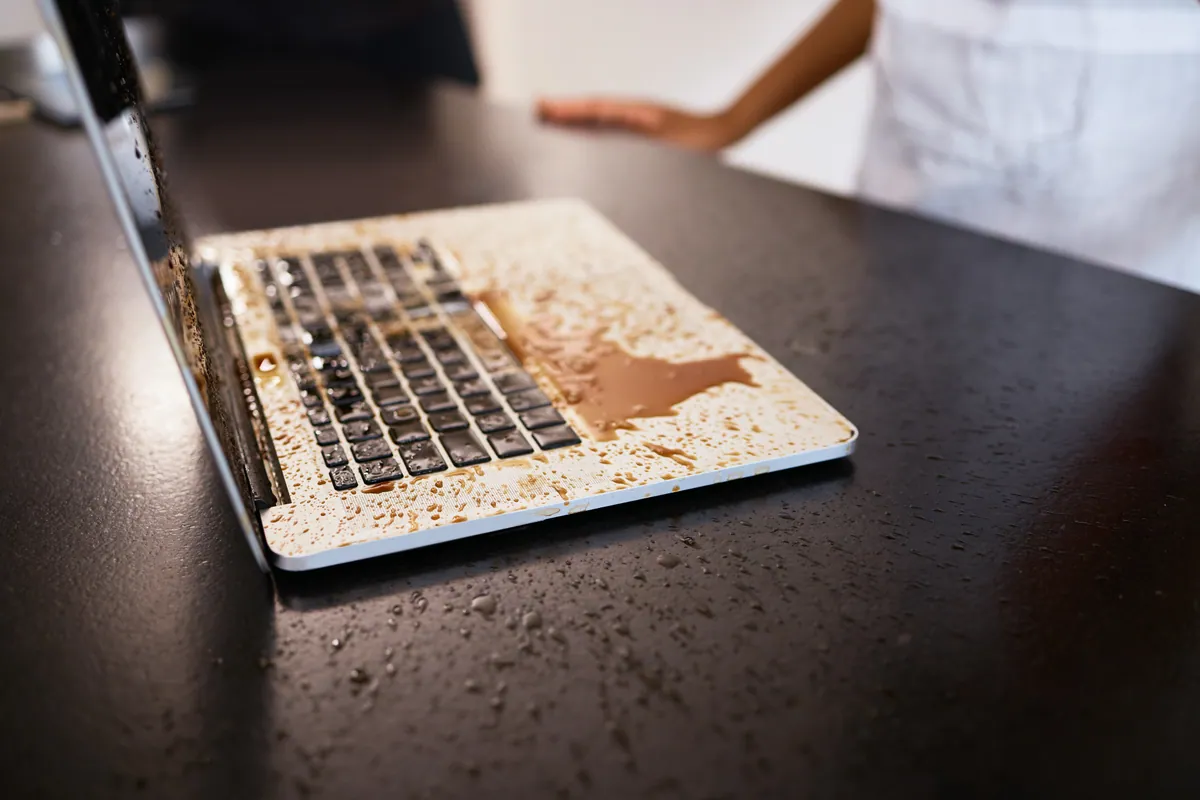
The Toshiba arrived from a Barnes SW13 owner with a request to quote for a keyboard replacement, and some useful history attached: it had suffered a liquid spill some time earlier. The machine was still usable in general terms, but the keyboard had become unreliable, and the area around it hadn’t come through the original spill unscathed.
This is a different kind of liquid-damage job from the classic “spilled on it this morning, now it’s dead” emergency. Here the electrical crisis was long past — the board had survived — but the spill had left lasting physical damage to the parts it had actually touched: the keyboard, the touchpad, and the surrounding top-case panels.
Sound like your problem?
Bring it to our Putney workshop or message us a photo and we will give you a straight answer and a quote before any work starts.
Our Diagnosis
We assessed the machine to separate what was actually wrong from what merely looked tired:
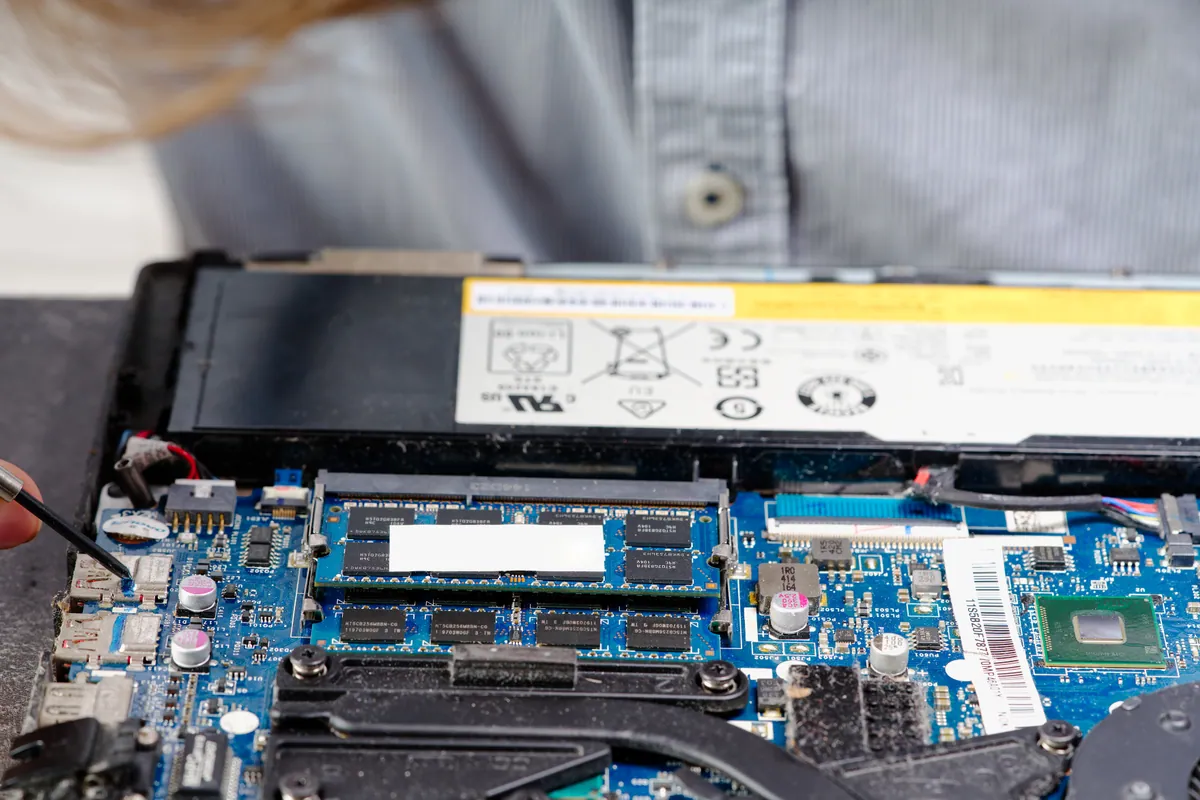
- Confirmed the board was not the problem. The laptop powered on and ran. The historic spill hadn’t taken the logic board with it — which is common when liquid hits the top case and is dealt with, or dries, before it tracks deeper. That immediately ruled out the most expensive class of repair.
- Traced the fault to the top-case assembly. The keyboard was faulty from the liquid exposure, and the inspection showed it wasn’t alone. The touchpad, the palmrest, the bezel and the top lid had all been affected — a set of parts that sit together and had taken the spill and its aftermath as a group.
- Decided on a parts strategy. With several adjacent parts damaged, replacing just the keyboard would have left the owner with a machine that still looked and felt wrong. The sensible fix was to address the affected top-case parts together.
How We Fixed It
The honest economical route for an older laptop like this was second-hand parts, and we were clear with the owner that’s what we’d source:
- We sourced second-hand replacement parts for the affected assembly — top lid, bezel, keyboard and touchpad.
- We fitted them as a set, replacing the damaged panels and input devices together so the finished machine was consistent rather than a patchwork of old and new.
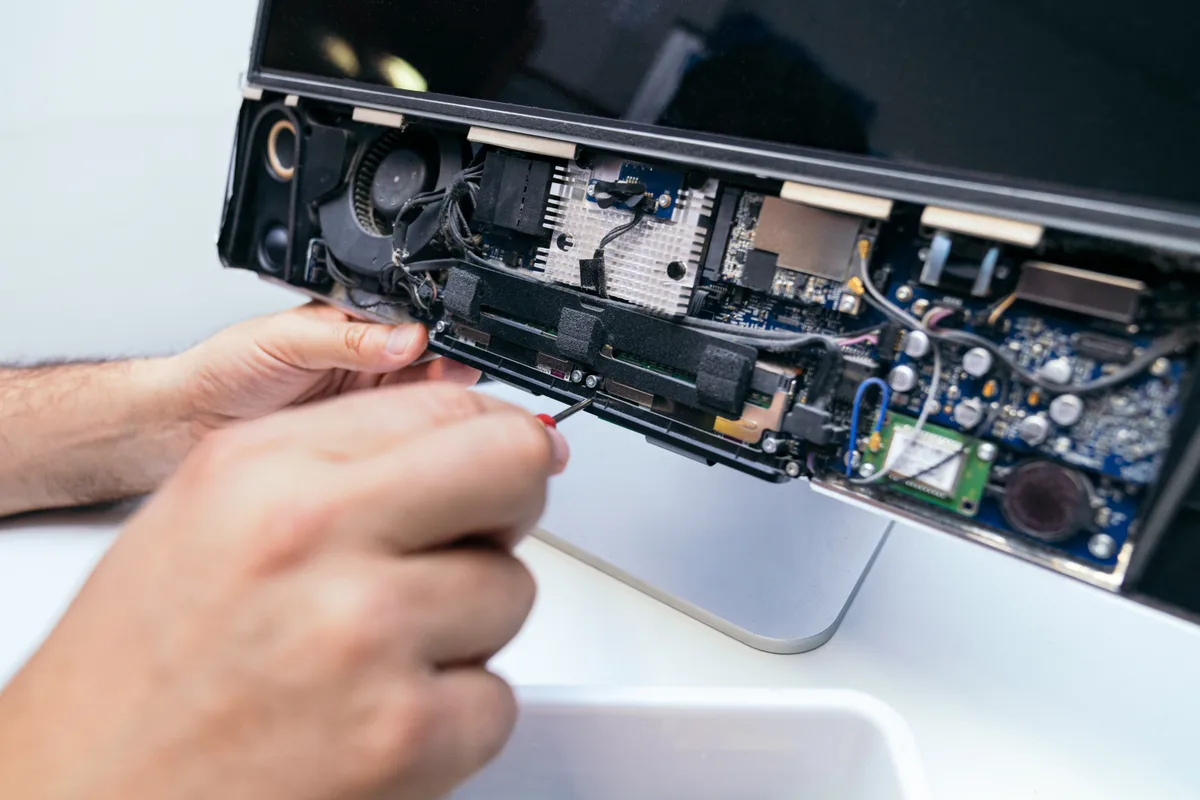
- The laptop was reassembled and input-tested — every key, and the touchpad’s tracking and click — before it went back.
Sourcing used parts for a discontinued laptop is often the only economical way to keep it going, and it keeps a working machine out of the recycling stream for the sake of a spill it had already survived electrically.
The Result
The Toshiba went back to Barnes SW13 in full working and cosmetic order, with a keyboard and touchpad that worked properly and top-case panels that were no longer damaged. The cost of second-hand parts and the labour to fit them was a fraction of replacing the whole laptop — the right call for a machine whose only real problem was the lasting mark of an old spill.
Why This Happens
Liquid damage has two separate stories. The first is electrical: does the liquid reach the board, bridge contacts and corrode traces? That’s the emergency everyone worries about. The second is physical, and it plays out more slowly. Where a spill sits against plastic and metal parts, it can warp, stain and corrode them — the keyboard membrane fails, the touchpad’s surface or contacts degrade, and the panels around them suffer.
A laptop can survive the electrical story and still be left with the physical one. Months later the board is fine but the keyboard is dying and the top case looks the worse for it. That’s exactly the kind of machine that gets needlessly written off — when in fact it just needs the parts the spill actually touched.
Getting the value out of an older laptop
- A surviving board is worth building on. If the expensive part came through, replacing cheaper top-case parts is usually well worth it.
- Second-hand parts are a legitimate, economical choice for a discontinued model — often the only way to keep it going at a sensible price.
- Replace affected parts as a set where they sit together, so you don’t pay twice in labour when the next one fails.
Local Help in Barnes SW13
An old spill that left your laptop’s keyboard unreliable or its top case damaged doesn’t mean the machine is finished — especially if it still powers on and runs. It usually just needs the parts the liquid actually reached.
We repair liquid-damaged laptops from our Putney workshop, a short hop from Barnes SW13, and we’re happy to source second-hand parts where that’s the economical way to keep an older machine alive.
Bring it in to SW15, call 020 7610 0500, or use the contact form for a quote.