What Was Happening
A customer in Putney SW15 had one room that Wi-Fi simply wouldn’t reach. Everywhere near the router was fine, but at the far end of the home the signal dropped to nothing — pages wouldn’t load, video calls fell apart, and the space was effectively offline. They’d bought a pair of Wi-Fi boosters to fix it and asked us to install them, having found that plugging them in and hoping hadn’t done the job.
That’s a common experience: boosters are sold as plug-and-play, but where you put them makes all the difference, and most people instinctively put them in exactly the wrong place.
Sound like your problem?
Bring it to our Putney workshop or message us a photo and we will give you a straight answer and a quote before any work starts.
Our Diagnosis
We checked the layout and where the signal actually fell away. This was a single dead spot rather than patchy coverage everywhere — strong near the router, fine through most of the home, and dead only in the far room. That distinction matters, because it changes the right fix.
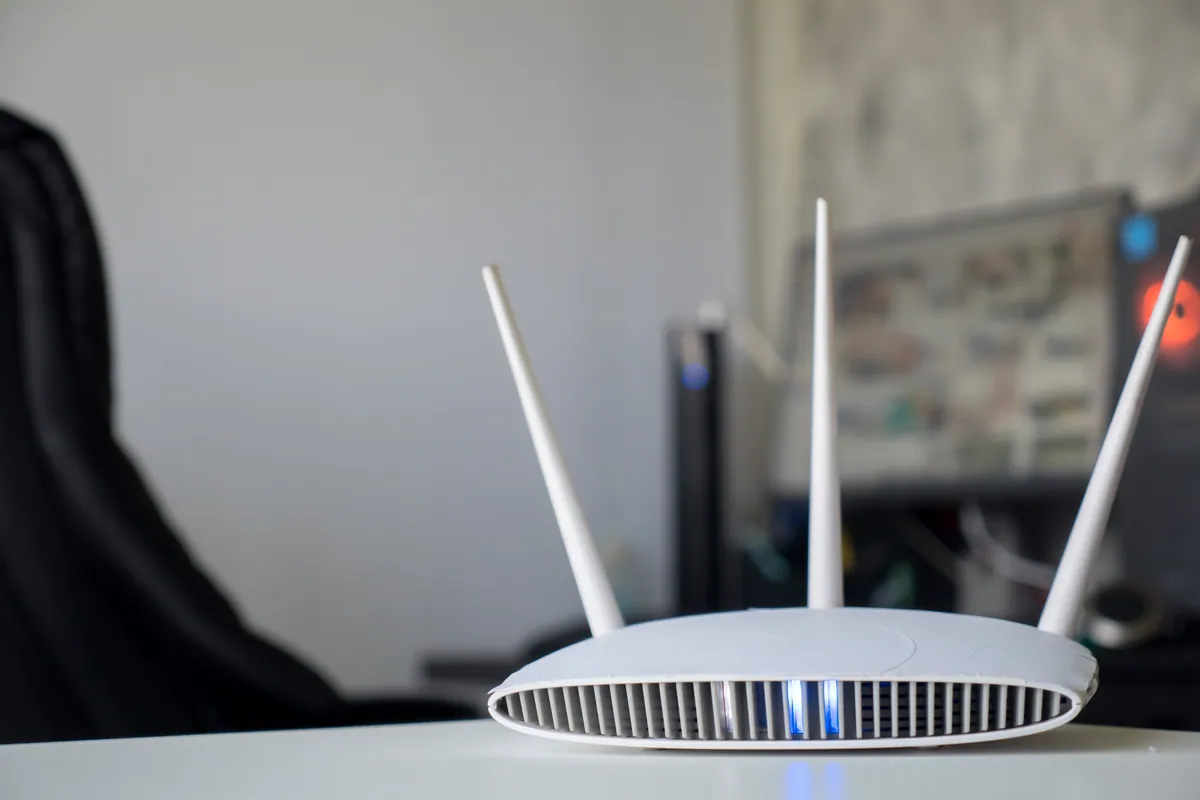
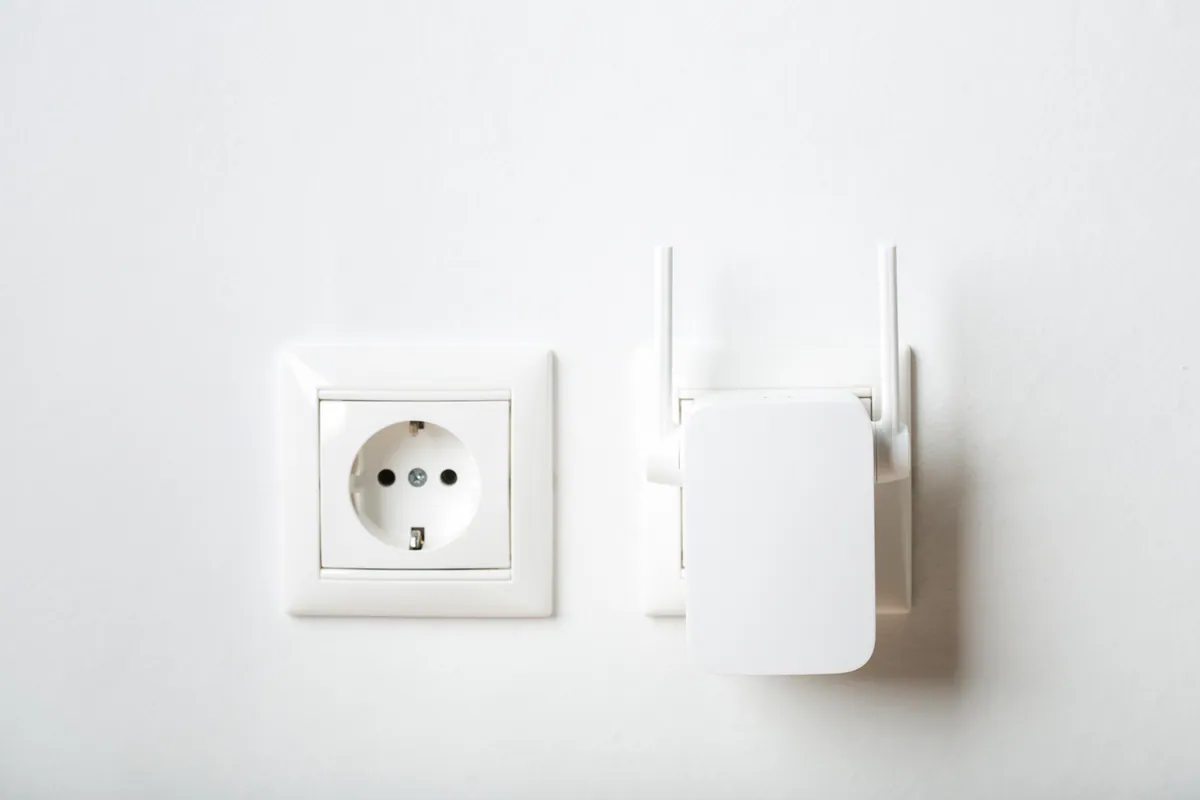
For one awkward area where running a network cable isn’t practical, a Wi-Fi booster (range extender) is a perfectly sensible answer. It rebroadcasts the existing signal to push it further. The catch — and the reason the customer’s first attempt failed — is that a booster can only amplify a signal it can still receive clearly. Placed in the dead spot, it has nothing strong to work with and just rebroadcasts a weak signal. It has to sit at the edge of good coverage, partway to the dead zone, where the signal is still solid. So the job wasn’t really about the hardware; it was about placement and setup.
How We Fixed It
We positioned the boosters at the point where the signal from the router was still strong, but close enough to the dead room to carry coverage into it — the sweet spot that makes a booster actually work. We connected them to the existing network and configured them so devices could use them without the user having to manually switch networks as they moved around.
We then tested in the previously dead room: loading pages, checking a video stream held up, and confirming devices stayed connected rather than dropping back to the router’s weak edge. We also set realistic expectations — a boosted signal is reliable for browsing, email, and calls, but it won’t match the full speed you get standing next to the router.
The Result
The dead room had usable Wi-Fi for the first time. The customer could work, stream, and make calls in a space that had been offline, using boosters they’d already bought — installed and placed properly so they did their job. Just as importantly, they understood what the boosters could and couldn’t do, so there were no surprises later.
Why This Happens
Wi-Fi signal weakens fast with distance and through walls and floors, so almost every home has somewhere the router struggles to reach. A booster (or “range extender”) tackles that by receiving the existing signal and rebroadcasting it further out. It’s cheap and quick, which is why it’s the first thing most people try.
The trade-off is real, though. A booster typically halves throughput in the area it serves, because it has to both receive and resend on the same radio, and it can create a slightly clumsy hand-off as devices move between the router and the extender. For one stubborn dead spot that’s an acceptable price. For consistent, full-speed coverage across a whole home or office, dedicated access points wired back to the network are the better answer — no speed penalty and seamless roaming.
Booster or Access Points — Which Is Right for You?
- A booster is the right call when you have one hard-to-reach area, running a cable there is impractical, and you can live with reduced speed in that spot.
- Access points are worth it when coverage is patchy across the whole property, you want full speed everywhere, and you’d like devices to roam seamlessly.
- Placement beats hardware either way — the best booster in the wrong spot is useless, and a modest one well-placed can transform a dead room.
- Be realistic about speed — a booster fixes coverage, not capacity; for heavy use in a key room, wired or access-point coverage is better.
Local Help in Putney SW15
If one room in your home is a Wi-Fi black hole, it’s usually fixable — sometimes with the kit you’ve already bought, just placed and configured properly. We install and set up home Wi-Fi across Putney SW15, and we’ll tell you honestly whether a booster is enough or whether access points would serve you better. Call 020 7610 0500 or use the contact form to arrange a visit.
Related Services
- Wi-Fi Setup — home and business Wi-Fi installation, booster placement, and network configuration
- Wi-Fi Setup in Putney — local service covering SW15
- Network Setup — access points, switches, and structured networks for full-coverage homes and offices
More Case Studies
- Onsite Wi-Fi: installing access points with a PoE switch in Putney SW15 — the access-point approach for whole-property coverage
- Office Wi-Fi stabilisation for a small business — fixing patchy coverage across two floors
- Bambu A1 Combo first-layer and AMS feed setup in Putney SW15 — onsite technical setup for a local Putney maker