Introduction
HMS_0700 errors are the single most-common Bambu Lab error code we see in our workshop. They cover AMS feed failures — the AMS tried to push filament to the toolhead and something went wrong. The error code itself is a family rather than a single message; the trailing digits tell you exactly which stage failed.
Owners often see HMS_0700 prefix and treat it as one error. Diagnosis is much faster if you read the full code, because each stage has a different fault profile and a different fix. This guide walks through the full HMS_0700 family.
Sound like your problem?
Bring it to our Putney workshop or message us a photo and we will give you a straight answer and a quote before any work starts.
Why This Happens
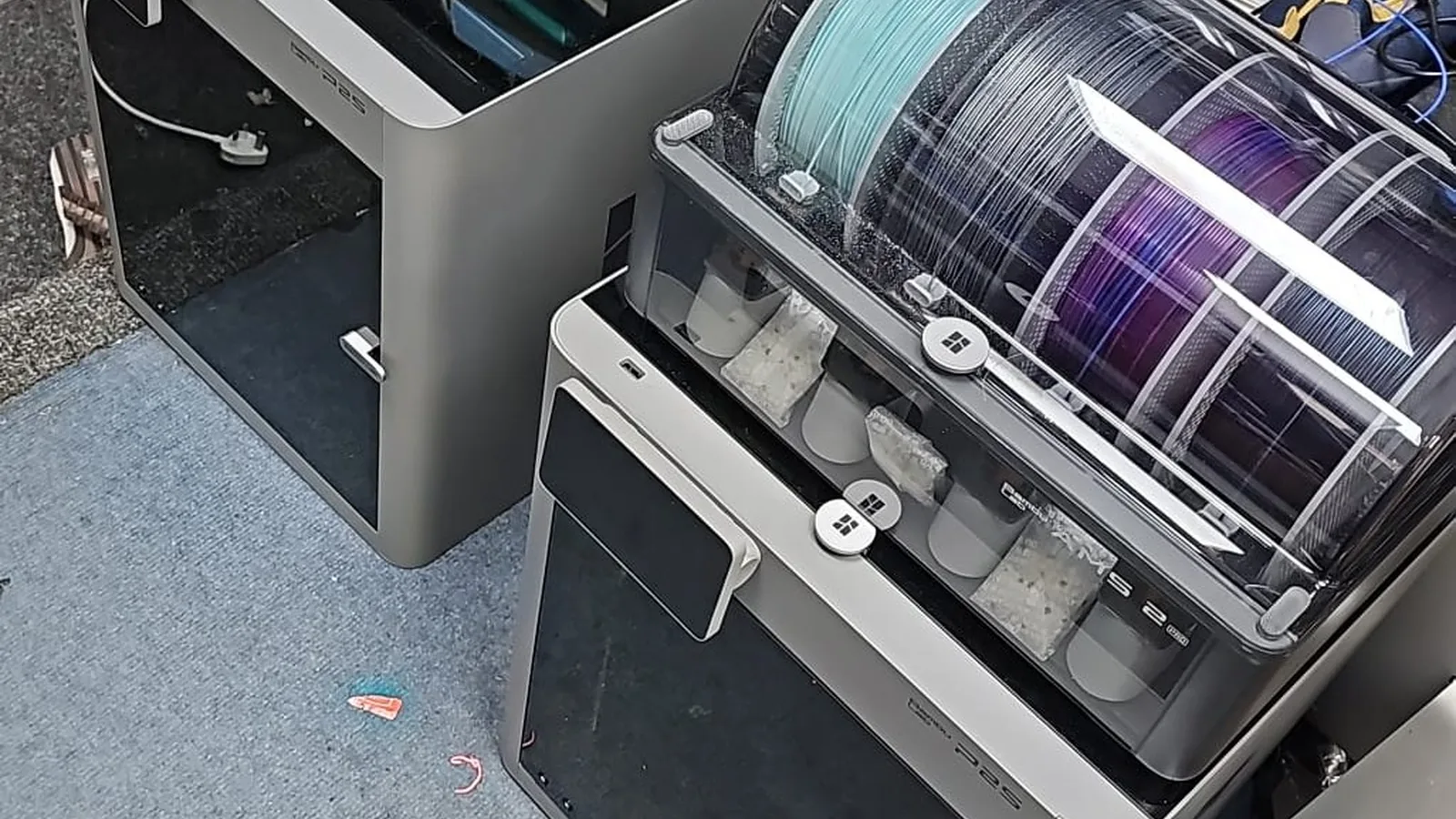
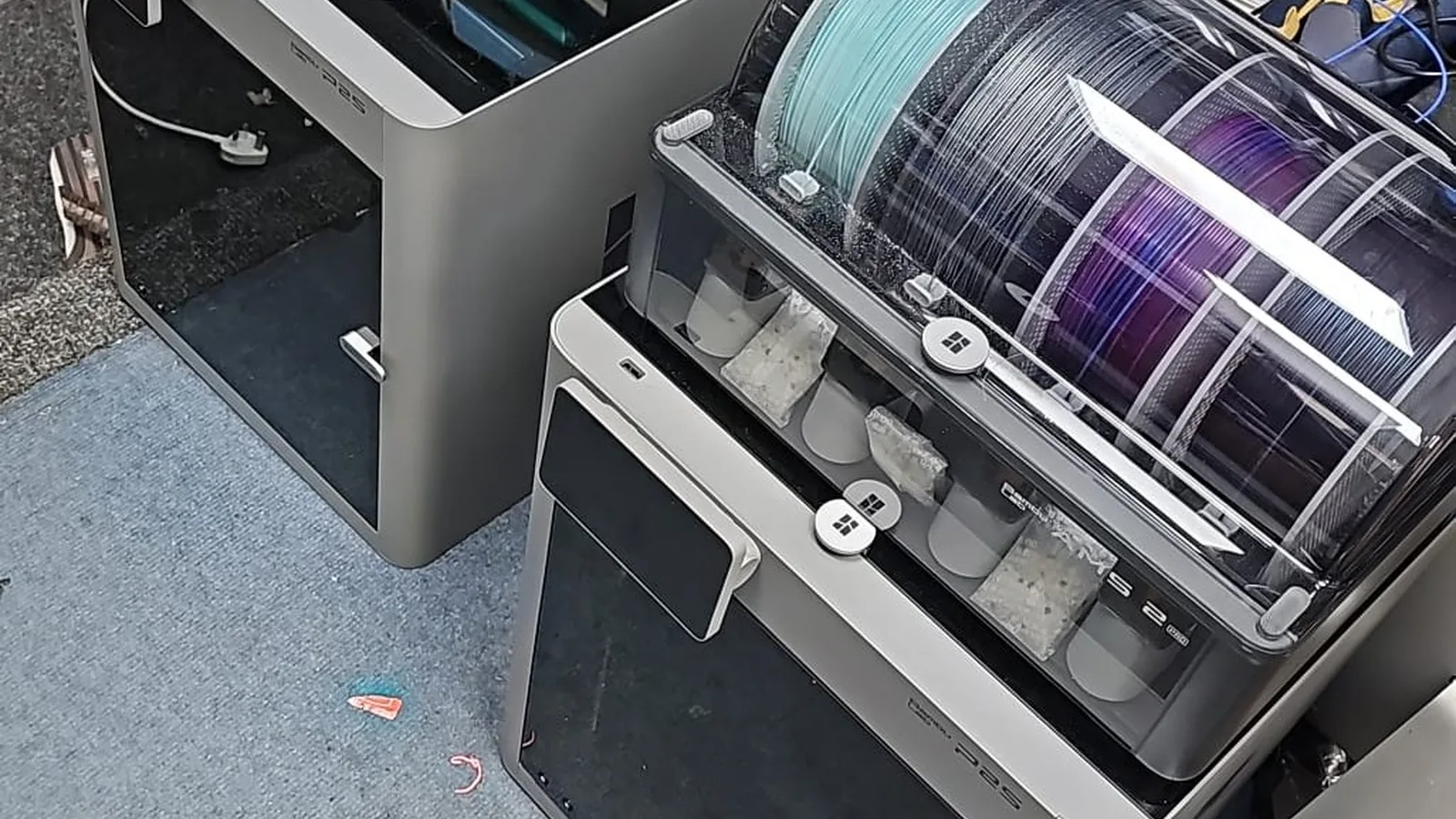
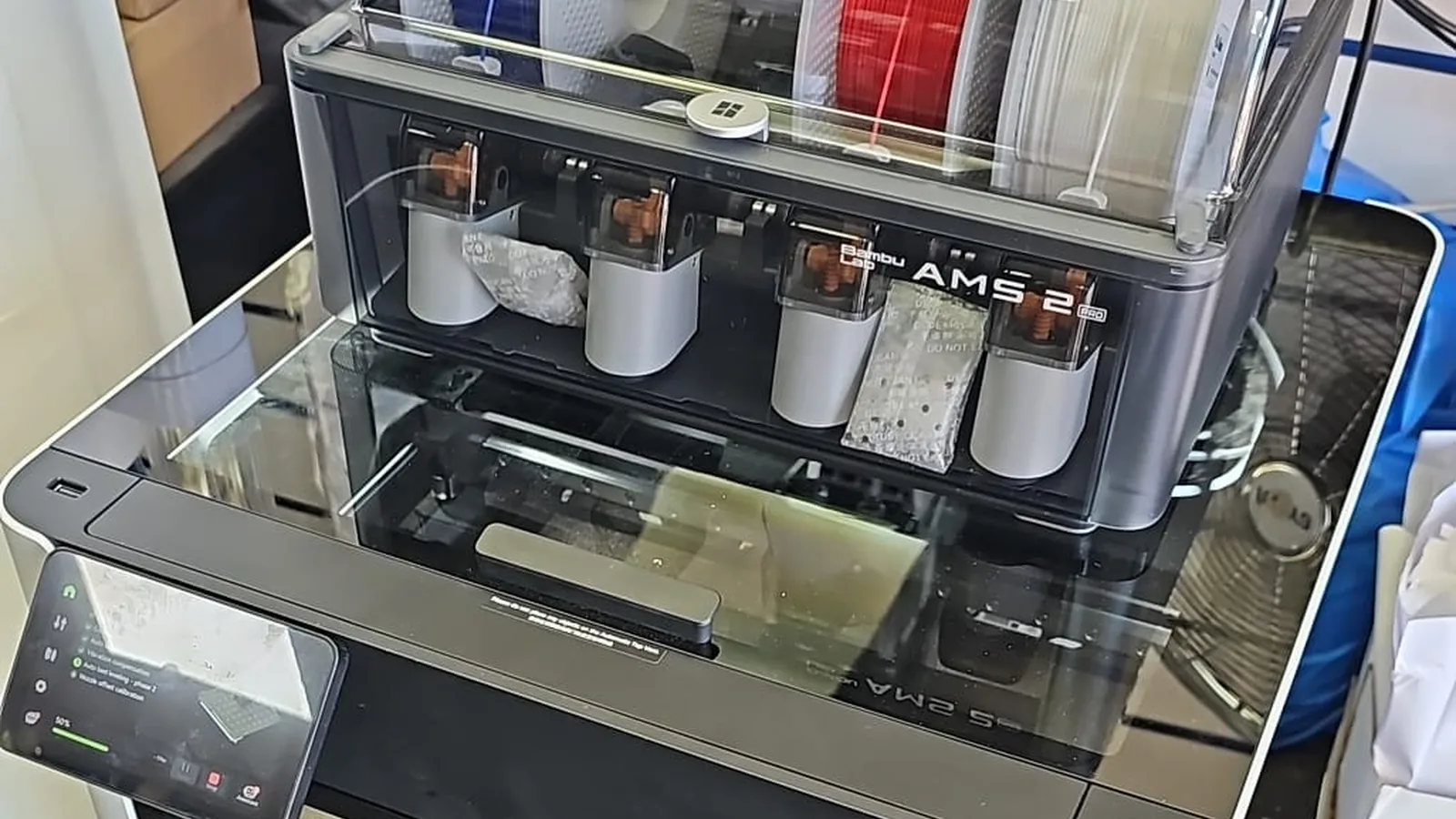
The AMS feed sequence on a Bambu has three stages. First, the AMS feeder unit at the slot pushes filament out of the spool chamber into the PTFE tube. Second, the filament travels through the buffer (where the hub sensor confirms it has reached the buffer chamber) and on through the PTFE to the extruder. Third, the extruder grips the filament and pushes it into the hotend.
Each stage has sensors that confirm successful progression. If any sensor fails to confirm progression within the expected time window, the printer throws an HMS_0700 error. The trailing digits identify which stage failed to confirm.
That distinction matters because the fault profiles are different. First-stage feeder failures are usually about gear grip — filament dust, worn gears, or a tangled spool. Buffer/hub failures are usually about path resistance — worn PTFE, broken filament inside the tube, or a faulty hub sensor. Extruder grip failures are usually about the toolhead end — clogged hotend, worn extruder gears, or a toolhead PTFE issue.
Knowing the stage lets you go straight to the actual fault instead of working through every possibility.
Step-by-Step Fix
Reading the full code
Find the full HMS code.
Bambu Studio shows it in the error popup. The Bambu printer screen shows it via the warnings menu. The full code looks like HMS_0700_xxxx_yyyy_zzzz — the trailing digits identify the stage.Match the code against Bambu’s wiki entry.
The Bambu wiki has a page for each HMS code with the official description. We’ve decoded the most common variants below, but the wiki is authoritative for edge cases.
Stage 1 — First-stage feeder (filament didn’t leave the AMS slot)
Most common variants: HMS_0700_xxxx with the third group indicating slot number and the fourth indicating the failure mode.
Open the AMS lid.
Look at the affected slot. Is filament visible at the entry? Is the spool tangled? Is the filament broken at the feeder entry?Inspect the feeder gears.
The clear plastic feeder cover lifts off. Check the knurled wheels for visible filament dust. Matte filaments deposit dust aggressively here. Brush clean with a soft brush, not your fingers.Run a manual feed test.
With the slot reloaded, run a load cycle from Bambu Studio. The feeder should grip and push the filament smoothly. Slipping or stuttering at the gear means worn gears.Replace the feeder unit if gears are worn.
Bambu sells the feeder as a unit. Replacement takes 20 minutes and the part is inexpensive.
Stage 2 — Buffer / hub (filament left the slot but didn’t reach the toolhead)
Inspect the PTFE between AMS and printer.
Pull the tube and look for visible scoring, kinks, or signs of melted filament inside. Worn PTFE is the most common cause of stage-2 errors.Check for broken filament in the buffer.
The buffer chamber sometimes catches a snapped filament piece. Open the buffer and inspect.Test the hub sensor.
With the printer powered on, manually push a small piece of filament past the hub sensor. The sensor should detect the filament and the printer should acknowledge. If it doesn’t, the sensor is dirty or faulty — clean the optical path first, replace if cleaning doesn’t resolve.Replace PTFE if worn.
Bambu’s official guidance is every 2 months for daily users. If stage-2 errors keep recurring with new PTFE, look at the buffer or hub sensor — those are the next candidates.
Stage 3 — Extruder grip (filament reached the toolhead but didn’t seat)
Check the extruder gears.
Bambu’s extruder is accessible after removing the front housing. Filament dust accumulates on the gears, particularly with matte PLA. Clean and regrease per the Bambu wiki.Test the hotend independently.
Run an unload-load cycle from the toolhead screen, with the AMS slot empty. If the extruder pushes filament through the hotend successfully, the issue is upstream. If the extruder slips or the filament won’t seat, the hotend may be clogged.Inspect the toolhead PTFE.
Worn toolhead PTFE causes feed drag that mimics extruder grip failures. Replace per the Bambu wiki if visibly worn.Address the hotend if all else is ruled out.
Stage-3 errors that persist after extruder clean, PTFE replacement and toolhead PTFE replacement usually indicate a hotend clog or genuine wear. See our hotend wear guide for the next steps.
Common Mistakes to Avoid
Replacing the AMS feeder when it’s a PTFE wear issue.
Stage-2 errors are commonly diagnosed as feeder failures. Check the PTFE first.Ignoring the full code and treating all HMS_0700 the same.
The trailing digits matter. Different stage = different fix.Forcing broken filament backwards through the feeder.
Chips gear teeth. Always push fresh filament from the other end to expel broken pieces.Replacing the hub sensor before cleaning it.
False reads from the optical sensor are usually dust. Clean first, replace only if cleaning fails.Ignoring repeat errors on a single slot.
Slot-specific recurring errors usually mean a slot-specific worn part. Track which slot keeps failing.
When to Call a Professional
Most HMS_0700 errors are user-fixable with the right diagnostic. The cases that benefit from professional help: persistent errors after replacing PTFE and cleaning feeders (something deeper is wrong); errors that appear across multiple slots simultaneously (suggesting a hub board or wiring issue); errors that survive a full AMS cleaning routine; or any AMS work where you’ve already disassembled and now something else isn’t working.
Our Bambu AMS Repair service handles stage-by-stage diagnosis and the more involved AMS work. We carry common AMS parts in stock so turnaround is usually fast.
For owners with multiple Bambu printers and recurring AMS errors across the fleet, a quarterly servicing schedule typically resolves the underlying maintenance pattern.
Prevention Tips
- Replace AMS PTFE on schedule. This is the single most-effective HMS_0700 prevention.
- Clean AMS feeder gears monthly — particularly if you run matte filaments.
- Store filament dry. Brittle filament is responsible for a large share of broken-filament jams.
- Don’t ignore the first occurrence of an HMS_0700 error. They’re rarely one-offs.
- Read the full HMS code every time. The trailing digits save diagnostic time.