Quick answer: If filament is stuck in your Bambu AMS, the fix depends on where it is jammed — most AMS jams are at the first-stage feeder gear (brittle, moisture-damaged filament snapping) or in the PTFE tube between the AMS and toolhead. Never force filament backwards through the feeder, as it chips the gear teeth. Work through the diagnosis sequence below to locate the jam first: most are user-fixable in about 30 minutes, and repeated jams in the same spot usually point to a worn PTFE tube rather than bad filament. Prefer to have it handled? We clear AMS jams and service Bambu printers from our Putney workshop — get a quote or call 020 7610 0500.
Introduction
A Bambu printer that says “filament jam” or “fail to feed” is rarely fixed by a reboot. The filament is genuinely stuck somewhere — and the location determines whether you need a 5-minute cold-pull or a 90-minute AMS strip-down. This guide gives you the diagnosis sequence we use in the workshop, so you can identify where the jam is before you start pulling things apart.
The four locations to consider, in order of likelihood: the AMS first-stage feeder, the PTFE tube between AMS and toolhead, the buffer chamber on the AMS, and the toolhead hotend itself. Each has its own removal procedure, and applying the wrong procedure to the wrong location is how owners end up with two faults instead of one.
Sound like your problem?
Bring it to our Putney workshop or message us a photo and we will give you a straight answer and a quote before any work starts.
Why This Happens
Filament jams happen for a small number of reliable reasons. Brittle filament — usually from moisture absorption — breaks under the feeder’s grip and the broken piece lodges in the path. Soft or partially softened filament — usually from heat creep or running prints too hot — deforms inside the hotend and refuses to be pulled out cleanly. Tangled spools in the AMS cause sudden jerks that snap filament at a weak point. Worn PTFE tubes develop progressive drag that the feed motor compensates for until the filament finally snaps.
The relevant point for diagnosis is that each cause tends to leave the filament stuck in a specific place. Brittle filament breaks at the feeder gear or just into the PTFE entry. Heat creep softens filament inside the hotend or just above it. Tangle-induced snaps usually leave the broken piece partway down the PTFE. So once you locate where the filament is stuck, you also know what caused the jam — which means you can prevent the next one.
The wrong response is forcing the filament out the way it came in. The feeder gear is designed to push filament forward, not back; reversing direction under load chips gear teeth. The hub sensor optical path can be damaged by pulling broken filament backwards through it. PTFE tubes can be ruined by inserting tools at the wrong angle. Patience and the right sequence cost nothing and prevent the secondary damage that turns a 5-minute fix into a parts job.
Step-by-Step Fix
Diagnosis sequence
Read the HMS code.
Bambu Studio and the printer screen show a specific code for feed errors — typically in the HMS_0700 family. The trailing digits tell you which stage failed: first-stage feeder, buffer/hub, or extruder-side. That’s your starting point.Check the AMS feeder visually.
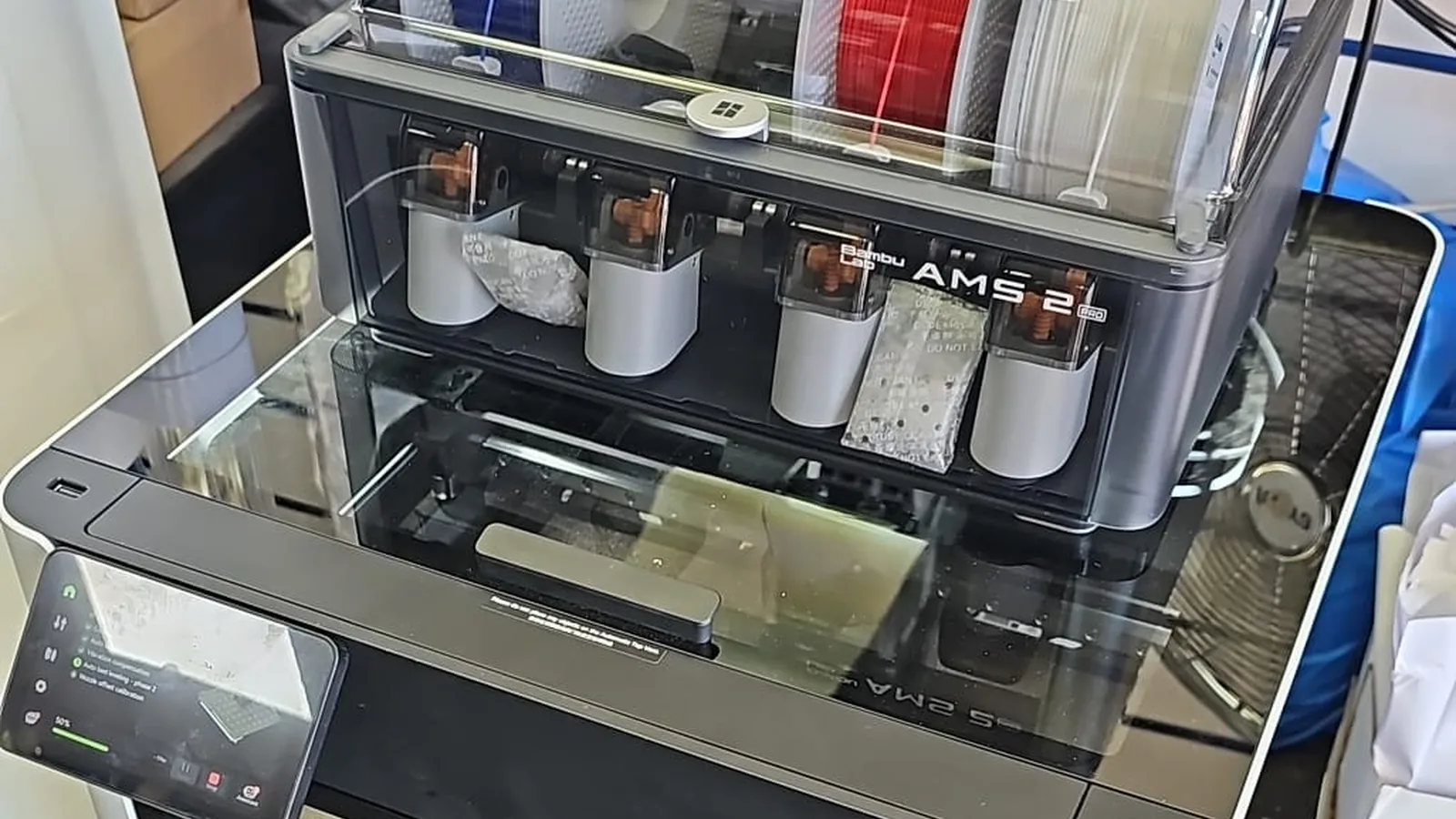
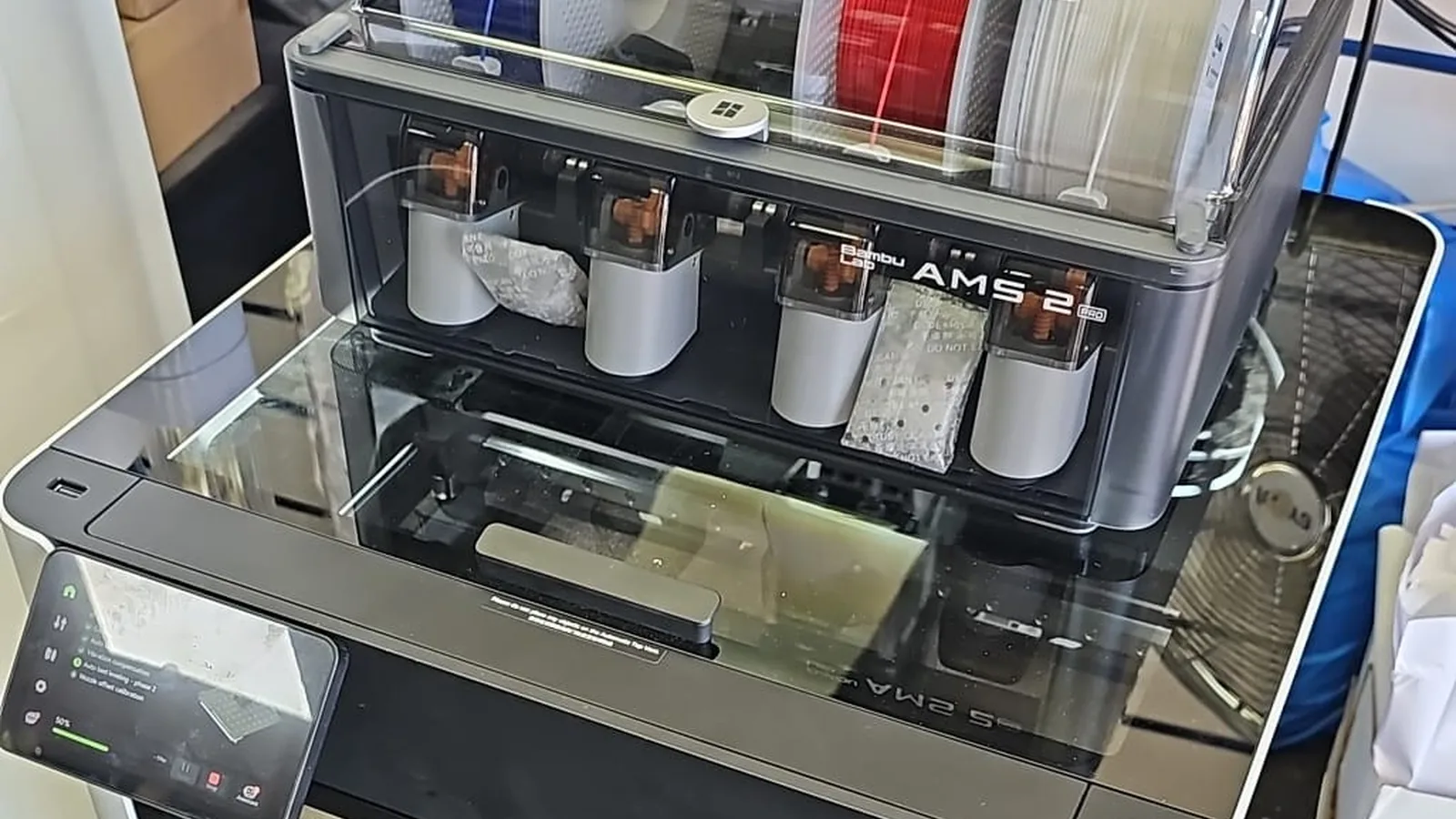
Open the AMS lid. Is filament visible in the slot but not advancing? That’s a first-stage feeder issue. Is the slot empty but the spool still has filament? Filament has snapped somewhere downstream.Check the toolhead.
If the AMS shows filament has left the slot and the toolhead reports a jam, the filament is either in the PTFE between AMS and toolhead, or in the buffer, or in the extruder/hotend.Manual unload from the toolhead.
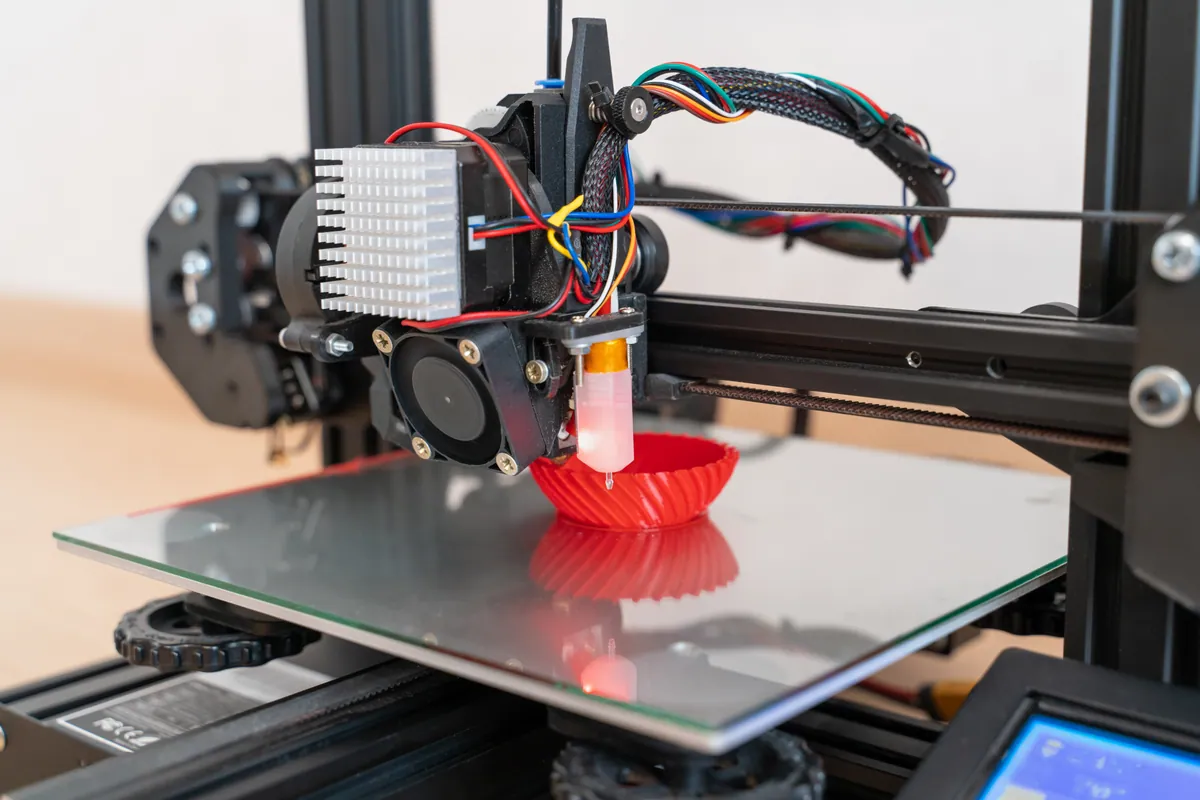
At print temperature for your filament, attempt a normal unload. If filament retracts smoothly, the jam isn’t at the toolhead. If it refuses to retract, the jam is in or just above the hotend.
Fixing a toolhead/hotend jam
Heat the hotend to print temperature.
PLA: 210°C. PETG: 230°C. ABS: 250°C. The filament needs to be soft enough to move.Press the extruder release lever and gently pull filament out by hand.
Cut the filament above the extruder if needed. The release lever disengages the drive gears so you can pull straight without chipping gear teeth.If it still won’t pull, do a hot pull (cold pull at warm temp).
Push a short piece of filament in at temperature, then cool the hotend to 90–120°C for PLA (140–170°C for PETG/ABS). When the filament is firm but the hotend is still warm, pull straight out. The cooled filament drags out softened internal residue with it.
Fixing an AMS first-stage feeder jam
Unload from Bambu Studio.
The proper unload sequence retracts filament through the feeder backwards in a controlled way. This is the only safe way to reverse filament through the feeder gears.If unload fails, open the AMS feeder.
The clear plastic feeder cover lifts off. Inspect the gear teeth — if you see chipped teeth or visible filament dust packed into them, that’s the cause. Clean with a soft brush.Remove broken filament with a fresh piece.
Push a fresh piece of filament into the feeder funnel manually until it pushes the broken piece out through the PTFE tube opening. Bambu’s wiki has a video for this — follow it.
Fixing an AMS PTFE or buffer jam
Unlock the filament tube from the AMS side.
The black quick-release buttons unlock the PTFE. Pull the tube out gently.Push broken filament through with a fresh piece.
Insert a fresh piece into the AMS side until it pushes the broken piece out the toolhead end. Don’t pull through the AMS hub — you risk damaging the hub sensor.Inspect the PTFE for wear.
Look down the tube. Visible scoring or a noticeable bend memory means replace it. Bambu’s official guidance is every 2 months for daily users — if you don’t remember when you last replaced AMS PTFE, replace it now.Reinstall and test with a load cycle.
Reseat the PTFE and run a full load cycle on the affected slot. The cycle should complete without errors.
Common Mistakes to Avoid
Pulling broken filament backwards through the AMS feeder.
The gear is designed to move filament one way. Forcing it backwards under load chips teeth. Use Bambu Studio’s unload sequence or push fresh filament through to expel the broken piece.Using tools to push down the hotend.
The pin Bambu supplies is the only tool to use, and only sparingly. Other tools can deform the nozzle interior or push softened filament higher into the heatbreak where it’s harder to clear.Replacing the AMS feeder when it’s a PTFE issue.
Worn PTFE creates feed drag that mimics feeder motor faults. Replace the PTFE first; the feeder almost certainly doesn’t need replacing.Ignoring repeated jams in the same location.
If a slot jams twice in a month, the cause is structural — usually worn PTFE, a damaged feeder gear, or moist filament. Address the cause, not the symptom.Storing filament loose in the room.
Moisture absorption is the leading cause of brittle-filament snaps. PLA needs less protection than PETG or nylon, but no filament benefits from open-air storage in a London humidity profile.
When to Call a Professional
Most stuck-filament jobs are user-fixable. The ones that benefit from professional help are: repeat jams at the same location (usually a worn or damaged part), broken filament jammed deep in the AMS hub or buffer (where DIY removal risks sensor damage), filament that has melted into the hotend interior and survived a hot pull (which often means a hotend replacement is the cleanest fix), and any situation where you’ve already attempted removal and something else has broken in the process.
Our Bambu AMS Repair service covers AMS strip-down and broken-filament removal where the simpler procedures haven’t worked. The full 3D Printer Repair covers hotend replacement and toolhead-side jams.
If you’ve already chipped a feeder gear or damaged a sensor while attempting removal, tell us upfront — knowing the secondary damage saves diagnostic time and avoids quoting for parts that aren’t the actual fault.
Prevention Tips
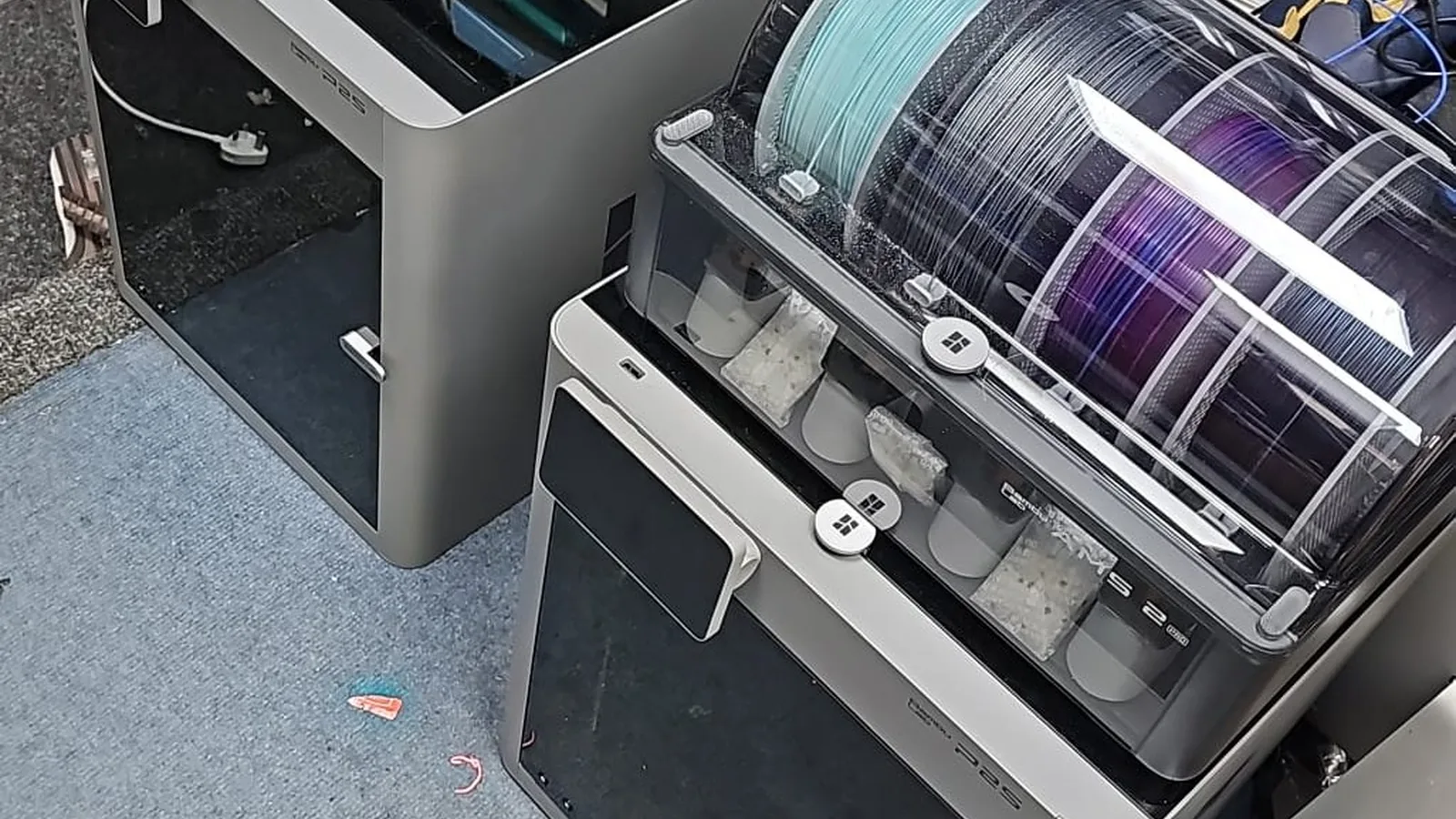
- Store opened filament in dry containers with desiccant. The Bambu AMS desiccant tray is fine for the spool currently loaded; everything else benefits from a separate sealed container.
- Replace AMS PTFE on schedule — every 2 months for daily use is Bambu’s recommendation. Treat this as non-negotiable.
- Check the AMS feeder gears monthly. Brush out filament dust before it builds up.
- Don’t run matte PLA continuously without inspecting the feeder. Matte filaments shed more dust than glossy varieties.
- Print with appropriate temperatures for the filament. Running PLA at 230°C invites heat creep and softened filament jams.