Introduction
The Bambu Lab range covers three main printer families: the X1 Carbon at the premium end, the P1S in the middle, and the A1 (and A1 Mini) at the accessible end. They share the same software ecosystem and broadly the same AMS multi-material system, but the maintenance demands differ meaningfully. This guide compares them honestly based on what we see in the workshop.
If you’re choosing between models, the maintenance pattern should factor into the decision alongside print capability and price. If you already own one, this is what the others would be like to live with.
Sound like your problem?
Bring it to our Putney workshop or message us a photo and we will give you a straight answer and a quote before any work starts.
Why This Happens
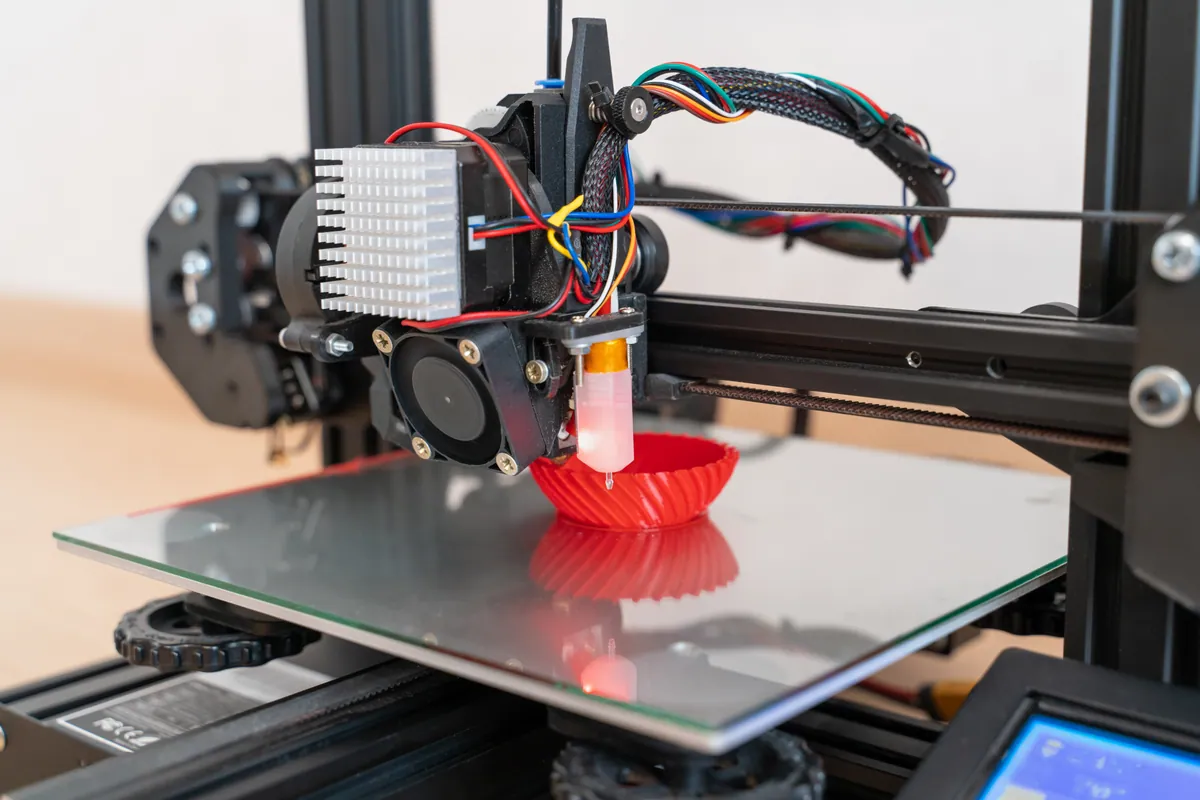
Each Bambu model has a different hardware mix. The X1C has more sensors, more heaters, and more moving parts than the A1 — which means more things to maintain. The P1S sits between, with the same core motion and hotend as the X1 but without the lidar and chamber heater. The A1 uses a simpler bed-slinger architecture and a lighter AMS Lite.
More features mean more maintenance. That’s not a criticism — it’s just physics. The X1C’s lidar is genuinely useful for first-layer flow calibration; the cost is that the lens needs cleaning and the system needs occasional recalibration. The chamber heater enables better ABS prints; the cost is that the heater module is another thing that can fail.
The A1’s simplicity is the inverse trade-off. Lower maintenance demands, less capability with engineering filaments, no lidar to help with first-layer consistency. The bed slinger architecture means slightly more fragility if the printer is moved or knocked.
Step-by-Step Fix
Maintenance burden by model
X1 Carbon — highest burden, highest capability
- Same monthly tasks as P1S (rod cleaning, AMS feeder inspection)
- Quarterly lidar lens cleaning (additional task)
- Quarterly chamber filter replacement (if running ABS/ASA)
- Annual chamber heater health check (additional task)
- AMS PTFE every 2 months for daily users (shared with P1S)
- Hardened nozzle conversion recommended if running CF filaments
- Realistic time investment: 30 minutes a month + 2-hour quarterly + 3-hour annual
P1S — moderate burden, broad capability
- Monthly rod cleaning, AMS feeder inspection
- Quarterly PTFE replacement (Bambu official)
- Quarterly lead-screw grease
- Heatbreak fan replacement around 1500 hours (almost guaranteed)
- Manual flow calibration after every filament change (no lidar to automate)
- Annual full service recommended
- Realistic time investment: 20 minutes a month + 1.5-hour quarterly + 2.5-hour annual
A1 / A1 Mini — lowest burden, narrowest capability
- Monthly AMS Lite feeder cleaning (matte filament dust)
- Quarterly Z-axis check (single-arm architecture is sensitive)
- Quarterly PTFE inspection (AMS Lite uses different tubing geometry)
- Annual bed thermistor check (consumable on heavily-used units)
- 2024 heatbed recall check on early serials
- Realistic time investment: 15 minutes a month + 1-hour quarterly + 2-hour annual
Cost comparison
Replacement parts likelihood per year:
- X1C: hotend (occasional), heatbreak fan (rare), build plate (annual), PTFE (6x/year), lidar lens not replaced but cleaned
- P1S: hotend (occasional), heatbreak fan (likely after 1500 hours), build plate (annual), PTFE (6x/year)
- A1: hotend (occasional), bed thermistor (rare), build plate (annual), PTFE-Lite (4x/year)
Realistic year-two consumables and maintenance costs:
- X1C: highest — extra PTFE for AMS use, chamber filter, possible lidar reservicing
- P1S: middle — likely heatbreak fan replacement, regular PTFE
- A1: lowest — fewer wear items, simpler architecture
Which suits which owner
X1C is right for you if: you print engineering filaments regularly, you need first-layer flow precision (designers, model-makers), you value lidar’s automation, you’re happy with the maintenance discipline.
P1S is right for you if: you want the X1’s print quality without lidar/chamber heater dependency, you’re a hobbyist running PLA and PETG mainly, you can manage manual flow calibration, you want the broadest capability at moderate maintenance burden.
A1 is right for you if: you’re a hobbyist focused on PLA, you have limited space (open-frame is shorter), you want the lowest ongoing maintenance, you don’t print ABS/CF regularly.
Where AMS factors in
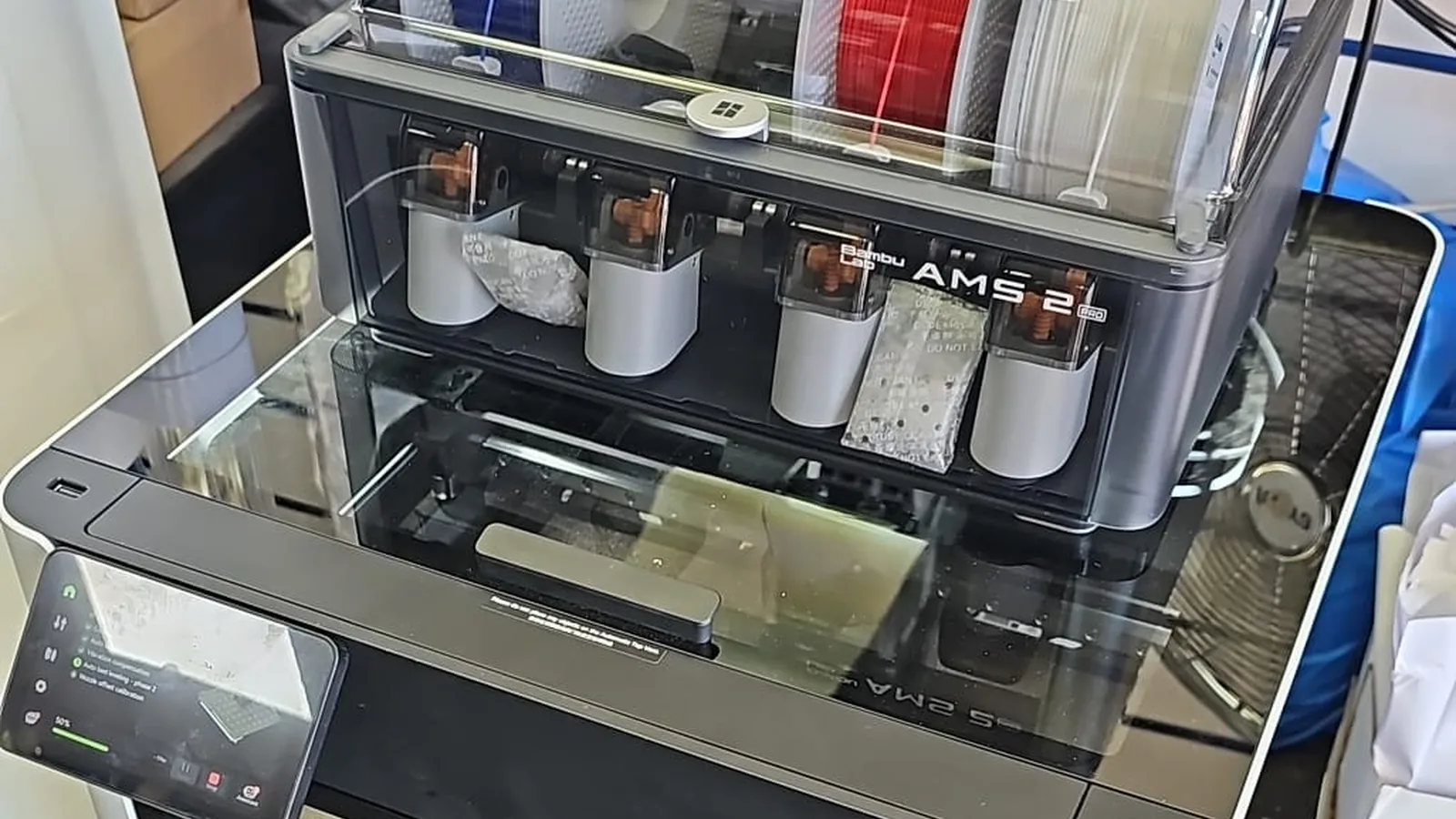
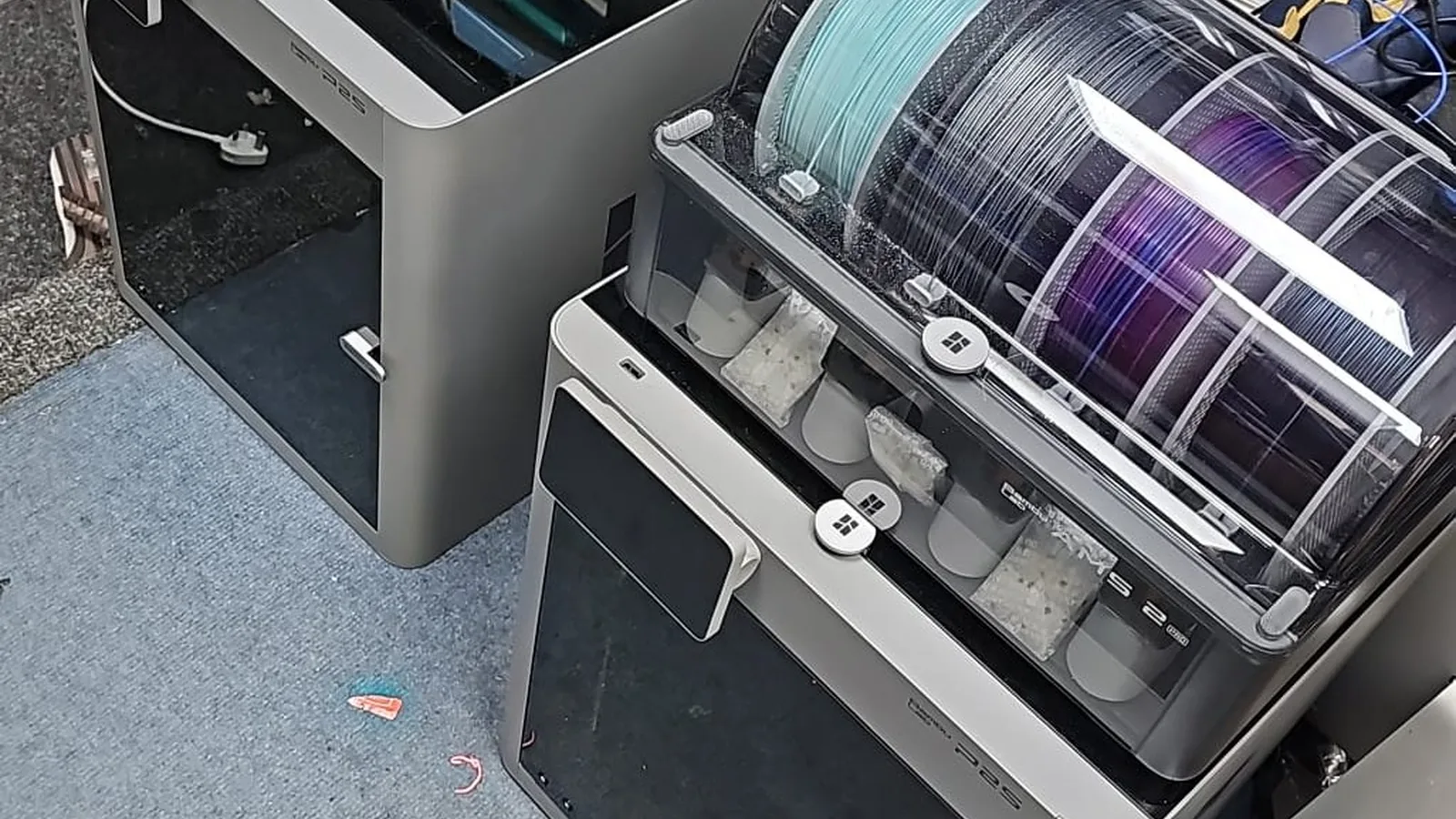
AMS adds maintenance regardless of which printer it’s attached to. PTFE replacement, feeder cleaning, broken-filament removal — these are AMS-specific tasks that owners often underestimate. If you’re a single-material-only printer (always PLA, always one colour), the AMS is mostly maintenance overhead with no benefit. If you genuinely use multi-material or multi-colour workflows, the AMS pays for itself in capability but costs time in maintenance.
For owners deciding whether to buy a printer with AMS: ask yourself how often you’d actually use multi-material capability. If the honest answer is “rarely”, consider the AMS-less variant.
Common Mistakes to Avoid
Buying the X1 Carbon “to grow into” the capability.
If you’re not running CF or ABS now, the X1C’s premium is paying for features you may never use.Buying the A1 expecting it to print engineering filaments well.
It can manage occasional jobs but its strength is PLA. For regular ABS or CF, the P1S or X1C is the right choice.Ignoring AMS maintenance because the printer itself seems fine.
AMS faults are the most common Bambu issue. Maintenance pays.Choosing between models based on the unboxing experience.
All three are well-packaged and well-engineered. The decision should be made on capability and maintenance comfort, not setup polish.Assuming the cheapest Bambu has the lowest total cost.
Depends on filament choice. An A1 with regular CF prints will wear faster than a P1S with mainly PLA prints.
When to Call a Professional
Comparison advice is most valuable before you buy. We’re happy to discuss which model suits your specific use case — the conversation is free, and getting the right printer first time saves more than any subsequent repair.
For existing owners, our 3D Printer Repair & Servicing covers all three Bambu families. Model-specific pages: X1 Carbon, P1S, A1 and A1 Mini.
Prevention Tips
- Buy the printer that matches your actual workflow, not the workflow you imagine for the future.
- Factor AMS maintenance into your purchase decision. If you won’t use multi-material, save the money.
- Whichever model you choose, factor an annual service into the running cost. It’s the highest-value spend.
- Buy good filament. Cheap filament wears parts faster, regardless of which printer you bought.
- Plan printer placement before buying. Ambient temperature stability matters more than people expect.