The Router in the Corner Was Never Built for This
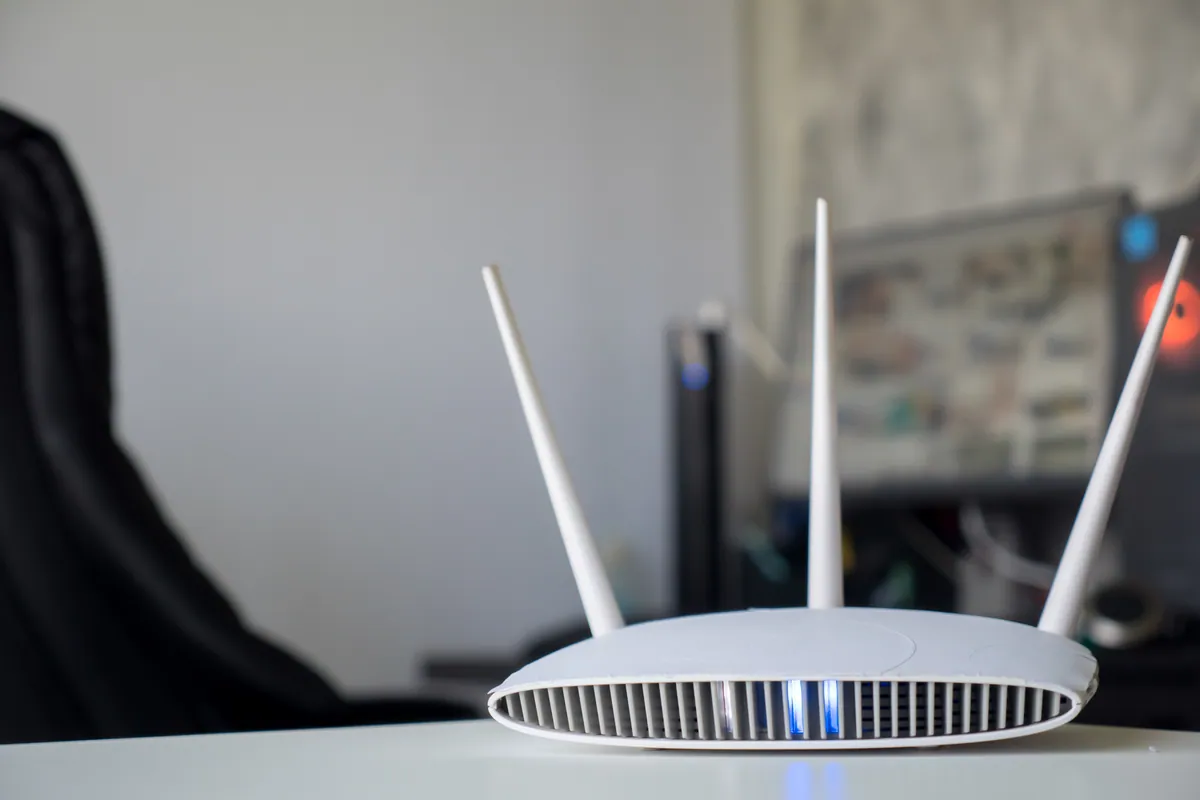
Walk into most small offices, cafés, clinics and shops and you’ll find the same thing: the free all-in-one router the broadband provider posted out, doing everything. It’s the modem, the router, the firewall and the only Wi-Fi source in the building. In a family home that’s fine. In a workplace with a dozen laptops, a card machine, a couple of printers and a waiting room full of guests, it quietly becomes the bottleneck.
The frustrating part is that it rarely fails outright. It just gets slow, drops people mid-call, and behaves differently at 3pm than it did at 9am. Staff blame “the internet” when the broadband line is perfectly healthy — the problem is the equipment sharing it out. Here’s what separates business Wi-Fi from a consumer router, and how to tell when you’ve outgrown yours.
Sound like your problem?
Bring it to our Putney workshop or message us a photo and we will give you a straight answer and a quote before any work starts.
Coverage: One Box vs Planned Access Points
A single router broadcasts from one spot, and its signal fades through every wall, floor and metal shelf it meets. A home gets away with this because everyone sits within a room or two of it. An office, a two-storey shop or a clinic with treatment rooms does not — you get a strong signal by the router and dead patches everywhere else.
Business Wi-Fi solves coverage by design rather than luck. Instead of one overworked box, you place several access points around the building, wired back to a central switch, each covering its own area. Crucially, they all broadcast the same network name, so a laptop or phone roams from one to the next as you walk around — no dropping off and reconnecting between the front desk and the back office. If your dead spots are at home rather than at work, our guide on extending Wi-Fi range and fixing dead spots covers the domestic fixes first.
Capacity: It’s the Number of Devices, Not the Speed
This is the misunderstanding that costs businesses the most. People assume a faster broadband package fixes a slow office network. Usually it doesn’t, because the limit isn’t the line speed — it’s how many devices the router can talk to at once.
A consumer router is specified for a handful of simultaneous connections. A modern workplace quietly runs far more: every laptop and phone, wireless printers, the card reader, security cameras, a few tablets, and every visitor’s phone hunting for Wi-Fi in the background. Pile enough of those onto one home-grade router and it spends more effort juggling connections than moving data. Everything feels sluggish even though a speed test looks fine.
Business access points are built for density — dozens of active devices per unit, spread across several units — so the network stays responsive when the whole team is on it at the same time. That’s the difference you feel on a busy morning.
Guest Networks: Keeping Visitors Off Your Business Kit
On a home router, “guest Wi-Fi” is usually an afterthought toggle. In a business it matters a great deal. You do not want customers, contractors or a waiting room full of visitors sharing the same network as your till system, your accounts, your patient records or your file server.
Proper business Wi-Fi separates traffic. Guests get their own network that reaches the internet but is walled off from your internal systems, so a stranger’s laptop can never see your shared drives or office devices. You can cap how much bandwidth guests take so nobody streaming video in reception slows down the checkout. For anyone handling card payments or personal data, that separation is part of doing it properly — a core reason a workplace network setup is worth planning rather than improvising.
Reliability Under Load: Why 3pm Feels Slower Than 9am
The most telling symptom of an overloaded consumer router is that performance changes through the day. First thing, with a few people in, everything’s fine. By mid-afternoon, with the full team on, a backup running and the guest network busy, calls stutter and pages hang. Some routers get so busy they need a reboot to recover — not something a working business should have to do.
Business-grade equipment is designed to run flat out all day, and to prioritise the traffic that matters — a video call or card transaction over a large file download, so the important things stay smooth under pressure. If your connection genuinely drops rather than just slows, that’s a different fault — our guide on what to do when your internet keeps dropping helps you tell the two apart.
When to Upgrade From a Consumer Router
You don’t need business Wi-Fi the day you hire your second person. A few clear signals tell you it’s time:
- A dozen-plus devices relying on the same Wi-Fi.
- Dead spots where people need to work.
- Speeds that sag in the afternoon when everyone’s online at once.
- Guests sharing the same network as your business and payment systems.
- A layout a single router can’t cover — multiple floors, thick period walls, a separate stockroom.
- A business-critical network — bookings, payments, cloud software — where an outage means lost trade.
Hit two or three of those and the free router has been outgrown. The good news is you rarely need to rip everything out: often it’s a matter of adding wired access points and a proper switch around your existing broadband line.
Get Your Workplace Wi-Fi Sorted Properly
If your office or shop Wi-Fi is holding the team back, we can help. We survey the premises, work out where the access points and cabling should go, and handle the business Wi-Fi setup so every corner is covered and guests stay separated from your systems. We cover South West London from our Putney workshop, with onsite IT support across the area and remote help UK-wide. Call 020 7610 0500, message us on WhatsApp, or use the contact form.