Need something fixed now, wherever you are in the UK? We provide secure remote IT support to homes and businesses UK-wide — usually connected within the hour, fixes from £40, no call-out fee. Get remote IT support or call 020 7610 0500.
How Remote Computer Support Works
When you book remote IT support, the technician doesn’t have any access to your machine until you give it to them. You’re sent a link — usually by email or WhatsApp — which you click to start a session. A small temporary program runs, the technician can see your screen, and with your permission they can move the mouse and type.
You watch everything that happens in real time. You can ask questions, end the session instantly if you want to, and the connection closes completely once the job’s done. Nothing is permanently installed.
The whole process usually takes 30–60 minutes for most common problems. No waiting in for an engineer, no travel costs, no taking the machine anywhere.
Sound like your problem?
Bring it to our Putney workshop or message us a photo and we will give you a straight answer and a quote before any work starts.
What Can Be Fixed Remotely
Around 70% of the computer problems we see are software-based, which means they can be fixed through a remote session. That includes:
Viruses, malware, and unwanted programs. This is one of the most common remote jobs. We connect, run specialist removal tools, clean up what’s there, check what got through and why, and make sure your system is locked down. Faster than bringing the machine in and often done the same day.
Slow computers. Most slow computers aren’t slow because of hardware — they’re slow because of too many start-up programs, background processes eating resources, fragmented or nearly-full storage, or malware. All diagnosable and fixable remotely.
Email problems. Outlook not syncing, emails stuck in outbox, account setup, migrating to a new email service, Microsoft 365 configuration — all remote-friendly.
Software errors and crashes. If a program is crashing, throwing error codes, or refusing to open, the fix is usually a driver conflict, a corrupt installation, a missing dependency, or a Windows update that’s gone wrong. All solvable remotely.
Printer issues. About 90% of printer problems are driver or network related, not hardware. We fix these remotely regularly.
Windows update problems. Updates that fail, loop, or break something when they complete are common. Often requires running repair tools and sometimes manual intervention in the Windows component store — doable remotely.
Browser problems. Hijacked homepages, persistent pop-ups, sluggish performance, toolbars you didn’t install. Standard remote cleanup job.
Cloud storage and backup setup. Setting up OneDrive, Google Drive, or iCloud correctly, recovering accidentally deleted files, fixing sync errors.
Setting up a new computer. Transferring files and settings, installing software, getting email accounts configured — easier to do with someone walking through it with you remotely than following a YouTube tutorial alone.
What Can’t Be Fixed Remotely
Remote support has a hard limit: it only works on computers that can turn on, connect to the internet, and display something on screen. If your machine can’t do those three things, you need a physical visit or workshop repair.
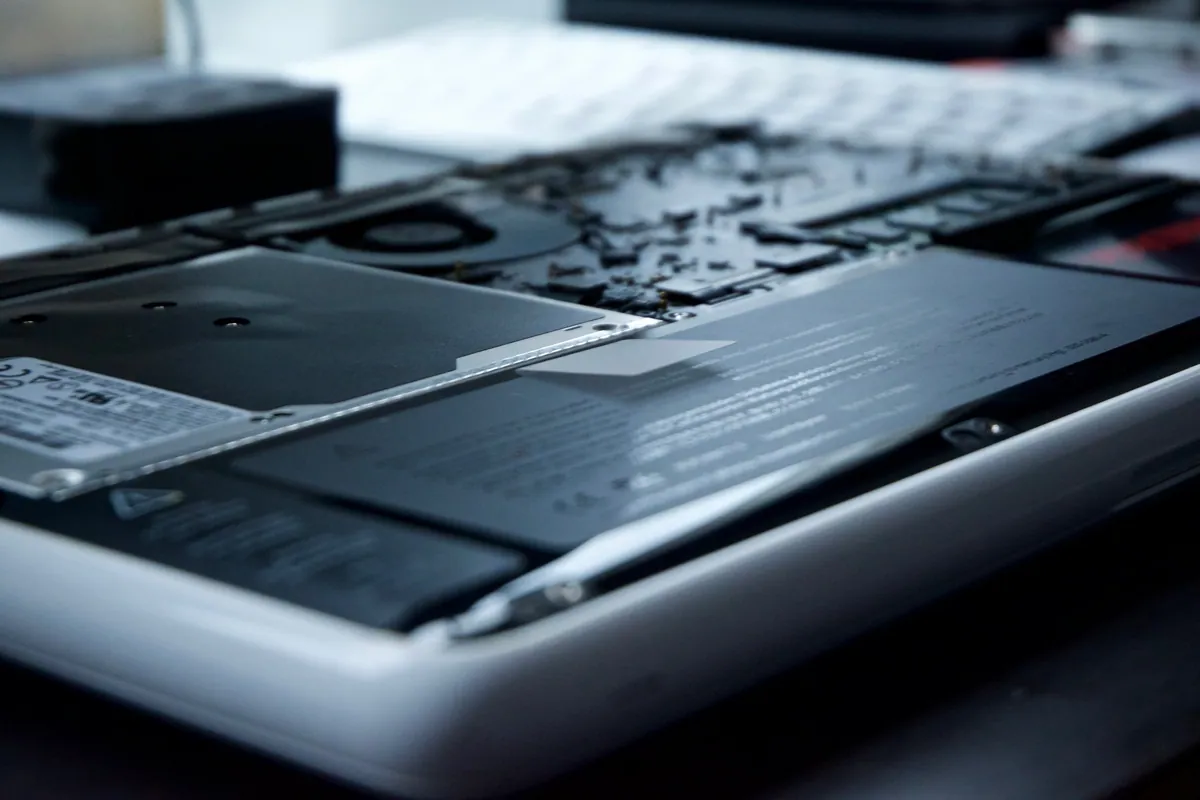
Hardware faults — broken screens, failed hard drives, faulty RAM, damaged charging ports, keyboard damage — all need hands-on work. No amount of screen sharing can replace a component.
Machines that won’t start at all. If the computer won’t boot past a black screen or gets stuck before Windows loads, remote access isn’t possible until the boot problem is resolved. That usually requires laptop repair or PC repair in person.
Liquid damage. You can’t fix a water-damaged laptop remotely. Even if the machine still turns on after a spill, the damage tends to develop over days as corrosion builds. Physical inspection and cleaning is essential.
Network infrastructure issues. If the router itself has failed, or you need physical Ethernet cabling run, that needs someone on-site.
Is It Safe?
This question comes up constantly and it’s a reasonable one. The short answer: yes, if you’re dealing with a legitimate company and you initiate the session.
A few things to know:
The software we use (AnyDesk, TeamViewer, and similar tools) is encrypted end-to-end. The connection is no less secure than online banking.
You can see everything the technician does. There are no hidden processes, no files being copied without you seeing it happen.
You control the session. One click closes it immediately.
The scam version of remote support looks like this: you get a phone call out of the blue saying your computer has a virus, they tell you to install something, they connect and show you scary-looking (but normal) Windows logs as “proof” of infection, and then ask for payment. Legitimate remote support is always something you initiate — not something that comes to you unsolicited.
What It Costs
Most remote IT support jobs fall into one of two categories:
Quick fixes (under 45 minutes): £40–£55. This covers most virus removal jobs, email problems, browser cleanup, and simple software issues.
Longer sessions (45–90 minutes): £55–£85. Complex malware removal, full system tune-up, software migration, or problems that need more investigation.
There’s no call-out fee because nobody travels anywhere. And you’ll know the cost before we connect — we agree a fixed quote before the session starts, so there are no surprises.
When to Book Remote vs When to Come In
If your computer turns on, connects to the internet, and the problem is software — book remote support. It’s faster and cheaper.
If the machine won’t start, has a physical fault, makes unusual sounds, or the problem appeared immediately after a drop or spill — that needs physical assessment. You can either bring it to our Putney workshop or we can collect it.
If you’re not sure which category your problem falls into, call us on 020 7610 0500 and describe what’s happening. We’ll tell you honestly whether remote is the right option or whether you need to come in.
Our remote IT support services are available across London and UK-wide, usually with same-day availability. Sessions typically run 30–60 minutes and you’re with us throughout.