“Maintenance” Is Three Different Jobs
When people ask what computer maintenance costs, they usually mean one of three things, and they are priced very differently:
- A check-up — someone looks over the machine, tests the hardware and tells you what state it is in.
- Physical work — cleaning out dust, replacing dried thermal paste, or swapping a failing part.
- Ongoing cover — someone keeps an eye on your computers month after month, usually for a business.
Knowing which one you actually need is the easiest way to avoid paying for the wrong thing.
Sound like your problem?
Bring it to our Putney workshop or message us a photo and we will give you a straight answer and a quote before any work starts.
What Each Part Costs
These are the prices we charge at our Putney workshop. The full rate card is on our pricing page.
| What you need | Typical cost |
|---|---|
| PC & Mac health check with a written report | £45 |
| In-store diagnostics for a specific fault | £40–£80 |
| Software faults (slow start-up, errors, clean-up) | £40–£90 |
| Remote support session | £40–£90 |
| Onsite visit, home or small office | £90 per hour, including travel |
| Laptop Revival: new SSD, more memory, new battery and a full internal clean | from £249 |
| Business remote support plan | £55 per user, per month |
The health check is the sensible starting point if nothing is obviously wrong. It covers full diagnostics and a written report, and anything we recommend afterwards is quoted separately. You are under no obligation to go ahead with it.
Why Cleaning Isn’t a Flat Price
Internal cleaning and thermal paste replacement are the jobs people most often expect to have a fixed price, and they are the ones where a flat rate would be unfair.
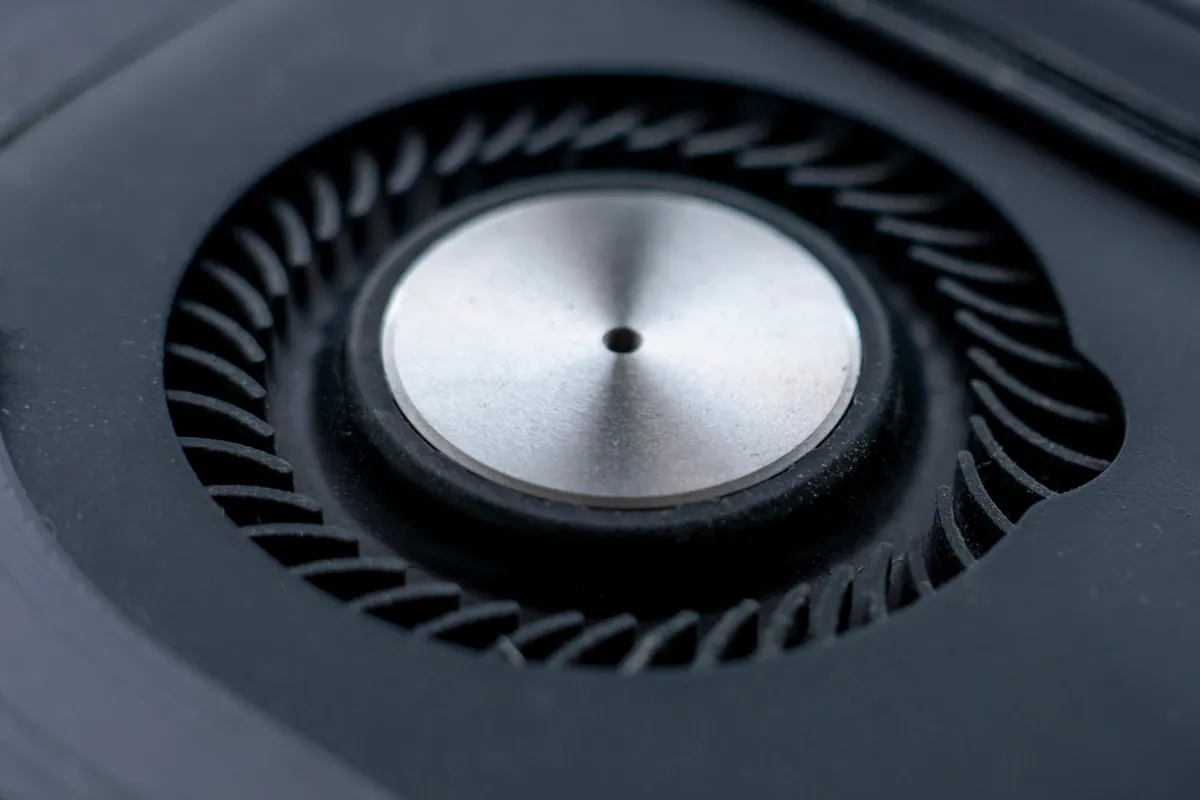
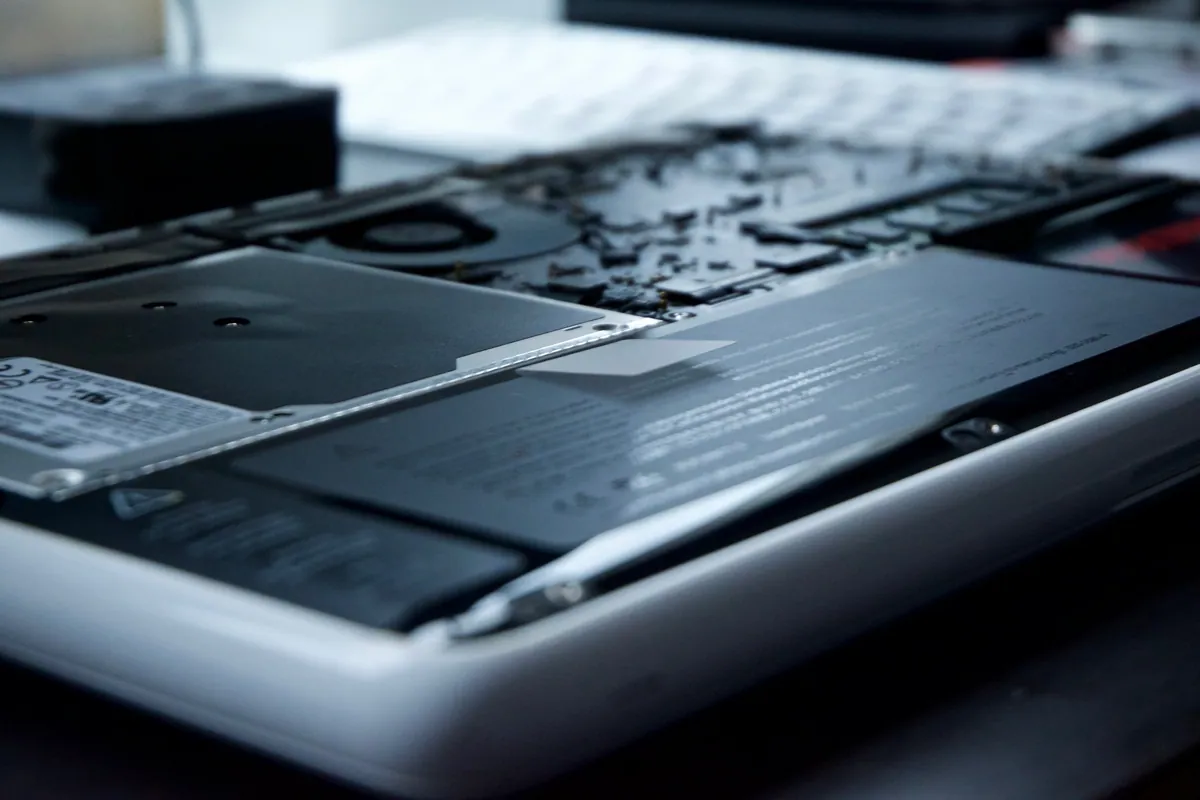
Clearing the dust out of a desktop tower is quick: the side panel comes off and everything is in reach. A slim ultrabook can need a full strip-down to reach the fan. A gaming laptop may need its thermal pads replaced as well as the paste. Those are very different amounts of work, so we diagnose first and then give one fixed price before anything is taken apart. If the heat turns out to be a failing fan or a runaway software process rather than dried paste, you pay for that fix instead. See our overheating repair page for how that works.
What You Don’t Need to Pay For
A lot of routine maintenance is free and takes minutes. Before booking anything:
- Let updates install. Windows and macOS updates fix security holes and bugs. Postponing them indefinitely causes more trouble than it avoids.
- Trim what runs at start-up. Programs that launch with the computer are one of the commonest causes of a slow boot.
- Keep some free space. A nearly full drive slows everything down. Our guide to freeing up disk space on Windows walks through it.
- Keep the vents clear. Using a laptop on a bed or sofa blocks the air intake, and it will run hotter and louder as a result.
- Back up. None of the above matters much if the drive fails and there is no copy of your files.
If that keeps your computer running well, you don’t need to pay anyone.
When Paid Maintenance Is Worth It
Paying for a check or a clean makes sense when the computer is telling you something is wrong:
- The fan runs loud even when you’re only browsing.
- The machine gets hot and slows down under load (throttling).
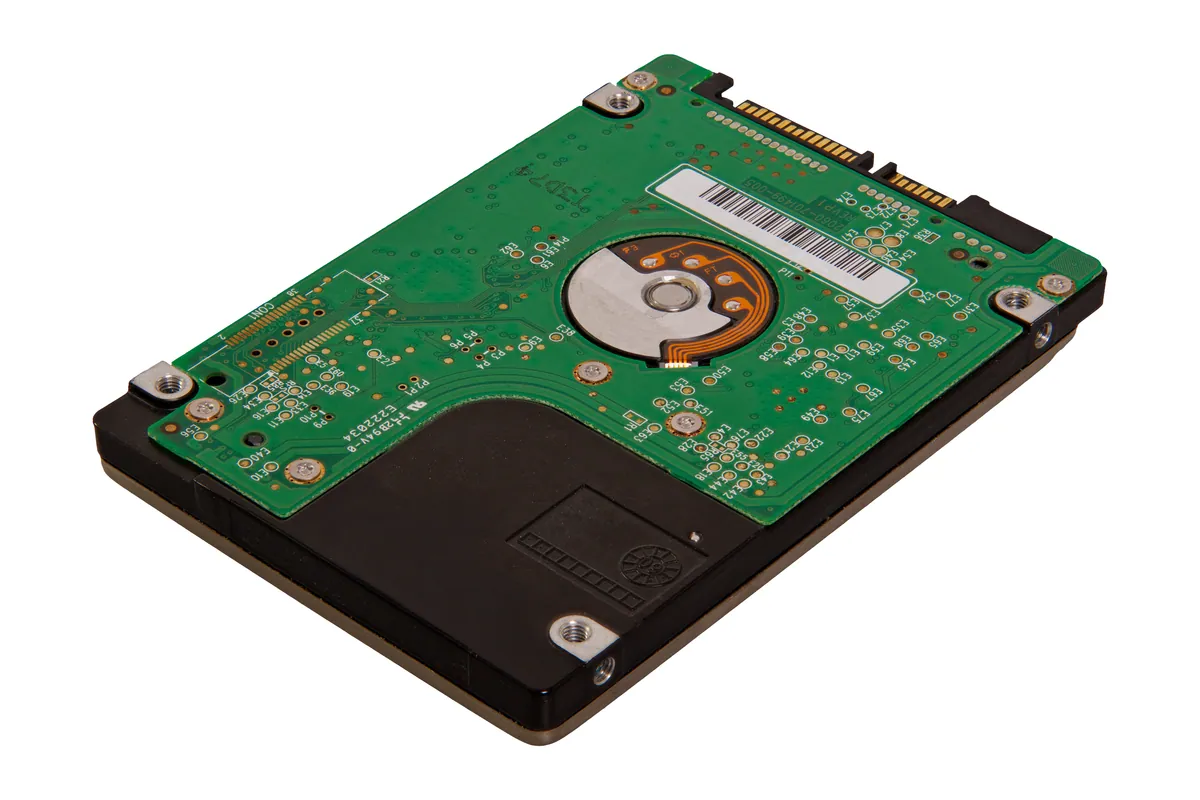
- Start-up has become noticeably slower, especially on an older machine with a mechanical hard drive.
- You’ve seen disk warnings, random freezes or unexpected restarts.
Our article on the signs a PC needs a health check goes through these in more detail, and how often to get one covers timing.
A £45 check that catches a failing drive before it dies costs far less than recovering data from one afterwards.
Maintenance for Businesses
For a business, maintenance is usually an ongoing plan rather than a one-off visit. Someone keeps machines updated, watches for problems and is on hand when something breaks. Our business remote support plan is £55 per user per month, rolling monthly with no minimum number of users. Onsite visits are charged separately. For how that compares with other ways of buying support, see how much IT support costs in the UK.
The Short Version
- Nothing wrong but want peace of mind? A health check at £45.
- Loud, hot or throttling? A diagnosis first, then a fixed quote for the clean.
- Old but otherwise sound? The Laptop Revival from £249 costs far less than a new laptop.
- Running a small office? A monthly plan usually beats paying per visit.
If you’re not sure which you need, call us on 020 7610 0500 or bring the machine into the workshop at 66 Lower Richmond Road, Putney, and we’ll tell you honestly whether it needs anything at all.