Start With Coverage, Not Camera Count
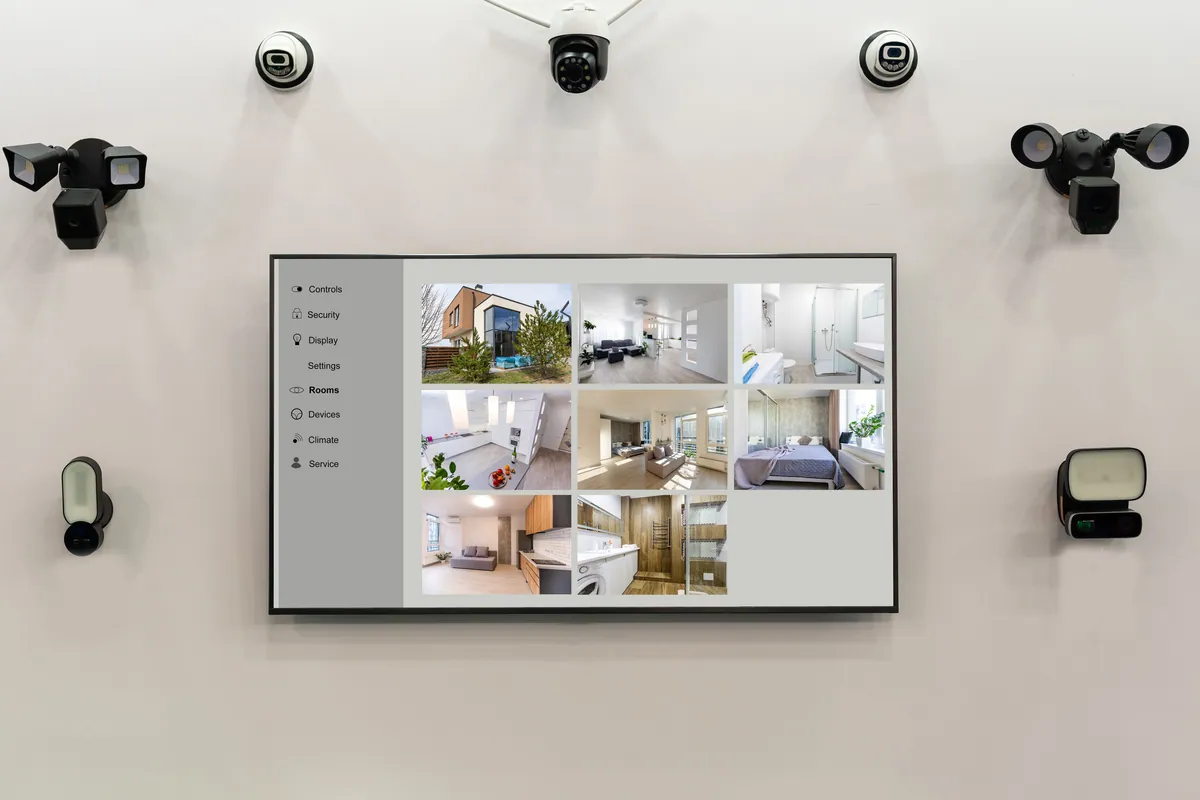
The most common mistake with home CCTV is starting from a number — “I’ll get a four-camera kit” — rather than from what you actually need to see. A thoughtfully placed pair of cameras beats six pointed at the wrong things.
So before counting cameras, walk around your home and ask a simple question at each point: if something happened here, would I want it on camera? The answer maps out your system far better than any off-the-shelf bundle.
Sound like your problem?
Bring it to our Putney workshop or message us a photo and we will give you a straight answer and a quote before any work starts.
The Key Places to Cover
Entry points first
Most incidents begin at a way in, so entrances are the priority:
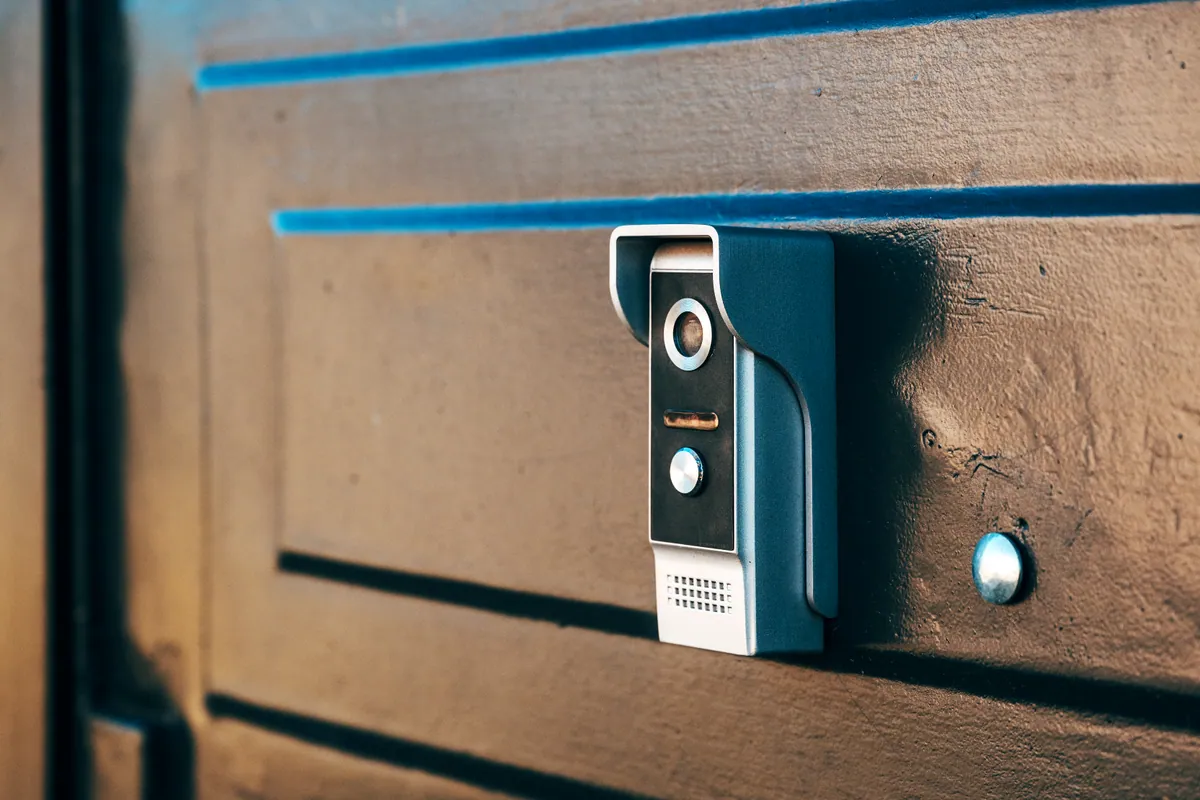
- Front door — the single most useful camera position in almost every home, and where a smart video doorbell often does the job neatly.
- Back door and patio doors — frequently out of sight from the street, which is exactly why they matter.
- Side gates and alleyways — the quiet routes to the rear of a property.
Blind spots and approaches
Once the doors are covered, think about the routes someone could take unseen — the dark side return, the gap behind the garage, the corner the streetlight doesn’t reach. One camera covering an approach is often worth more than a second camera on an already-watched door.
Gardens, driveways and outbuildings
Driveways protect cars and catch comings and goings; gardens and sheds matter if you keep bikes, tools or equipment outside. These are usually lower priority than entrances, but a single wide-view camera can cover a lot of ground.
So, How Many Cameras?
As a rough starting point for a typical home:
| Property | Typical cameras | Usual priorities |
|---|---|---|
| Flat | 1–2 | Front door (or doorbell) and, if relevant, a balcony or hallway |
| Terraced house | 2–3 | Front door, rear door, side/rear access |
| Semi-detached | 3–4 | Front, back, driveway, side return |
| Detached / larger home | 4–6+ | Front, back, drive, garden, outbuildings |
Treat these as a guide, not a rule. A compact detached house with good sightlines might need fewer; a terraced house with a long, dark side return might need more.
Wired or Wireless When You Add Cameras
The more cameras you run, the more wiring matters. Wired cameras to a network video recorder are the most reliable choice for an always-on, multi-camera system. Wireless cameras are quicker to fit and easy to reposition, but every extra one leans harder on your home WiFi — and a doorbell or back-garden camera is often right at the edge of coverage.
If your signal already struggles at the front of the house or down the garden, sort that first: our guide on extending your WiFi range and fixing dead spots covers the options, and a solid home network makes wireless cameras far more dependable.
Don’t Accidentally Film the Neighbours
It’s worth repeating: home CCTV that captures beyond your boundary brings data-protection duties under UK GDPR, and the ICO expects you to keep that coverage to a minimum. The easy fix is good camera placement — aiming at your own doors, drive and garden, and using privacy masking to grey out a neighbour’s window or a stretch of pavement. It keeps you on the right side of the rules and keeps the peace.
When to Call a Professional
A single battery camera or doorbell is a sensible DIY job. It’s worth getting help when:
- you’re covering a whole property and want the camera positions and recorder sized correctly the first time;
- cabling needs running tidily through eaves, walls or a loft;
- you want footage you can rely on — properly configured recording, night vision and remote viewing — rather than a kit that “mostly works”.
Our home CCTV installation service does exactly that: we survey the property, suggest a sensible number of cameras and where they go, install everything neatly, and set up viewing on your phone. We cover Putney and across South West London. You can find more guides in our Support Centre.