Why the Price Varies So Much
Two laptops can come in with exactly the same symptom, a charger that has to be held just so, and leave with repair bills of £80 and £250. The symptom is the same. The construction is not.
Port on its own cable or daughterboard. On a lot of Windows laptops, especially those with a round barrel-style charger, the DC jack is a separate part connected to the motherboard by a short cable, or it sits on a small daughterboard with a couple of USB ports. Replacing it means opening the laptop, unplugging the old part and fitting the new one. Skilled work, but no soldering to the main board.
Port soldered to the motherboard. On most USB-C laptops, on MacBooks, and on many thin Windows models, the charging port is soldered directly to the motherboard. Replacing it means removing the board, desoldering the old port under a microscope with hot-air rework, fitting a new one and testing it on the bench. That is logic board repair, and it is priced as such.
Charging faults are not rare. In our workshop records going back to 2009, charging problems are one of the six most common laptop faults we have logged, with just under 800 jobs classified under that heading, and “won’t power on” is the single most common fault of all. A good share of those turn out to be the charging path rather than anything more serious.
Sound like your problem?
Bring it to our Putney workshop or message us a photo and we will give you a straight answer and a quote before any work starts.
What We Charge
| Repair | Typical cost |
|---|---|
| Diagnostic (absorbed into the repair if you proceed) | £40–£80 |
| DC jack on its own cable or daughterboard, including the part | £60–£120 |
| Board-soldered port (USB-C or barrel) replaced at component level | £150–£300 |
| Replacement charger where the port turns out to be fine | the price of the charger, no labour |
| Battery replacement where the battery is the fault | quoted by model |
Charging port repairs carry our 90-day warranty. The full rate card is on the pricing page.
One thing we are upfront about on board-level work: because the cost is almost entirely skilled labour, we agree with you before starting whether the charge applies if the port is replaced and a deeper board fault then shows up. It rarely does, but you should know the terms before you say yes, not after.
First, Make Sure It Is the Port
About a third of “charging port” enquiries are not the port. Before you book anything, run through these.
Try another charger. Cables fray inside the strain relief and power bricks fail quietly. If a borrowed charger of the correct wattage charges the laptop, you need a charger, not a repair.
Watch the charging light while you move the cable. If the light flickers or the laptop switches between charging and not charging as the plug is nudged, the port or its solder joints are the likely fault. If the light stays steadily off no matter what, the fault may be further down the charging circuit.
Check whether it runs on mains without the battery percentage rising. That points at the battery or its charging circuit rather than the port. Our guide to a laptop battery not charging walks through that side of the diagnosis.
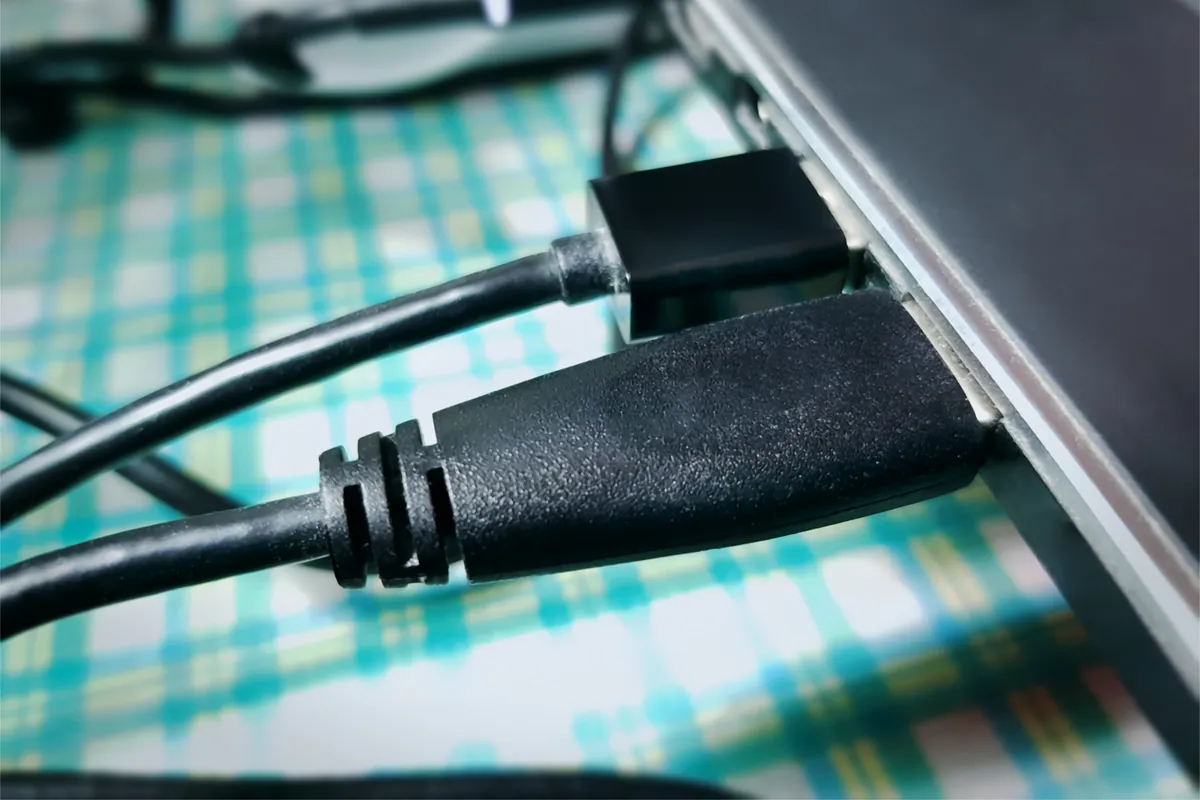
Look inside the port with a torch. Fluff and debris packed into a USB-C port is a common cause of a loose-feeling connection. Do not go in with anything metal.
If it is genuinely dead with no lights at all, read our workshop-data piece on why laptops stop turning on before assuming the worst.
What Happens on a Jack Repair
For a port on a cable or daughterboard, the job is mechanical. We open the laptop, confirm the fault by testing the port under load with the bench power supply, fit the replacement part, and test that it charges properly and holds the plug firmly. Most brands use a handful of common jack types, so the part is usually in stock or a day or two away.
Where the jack has been loose for a while, the plastic around the port on the chassis is sometimes cracked too. If we find that we tell you before going further, because a new jack in a broken housing will loosen again.
What Happens on a Board-Level Port Repair
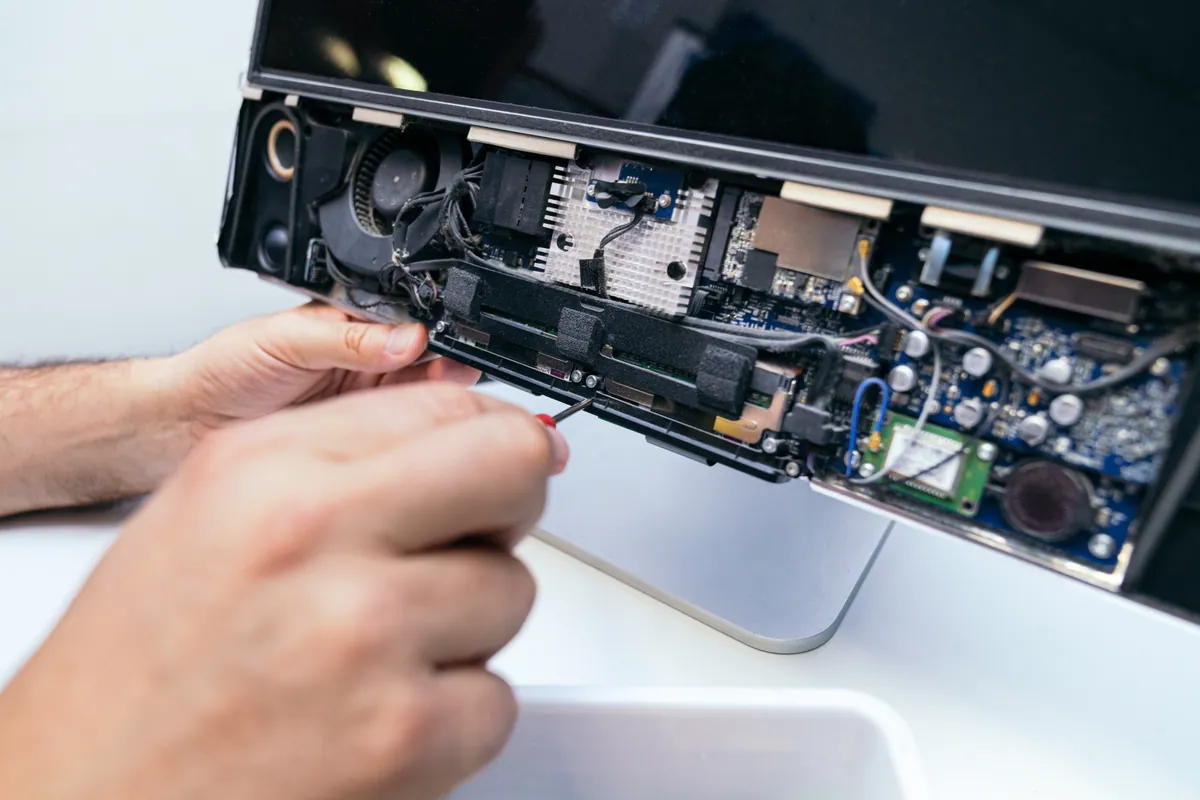
For a soldered port, the motherboard comes out. Under the microscope we check the port’s solder joints and the components around it, because a port that has been levered on for months often takes a nearby capacitor or fuse with it. The old port is removed with hot-air rework, the pads are cleaned, the new port is soldered on and the board is tested on the bench power supply before the laptop is reassembled.
This is the repair that manufacturers and many high-street shops quote as “needs a new motherboard”. A recent example: a Razer gaming laptop with a charging port built into the motherboard, where the port replacement was quoted at under £250 including VAT against a board replacement running to several hundred pounds more. The board-level route saves the customer’s data as well as their money, because the storage stays exactly where it is.
MacBooks and USB-C Laptops
USB-C ports are soldered on almost every laptop that has them, so a genuine USB-C port fault is always a board-level job. Two things soften that. First, most USB-C laptops have more than one port, and if one is damaged the others usually still charge, which means you can keep working while you decide. Second, a surprising number of USB-C “port” faults are debris in the port or a failed cable, and those cost nothing or the price of a cable.
On a MacBook, a port that has stopped charging can also be a liquid event, because the USB-C ports are exactly where a spill runs. If there is any history of liquid, tell us, because the diagnosis changes. See our MacBook repair page for how we approach Apple boards.
Repair or Replace?
The decision is simpler than it looks.
- Jack on a cable or daughterboard, laptop otherwise fine: repair. There is no scenario where a £60–£120 repair on a working laptop is the wrong call.
- Board-level port, laptop worth more than about £400 today: repair. A £150–£300 repair on a machine that would cost £700 or more to replace is straightforward.
- Board-level port on an old, low-value laptop: talk to us first. If the repair approaches the cost of a decent used replacement, we will say so, and we can move your data to whatever you buy instead.
How to Get a Quote
Bring the laptop and its charger to our Putney workshop, or message us the make and model and a description of the symptom. Knowing whether your charger is a round barrel plug or USB-C tells us most of what we need to give you a likely range straight away. The exact figure is confirmed after the diagnostic, before any work begins.