Laptop Repair for Balham
Balham’s population of young professionals and families generates a steady stream of laptop repairs — work machines that are indispensable, home machines that have been passed around one too many times, and MacBooks that need attention but don’t justify an Apple Store visit.
We’re the nearest independent repair specialist with a physical workshop and genuine component-level capability. Collection from SW12, same-day assessment, and a fixed quote before anything is touched.
Common Repairs for Balham Customers
Screen Replacement
Broken laptop screens arrive in Balham the same way they do everywhere: bags dropped on the way to the tube, lids closed with a pen underneath, toddlers who got hold of the wrong thing. Physical cracks mean a replacement — there’s no repair for a damaged panel.
Internal failures — the screen going very dark (backlight failure), flickering under certain conditions, or lines running across the display — are also panel faults in most cases. We confirm during diagnosis before quoting.
Windows laptops: £80–£140. MacBook screens: £180–£350 depending on the model and year. We stock panels for common models and aim for same-day completion on stocked repairs.
MacBook Battery Replacement
Balham’s working population uses laptops extensively — long hours, frequent charging cycles, often working from cafés along the High Street or from home offices. Batteries under these conditions reach the end of their cycle life faster than light users might expect.
Check your MacBook’s health: Apple menu → System Information → Power. The full charge capacity figure tells you how much charge the battery can currently hold versus its original specification. A battery at 70% of original capacity with a high cycle count is ready for replacement — the decline will continue and it’s worth addressing before the machine starts shutting off unexpectedly.
MacBook battery replacement: £95–£150. Windows laptops: £65–£120. Most are completed same-day.
Random Crashes and Instability
A laptop that crashes unpredictably — blue screens on Windows, kernel panics on Mac, or simply shutting off without warning — usually has one of a few underlying causes. We work through them diagnostically rather than guessing:
Storage. A failing drive often shows up as random crashes before more obvious symptoms. We run drive health checks as part of every diagnostic.
RAM. Faulty memory causes instability that can look like almost anything — crashes, slowness, applications closing unexpectedly. Memtest86 or Apple Diagnostics can confirm this.
Thermal throttling. A CPU that’s overheating will shut the machine down to protect itself. Usually caused by clogged fans or dried thermal paste. The fix is a thermal service — cleaning and repasting — rather than any component replacement.
Logic board component. Less common but sometimes the cause. We assess at the component level.
Diagnosis first. We tell you what we found before quoting.
Data Recovery
Balham residents frequently contact us when a machine has stopped working and the concern is the files. Years of photographs, work documents, client records — the data matters more than the hardware.
For logical failures (corrupted operating system, accidental deletion, failed update), recovery rates are high. For physical drive failure, outcomes depend on the extent of the damage — we assess honestly and don’t charge if recovery isn’t viable. If the drive is making unusual sounds, the single most important thing is to power the machine off and leave it off until it’s with us.
Sound like your problem?
Balham customer? We collect from SW12 — call 020 7610 0500 to arrange, or drop in to 66 Lower Richmond Road, Putney.
MacBook Repair in Balham
Keyboard faults. Both the butterfly keyboard (2016–2019 MacBook Pro) and the later Magic Keyboard generation get keyboard faults — for different reasons. Butterfly mechanisms fail from minimal debris and pressure. Magic Keyboards fail after liquid contact. We replace individual keys, full keyboards, and top cases depending on what’s needed.
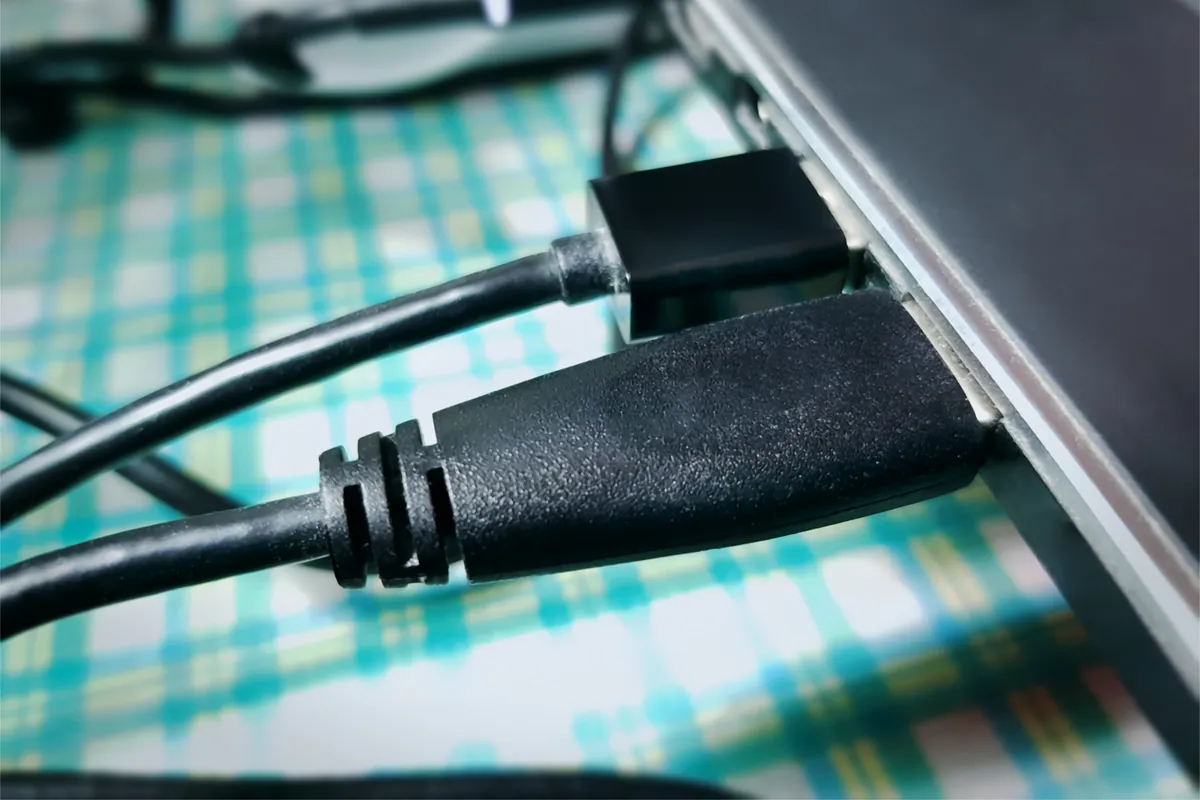
Charging problems. A MacBook that won’t charge is anxiety-inducing. Work through the simplest causes first: try a different cable, try a different charger if you can borrow one. Clean the USB-C port — lint and debris accumulate over months of daily use and can prevent a reliable connection. If neither resolves it, the charging circuit needs assessing before we quote.
Logic board repair. For out-of-warranty MacBooks, Apple charges a flat-rate tier that doesn’t reflect the actual fault — a minor component repair costs the same as catastrophic board damage. We repair at the component level where the fault allows it. Not every board fault is component-repairable, but many are, and the cost difference is significant when it is.
Slow Intel MacBook. If a 2018–2020 Intel MacBook has gradually become slower over the past year or two, it’s worth getting it assessed before concluding it needs replacing. Thermal paste that’s dried out, combined with software overhead from newer macOS versions, often accounts for most of the performance decline. A thermal service and clean can make a meaningful difference to a machine that otherwise has plenty of life left.
Getting to Us from Balham
Address: 66 Lower Richmond Road, Putney, SW15 1LL
From Balham, the most direct route is west along Balham High Road toward Tooting Bec, then north on the A214 toward Wandsworth, and west along the A3 toward Putney. Lower Richmond Road runs off the A3 toward the river. Around 20 minutes by car.
Collection: Call 020 7610 0500. We come to you in SW12.
Opening hours: Monday–Friday 10am–6pm, Saturday 10am–5pm.
Repair Costs
| Repair | Typical cost |
|---|---|
| MacBook screen replacement | £180–£350 |
| Windows laptop screen | £80–£140 |
| MacBook battery | £95–£150 |
| Windows laptop battery | £65–£120 |
| SSD upgrade | £80–£180 inc. parts |
| Thermal service | £65–£95 |
| Virus removal | £65–£95 |
| Water damage assessment | Diagnostic fee confirmed upfront |
| Data recovery | From £120 |
| PC health check | £45 (deducted if repair follows) |
Diagnosis first. Fixed quote. 90-day warranty. Any diagnostic fee confirmed upfront. Contact us or call 020 7610 0500.