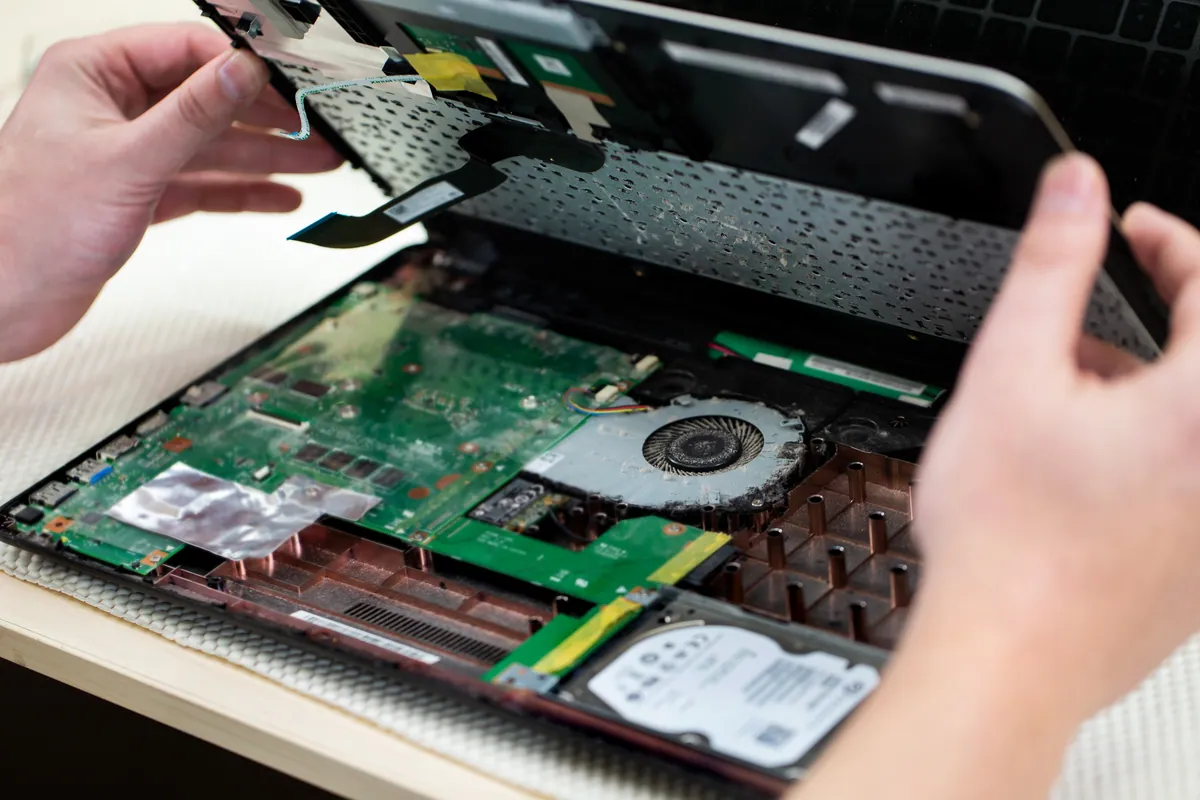
Computer Repair for Fulham — What We Handle
Fulham is a dense mix of Victorian terraces, purpose-built flats, independent businesses along the North End Road and Fulham Road, and no shortage of people working from home. What that means in practice: laptops that get heavy daily use, home networks that need to work reliably, and MacBooks that are genuinely irreplaceable because someone’s entire working life is on them.
Most repairs don’t require a trip to central London or a wait at an Apple Store. For Fulham customers, we’re a short drive or an easy collection away.
Repairs We See Most from Fulham
Cracked and Broken Screens
Screens crack from drops, from closed lids with something on the keyboard, and from bags that took a knock in the wrong place. Sometimes the display develops faults without physical damage — backlight failure, a dark patch spreading from one corner, or lines running vertically down the panel. All of these require a screen replacement.
For standard Windows laptops, screen replacement typically costs £80–£140. MacBook screens vary more significantly depending on the model: a MacBook Air M1 or M2 panel runs differently to a 14-inch MacBook Pro with Liquid Retina XDR. We’ll give you a fixed quote once we’ve confirmed the model — MacBook screens typically range from £180–£350 depending on the spec.
The repair itself is usually same-day for models where we hold panel stock. We’ll tell you upfront if yours needs to be ordered.
Battery Replacement
A battery that’s lost its capacity is one of the most noticeable performance drops on any laptop. MacBooks are particularly telling — macOS shows the battery health under System Information, and once it’s below 80% capacity you’re typically getting noticeably shorter runtime.
We replace batteries on both Windows and Mac laptops. For MacBooks, we use cells that match Apple’s original capacity specification. The battery replacement on most MacBook Airs is completed same-day. MacBook Pros, where the battery adhesive is more involved, usually take a few hours.
Costs: Windows laptops £65–£120, MacBook £95–£150 depending on the model.
Slow Laptops
A common Fulham enquiry: “my laptop is three years old and it’s got really slow — is it worth fixing or should I just buy a new one?” The answer is almost always worth investigating before deciding.
Slowness has a short list of causes: too many background processes, a storage drive showing early failure signs, insufficient RAM for current workloads, thermal throttling from a clogged heatsink, or a system that’s accumulated several years of software debris. We identify which and fix it. In many cases a combination of a health check, a drive upgrade to SSD, and a clean-up makes a three-year-old laptop feel significantly faster than it has in years — at a fraction of the cost of a replacement.
Water and Liquid Damage
Fulham’s high density of coffee shops and the prevalence of working from cafés means liquid damage on laptops is a steady fixture of our repair queue. The most important thing to know: time matters significantly.
If liquid has entered your laptop, power it off immediately, turn it upside down to drain if possible, and do not attempt to charge it or turn it back on. The damage from the liquid itself is often survivable — the damage from corrosion that develops when a wet circuit is powered is frequently not.
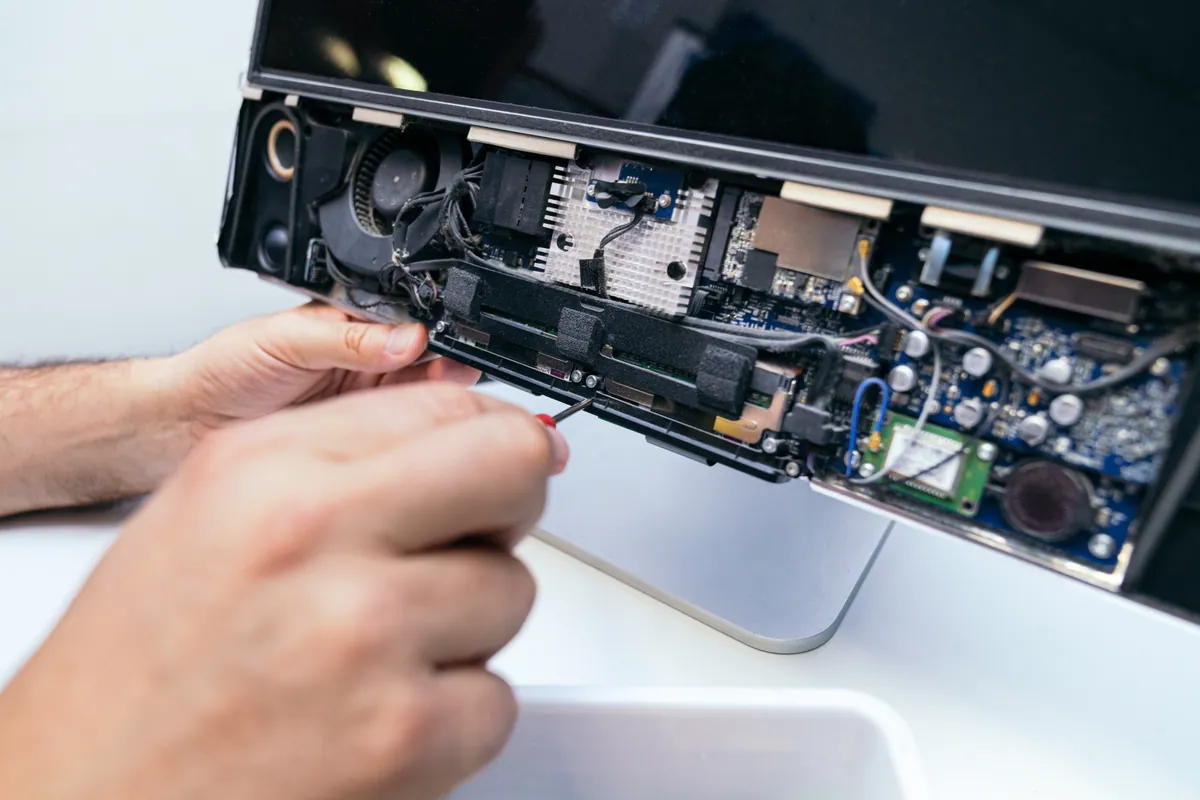
Bring it to us as soon as possible. We disassemble, ultrasonically clean the affected boards, assess what’s recoverable, and give you an honest quote. Water damage repair is not always successful but outcomes are meaningfully better the sooner we see it.
Sound like your problem?
Dropped your laptop, cracked the screen, or had a spill? Bring it in or book a collection — we'll assess it for free and tell you exactly what's involved before starting anything.
MacBook Repair in Fulham
Fulham has a high proportion of MacBook users — the mix of creative freelancers, financial sector workers, and professionals working from home makes it one of the most Apple-dense areas we cover.
The repairs we see most:
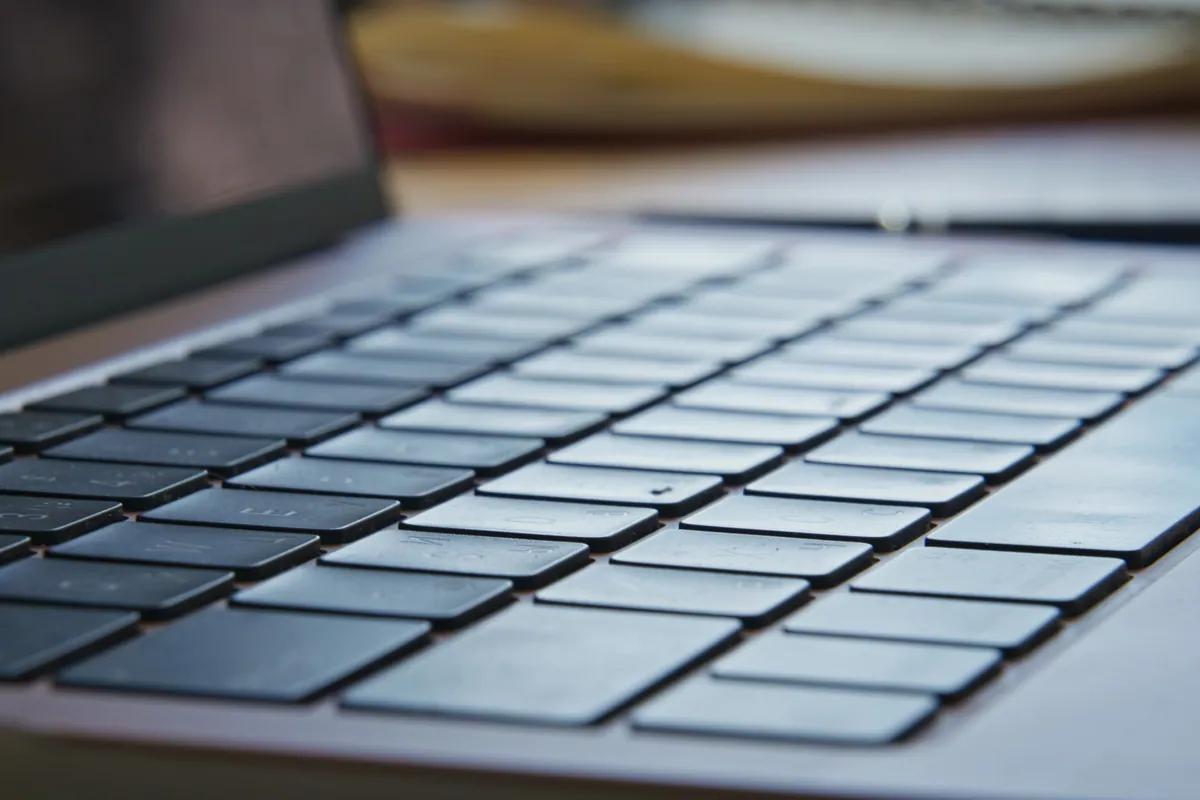
Keyboard and trackpad issues. The butterfly keyboard on 2016–2019 MacBook Pros remains a problem for customers still running those machines. Keys that stop registering, double-type, or feel different from the rest of the keyboard are classic butterfly mechanism failures. Post-2019 Magic Keyboard models are more durable but still get sticky keys from even minor liquid ingress. We replace individual keys, full keyboards, or top cases depending on the extent of the fault.
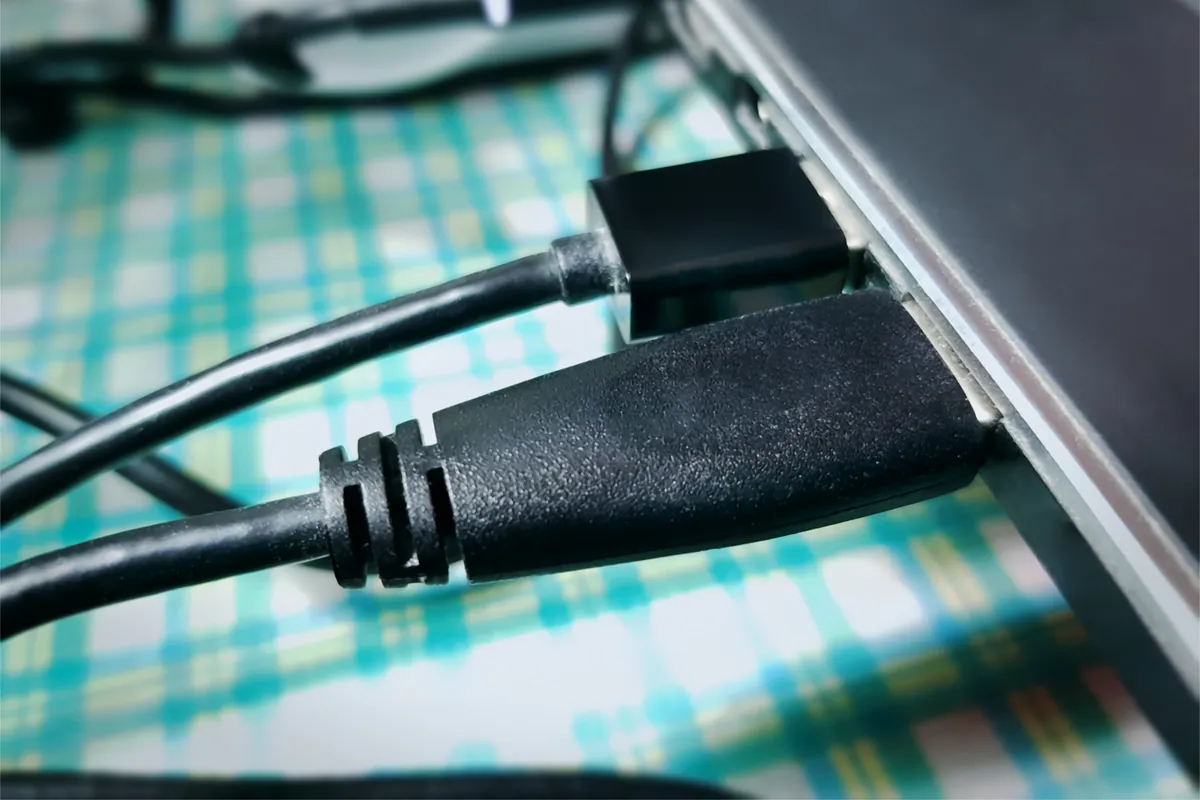
Charging problems. A MacBook that won’t charge is usually the charger, the cable, or the port — in that order of likelihood. Try a different charger first if you have access to one. If the port is dirty (lint and debris accumulate in USB-C ports over months of daily use), cleaning it sometimes restores charging. If neither helps, it’s the charging circuit on the board — a more involved repair but usually fixable without replacing the whole logic board.
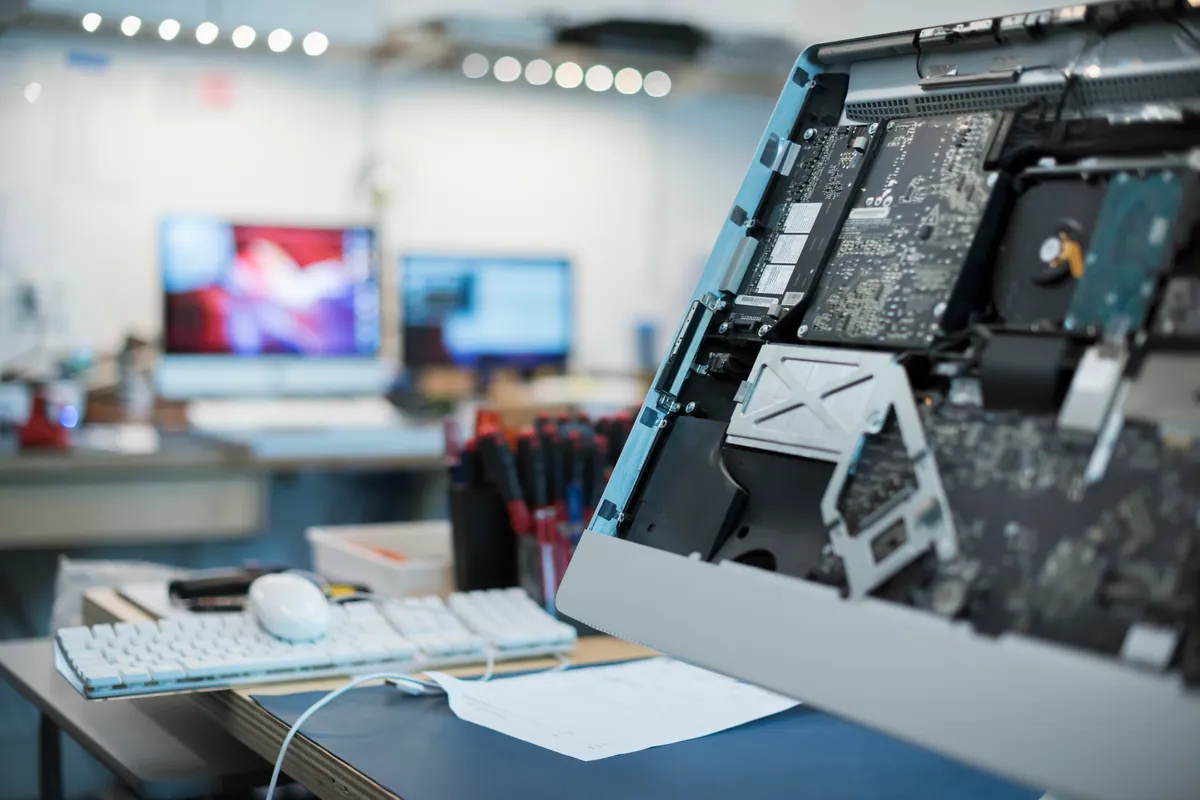
Logic board faults. Symptoms like no display, random shutdowns, the machine not turning on at all, or specific ports failing can all point to logic board issues. We repair at the component level where feasible rather than defaulting to a board replacement, which keeps costs significantly lower on machines where the underlying board is otherwise sound.
Post-update performance problems. A macOS update that’s left a MacBook noticeably slower is a real and relatively common occurrence — particularly on older Intel models being pushed to run newer versions of macOS. We can assess whether it’s a software or hardware issue, roll back if appropriate, and optimise what’s there.
Fulham Small Business IT Support
Beyond individual laptop repairs, we support Fulham small businesses with:
- Remote IT support — connectivity issues, email setup, software problems, Microsoft 365 and Google Workspace configuration
- Data recovery — from failed drives, accidentally deleted files, or machines that won’t boot
- Network setup — home office and small business Wi-Fi, wired networks, printer configuration
- New machine setup — data transfer from old machine, software installation, email and account migration
No contract required. We work on a per-job basis and give you a quote before starting.
Getting to Us from Fulham
Our workshop is at 66 Lower Richmond Road, Putney, SW15 1LL. From Fulham Broadway, the most direct route is south via Fulham Road or New King’s Road towards Putney — typically 10–15 minutes by car.
If driving or carrying the laptop isn’t practical, we offer collection and return within our service area. Call 020 7610 0500 to arrange.
Opening hours: Monday–Friday 10am–6pm, Saturday 10am–5pm.
We’re a walk-in shop — no appointment needed, though calling ahead if you’re coming from further afield means a technician will be ready to look at your device immediately.
Repair Costs for Fulham Customers
We quote after diagnosis, not upfront. That said, common repair ranges:
| Repair | Typical cost |
|---|---|
| Laptop screen replacement | £80–£350 depending on model |
| MacBook battery replacement | £95–£150 |
| Windows laptop battery replacement | £65–£120 |
| SSD upgrade or replacement | £80–£180 inc. parts |
| Virus and malware removal | £65–£95 |
| Water damage assessment | Diagnostic fee confirmed upfront — repair quoted separately |
| PC health check | £45 (deducted if a repair follows) |
| Data recovery | From £120 |
We’ll confirm any diagnostic fee upfront, then quote before repair work starts. Contact us or call 020 7610 0500 to get started.