Laptop and MacBook Repair for Hammersmith Customers
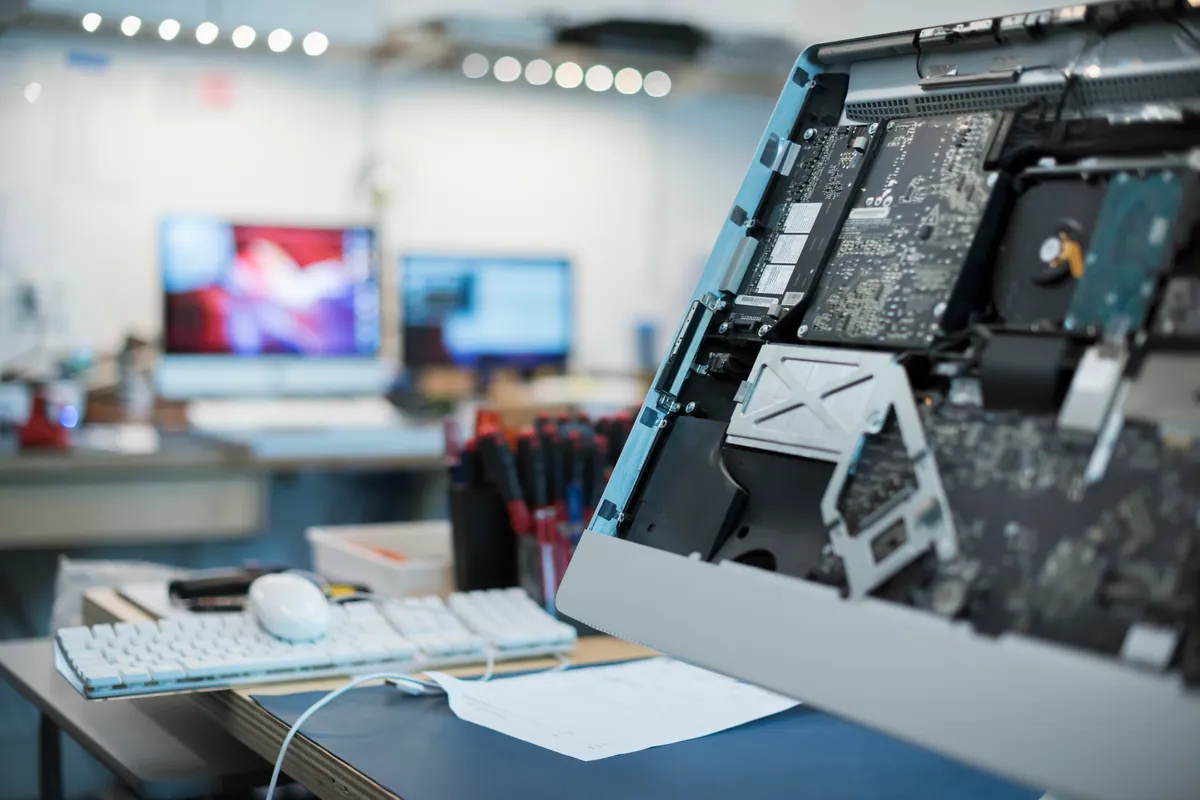
Hammersmith is a five-minute drive from our Putney workshop — cross the bridge and you’re there. For Hammersmith residents and businesses with a broken laptop, we’re the closest independent repair workshop with full diagnostic capability and component-level repair.
The alternative from Hammersmith is either Westfield Shepherd’s Bush (Apple Store, with the usual Apple pricing and booking timelines) or a postal service. For anything urgent or valuable, neither is particularly satisfying.
Common Repairs from Hammersmith
Screen Damage
Hammersmith has a mix of densely populated residential streets, commuters, and a significant business presence — and all of them produce cracked laptop screens. The repair process is the same regardless: we remove the broken panel, fit a replacement, and verify the display before returning it.
For Windows laptops — Dell, HP, Lenovo, ASUS, and others common in business environments — screen replacement typically costs £80–£140. MacBook screens vary by model: a standard MacBook Air panel is at the lower end, a 14 or 16-inch MacBook Pro with Liquid Retina XDR at the higher. Typical range £180–£350 — we confirm the exact cost once we’ve identified the model.
We carry stock of commonly needed panels. Same-day turnaround is available for popular models.
MacBook Charging Issues
A MacBook that won’t charge is one of the more anxiety-inducing faults — particularly if the battery is already low. Before assuming the worst, work through the most likely causes in order:
Cable or adapter. USB-C cables and MagSafe adapters do fail. If you can try a different cable or borrow someone else’s charger, do that first.
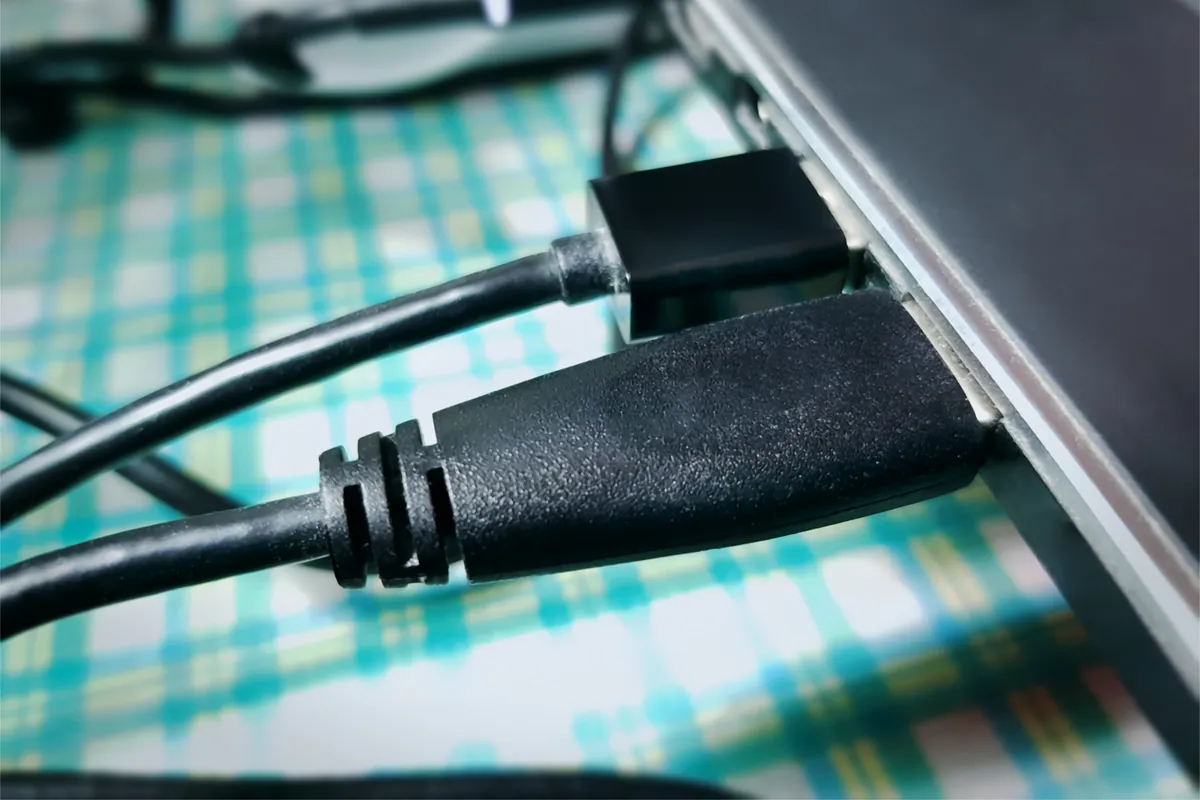
Port debris. USB-C ports accumulate lint and debris from bags and pockets over months of daily use. A blocked port can prevent a secure connection. We clean ports as part of diagnosis — sometimes that’s all it takes.
Port damage. Physical damage to the port connector — bent pins, a cracked housing — is visible and replaceable in many cases.
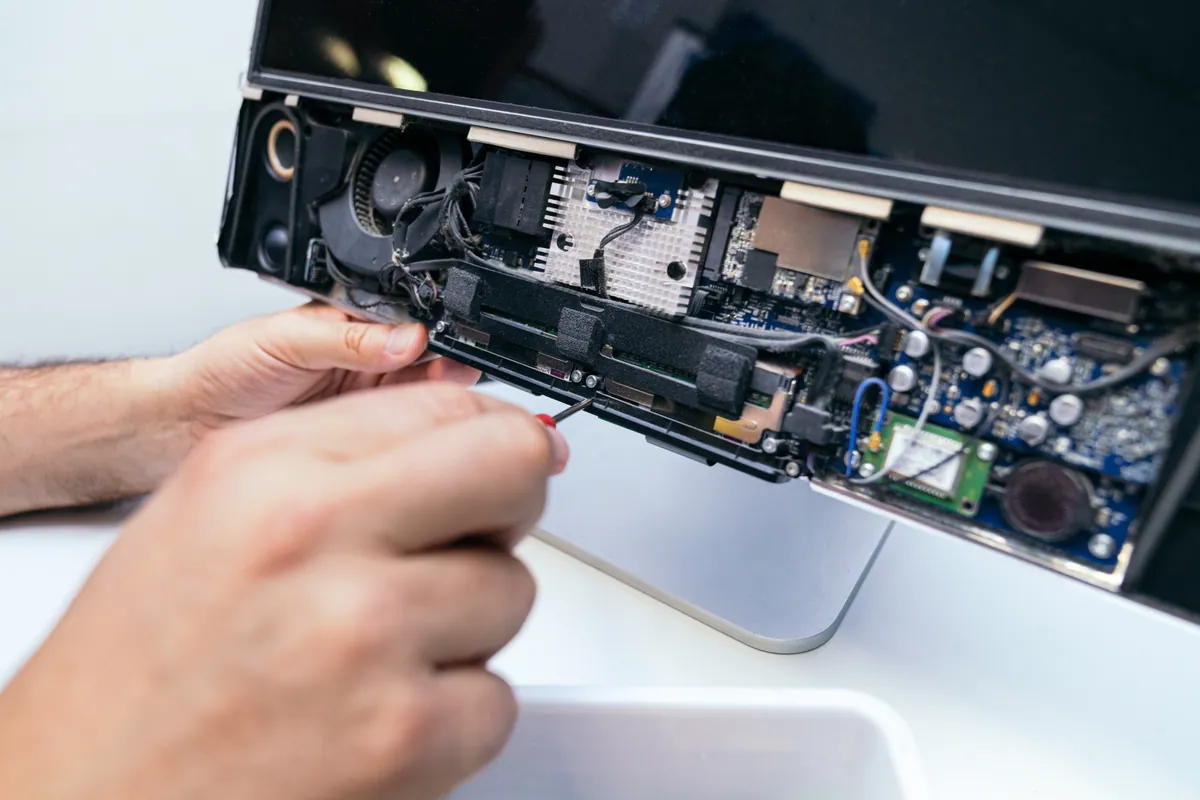
Charging circuit fault. If none of the above resolve it, the issue is on the logic board — the charging IC or associated components. This is repairable without replacing the entire board in many cases. We assess and quote before starting.
We’ll check the likely causes and explain any diagnostic charge before work starts.
Business Laptop Repair
Hammersmith has significant office space — media companies along the Riverside, professional services on King Street, and creative businesses throughout W6. Business laptops that fail mid-project are not just inconvenient — they’re costly.
We repair business machines quickly and with discretion. We don’t look at your files, we don’t ask about what you’re working on, and we tell you clearly what we found and what we did. Data stays on the machine unless recovery is specifically what you’ve asked for.
For businesses with multiple machines, we can arrange a regular maintenance visit or a priority drop-in service. Call to discuss.
Slow Windows Laptops
Hammersmith businesses frequently ask about older Windows machines that are running slowly rather than failing outright. The usual suspects: an ageing spinning hard drive that’s still functioning but taking seconds to respond to each operation, a Windows installation that’s accumulated background processes over years, or a machine that genuinely has insufficient RAM for what Windows 11 now requires.
An SSD upgrade — fitting a solid-state drive and cloning the existing system across — is often the most cost-effective intervention. Machines that were taking five minutes to boot are typically under 30 seconds after an SSD upgrade. Cost: £80–£180 including the drive.
Sound like your problem?
Hammersmith customer? Cross Putney Bridge and you're with us. Or call 020 7610 0500 and we'll collect from your W6 address.
MacBook Repair for Hammersmith
Hammersmith’s media and creative sector generates a steady MacBook repair queue. Common faults:
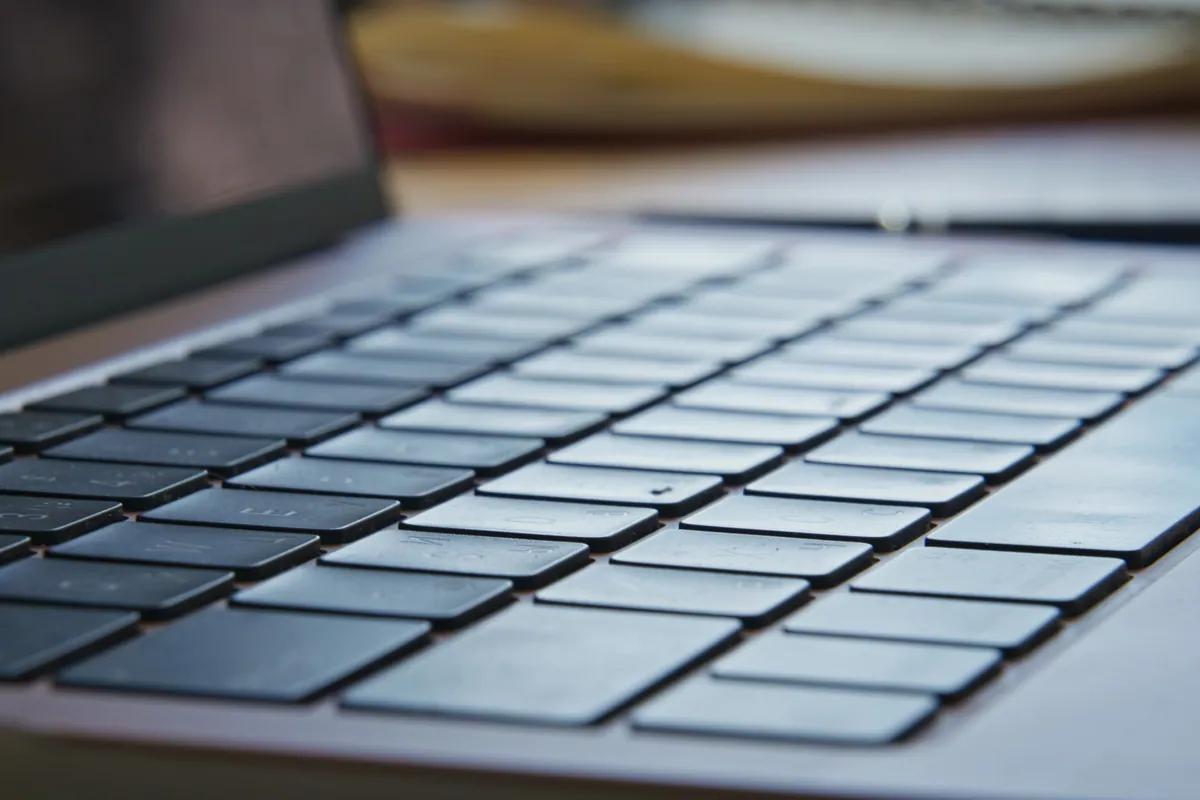
Keyboard and trackpad failure. The 2016–2019 MacBook Pro butterfly keyboard remains a recurring problem even now — key failures from minimal debris, inconsistent key feel, keys that register twice from a single press. We replace individual keys, full keyboards, and top cases.
Liquid damage. Hammersmith’s density of cafés and hot-desking spaces means the occasional desk coffee meets the occasional MacBook. Outcomes are strongly time-correlated — the sooner it comes to us after a spill, the better.
Logic board faults. Component-level board repair is available where the fault allows it. A failed charging IC, power management component, or GPU issue doesn’t automatically mean a new board. We assess and advise.
Post-update slowness. macOS updates on Intel MacBooks from 2018–2021 can degrade performance. Thermal paste replacement — the paste between the CPU and heatsink dries out over time and the machine throttles to compensate — often makes a noticeable difference to machines that have slowed down without any obvious fault.
Getting to Us from Hammersmith
Address: 66 Lower Richmond Road, Putney, SW15 1LL
From Hammersmith, take Fulham Palace Road south to Putney Bridge, cross the bridge, and turn right onto Lower Richmond Road. We’re approximately half a mile along on the right. Total journey: around 10 minutes by car.
Collection: Call 020 7610 0500 and we’ll come to your Hammersmith address.
Opening hours: Monday–Friday 10am–6pm, Saturday 10am–5pm. No appointment needed.
Cost Guide
| Repair | Typical cost |
|---|---|
| Laptop screen replacement | £80–£350 |
| MacBook battery replacement | £95–£150 |
| Windows laptop battery | £65–£120 |
| SSD upgrade | £80–£180 inc. parts |
| Virus removal | £65–£95 |
| Water damage assessment | Diagnostic fee confirmed upfront |
| Data recovery | From £120 |
| PC health check | £45 (deducted if repair follows) |
Diagnosis first. Fixed quote before we start. 90-day warranty. Any diagnostic fee confirmed upfront. Get in touch or call 020 7610 0500.