The short answer
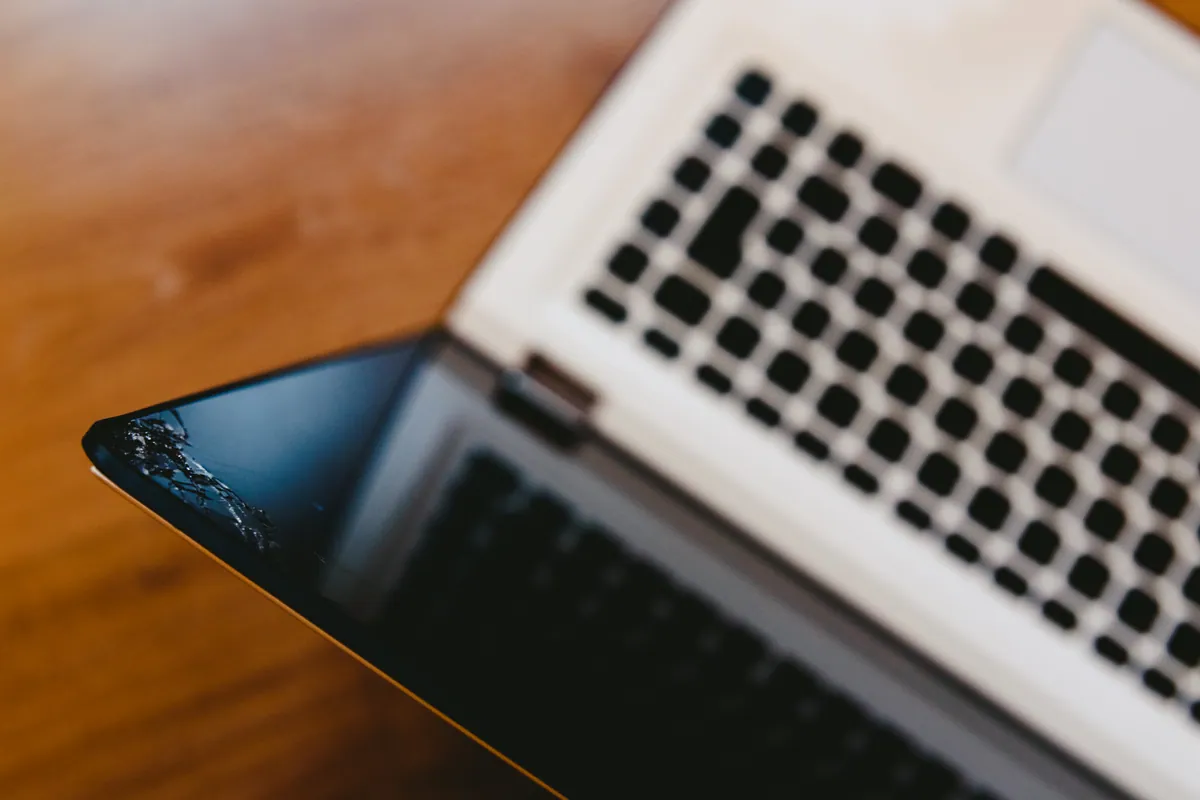
For most Windows laptops, a screen replacement in the UK falls in the £60–£200 range including the part and fitting, with straightforward jobs starting from around £85. The spread is wide because “a laptop screen” is not one part: panels differ enormously in size, resolution, technology and availability, and the panel is most of the price.
Premium displays — MacBook Retina screens, OLED panels, high-resolution or touch displays — sit at the top of that range and beyond, which is why a fixed quote after diagnosis matters more than a headline price.
Sound like your problem?
Bring it to our Putney workshop or message us a photo and we will give you a straight answer and a quote before any work starts.
What actually moves the price
Panel type and resolution. A standard 15.6" Full HD panel is cheap and plentiful. High-resolution, high-refresh, OLED and colour-accurate panels cost several times more. If your laptop was expensive partly because of its screen, the replacement will reflect that.
Touch or non-touch. Touchscreens add a digitiser layer, and on many models the touch version of a panel costs substantially more. Some machines can take either — we’ve covered the trade-offs in our guide to touch vs non-touch screen replacement.
How the screen is built into the lid. Some laptops use a simple bezel-mounted panel that swaps in minutes. Others — most MacBooks and many thin premium ultrabooks — bond the panel, glass and lid into one assembly, so you’re replacing a complete display unit rather than a bare panel. That is the single biggest reason MacBook screen repairs cost more than typical Windows laptop repairs.
Part availability. A common panel is stocked everywhere; a rare one may only be available from a handful of suppliers, which affects both price and turnaround. Business and premium models (Dell XPS, ThinkPad, HP EliteBook) are harder to source than everyday Inspiron, IdeaPad, Pavilion or Aspire screens, and Microsoft Surface displays are notoriously difficult to replace.
Typical prices by laptop
These are our workshop prices, including the part, fitting and a 90-day warranty. The full model-by-model breakdown is on our screen replacement page.
| Laptop | Everyday models | Business, gaming and high-resolution |
|---|---|---|
| HP | Pavilion, 250/255: £85–£120 | Envy £120–£160; Spectre, Omen £150–£220 |
| Dell | Inspiron: from £85 | Latitude £100–£150; XPS £150–£250 |
| Lenovo | IdeaPad, V-series: £85–£120 | ThinkPad £110–£170; Legion £150–£220 |
| Asus | Vivobook: £90–£120 | ZenBook OLED £130–£180; ROG, TUF £150–£220 |
| Acer | Aspire, Swift: £85–£130 | Nitro, Predator £130–£220 |
| MacBook | Air from £180; 13" Pro from £220 | 14" and 16" Liquid Retina XDR £300–£450 |
Within a single model, the touch, high-resolution or OLED version of a panel sits at the top of its range.
Cracked glass isn’t always the whole story
A drop that cracks a screen can also damage hinges, the lid frame or the display cable — and a “screen replacement” quote that ignores this becomes two repairs. If the lid is stiff, creaking or sitting unevenly, read our guide to broken laptop hinge repair options before committing to a panel-only fix. A flickering or intermittently blank screen, with no crack, can be a cable or board fault rather than the panel itself — which is often cheaper to put right.
Two smaller things are worth checking on any quote. The plastic bezel around the screen often cracks along with the panel, and replacing it is usually extra. And on many laptops the webcam and microphone sit in the display assembly; they are normally transferred to the new screen, but confirm that’s included.
This is why we diagnose first and then give a fixed quote: you should know exactly what is damaged and exactly what the repair costs before you decide anything.
When a screen replacement isn’t worth it
An honest repairer will sometimes tell you not to repair. If the laptop is old, slow and low-value, a premium panel replacement can cost more than the machine justifies. The calculation is simple: what would the same money contribute towards a better machine? On our bench, if a repair doesn’t make economic sense we say so, and a refurbished laptop is sometimes the smarter route. When we take a repair on and can’t complete it, we don’t charge for the repair work — the details are on our pricing page.
Why the cheapest quote can cost more
Panels come in different grades. A bargain quote is often a lower-grade or incompatible panel — washed-out colours, wrong resolution, backlight bleed, or a screen that fails within months. Ask any repairer two questions: what grade of panel are they fitting, and what warranty covers the work? Our screen replacements use quality parts matched to your model’s specification and carry a 90-day warranty.
What to expect from a proper quote
- Diagnosis first — confirming the panel is the fault and checking for hinge, cable or frame damage.
- A fixed quote — part, fitting and warranty, agreed before work starts.
- Turnaround — common panels are often same-day or next-day once in stock; a same-day service is available for an extra £40 when you need the fast lane.
- A tested result — dead-pixel check, brightness and colour check, hinge and cable check before hand-back.
If your screen is cracked, flickering or blank, contact us or call 020 7610 0500 with your laptop’s make and model — we’ll tell you what the replacement involves for your specific machine and give you a fixed price before you commit.