Two very different ways to cover a home
Both a mesh system and a range extender exist to solve the same problem: Wi-Fi that is strong near the router but weak or dead at the far end of the house. Where they differ is in how they carry the signal to those far corners, and that difference shapes everything else, from the speeds you get to whether a video call survives when you walk between rooms.
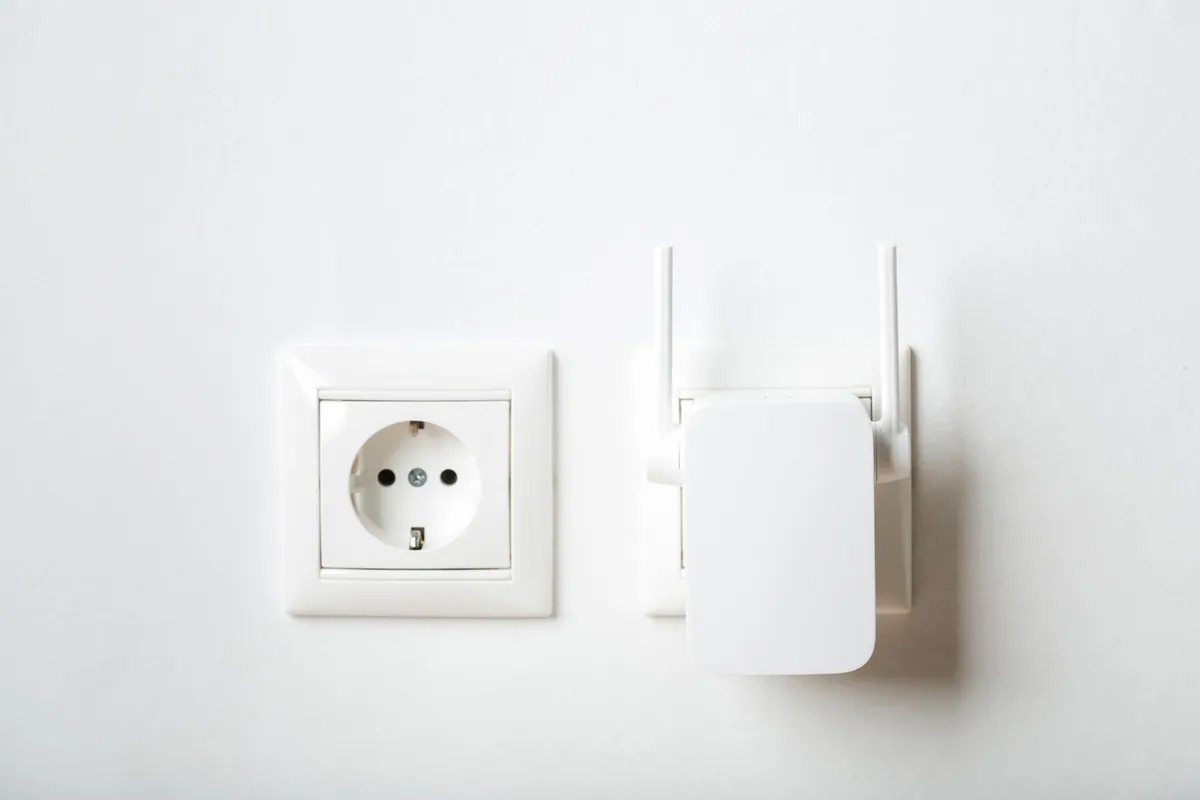
A range extender is a single box that receives your existing Wi-Fi, then rebroadcasts it. A mesh system replaces the coverage job entirely with a set of matched units, called nodes, that work together as one coordinated network. Understanding that split is the key to choosing well, so let us look at each in turn.
Sound like your problem?
Bring it to our Putney workshop or message us a photo and we will give you a straight answer and a quote before any work starts.
How a range extender works
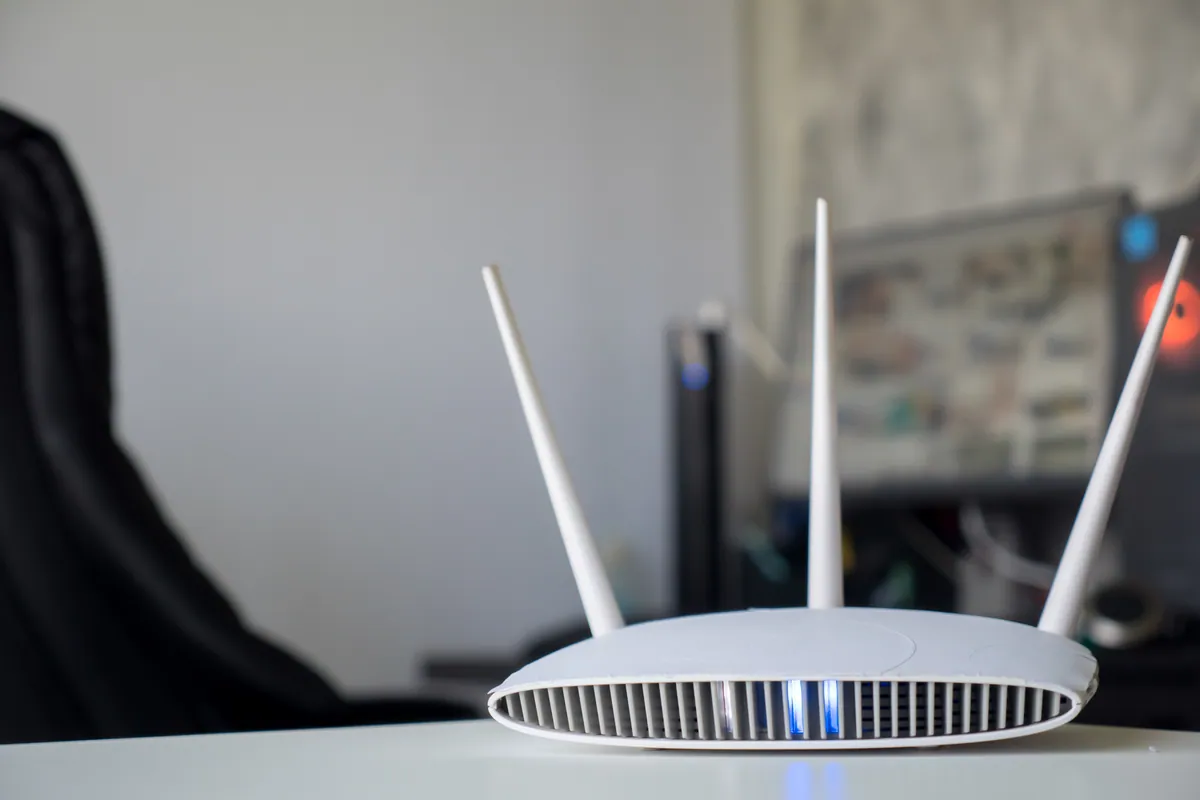
An extender sits roughly halfway between your router and the dead spot. It listens to the router’s signal, then repeats it outward to reach further.
The catch is that most extenders talk to the router and to your devices on the same radio, so every piece of data is sent twice, once in and once out. That roughly halves the throughput passing through the extender. You gain reach, but you often trade away speed to get it.
Extenders also tend to create a second network name, such as “MyWiFi_EXT”. Your phone will happily cling to the weak original signal well after you have walked into the extender’s zone, because it has no reason to switch until the connection nearly drops. You end up manually forgetting one network to force the other, which is one of the most common Wi-Fi complaints we see in the workshop.
How mesh Wi-Fi works
A mesh system uses two or more nodes that share one network name and one password. As you move around the property, your device hands off from the nearest node to the next automatically, ideally without you noticing a thing.
Better mesh kits use a dedicated third radio, a “backhaul”, purely to shuttle traffic between nodes. Because that link is not competing with your devices, you keep far more of your speed as you move away from the main router. This is the crucial advantage over a basic extender.
Mesh also brings a single app for the whole network, easier guest access, and simpler ongoing management, which matters if the household has a lot of devices to look after.
Roaming: the real day-to-day difference
Roaming is where the two approaches feel most different in practice. On a mesh network, a phone call or Teams meeting will usually stay connected as you wander from the kitchen to the study, because the nodes cooperate to pass you along.
With an extender, that same walk often drops the call, because your device is stubbornly holding the weaker of two separate networks. If your household works from home, moves between rooms during calls, or streams on the go, roaming alone can decide the question.
Performance and cost compared
On cost, an extender wins outright. A single unit is inexpensive and can be live in ten minutes. For one awkward dead spot, such as a back bedroom or a garden reached from a nearby wall, it is often all you need.
Mesh costs more because you are buying several matched units, but you get more usable speed across the whole property and a far smoother experience. If you pay for fast broadband, a cheap extender can quietly throttle it in the exact spots you were trying to fix, whereas a good mesh system protects more of that speed.
A quick rule of thumb:
- One dead spot, tight budget, light use: an extender is fine.
- Whole-home coverage, multiple floors, lots of devices, working from home: choose mesh.
- Thick Victorian walls or a detached outbuilding: mesh with a wired backhaul, or a wired access point, will always beat wireless repeating.
Which fits which home
Small flats and terraces with one stubborn corner rarely justify mesh; a single extender, placed carefully, closes the gap. Larger houses, especially those over three floors or with solid masonry walls, are where a proper mesh system earns its keep, because you get consistent coverage without a patchwork of network names.
If you can run a network cable to a second node, do it. Feeding any node or access point over Ethernet sidesteps the speed penalty entirely and gives you the most reliable result of all, which is really a question of good network setup rather than which box you buy.
Whichever route you take, position matters more than people expect. A node or extender placed where the signal is already dying will only rebroadcast a weak signal, so placement halfway to the dead zone, not inside it, makes a genuine difference.
Not sure which is right for your home?
If you would rather not guess, we are happy to help you choose and get it running properly. Call us on 020 7610 0500, drop into the Putney workshop, or use the contact form and we will talk through your layout. We can advise remotely or arrange an onsite visit to sort your Wi-Fi setup so it works in every room, not just near the router.