Start the broadband clock first
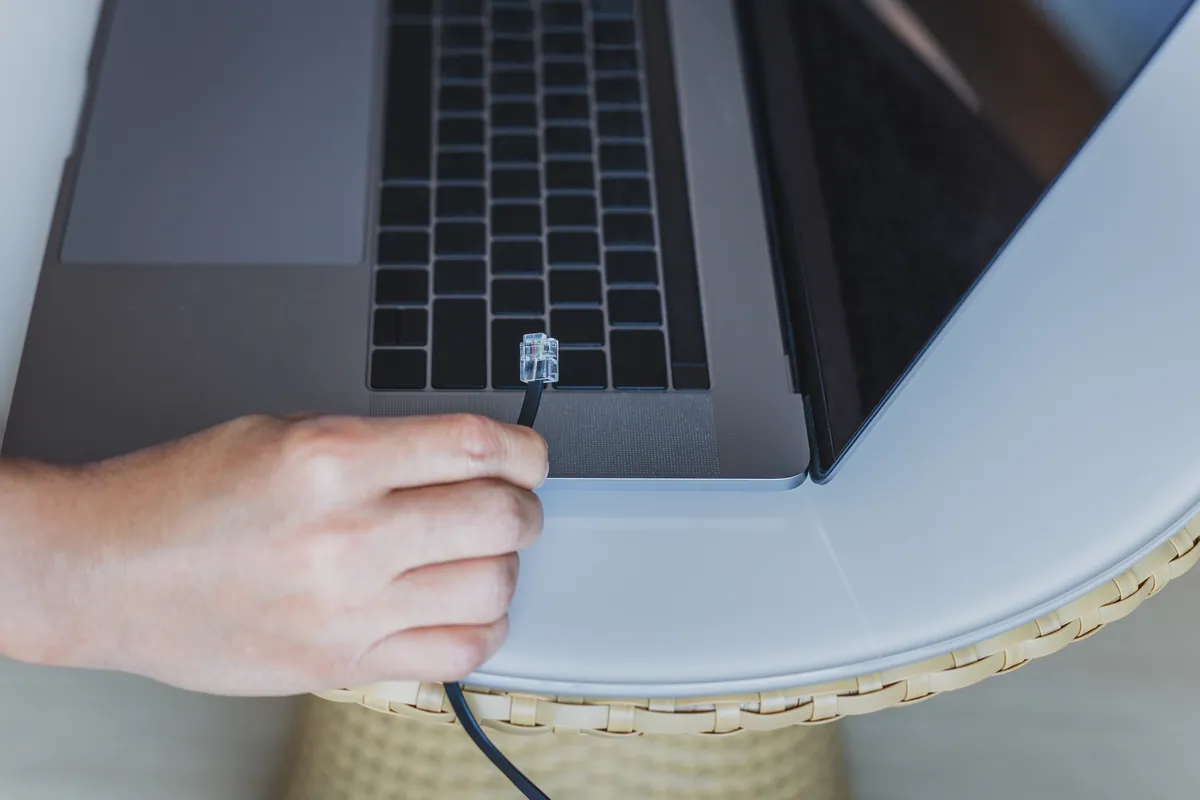
The single biggest cause of a delayed office go-live is broadband. A new business line or fibre installation is not a same-week job — providers routinely quote several weeks, and if the new premises has never had a business connection, an engineer visit and even external cabling works can push that out further. So the very first thing to do, well before you book removals, is order the internet at the new address.
Get the confirmed activation date in writing, and ask specifically whether the line is already live or needs a physical install. If your business genuinely cannot afford any gap, arrange an overlap: keep the old line running for a week or two after the move so nothing goes dark mid-transition. A 4G or 5G backup router is cheap insurance for the first few days if the primary line slips.
While you are at it, note down every service that is tied to your current connection — static IP addresses, VoIP phone numbers, VPN endpoints and any hosted line-of-business apps. These often need reconfiguring or porting, and phone number ports in particular can take weeks.
Sound like your problem?
Bring it to our Putney workshop or message us a photo and we will give you a straight answer and a quote before any work starts.
Survey the new space and plan the cabling
Walk the new office before anyone lifts a box. You are looking for where the incoming line arrives, where you can site a small comms cabinet or shelf, and how data will reach each desk. Wireless is fine for laptops and visitors, but for desktops, printers, VoIP handsets and anything that moves large files, wired connections are still faster and far more reliable.
Sketch a simple floor plan and mark:
- Where the broadband terminates and where the router or firewall will live
- A central point for the switch and patch panel, ideally with ventilation and a nearby power socket
- One or two network points per desk, plus points for printers, wireless access points and any wall-mounted screens
- Cable routes that avoid trip hazards and don’t run alongside mains cable for long stretches
If the building is not already cabled, structured cabling is best done before the furniture goes in, when walls and floor voids are accessible. Getting the network setup designed properly at this stage saves you retrofitting messy trunking later. Plan a few more data points than you think you need — adding one now is trivial, adding one after go-live means pulling a technician back in.
Label everything before you unplug it
The move itself is where days get lost, almost always because nobody remembers how it all went together. Before a single cable comes out, photograph the back of every machine, the server or NAS, the router and the switch. Then label both ends of every cable and the port it came from.
A common fault we see after a rushed move is a network that half-works — some desks online, others dead — simply because patch leads went back into the wrong ports. Ten minutes of labelling prevents an afternoon of tracing.
Pack and move the kit safely
IT hardware does not enjoy being thrown in a van. A few habits protect it:
- Shut down properly, don’t just pull the plug — especially servers and NAS units, which can corrupt data if powered off mid-write.
- Back up first. Take a fresh, verified backup before the move and keep it physically separate from the hardware. If a machine is dropped, you want your data somewhere else. If a drive does fail in transit, stop using it and seek professional data recovery rather than risking a DIY attempt.
- Transport drives and desktops upright and cushioned. Original boxes are ideal; failing that, use anti-static wrap and firm padding.
- Keep small parts together — power leads, mounting screws, Wi-Fi antennas and dongles in labelled bags taped to their device.
Rebuild in the right order
At the new office, resist the urge to plug everything in at once. Bring the network up in layers so you can test as you go:
- Router or firewall first — confirm the broadband line is actually up and you have internet.
- Then the switch, then wired access points and printers.
- Then workstations, a few at a time.
Bringing it up in order means if something fails, you know exactly which layer to look at. Configure the Wi-Fi once the wired backbone is confirmed, and walk the whole floor checking signal in corners, meeting rooms and any dead spots the survey missed.
Test before you call it go-live
The mistake is declaring victory the moment one laptop reaches Google. Before your team arrives, work through a proper checklist:
- Internet up on both wired and wireless, from several points in the office
- Every desk network point tested with a device
- Shared drives, NAS or server reachable from staff machines
- Printers and scanners working from more than one computer
- VoIP or phone system live, with test calls in and out
- Email, cloud apps and VPN all logging in
- Backups running and confirmed at the new location
Do this the day before, not the morning of, so there is time to fix anything that fails.
Give yourself a fallback
Even a well-planned move throws up surprises — a dead port, a router that won’t hold the old settings, a printer that refuses to talk to the new network. Book a buffer: move on a Friday if you can, so the weekend absorbs any overrun before staff return.
If you would rather not spend that weekend on your knees under a desk, PC Macgicians can plan the cabling, handle the move and test everything before your team walks in. We provide onsite IT support across South West London and can be on site for go-live day. Call us on 020 7610 0500, drop into the Putney workshop, or send the details through our contact form and we will help you move without the downtime.