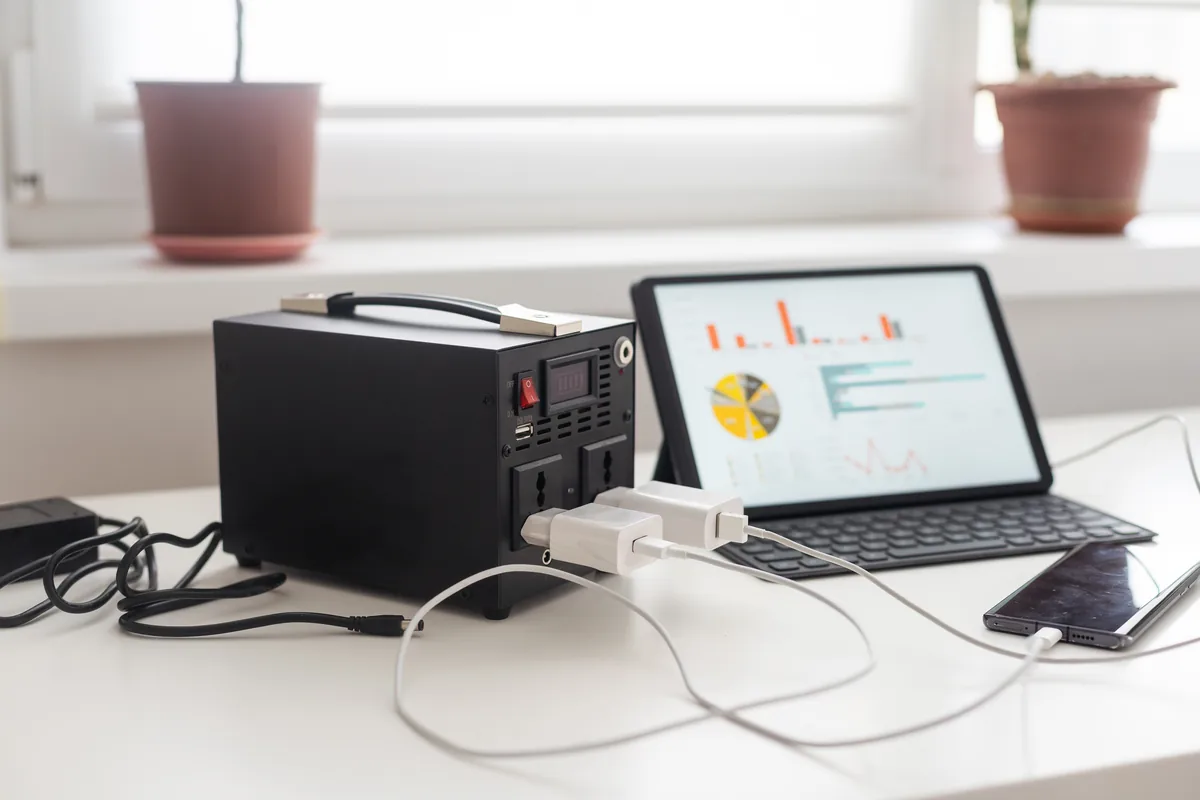
Laptop Battery Not Charging: Diagnosis Guide
A laptop that won't charge could be a faulty cable, a failed charging port, a battery fault, or a software issue. Here's how to work out …
•
5 min read
IT tips, news, and engineer diary from PC Macgicians
Featured
Before you buy a Black Friday laptop deal, check the RAM, the storage, the full model code and what is soldered down. A repair workshop's checklist for a laptop that lasts.
Showing 12 posts on this page
No results found. Try a different search.
A laptop that won't charge could be a faulty cable, a failed charging port, a battery fault, or a software issue. Here's how to work out …
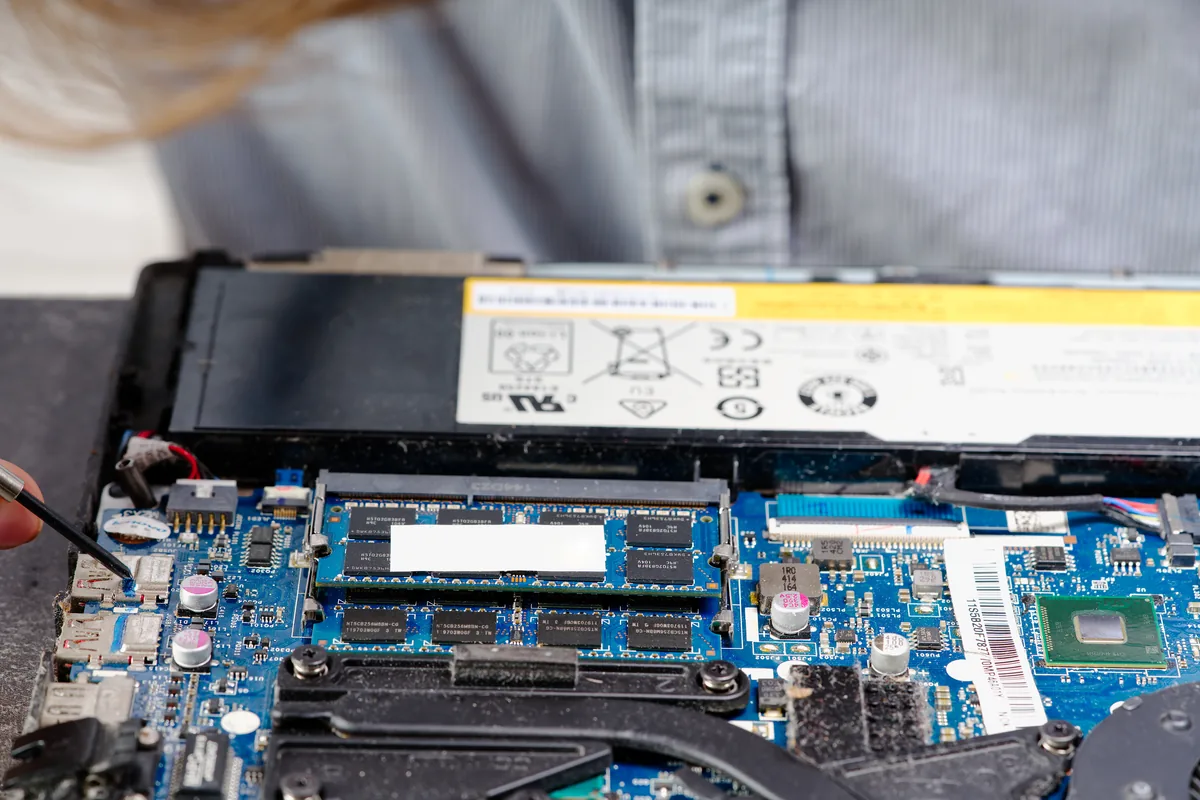
Laptop hinge repair typically costs £60–£120 on a standard Windows laptop, more on premium and convertible models. What causes it, and when …
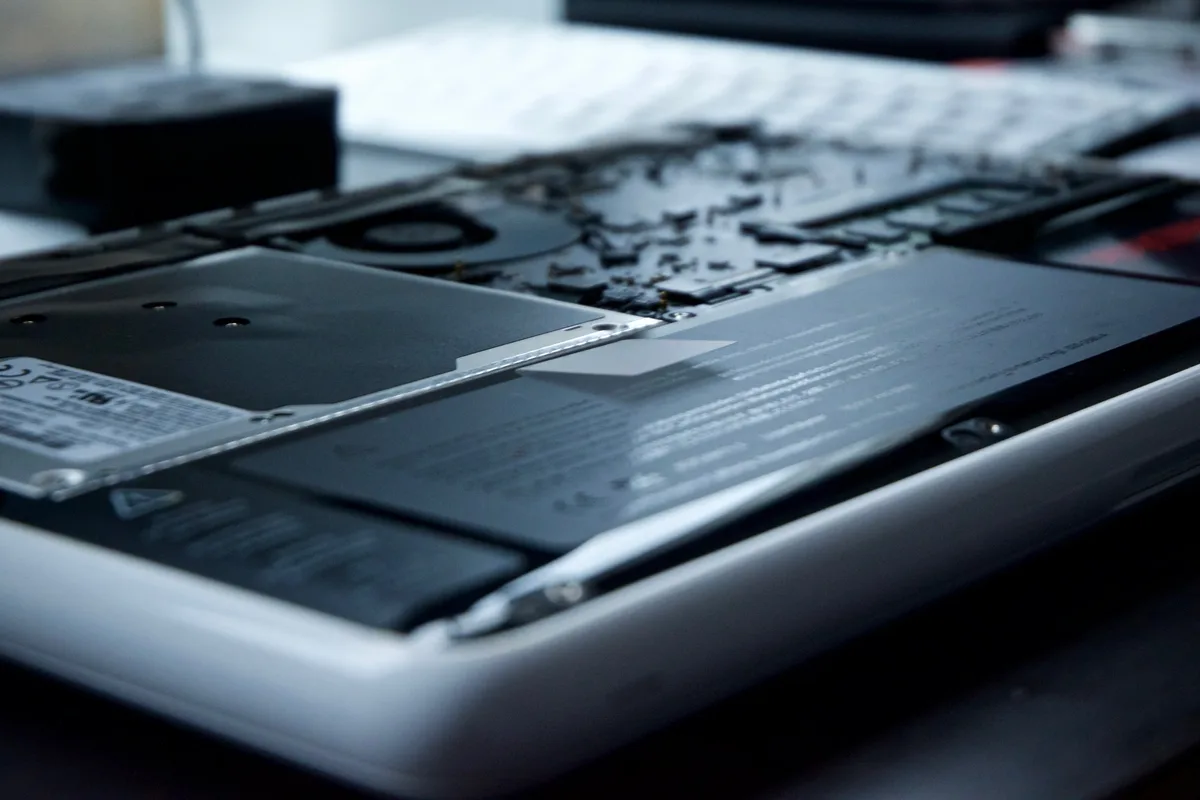
MacBook battery degrading? Here's how to check the real condition of your battery, what replacement costs, and how to decide if it's worth …
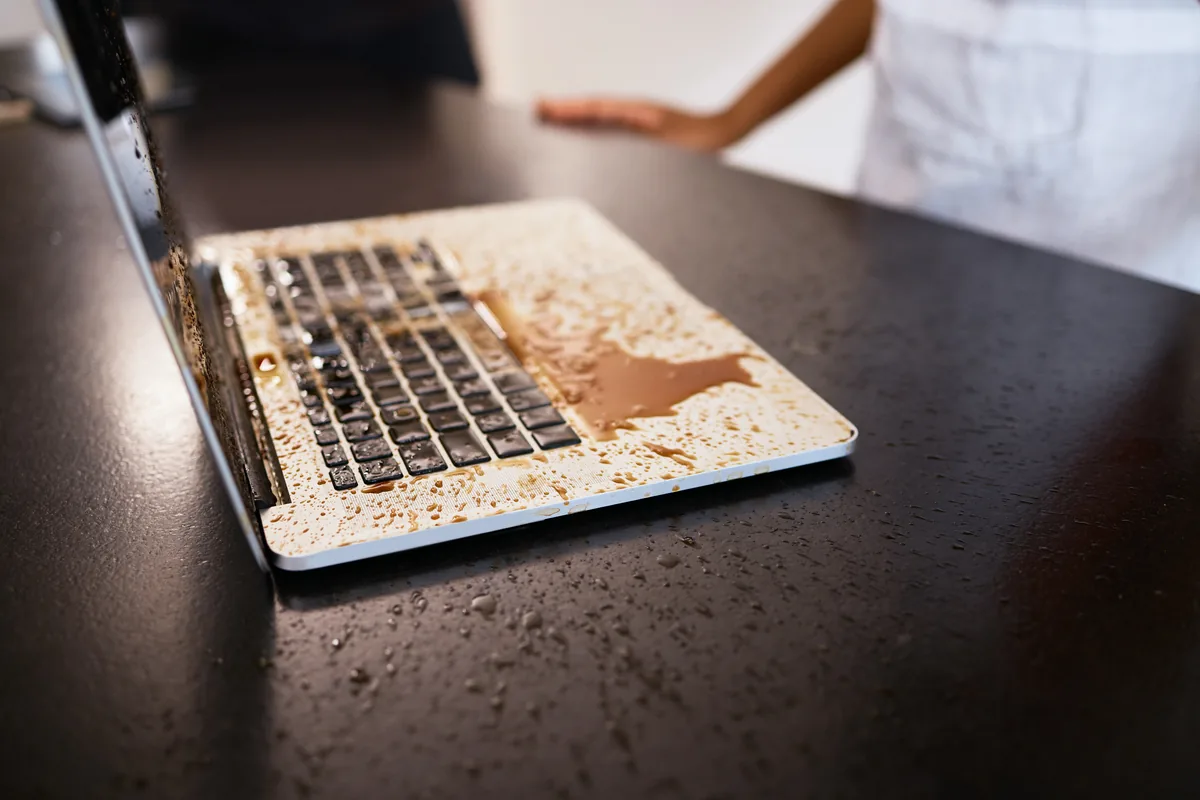
MacBook keyboard not working properly after a spill or through wear? This guide covers sticky keys, liquid damage, backlight failure, and …

MacBook Retina display replacement is more involved than a standard laptop screen swap. Here's what the process involves, what it costs, and …

MacBook not turning on? The diagnosis differs significantly between Intel and Apple Silicon models. This guide explains what to check and …

Most hard drives give warning signs before they fail completely. Recognising the early indicators gives you time to back up your data and …
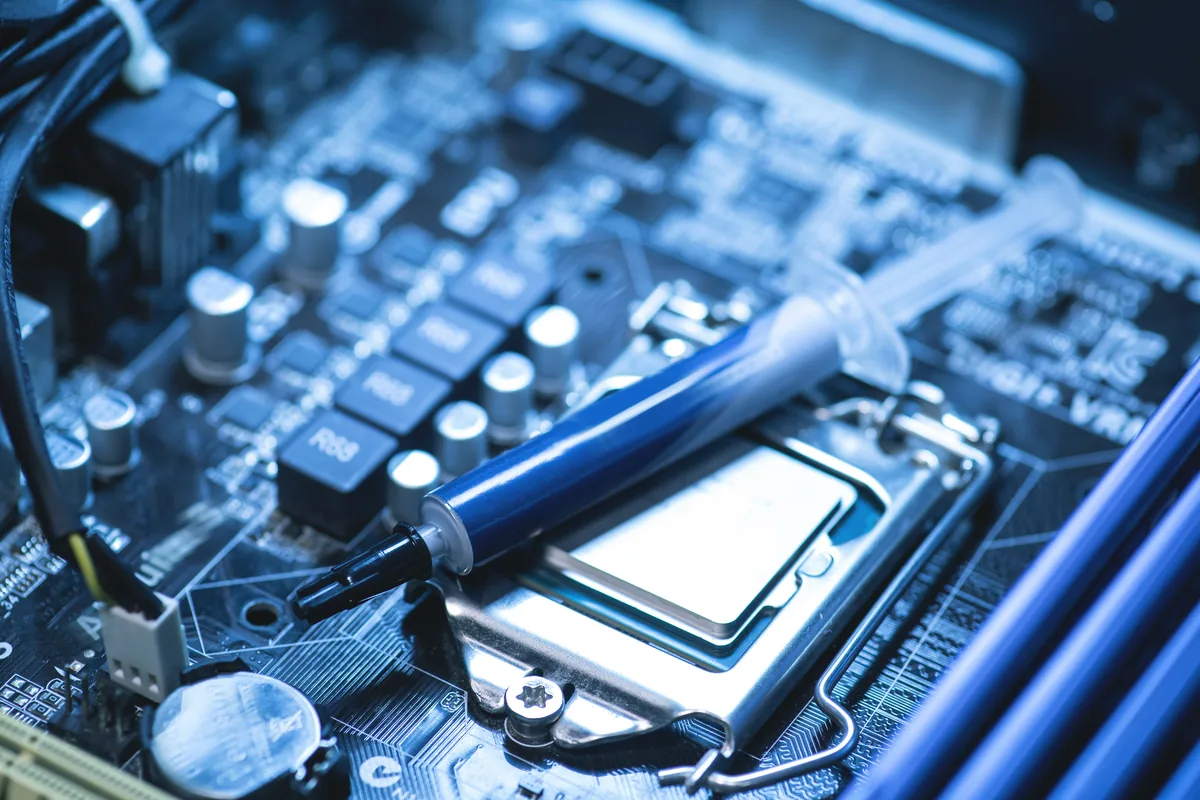
Computers rarely fail without warning. These are the signs that your PC or laptop is heading towards a fault — and why catching them early …
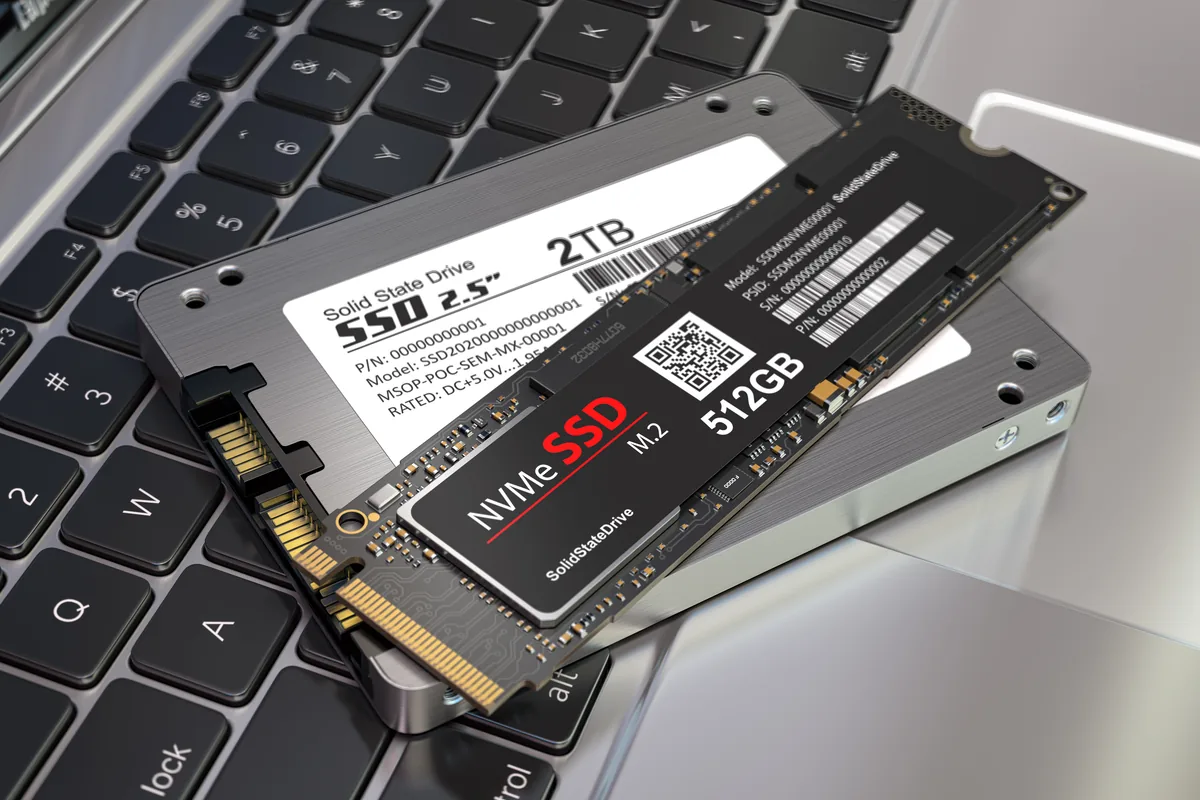
Recovery software found nothing on your SSD? Here's why SSD failures differ from hard drives, which methods give real results, and when …

If your laptop has a touch screen, replacement works differently and costs more. Here's why touch screens are more complex to replace and …

Step-by-step guide to factory resetting a MacBook running macOS Ventura or Sonoma — including how to back up first and what to do if the …

A flickering laptop screen can mean a loose display cable, failing backlight, driver fault, or panel damage. This guide explains how to …