Laptop Screen Flickering: Causes and What to Do
A flickering laptop screen can mean a loose display cable, failing backlight, driver fault, or panel damage. This guide explains how to …
•
4 min read
IT tips, news, and engineer diary from PC Macgicians
Featured
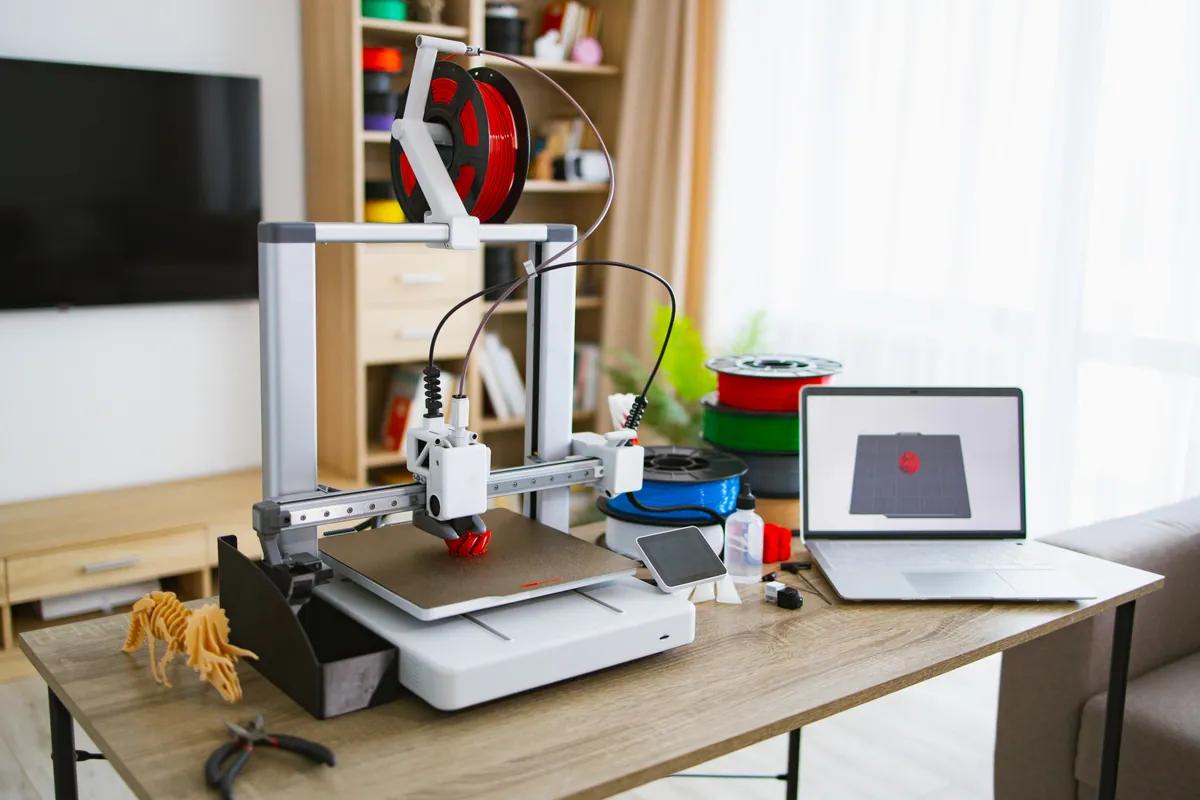
A kids' 3D printer is a great present until it will not join the Wi-Fi on Christmas morning. What to check and set up first, from a workshop that sets them up.
Showing 12 posts on this page
No results found. Try a different search.
A flickering laptop screen can mean a loose display cable, failing backlight, driver fault, or panel damage. This guide explains how to …

Laptop completely dead or not booting properly? This guide covers the main causes — power, battery, hardware, and software — and what each …
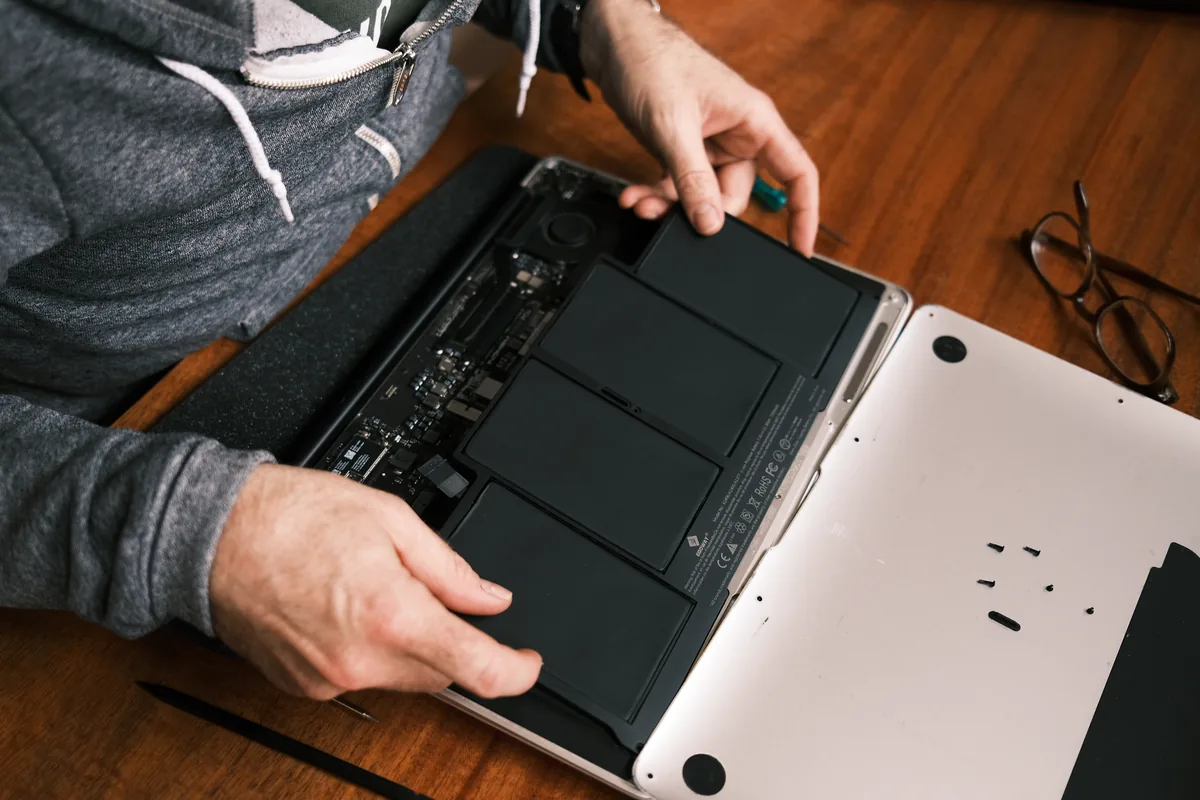
A PC health check reviews your computer's hardware condition, software security, and performance. Find out what's included and when it makes …

Use 10 proven fixes to speed up a slow computer before replacing it. Practical guidance from PC Macgicians for Windows and Mac users.

Simple checks and fixes that often restore laptop performance without needing a repair — and how to tell when you actually need a …
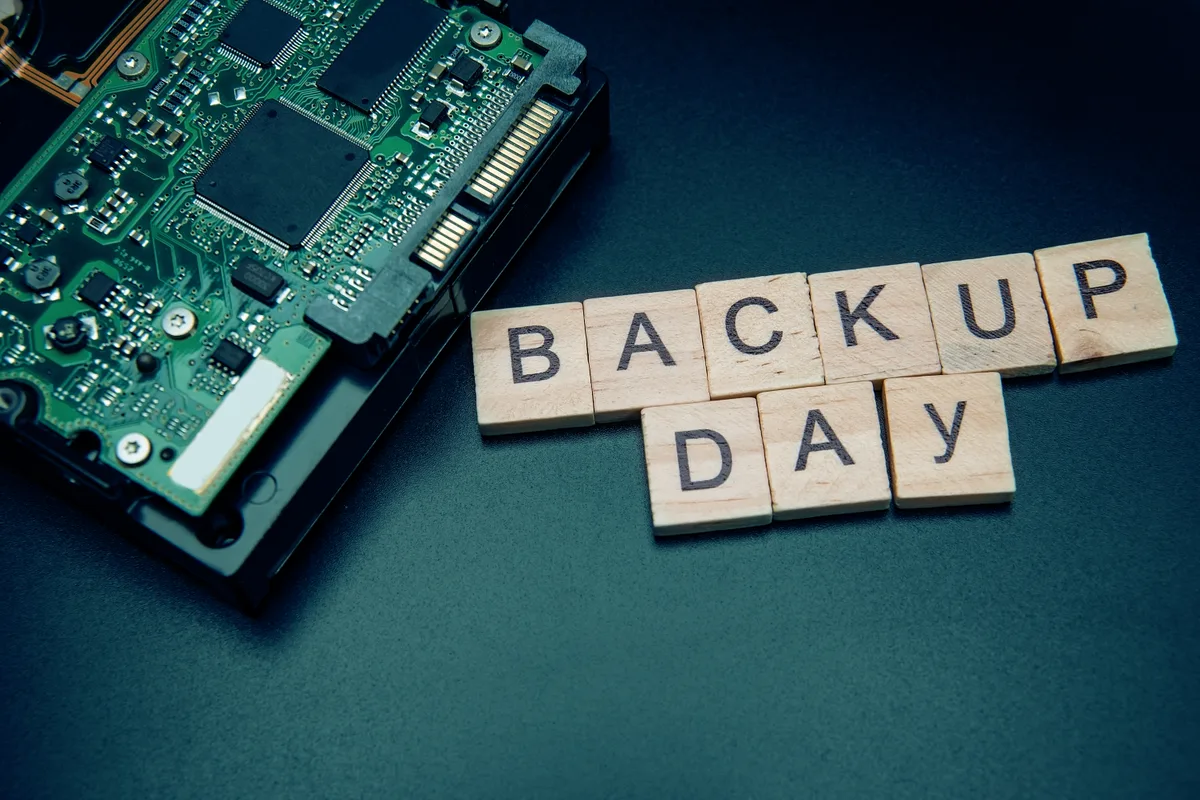
A practical guide to setting up reliable backups on Windows and macOS without the stress — and why the 3-2-1 rule is worth following.

A real-world custom gaming PC build for high-end 4K gaming in London, covering component choices, expected performance, and upgrade …
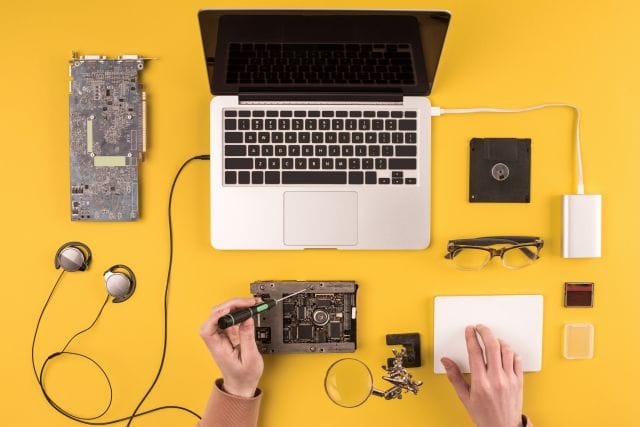
Fan running constantly, laptop hot to the touch, shutting down under load? Dust build-up and dried thermal paste are usually the culprit. …
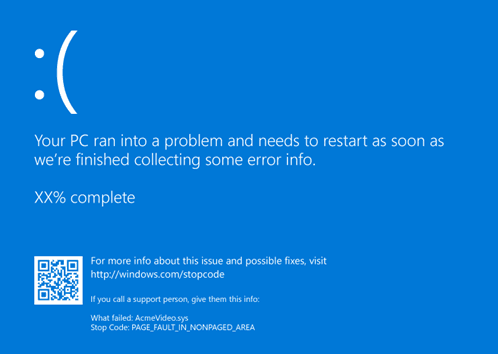
Getting repeated BSODs? A failing SSD is often the cause. Step-by-step guide to check SSD health, identify the error, and decide whether to …

Cloud security hardening case study for a growing firm in Putney, including access controls, email authentication, monitoring, and backup …
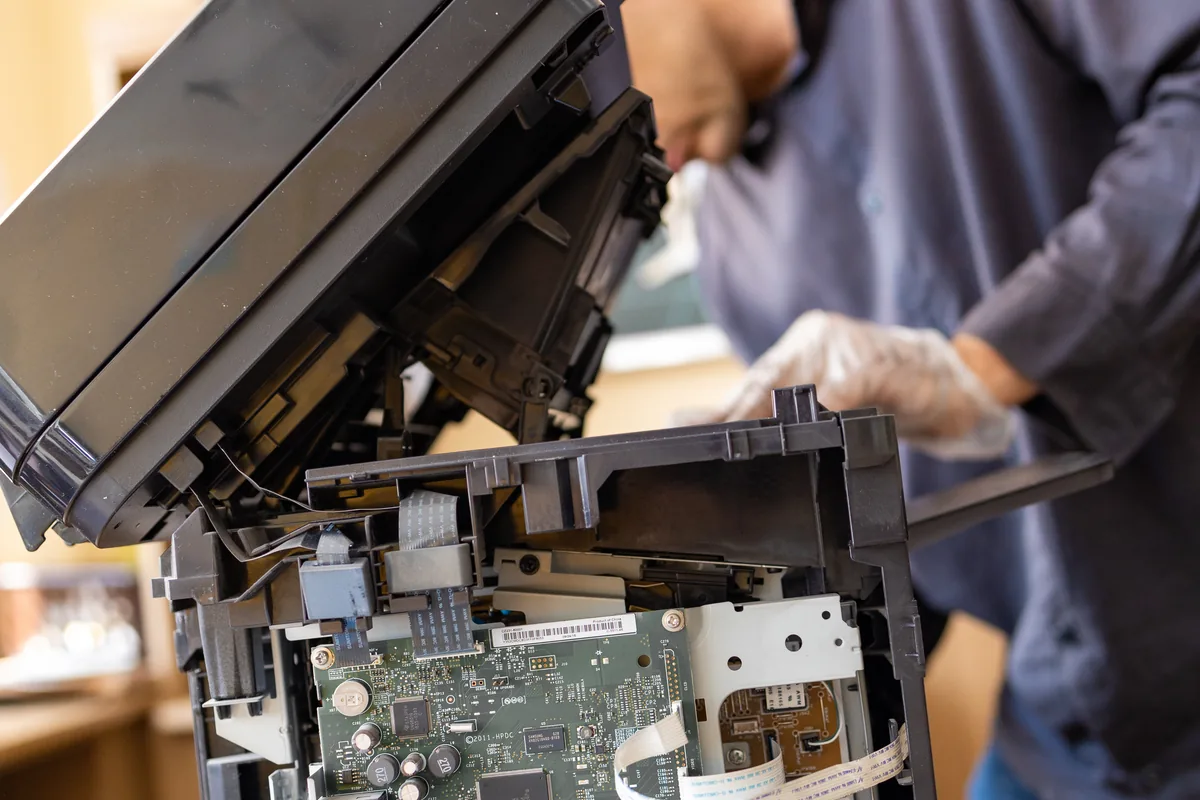
Troubleshoot common printer issues at home — from print jobs stuck in the queue to Wi-Fi connection drops, driver errors, and poor print …

macOS update stuck, failing, or causing reboot loops on your MacBook Pro? Step-by-step fixes — Safe Mode, Terminal commands, reinstall …