Is It Actually Gone? What “Dead” Usually Means
When a phone won’t power on or a card reads as “blank”, people assume the photos are erased. Usually they are not. In the workshop we draw a firm line between two very different problems.
The first is a storage fault — the memory chip still holds your photos, but something around it has failed. A phone with a dead battery, a snapped charging port, water damage, or a cracked screen can be completely unresponsive while the storage inside is perfectly intact. An SD card that suddenly reads as empty or “needs formatting” is often the same story: the file table is damaged, not the files.
The second is overwritten data. Once new information is physically written over the space your photos occupied, that specific data is genuinely gone. This is why the single most useful thing you can do is stop using the device the moment you notice a problem.
So “dead” rarely means “erased”. It usually means “unreadable by the normal route” — and there is often more than one route.
Sound like your problem?
Bring it to our Putney workshop or message us a photo and we will give you a straight answer and a quote before any work starts.
What Is Usually Recoverable
- Deleted photos you haven’t overwritten. Deleting a file typically just marks its space as reusable. Until the phone or camera writes something new, the image data often sits there untouched.
- Photos on a “corrupt” SD card. A damaged file system makes the card look empty, but the underlying photos frequently survive and can be rebuilt.
- Photos on a phone that won’t switch on. If the fault is power, port, or screen related, the storage is usually fine. Fixing the phone or reading the chip can bring everything back.
- Water-damaged phones, if handled correctly early. Corrosion is the enemy, so speed matters.
What Makes Recovery Harder — or Impossible
Some situations genuinely lower your odds, and it helps to be honest about them:
- Continued use. Every new photo, app update, or automatic backup writes fresh data that can land on top of what you are trying to recover.
- Reformatting or “repair” prompts. Tapping “Format” or letting Windows “fix” a card can wipe the very index needed to rebuild your files.
- Physical snapping of an SD or microSD card. A cracked chip is far harder than a logical fault, and sometimes unrecoverable.
- Modern phone encryption. iPhones and recent Android phones encrypt storage. If the phone is broken beyond repair and you don’t have the passcode, chip-level recovery may be blocked entirely — the data exists but cannot be decrypted.
- Failed SSD-style flash controllers. Phone and card storage can fail at the controller, which is a specialist job rather than a software one.
The Dos and Don’ts
Do:
- Stop using the device immediately. Put the phone in aeroplane mode or switch it off; remove the SD card from the camera.
- Make a copy before you touch anything. For an SD card, use recovery software to create a full disk image first, then work only on the copy.
- Check your existing backups. iCloud, Google Photos, OneDrive or a cloud backup may already hold what you thought was lost. It is worth ruling this out before spending money.
- Keep water-damaged phones switched off and get them looked at quickly.
Don’t:
- Don’t format a card that prompts you to, even if the device insists.
- Don’t put rice near a wet phone — it does nothing useful and rice dust gets into ports.
- Don’t repeatedly power-cycle a failing phone; each attempt can cause more damage.
- Don’t run multiple recovery apps on the original card. Every scan is a chance to overwrite something.
Trying It Yourself (Safely)
For an SD or memory card that still mounts, reputable recovery software such as PhotoRec, Recuva or Disk Drill can scan for recoverable images. Two rules keep this safe: work from a disk image copy, never the original, and save recovered files to a different drive. If a card no longer appears on your computer at all, or a phone won’t power on, software cannot help — the fault is physical and needs hands-on work.
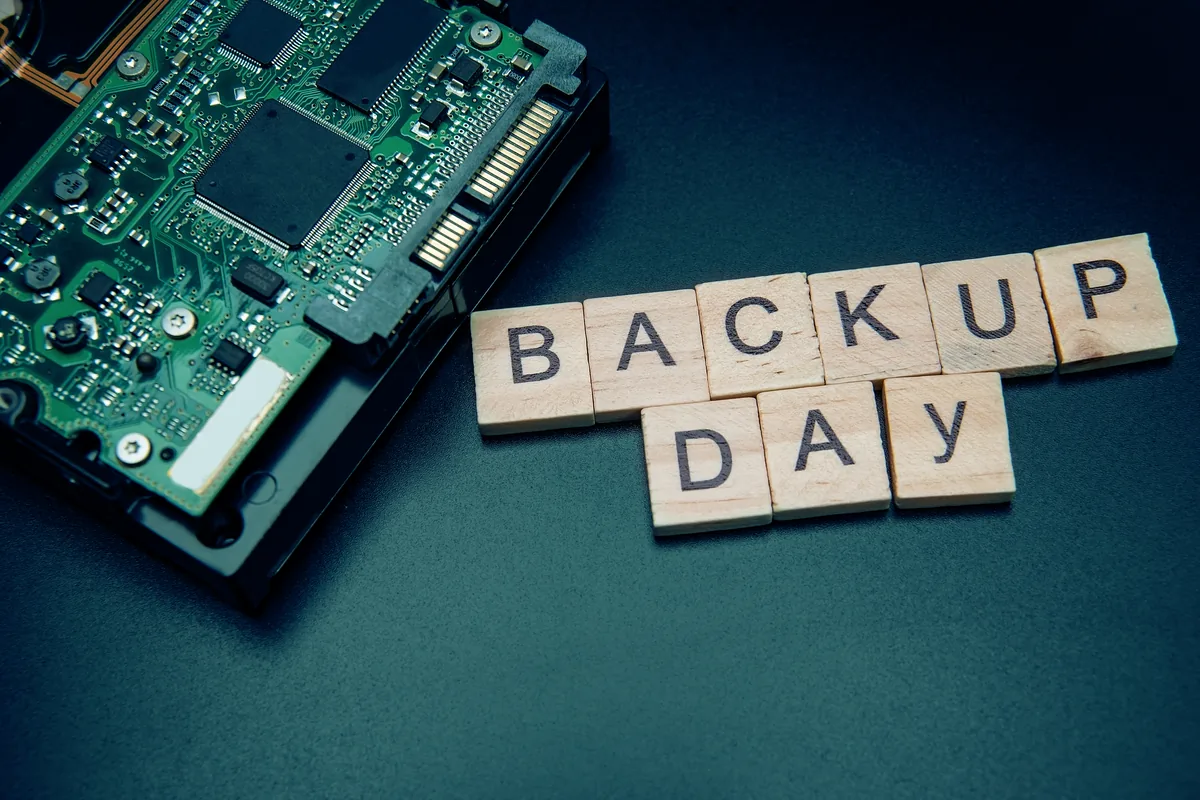
This is also a good moment to set up a proper backup once your files are safe, so a single dead card or phone never puts your memories at risk again.
When to Stop and Get Help
Stop and seek professional help if any of these apply: the card or phone is not detected at all; you hear no fan or feel no response from a device you can normally charge; there has been liquid damage; the card is physically cracked; or your first software attempt found nothing. Pushing harder past this point tends to reduce your chances rather than improve them.
At this stage the work moves to component-level tools — reading the memory chip directly, repairing a charging port, or reviving a phone just long enough to pull the data off. It is fiddly, and doing it in the wrong order is exactly how recoverable photos become unrecoverable ones. The same principle applies to laptops and Macs; if the photos live on a machine rather than a phone, a macbook repair assessment can confirm whether the storage is readable before anything drastic is tried.
Get Your Photos Looked At
If your phone won’t turn on or a card has stopped reading, the safest next step is to leave it as it is and let someone assess it before more data is written. Our data recovery service starts with a diagnostic to see what is realistically recoverable — no guesswork and no false promises. Call us on 020 7610 0500, bring the device to the Putney workshop, or send a note through the contact form and we’ll tell you honestly what your options are.