The Three at a Glance
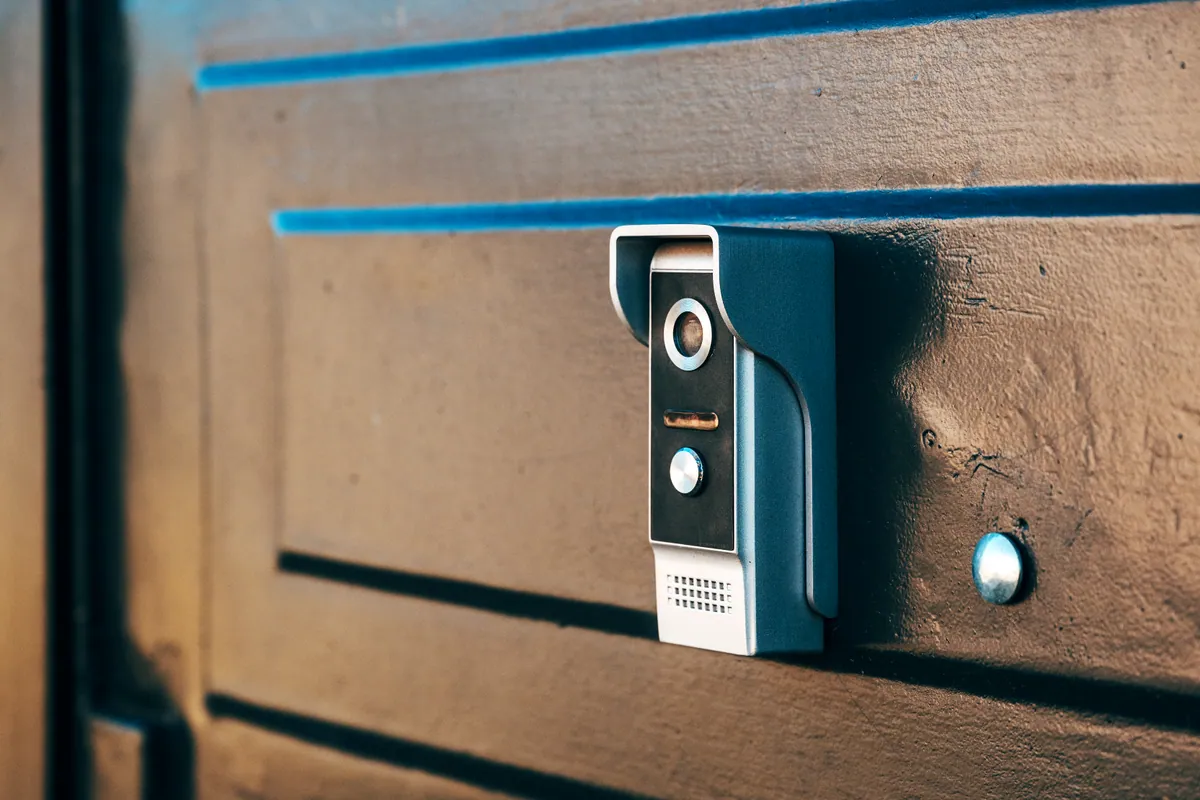
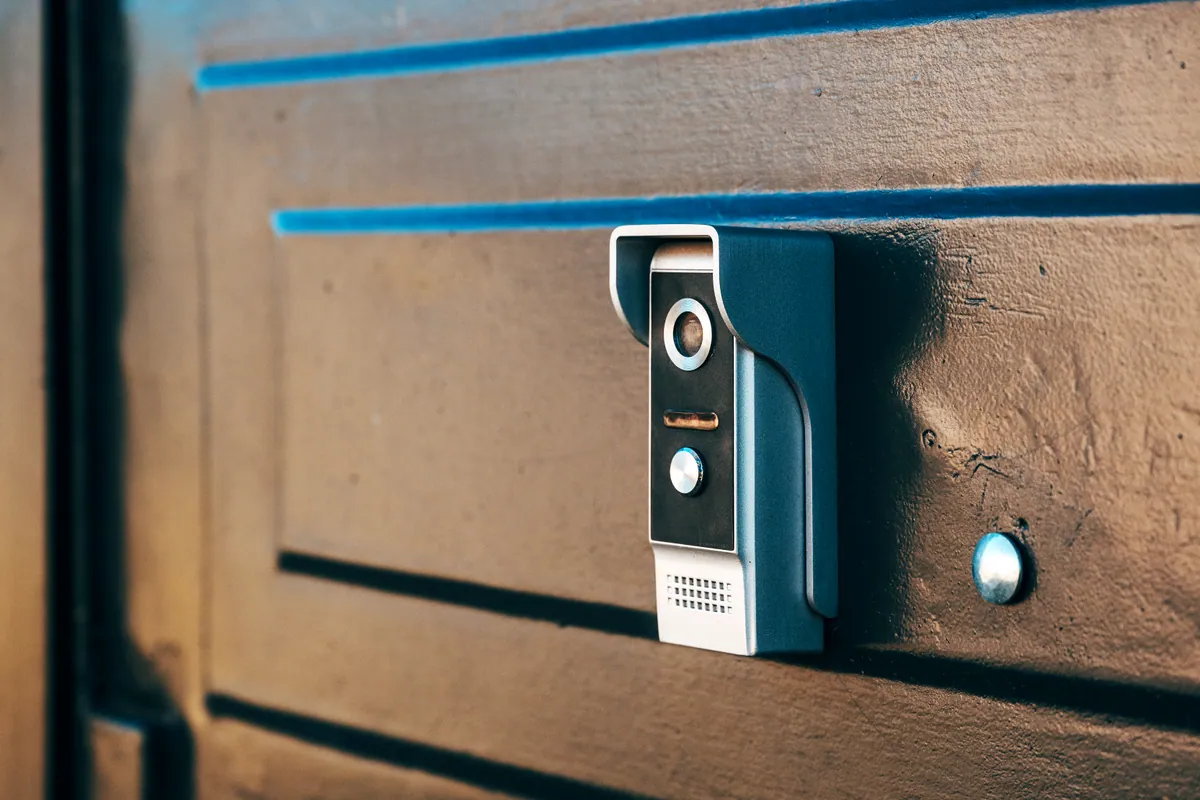
All three brands make doorbells that show you who’s at the door and let you speak to visitors from your phone. The differences are in the details that affect day-to-day use and running cost:
| Ring | Nest | Eufy | |
|---|---|---|---|
| Best known for | Widest range and accessories; strong Alexa support | Clean app and smart alerts; Google Home integration | Working without a subscription; local storage |
| Wired or battery | Both | Both | Both |
| Subscription | Needed for recorded clips | Needed for full event history | Optional — local storage available |
| Fits best with | Amazon Alexa | Google Home / Nest | Either, especially if avoiding fees |
Think of it as three priorities: range and ecosystem (Ring), smart, tidy software (Nest), or no ongoing fees (Eufy).
Sound like your problem?
Bring it to our Putney workshop or message us a photo and we will give you a straight answer and a quote before any work starts.
Subscriptions: The Real Difference
This is the factor people most often overlook. With Ring and Nest, the doorbell is only half the purchase — to store and look back over recorded clips you generally need a paid plan. Without one, you’ll still get a live view and motion alerts, but you may not be able to review what happened while you were out.
Eufy built its reputation on avoiding this by storing footage locally, so there’s no monthly fee to see your recordings. If you dislike subscriptions, that alone may decide it. Plans and prices change regularly, so check the current terms before you commit.
Wired vs Battery
Every brand offers both, and the right choice is usually about your door rather than the badge:
- Wired models are always powered, never need charging, and can often keep your existing indoor chime ringing — ideal where suitable doorbell wiring already exists.
- Battery models go anywhere and are perfect for renters or doors with no wiring, at the cost of recharging every few months.
Storage: Cloud vs Local
Cloud storage (Ring, Nest) is convenient and off-site, so footage survives even if the doorbell is taken — but it depends on a subscription. Local storage (Eufy, and some others) keeps recordings in your home with no recurring fee, though you’re responsible for the device that holds them. Neither is “better”; they’re different trade-offs between convenience, cost and control.
Don’t Forget the WiFi at Your Front Door
Whichever you choose, a video doorbell lives or dies on the WiFi signal at the front door — often one of the weakest spots in the house, especially in deeper or older properties. Laggy live view and missed notifications are far more often a WiFi problem than a doorbell fault.
If your signal is patchy at the door, our guide on extending WiFi range and fixing dead spots will help, and our WiFi setup service can extend coverage so the doorbell stays responsive.
Which Should You Choose?
- You want to avoid monthly fees: Eufy, for its local storage.
- You’re already in the Google world: Nest, for the tidy app and Google Home integration.
- You want the widest range, accessories and Alexa: Ring.
There’s no wrong answer here — all three do the core job well. Match the brand to how you live: your ecosystem, your appetite for subscriptions, and your door.
When to Call a Professional
Fitting a battery doorbell is an easy DIY job. It’s worth getting help when:
- you want to hardwire a doorbell to existing wiring and keep your indoor chime working;
- the existing wiring or transformer needs checking or adapting;
- the WiFi doesn’t reach the door reliably and needs extending first.
Our smart doorbell installation service fits any major brand, sorts the wiring, chime, app and notifications, and gets the angle right so it captures faces clearly. We cover Putney and across South West London. Browse more guides in our Support Centre.