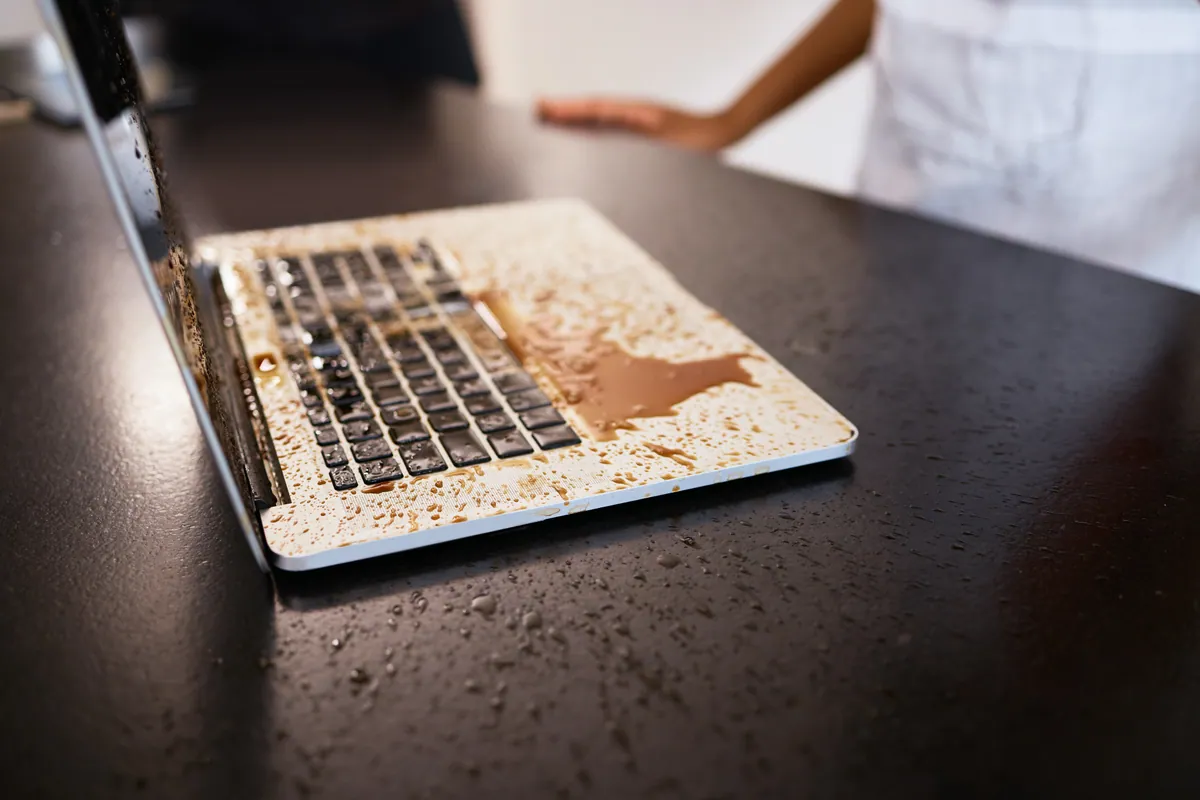
Laptop water damage in South West London? We assess and repair liquid-damaged laptops across Putney, Clapham, Wimbledon, Wandsworth, and surrounding areas. Book a liquid damage repair or call 020 7610 0500 — the sooner we see it, the better.
Do This Now
Power off immediately. Hold the power button down until the screen goes dark. Don’t save files, don’t close applications normally — just hold the button until it’s off. Every second the laptop stays powered on while wet increases the chance of a short circuit burning out a component.
Then work through this quickly:
- Unplug the charger from the wall
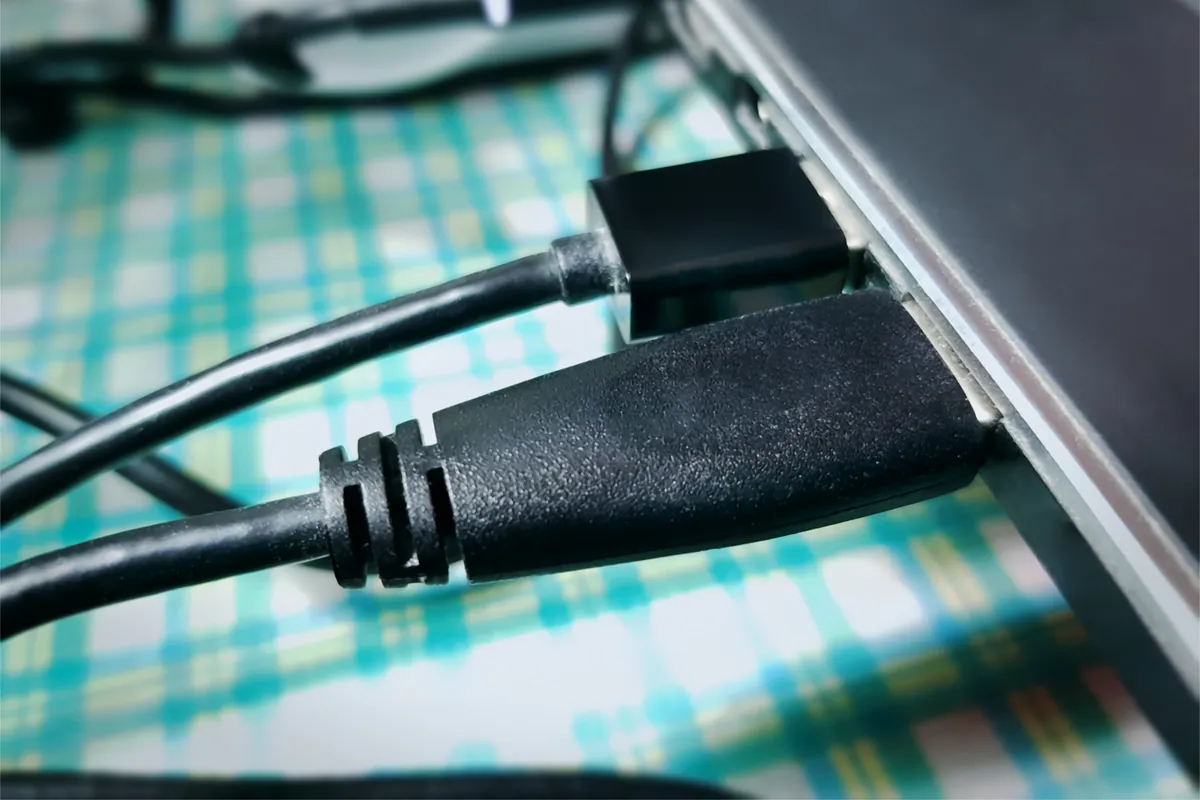
- Remove any USB devices, dongles, or cables
- If the battery is removable (most modern laptops, it isn’t), remove it
- Flip the laptop upside down with the lid open so liquid drains out through the keyboard rather than further into the internals
- Use a cloth to blot — not wipe — any visible liquid from the surface and around the keyboard
Leave it upside down in a warm, dry spot with decent airflow. A room at normal temperature is fine; you don’t need a special environment.
What Not to Do
A few things that seem helpful but actually make the situation worse:
Don’t use a hairdryer. Heat accelerates corrosion and can warp internal components. It also pushes moisture further into areas that might have been unaffected.
Don’t shake the laptop. This spreads liquid to dry areas.
Don’t put it in rice. Rice doesn’t absorb moisture from electronics at any useful rate, and small grains can enter ports and cause additional problems. It’s a persistent myth.
Don’t try to turn it on to see if it still works. This is the most damaging thing you can do. If there’s liquid on the logic board, powering on drives current through unintended paths — it can destroy components in seconds that would otherwise be repairable. Wait at least 24–48 hours, and ideally get it professionally assessed before the first power-on.
Sound like your problem?
If any liquid reached the internals, the next 24 hours matter. Bring it in for an inspection — we'll tell you honestly what the damage is and what's worth repairing.
What’s Actually Happening Inside
Water itself doesn’t instantly destroy electronics. The danger is that water conducts electricity. When a powered laptop has liquid on its circuit board, the current takes unintended paths across the board — these short circuits can burn out capacitors, resistors, or larger chips very quickly.
Even after the laptop is off and the visible moisture has evaporated, the problem isn’t over. Tap water contains dissolved minerals. Once the water dries, those minerals remain as a residue on the circuit board — and that residue is conductive. It causes ongoing shorts and intermittent failures days or weeks after the initial incident, which is why a laptop that seemed fine immediately after drying can develop faults later.
Coffee, tea, juice, and anything sugary are considerably worse than plain water. They leave a sticky, highly conductive residue that corrodes contacts more aggressively and is harder to remove. If the spill wasn’t water, getting the board professionally cleaned becomes more important, not less.
The 24–48 Hours After
Leave the laptop upside-down and powered off for at least 24 hours. After that, the visible moisture will have evaporated — but as described above, this doesn’t mean it’s safe to use yet.
When you do try to power it on, watch for these signs:
Likely just keyboard damage:
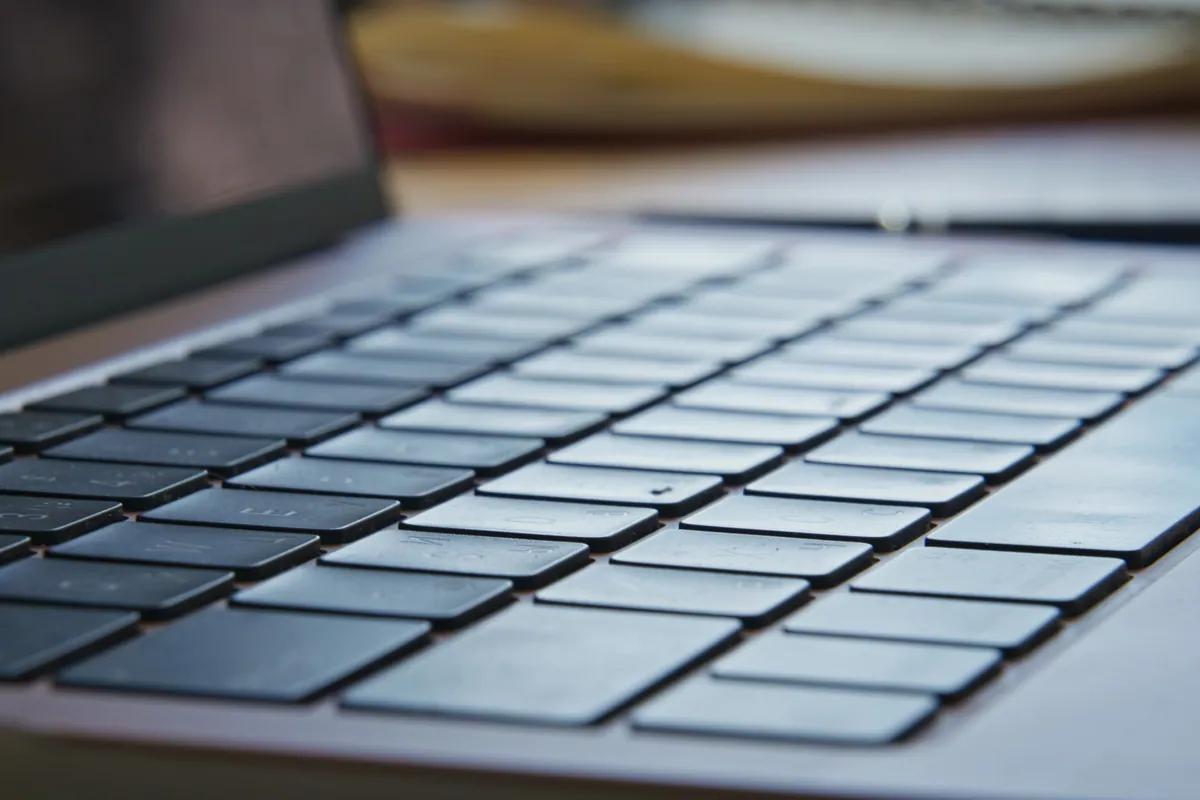
- Keys not responding or registering incorrect characters
- Trackpad behaving erratically
- Everything else working normally
Possible logic board involvement:
- Laptop won’t power on at all
- Powers on but screen flickers or shows distorted display
- Random shutdowns or restarts shortly after powering up
- USB ports not recognising devices
- Battery percentage dropping faster than usual
Keyboard damage from liquid is common and relatively straightforward to fix — the keyboard membrane absorbs liquid and usually needs replacing. Logic board damage is more involved, but professional cleaning done early often prevents problems that develop later from untreated mineral deposits.
What Professional Assessment Covers
If any liquid reached the keyboard, there’s a reasonable chance some reached the logic board as well — particularly on thin laptops where the board sits directly beneath the keyboard with minimal clearance.
At our Putney workshop, a liquid damage assessment covers:
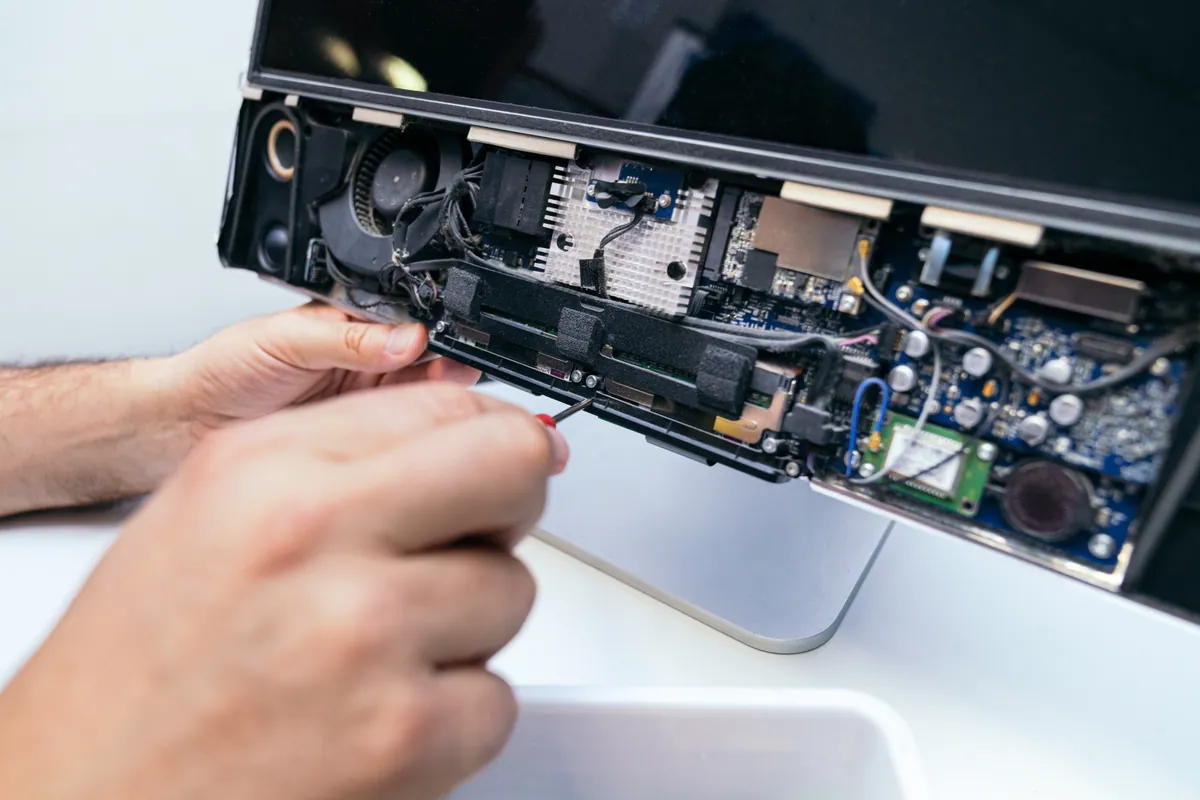
- Full disassembly and inspection of the logic board for visible residue and corrosion
- Isopropyl alcohol cleaning of affected board areas
- Component testing to identify what’s been affected
- Clear explanation of what the damage is and what repair would cost before any work starts
We don’t charge for recovery work that isn’t successful — if the board is beyond repair, we’ll tell you that upfront and focus on data recovery options instead.
If your data is the priority and the laptop itself is secondary, the data recovery assessment process can run alongside the hardware diagnosis. Most storage drives survive liquid damage even when the laptop doesn’t, so losing your data is often avoidable even in the worst-case scenarios.
Call 020 7610 0500 or book an assessment online. We cover Putney, Clapham, Wimbledon, Wandsworth, Battersea, Fulham, Kingston, and surrounding South West London areas — and if you’d rather not travel with a wet laptop, we can collect it from you as part of our callout and collection service.