The Honest Answer
Most laptop repairs don’t require a technician to access your personal data at all.
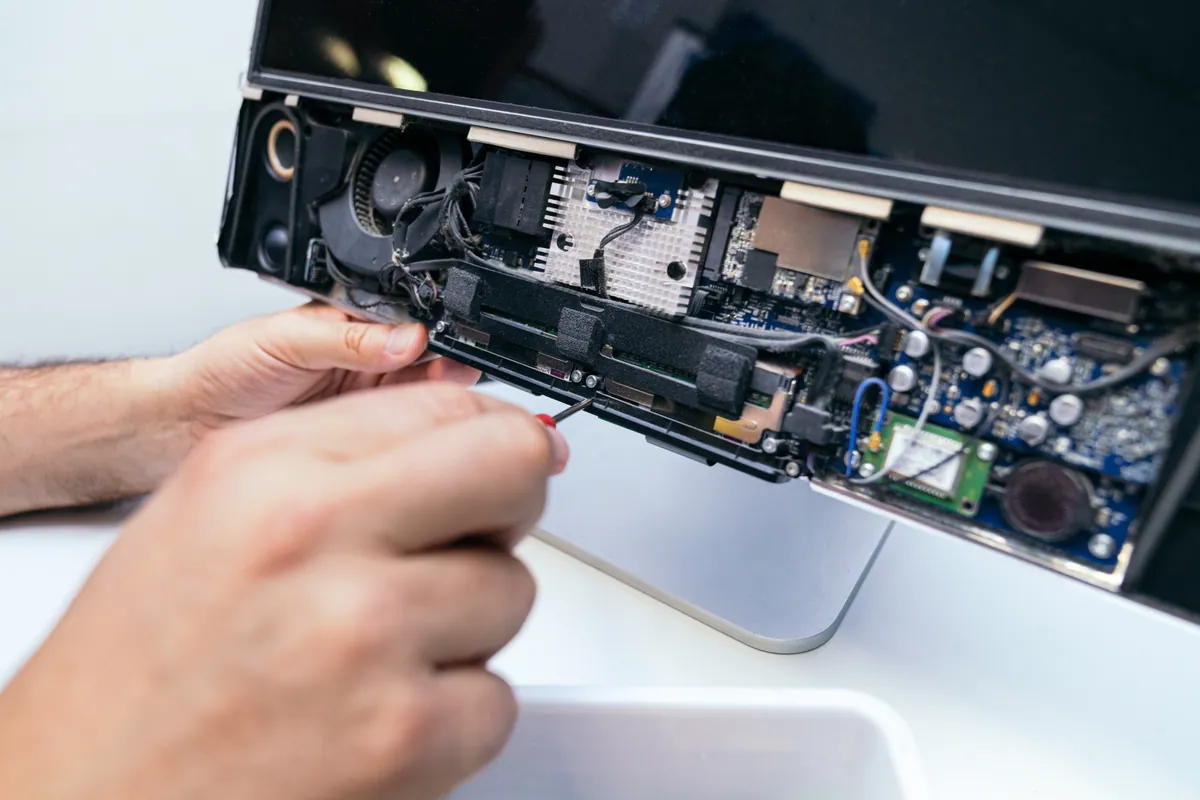
A screen replacement involves removing the broken panel, fitting a new one, and testing the display. A battery replacement involves accessing the internals, swapping the cell, and verifying the charge cycle. A keyboard replacement is a mechanical procedure. In none of these cases does the technician need to open your Documents folder, look at your emails, or access anything you’d consider personal.
The concern is understandable — your laptop contains a significant amount of personal information and handing it to someone involves genuine trust. But understanding what actually happens during different repair types helps put that concern in perspective.
What Different Repair Types Require
Hardware Repairs (Screen, Battery, Keyboard, Ports)
These repairs are almost entirely physical. The technician opens the machine, carries out the mechanical work, and closes it back up. In most cases the machine is never powered on — or if it is, it’s to test that the repaired component is working, not to explore the file system.
For a screen replacement: the machine may be booted to verify the display works after fitting the new panel. The technician sees whatever is on the screen at login — nothing beyond that.
For a battery replacement: the machine may be booted to run a battery calibration cycle and verify the charge reading is correct. Again, the login screen is as far as it goes.
What’s accessed: Nothing personal. The machine is tested but not explored.
Software Repairs and Diagnostics
This category — virus removal, slow performance, operating system faults, connectivity issues — does require booting the machine and accessing the OS. The technician needs to run diagnostic tools, check background processes, or fix the problem that brought the machine in.
A reputable technician runs system-level tools: Activity Monitor, Console logs, Disk Utility, or specialised diagnostic software. These tools report on how the machine is functioning, not what’s in your files. There’s no reason for a technician fixing a Wi-Fi driver issue to be looking at your photo library.
The honest caveat: someone with bad intentions and access to your unlocked machine could look at your files. This is true. It’s why the reputation and trustworthiness of a repair shop matters, and why reading reviews and choosing an established local business is more meaningful than choosing whoever is cheapest.
What’s accessed: The operating system and system-level processes. Personal files are not part of legitimate diagnostic or repair work.
Data Recovery
Data recovery is the exception — this is a repair type where accessing your data is the point. If we’re recovering files from a failed drive, we need to access those files to verify the recovery was successful.
Before carrying out data recovery, a reputable shop will explain what will be accessed, confirm you consent, and not retain or copy any of your recovered data beyond returning it to you. At PC Macgicians, recovered data goes back to the customer on their own drive or an external drive they provide — it doesn’t sit on our systems.
What’s accessed: Your files, specifically the ones being recovered. With your explicit instruction and consent.
What You Can Do Before Handing Your Laptop Over
Back It Up First — Always
This is the single most important step, and it’s not primarily about the repair shop. Hardware repair always involves a small risk: the machine might be dropped, a connection might fail unexpectedly, or a problem might emerge that requires wiping the drive. A backup means these risks have no consequence for your data.
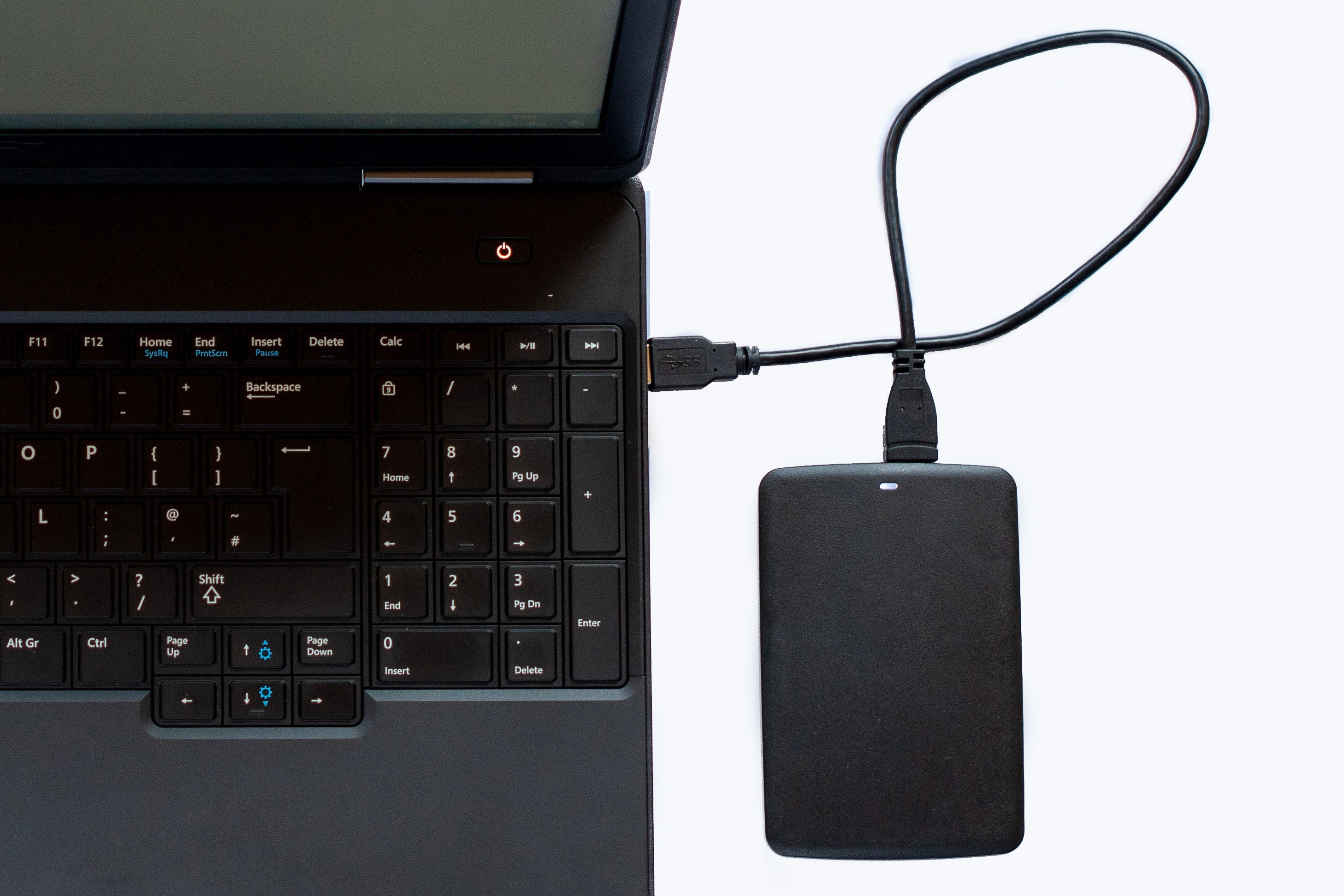
For Mac: Time Machine with an external drive is the simplest option. For a one-off backup before a repair, you can also use Carbon Copy Cloner for a bootable clone. For Windows: File History, or a manual copy of your Documents, Desktop, and Downloads folders to an external drive at minimum.
If you don’t have a backup and aren’t sure how to make one, mention it when you bring the machine in — we can advise.
Consider FileVault or BitLocker
If your machine has FileVault (Mac) or BitLocker (Windows) enabled, your drive is encrypted. Even if someone removed your drive and connected it to another computer, the contents are unreadable without your password. This is the strongest protection for your data in any scenario.
FileVault can be enabled in System Settings → Privacy & Security on modern Macs. BitLocker is available on Windows 11 Pro under Settings → Privacy & Security → Device Encryption.
Note: if your drive fails and you need data recovery, full-disk encryption complicates recovery. Make sure you have your recovery key stored somewhere accessible before enabling it.
Ask About Password Requirements Before You Drop It Off
For hardware repairs, you typically don’t need to provide your password at all. For software repairs, ask the shop how they’ll handle access. Options include:
- You stay while the initial boot and login happens
- You provide the password and change it afterward
- The technician creates a temporary admin account for diagnostic purposes and removes it when done
Any of these is reasonable. What isn’t reasonable: a shop that asks for your password for a battery replacement where no OS access is needed.
Move Genuinely Sensitive Files if You’re Concerned
For most people, this isn’t necessary. But if you have documents that are genuinely sensitive — legal files, financial records, confidential business information — moving them to an encrypted external drive before the repair is a reasonable precaution. You’re not implying distrust; you’re exercising sensible data hygiene.
Sound like your problem?
Concerned about your data during a repair? Ask us when you drop in — we'll explain exactly what the repair involves and what we will and won't access. Assessment available, no obligation.
Red Flags to Watch Out For
When choosing a repair shop, certain things should raise questions about data handling:
No privacy policy or data handling information. A shop that has never thought about how it handles customer data is a shop that hasn’t thought carefully about its practices generally.
Asking for your password for repairs that don’t require it. A screen replacement does not require your password. If you’re asked for it, ask why — and if the answer isn’t convincing, reconsider.
No reviews or very recent business. Reputation is your main protection here. A business that has been operating for years with consistent reviews has a track record. One that opened last month doesn’t.
Reluctance to explain what the repair involves. A reputable shop should be able to tell you clearly what the technician will be doing to your machine and why.
Our Approach at PC Macgicians
We’ve been repairing laptops and MacBooks from our Putney workshop since 2014. Over that time we’ve developed a clear approach to customer data:
- For hardware repairs, we don’t access the OS unless testing requires it
- For software repairs, we use system-level tools and run targeted diagnostics
- We don’t browse personal files, photos, emails, or documents
- Recovered data is returned to the customer and not retained on our systems
- We’ll tell you clearly what a repair involves before starting it
If you have specific concerns about a particular piece of information on your machine, tell us. We can usually work around it — carrying out the repair with your machine logged out, using a guest session for diagnostics, or advising you on how to protect specific files before handing the machine over.
The goal is for you to feel comfortable leaving your machine with us — because the repair goes better when you’re not anxious about it, and because we’d rather have a conversation about concerns than lose your trust.
Call 020 7610 0500 or drop in to our Putney workshop — no appointment needed.