First, Get Your WiFi Right
It’s tempting to start by buying gadgets, but the foundation of every reliable smart home is the network underneath it. Smart bulbs, plugs, cameras and speakers all talk over your WiFi, and if the signal is weak in the rooms you want to automate, devices will drop offline and feel unreliable — no matter how good they are.
Before you invest in lots of kit, make sure your WiFi actually reaches where you need it. Our guide on extending WiFi range and fixing dead spots covers the free fixes and the kit that helps, and a solid home network pays off across everything you add later.
Sound like your problem?
Bring it to our Putney workshop or message us a photo and we will give you a straight answer and a quote before any work starts.
Pick a Voice Assistant
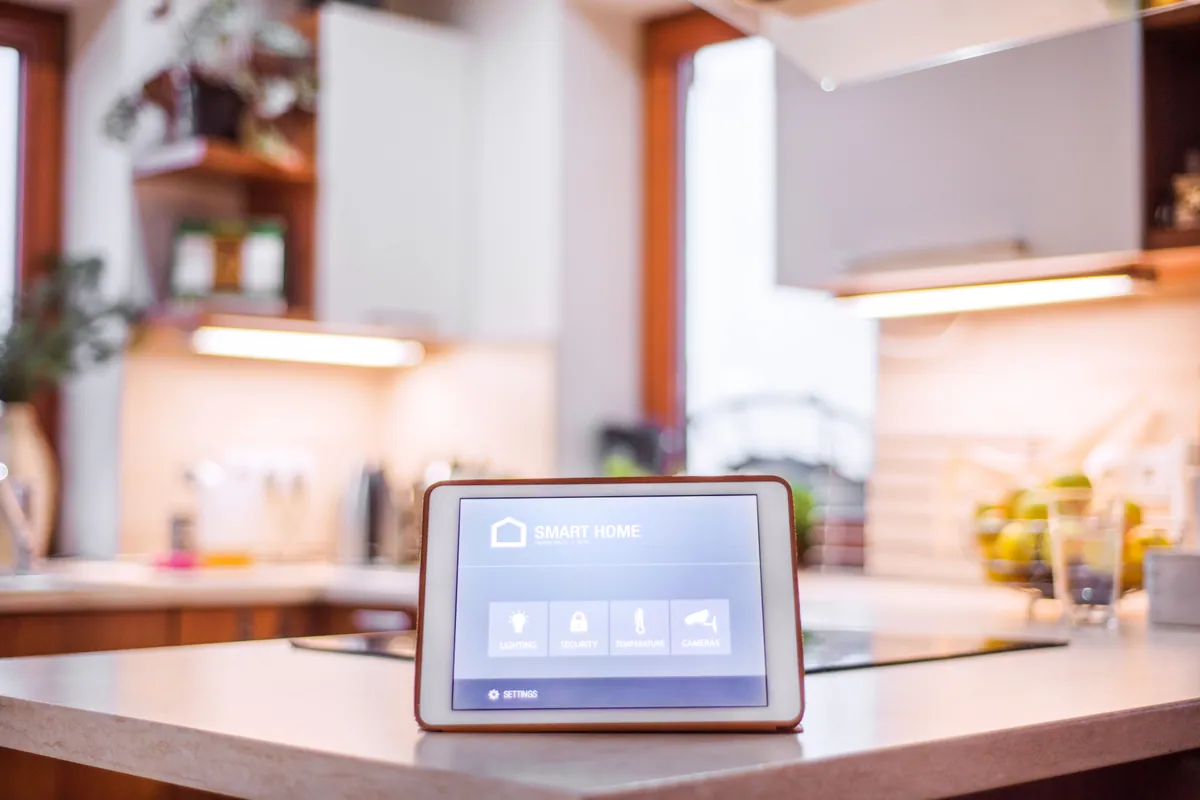
Most smart homes are organised around one voice assistant, which becomes the single app and voice you use to control everything. The two main choices:
| Amazon Alexa | Google Home | |
|---|---|---|
| Strengths | Widest device support; huge accessory range | Clean app; strong if you use Google services |
| Best for | Maximum compatibility and choice | Households already in the Google ecosystem |
| Voice on | Echo speakers and displays | Nest speakers and displays |
There’s no need to overthink it — both are very capable. The important thing is to pick one and stick with it, so your devices, routines and voice commands all live in one place rather than scattered across competing apps.
The Best First Devices
You don’t need to automate the whole house at once. These are the most rewarding places to start:
- Smart lighting — dimmable, schedulable, voice-controlled bulbs or switches. The classic first upgrade because the benefit is immediate and obvious.
- Smart plugs — turn ordinary lamps, heaters or chargers into smart ones. Cheap, easy, and a great way to experiment.
- Smart heating — a smart thermostat (such as Nest or Hive) that schedules heating and warms the house for when you get home, often trimming energy bills.
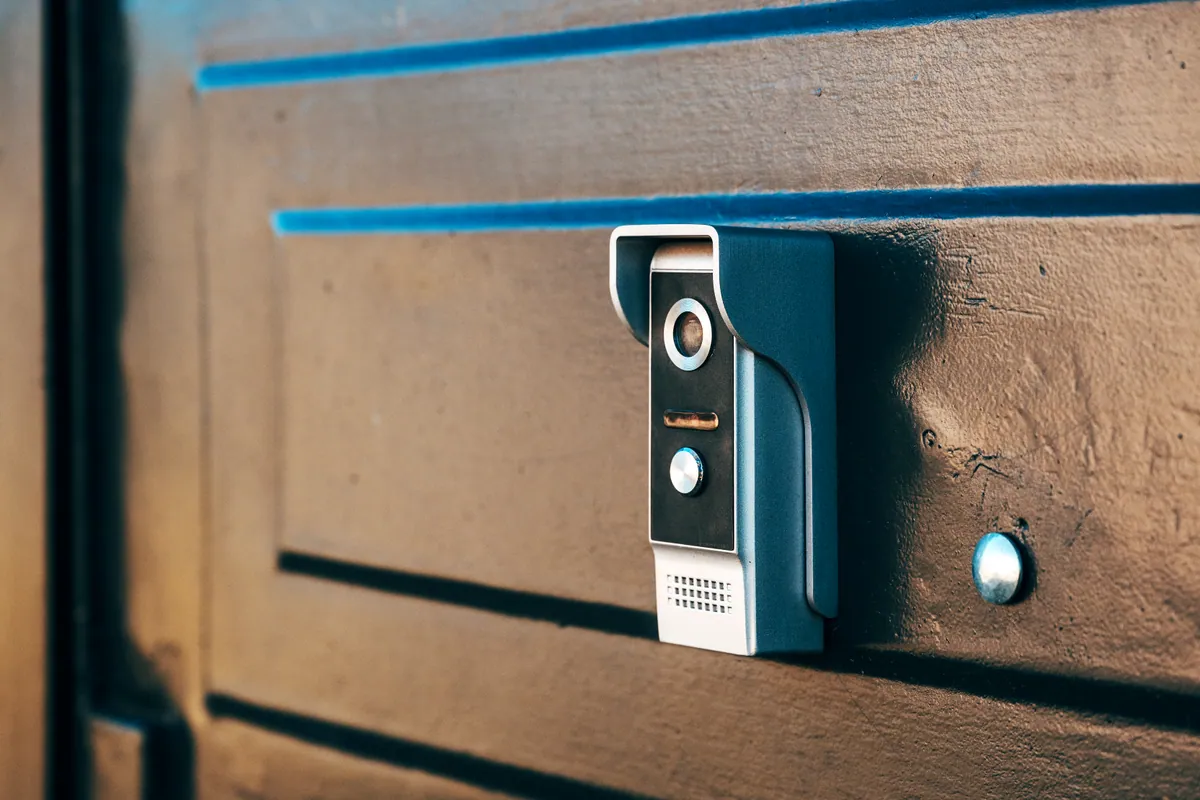
- A video doorbell — see and speak to callers from your phone; a natural part of a smart home that we cover in Ring vs Nest vs Eufy.
Keep It Simple: Routines That Earn Their Place
The magic of a smart home isn’t dozens of gadgets — it’s a few well-chosen routines that do several things at once. A “good morning” routine that raises the lights and nudges the heating, a “leaving home” routine that turns everything off, a “goodnight” routine that locks up and dims down. Start with one or two routines you’ll genuinely use every day; you can always add more.
Renting? Stick to Plug-and-Play
You don’t need to own your home to make it smarter. Smart bulbs, plugs and speakers need no permanent changes, work with a voice assistant, and come with you when you move. Avoid anything that requires wiring or fixing to walls unless your landlord is happy, and you can build a capable smart home that’s entirely portable.
Avoiding Common Mistakes
- Buying before checking compatibility — confirm a device works with your chosen assistant first.
- Ignoring the WiFi — the number-one cause of an unreliable smart home.
- Over-buying — a drawer of half-used gadgets helps no one. Add devices as you find a real use for them.
- Too many apps — consolidate around one assistant so the household can actually use it.
When to Call a Professional
Plenty of smart home setup is happy DIY territory. It’s worth getting help when:
- you want everything brought together into one reliable system rather than five apps;
- your WiFi needs sorting first so devices stay connected;
- you’re fitting wired-in lighting, heating or smart locks, or integrating kit you already own.
Our smart home installation service sets up lighting, heating, plugs, locks and voice control so they work together and are simple for the whole household to use — built on a reliable network first. We cover Putney and across South West London. Find more guides in our Support Centre.