Across more than 15,000 workshop jobs, “it won’t turn on” is our second most common category — around one job in six. It’s also the one customers worry about most, because a black screen feels terminal. It usually isn’t.
The reason it’s so misdiagnosed is that a single symptom — nothing happens, or it powers up but never gets going — can come from at least five different faults, each with a very different fix and cost. Here’s how a proper diagnosis works through them, cheapest and most likely first, so you can understand what your machine is probably doing and why guessing is the expensive option.
First: is it getting power at all?
Before anything else, we separate “no power reaching the machine” from “powers on but won’t load”.
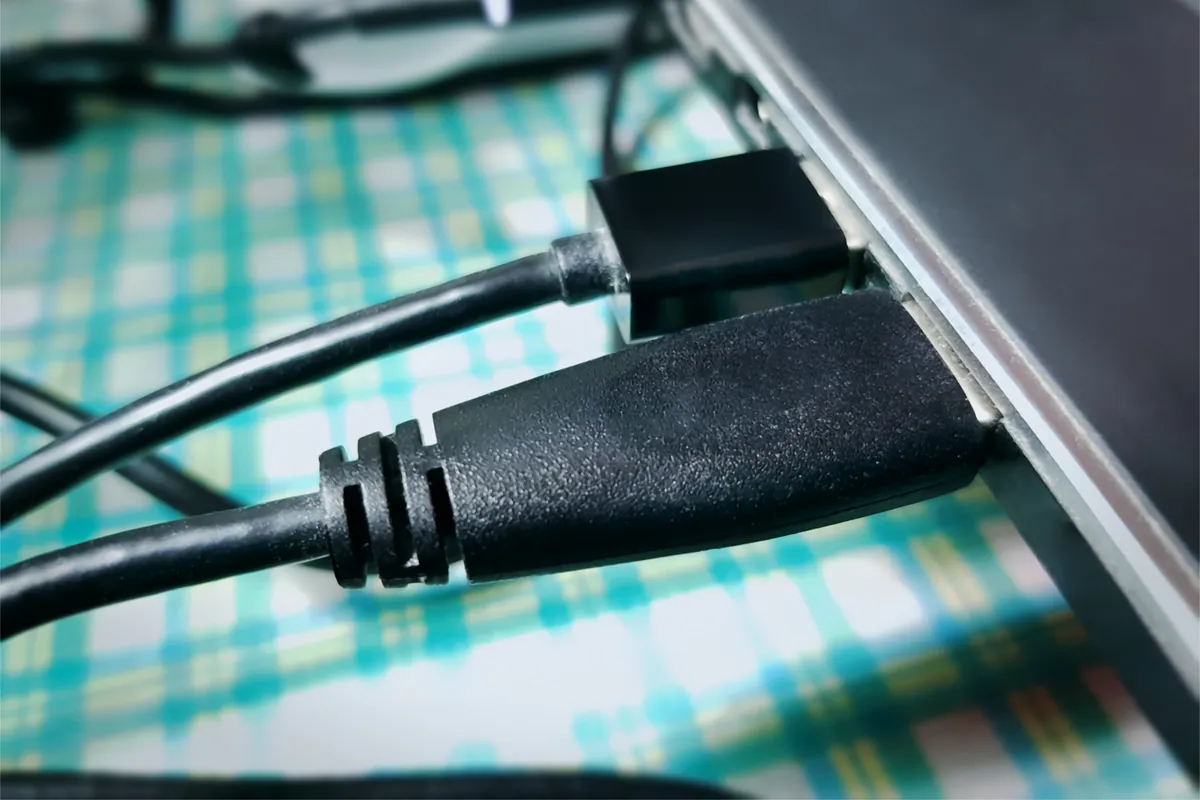
Charger and charging port. The cheapest and one of the most common causes. A failed charger, a broken cable, or a damaged charging port means no power gets in, the battery drains, and the machine appears dead. We confirm this with a known-good charger and by checking whether the machine takes any power at all. If the port on the machine is damaged, that’s a repair in its own right — and far cheaper than what people fear when their laptop “won’t turn on”.
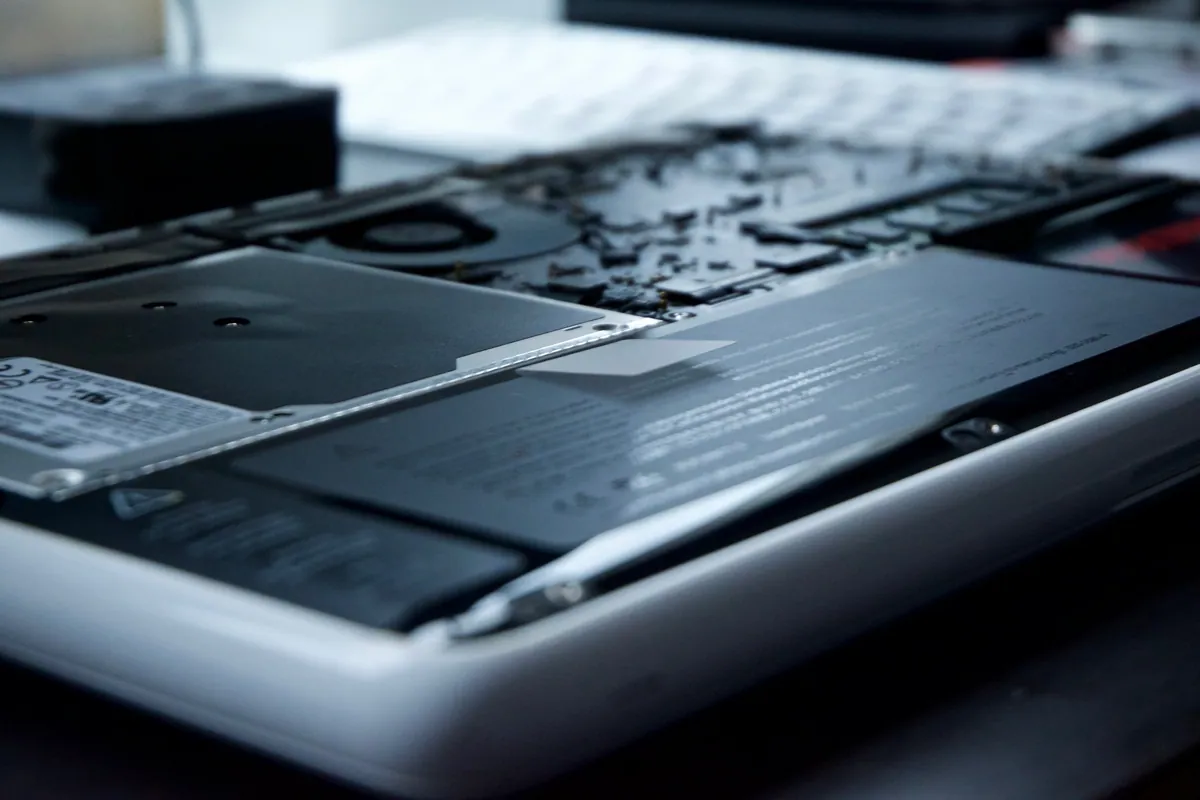
Battery. A battery that’s failed completely can leave a machine that won’t start on battery alone. Often it’ll run on mains once that’s established, which both confirms the cause and keeps you going until it’s replaced.
If power is fine and the machine genuinely does light up but never reaches your desktop, we move on.
Sound like your problem?
Bring it to our Putney workshop or message us a photo and we will give you a straight answer and a quote before any work starts.
Second: is it the drive?
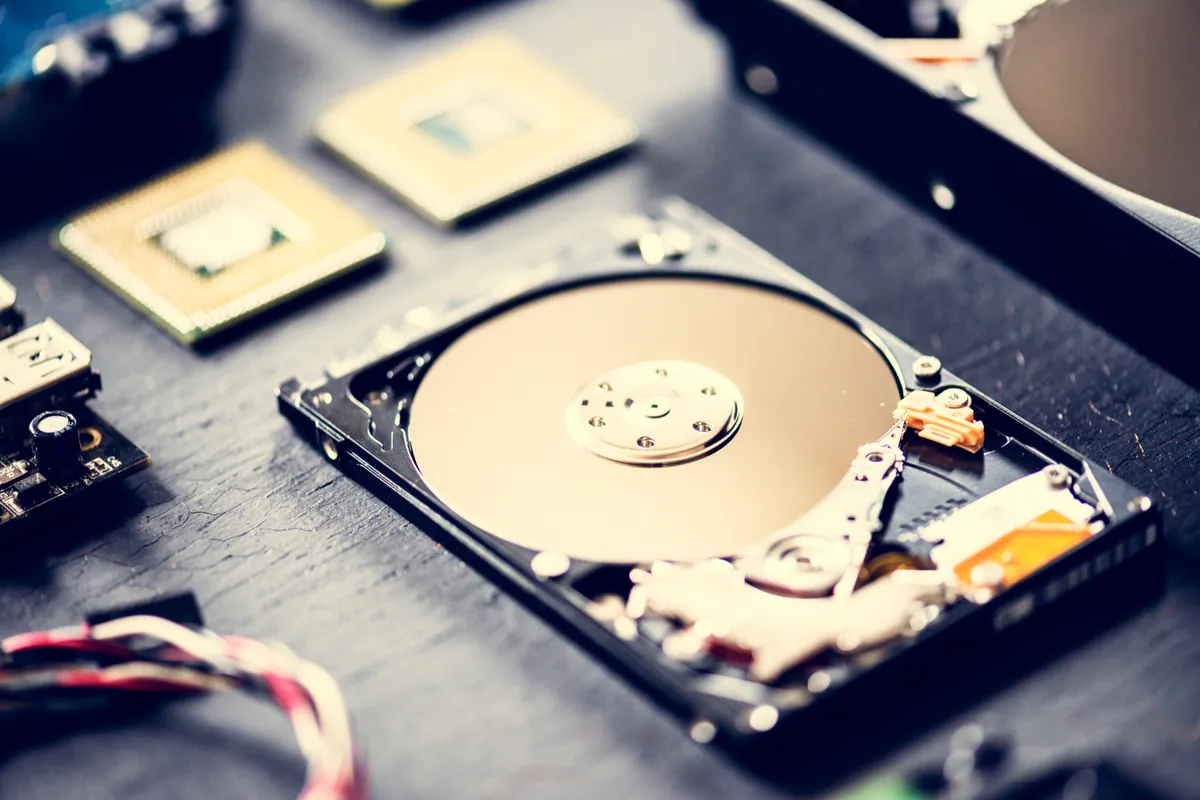
This is the big one. A large share of “won’t boot” machines power on perfectly — fans spin, maybe a logo appears — then hang, loop, or drop to an error, because they can’t load the operating system from a failing hard drive.
A dying mechanical hard drive is one of the most common causes of a machine that seems broken. It’s also the most reassuring, because:
- The fix — an SSD upgrade — makes the machine faster than it ever was, and
- Your data is usually recoverable even when the drive is on its way out, provided you stop using it and bring it in rather than hammering it with restart attempts.
If your laptop has been getting slow and prone to hanging and then stopped booting, a failing drive is the prime suspect. This is why we check the drive early — it’s common, it’s fixable, and your files are on the line.
Third: is it the software?
Sometimes the hardware is fine and the operating system itself has become corrupt — a bad update, an interrupted shutdown, a botched driver. The machine powers on and tries to boot but can’t complete it.
This is often the cheapest outcome of all: an operating-system repair or reinstall, with your data preserved first. We always establish whether the storage is healthy before assuming it’s “just software”, because a reinstall onto a failing drive is a wasted exercise.
Fourth: is it the memory?
A RAM fault can stop a machine booting or cause it to power on with no display. It’s less common than the causes above but easy to test — reseating or swapping memory is a quick check that either rules it in or clears it. It earns its place on the list precisely because it’s cheap to eliminate.
Last: is it the logic board?
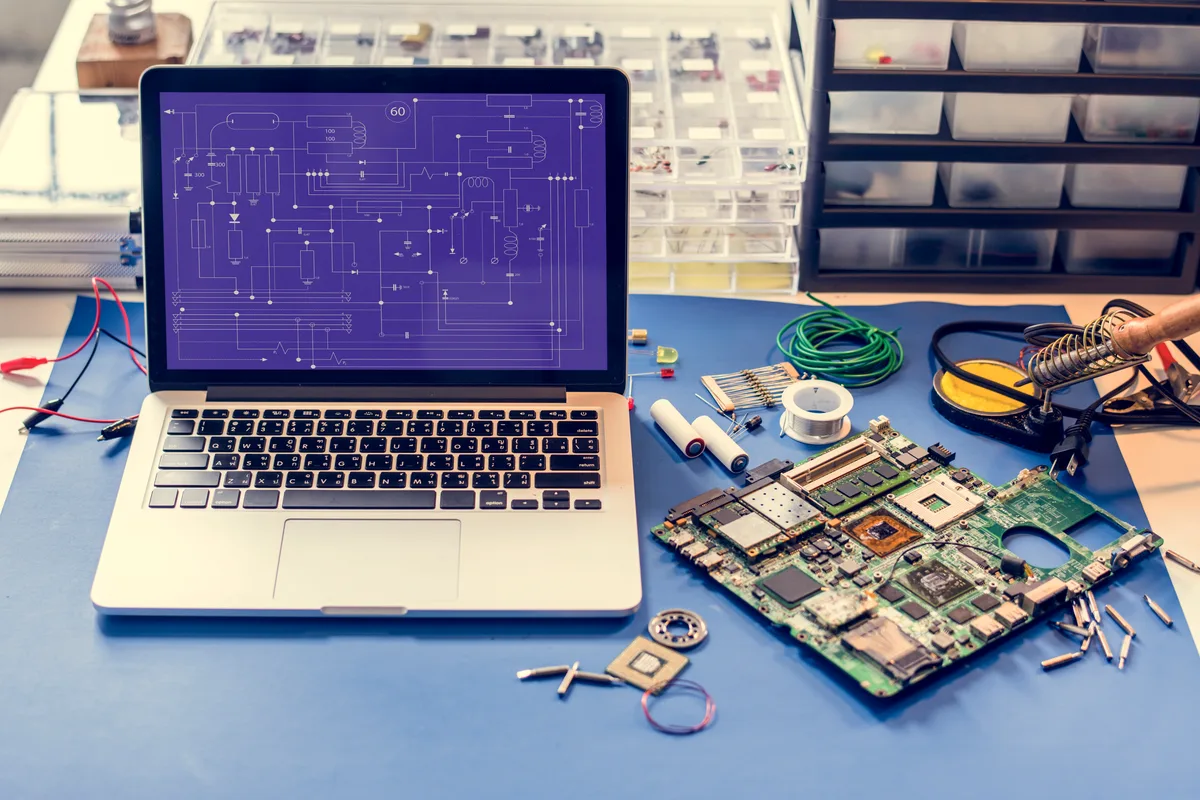
Only once the cheaper, more common causes are ruled out do we conclude the fault is on the logic board itself — the power-delivery circuitry, a failed component, or damage from an earlier spill. This is the cause people jump to first and we arrive at last, because it’s the least common of the five and the most expensive to assume.
Even here, the news is better than most expect. A board-level repair — fixing the specific failed section — is frequently far cheaper than replacing the whole board, especially on MacBooks where a full logic-board replacement can run into hundreds of pounds. We cover the economics of that in detail in our motherboard repair cost guide. And if you’re specifically dealing with a Mac, our note on why a MacBook won’t turn on goes into the Apple-specific angles.
Why the order matters
Notice the sequence: charger, drive, software, memory, board. That’s roughly most-common-and-cheapest to least-common-and-dearest. A workshop that starts at the board — or worse, tells you to replace the machine — has skipped the diagnosis. The whole value of a proper fault-find is arriving at the right cause rather than the scariest one.
It’s also why “won’t turn on” being our second-biggest category isn’t bad news. In the great majority of these jobs, the fault turns out to be one of the earlier, cheaper items on this list — not a dead motherboard.
What to do if your laptop won’t boot
- Try a different charger and cable if you have one — it’s the single most common cause and the easiest to rule out.
- Don’t keep forcing restarts, especially if the machine has been slow lately. If it’s a failing drive, repeated attempts can make data recovery harder.
- Note what it does. Any lights, fans, logos, error messages or beeps are diagnostic gold — tell us exactly what happens when you press the power button.
- Bring it in for a diagnosis rather than assuming the worst. The odds are strongly in favour of a fixable, affordable fault.
Get it diagnosed properly
We diagnose “won’t turn on” laptops and Macs every day from our Putney workshop (SW15), working cheapest-cause-first and telling you honestly what we find — including whether your data is safe and whether the machine is worth the fix.
Call 020 7610 0500, drop in to SW15, or use the contact form. If you already suspect a board fault, start with logic board repair.