Why Go No-Drill in the First Place
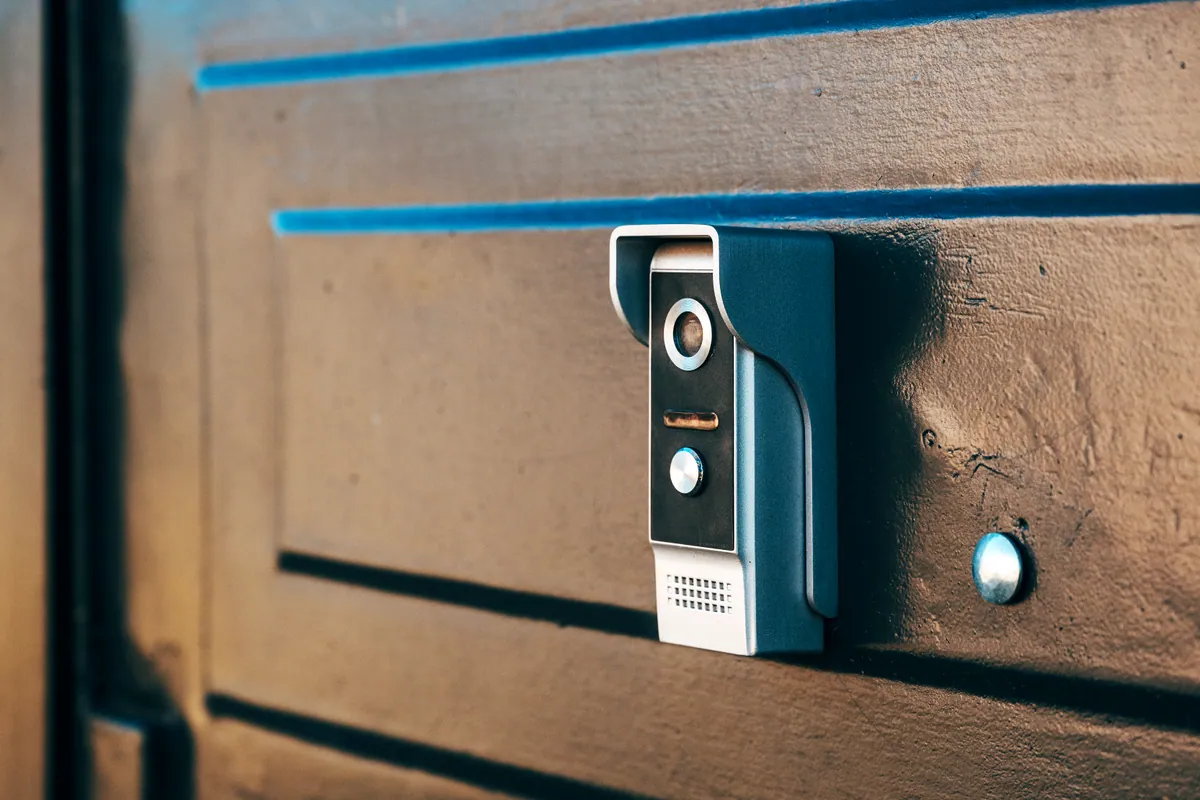
Plenty of people assume fitting a video doorbell means a drill, wall plugs and a bit of a gamble on brickwork. It doesn’t. If you rent, live in a flat with a communal entrance, have a UPVC or composite door frame you’d rather not damage, or simply don’t fancy making holes, a no-drill install is completely viable — and often just as secure.
The trade-off is that adhesive and clamp-based mounts are best suited to battery-powered doorbells, because you’re not tapping into existing bell wiring. That’s rarely a limitation: battery models from Ring, Nest, Eufy and others are excellent, and going wire-free is what makes the whole install reversible.
Sound like your problem?
Bring it to our Putney workshop or message us a photo and we will give you a straight answer and a quote before any work starts.
No-Drill Mounting Options That Actually Hold
The mount is the part people worry about, so start here. In order of how much they suit a rental:
- Heavy-duty mounting tape (VHB). A strip of automotive-grade double-sided tape (3M VHB is the common choice) holds a lightweight doorbell firmly on a clean, flat, non-porous surface — UPVC door frames, painted wood, tiles or glass surrounds. Clean the surface with isopropyl alcohol first, press hard for 30 seconds, and leave it 24 hours before hanging the doorbell. This is the single most useful no-drill method.
- No-drill doorbell mounts. Several brands sell dedicated adhesive brackets, and third-party “no-drill” plates are widely available for popular models. They spread the weight and give a proper flat base on textured frames.
- Doorbell corner and gap mounts. If your door sits in a recessed frame, a wedge or corner bracket can angle the camera towards callers without any fixing at all.
- Clamp-on brackets. For a communal or shared entrance, a clamp that grips a railing, gate post or letterbox flap avoids touching the building entirely — handy where you’re not allowed to alter shared surfaces.
Avoid cheap suction mounts and generic glue dots. On a cold, damp British front door they let go, and a doorbell landing on the step tends not to survive.
Powering It Without Touching the Wiring
A battery doorbell needs charging every few months, which is the honest cost of skipping the wires. To make that painless:
- Pick a model with a removable battery pack so you can swap in a charged one and keep the doorbell live while the first recharges.
- Consider a no-drill solar charger. Many battery doorbells have a matching solar panel that mounts the same adhesive way and trickle-charges in daylight — even weak winter sun usually keeps a doorbell topped up.
- Turn down the load. Shortening motion recording length and narrowing the detection zone dramatically extends battery life, so you charge two or three times a year rather than monthly.
If you genuinely want mains power without drilling, an existing outdoor socket plus a low-voltage adaptor run neatly under the door seal is possible — but for most no-drill installs, battery plus solar is the tidy answer.
The Bit Everyone Underestimates: Wi-Fi at the Front Door
A video doorbell lives or dies on the signal at the door — often the furthest, most wall-shielded corner of the home. Laggy live view, “connection failed” alerts and clips that miss the caller are far more often a Wi-Fi problem than a faulty doorbell. Before you commit to a spot, check the signal there on your phone.
If it’s weak, you have options that don’t involve moving house: reposition the router, add a mesh node or a plug-in extender near the front of the property, or move to the 2.4GHz band, which travels through walls better than 5GHz and is what most doorbells use anyway. Our guide on extending Wi-Fi range and fixing dead spots walks through the free fixes first, and a proper Wi-Fi setup makes sure the doorbell stays responsive rather than dropping off at the worst moment.
Getting the Angle and Height Right
No-drill doesn’t mean careless. Aim for roughly 1.2m off the ground so the camera catches faces, not chests. If the doorbell points straight down a path you’ll capture the tops of heads, so use a wedge mount to angle it towards where callers actually stand. Check the live view before the adhesive fully cures — a wedge is far easier to reposition in the first hour than a day later.
Tenant-Friendly and Fully Reversible
The appeal of the whole approach is that nothing is permanent. Adhesive mounts peel away cleanly (warm the tape gently with a hairdryer to release it without marking the frame), the doorbell comes with you when you move, and there’s no wiring to reinstate. If your tenancy agreement mentions fixtures or a shared entrance, a quick check with the landlord or managing agent avoids any awkwardness — but a stick-on battery doorbell rarely counts as an alteration.
When It’s Worth a Hand
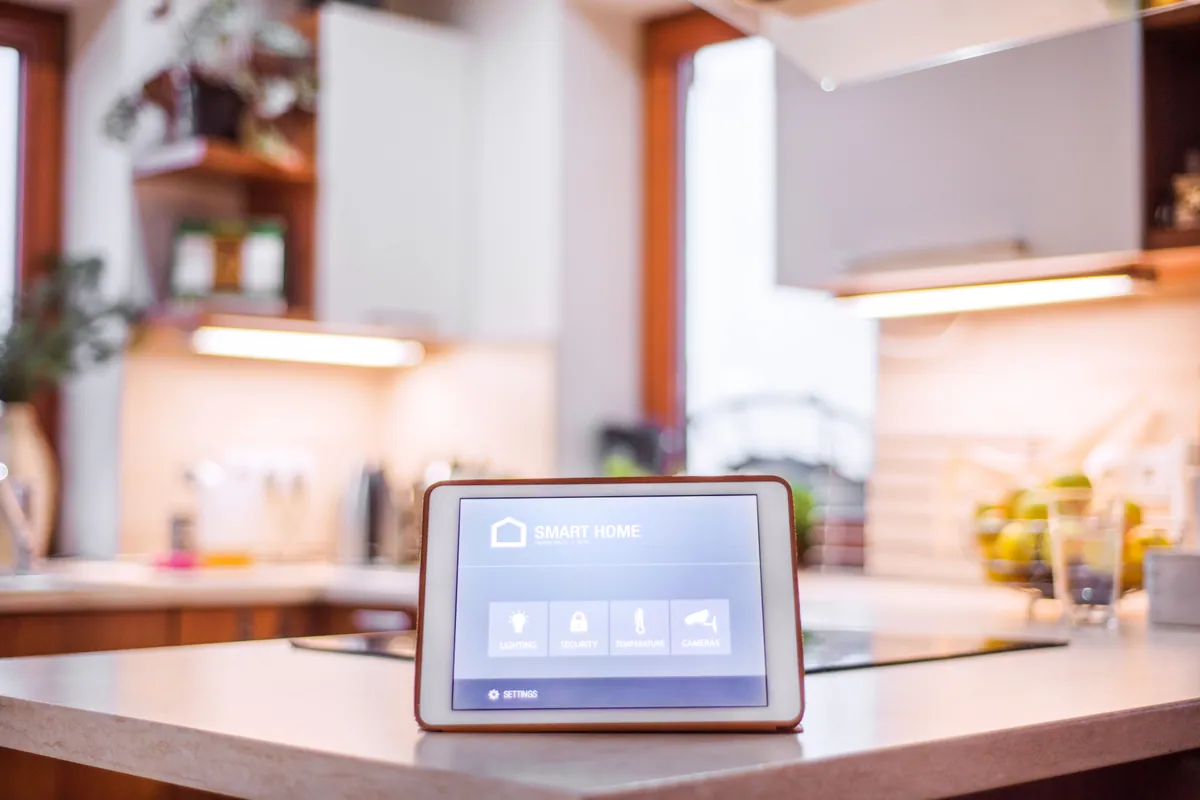
A no-drill battery doorbell is fair DIY territory. It’s worth getting help when the front-door Wi-Fi won’t behave, when you want it integrated with the rest of a smart home installation rather than living in its own app, or when a communal entrance needs a mount that keeps the freeholder happy.
If you’d rather have it fitted, aligned and connected properly first time, our smart doorbell installation service covers exactly this — including the drill-free, tenant-friendly installs. Call us on 020 7610 0500, drop into the Putney workshop at 66 Lower Richmond Road, or use the contact form for advice. Browse more guides in our Support Centre.