What “wired” and “wireless” actually mean
The labels are a little misleading, so it’s worth being precise before comparing them.
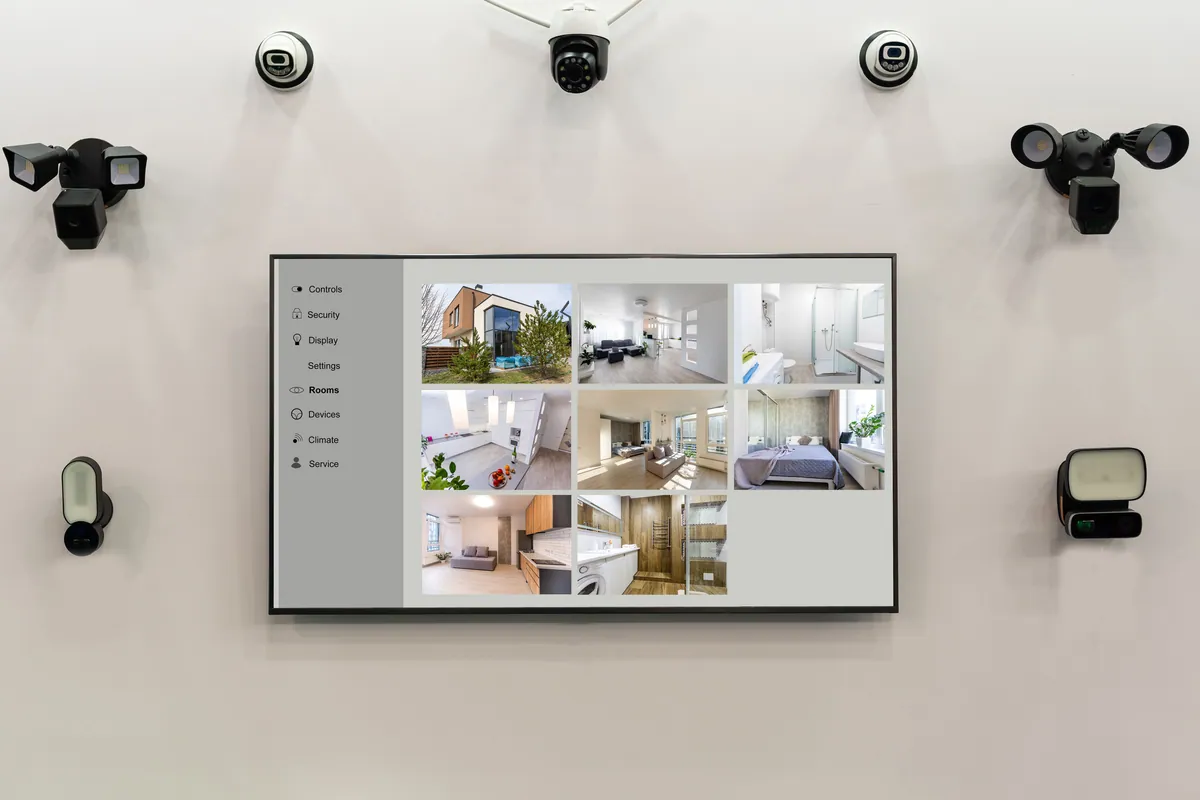
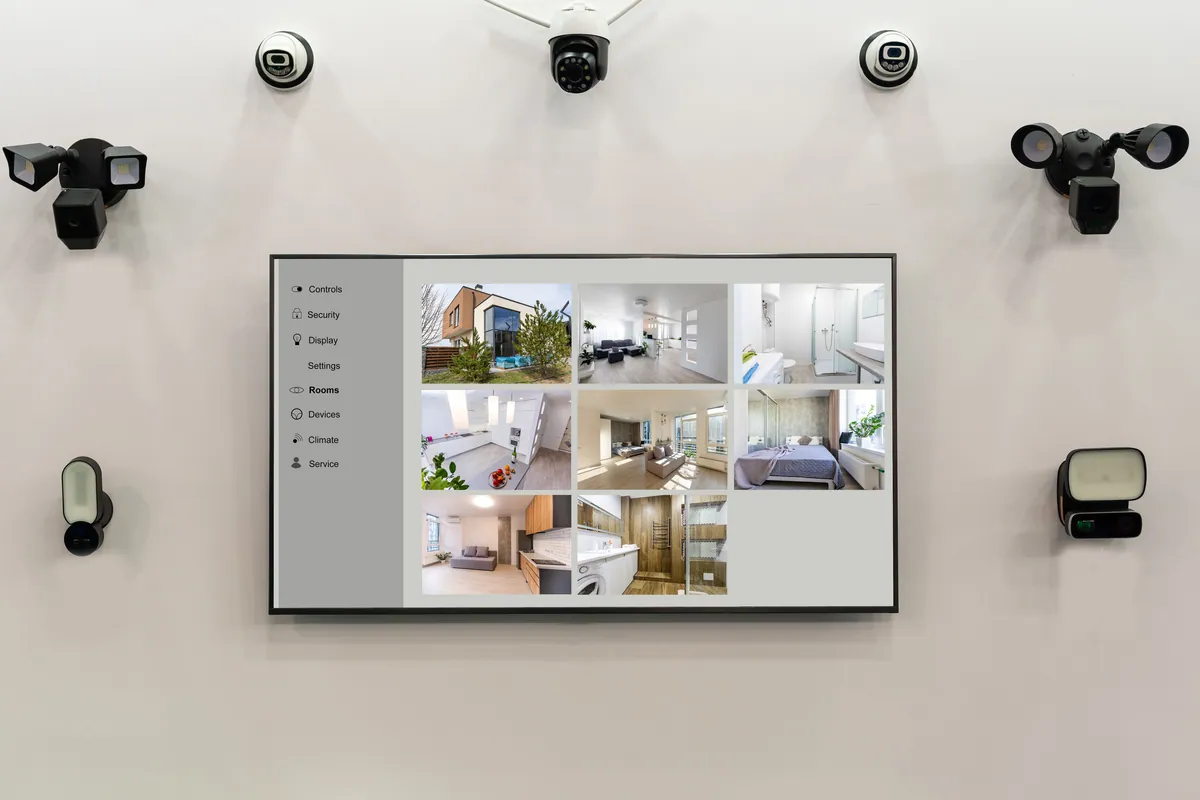
A wired system runs a cable from each camera back to a central recorder — usually a network video recorder (NVR). On modern kit that’s a single network cable carrying both the video and the power (Power over Ethernet, or PoE), which is why a proper wired install needs some cabling work.
A wireless system sends its video over your WiFi instead of down a cable. But most “wireless” cameras still need power from somewhere — either a nearby socket or a rechargeable battery. So “wireless” usually means no data cable, not no wires at all. Fully wire-free cameras exist, but they run on batteries you have to top up.
That distinction shapes everything that follows.
Sound like your problem?
Bring it to our Putney workshop or message us a photo and we will give you a straight answer and a quote before any work starts.
Reliability
This is where wired systems earn their keep. A camera on a cable isn’t competing for WiFi bandwidth, doesn’t drop off when the microwave is on, and won’t stop recording because the signal at the bottom of the garden is weak. For an always-on system you actually want to depend on, wired is the more dependable choice — full stop.
Wireless cameras are only ever as reliable as the WiFi reaching them, and the spots you most want covered — the front door, a side return, the far end of the garden — are often exactly where coverage is thinnest. A common fault we see is a wireless camera that works perfectly during setup by the router, then becomes patchy once it’s mounted 15 metres away through two brick walls. If you go wireless, a strong home network isn’t optional; it’s the foundation the whole system stands on.
Power
Wired PoE cameras take power down the same cable that carries their video, so once they’re installed they simply stay on. There’s nothing to charge and no socket to find near the camera.
Wireless cameras split into two camps:
- Mains-powered — plugged into a socket. Reliable power, but you’re limited to spots near an outlet, or you pay for one to be added.
- Battery-powered — genuinely wire-free, but the battery needs recharging every few weeks to a few months depending on how often the camera triggers. To save power, most battery cameras only record when motion is detected rather than continuously, so you may miss the seconds before an event.
If you don’t want to be fetching a ladder to recharge cameras through the winter, that trade-off is worth thinking about honestly.
Storage and recording
Wired NVR systems typically record continuously to a hard drive built into the recorder. Footage stays on your own kit, in your home, and you can scrub back through a full timeline — useful when something happened but nobody triggered a motion alert.
Wireless systems more often lean on cloud storage, frequently behind a monthly subscription, and record in motion-triggered clips rather than a continuous stream. That’s fine for many households, but two things to check before you buy: whether footage is stored locally (on an SD card or hub) or only in the cloud, and whether reviewing older clips needs an ongoing licence. Nobody enjoys discovering after an incident that the footage expired three days ago.
Installation effort
This is where wireless wins clearly. A battery camera or two can be up in an afternoon with a drill and a few screws — no cabling, no lifting floorboards. For a flat, a rental, or a single vulnerable spot, that convenience is hard to beat.
Wired installs are more involved. Cables have to be routed neatly through eaves, walls or the loft back to the recorder, which is tidy and permanent when done well but is real work. It’s also the part most worth handing to a professional — well-run cabling is the difference between a system that looks factory-fitted and a tangle of visible wire. If cameras are one piece of a bigger plan alongside doorbells, sensors or lighting, folding them into a single smart home installation keeps everything on one app and one tidy setup.
Pros and cons at a glance
| Wired (PoE / NVR) | Wireless (WiFi) | |
|---|---|---|
| Reliability | Very high, unaffected by WiFi | Depends on WiFi strength |
| Power | From the cable, always on | Socket or rechargeable battery |
| Recording | Usually continuous, stored locally | Often motion-clip, often cloud |
| Install effort | More work, cabling needed | Quick, minimal disruption |
| Best for | Whole-property, long-term systems | Renters, single spots, fast fixes |
So which should you choose?
There’s no universal winner — it depends on the property and how permanent you want the system to be.
- Choose wired if you own the home, want several cameras, and value reliable continuous footage you don’t have to think about. It costs more effort up front and rewards you with a system that just works.
- Choose wireless if you’re renting, want one or two cameras quickly, or simply can’t run cables where they’d need to go.
- Mix both — plenty of homes run a wired system on the main entrances and add a battery camera to a shed or a spot cabling can’t easily reach. That’s often the most sensible answer.
Getting it right for your home
If you’re weighing this up for your own property, it’s worth a quick chat before you commit to either route — the best answer usually comes from looking at where the cameras need to go and what power and network you already have. Our CCTV installation service covers the survey, the kit and the tidy setup, whether that ends up wired, wireless or a bit of both. Give us a ring on 020 7610 0500, drop into the Putney workshop, or use the contact form and we’ll help you plan a system that fits the house rather than the box it came in.